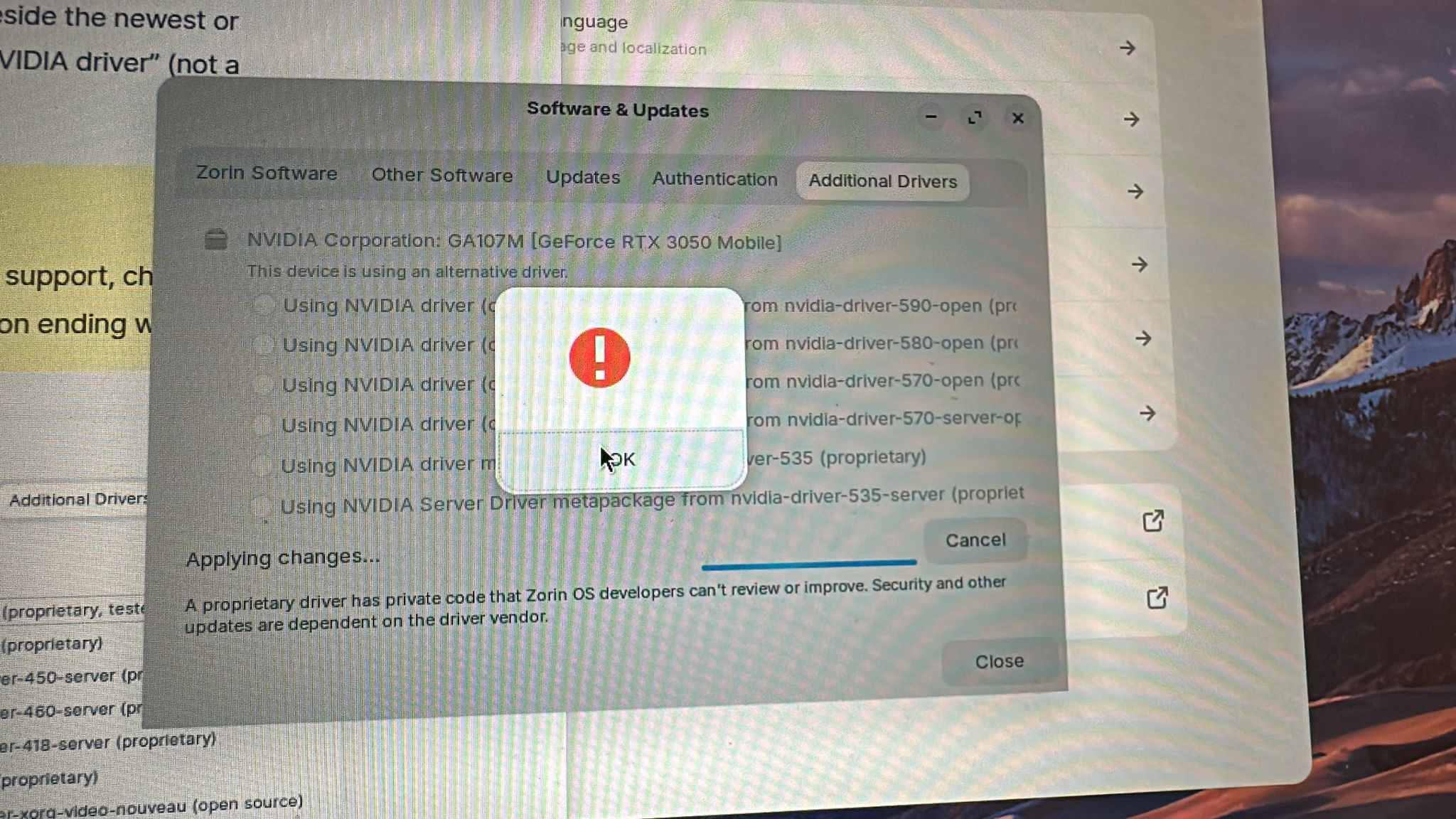
As you can see i get this ERROR while doing it, its my 2nd time installing it i did install again when i couldnt choose from it help
Welcome to the Forum!
- Are Secure Boot and Fast Boot in BIOS disabled?
- If Windows is installed: Is Fast Start-Up in Windows disabled?
- Does Your System run in Waylaynd or X11? You can check that with the Terminal Command
echo $XDG_SESSION_TYPE
You could try to install the Drivers over the Terminal as an Alternative and look if there are any Errors. To install it type:
sudo apt install nvidia-driver-580 nvidia-dkms-580
While in the terminal, what does
sudo lshw -C video
show?
Or
nvidia-smi
What Nvidia card do you have?
i managed to select NVDIA DRIVER open kernel proprietary tested 590 is it correct and good to go `?
The open Driver ... Well when that works, all is good. I wouldn't name that in the first Place and advice the non-open one but what matters is that it runs. And because You have a 3050, the 590 Driver isn't an Issue, too.
did you intsall it witch modern nvidia drivers?Turn Uefi off and turn Legacy on and make secure boot off then turn evrything back on and back to uefi schould help
i didnt install anything spesficly i tho the ISO did it itself? do i need to
so im not using my laptops full potential ? i wanted to play same games so it would be better if get the best possible driver
1 Like
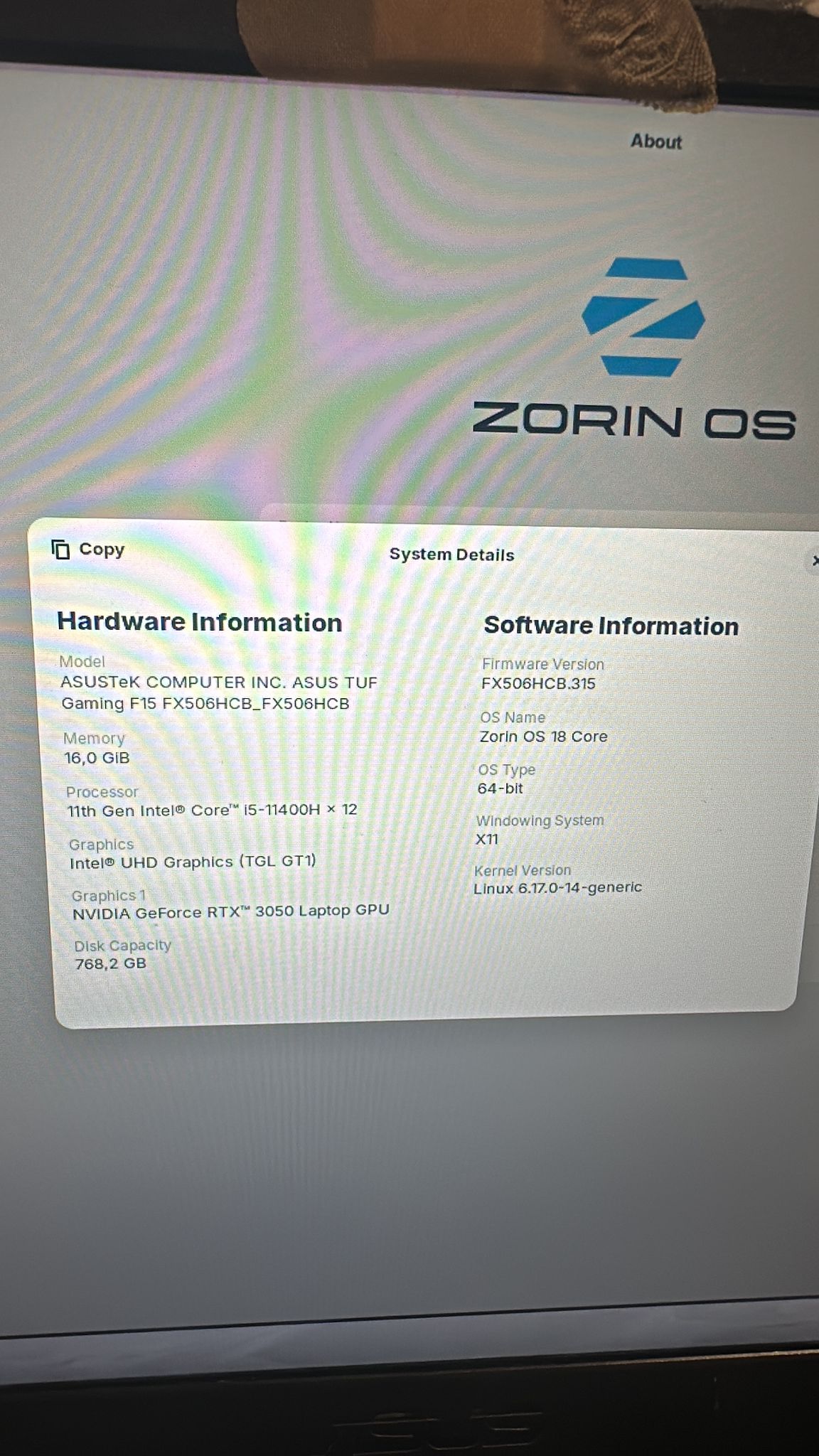
In setting system About there is no graphic section but when i click on system details graphics is intel and graphics 1 is ge force is it correcT?
When the Driver works, all is fine. I only saw in the Past Issues with the open Drivers. but when this Driver works all is good.
Can You make a Screenshot of it?
Is secure boot enabled on your PC ?
how do i check that ? i think its off?
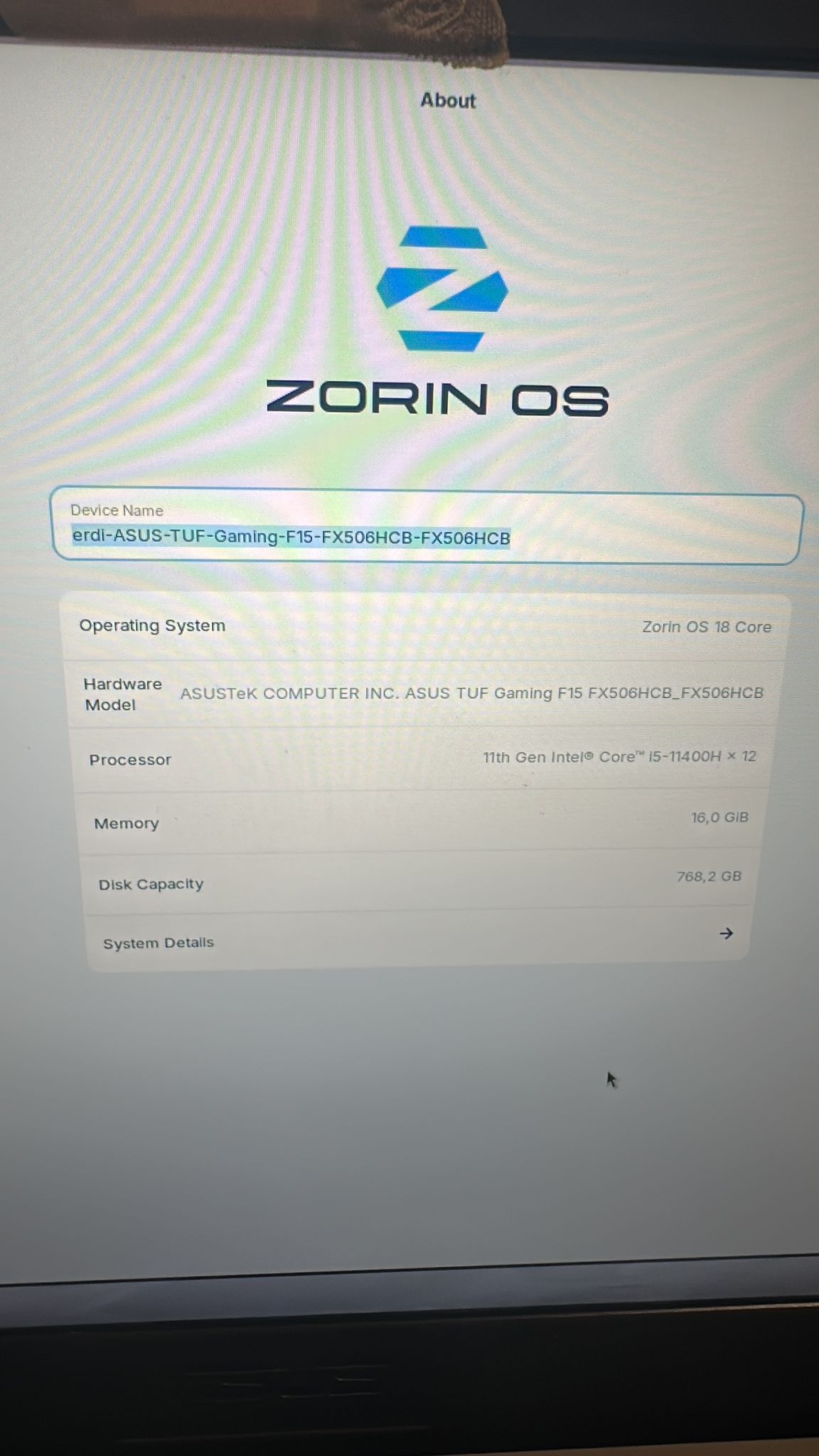
Secure Boot is in Your BIOS.
That should be fine. It detects the iGPU from Your Processor and the dGPU Nvidia.
You can use the Command nvidia-smi to see if it is detected. And if You want use primary Your Nvidia Card, You could use the Command sudo prime-select nvidia
This topic was automatically closed 90 days after the last reply. New replies are no longer allowed.