I am a noob in Linux in general, so i tried everthing i could, i tried pavu control (i dont remeber the name) and the system reconizes but dont capture any sound, my mic is fine on windows, and i check de mute e gain control
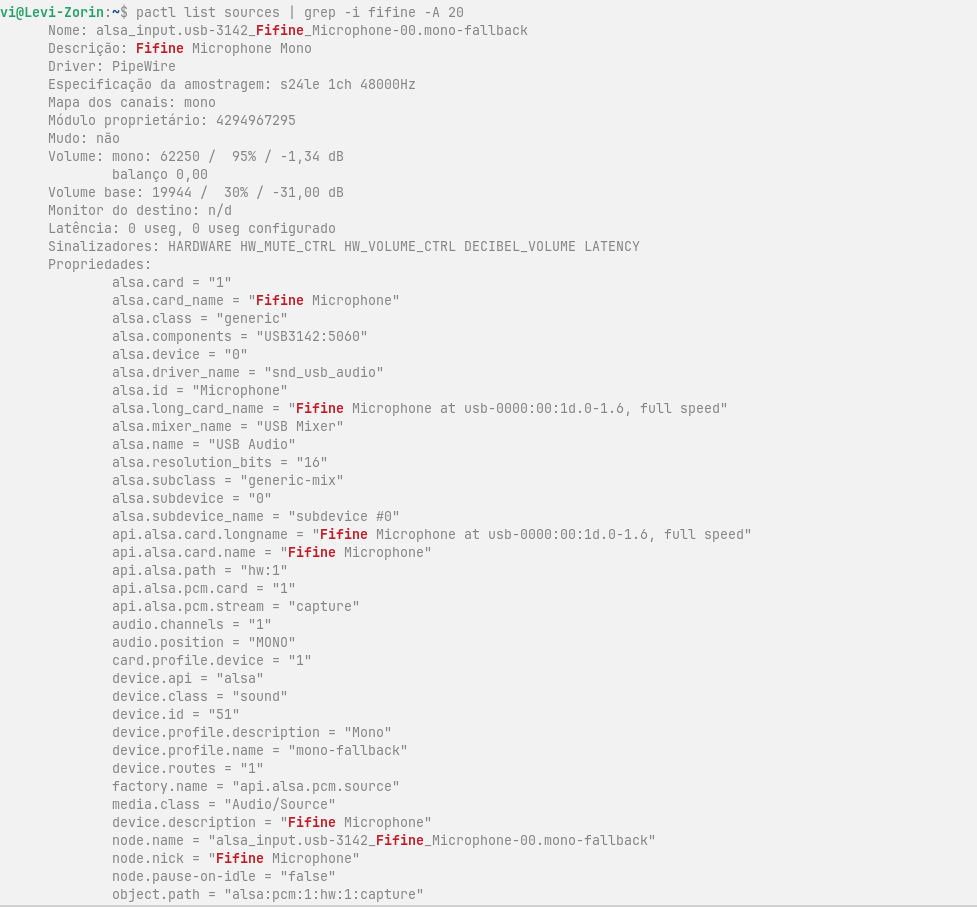
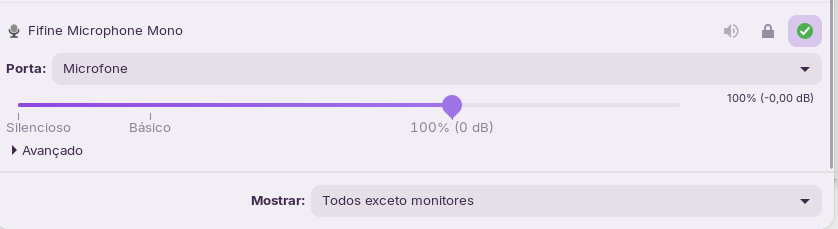
1 Like
Is your microphone connected directly to the PC? If it is connected via a hub, try connecting it directly to the computer.
I have also read that it can help to plug it into USB 3.0 instead of USB 2.0.
Then try to run alsamixer and look there if the microphone is muted (MM). If it is select the chanel and press m.
I link you a thread about a issue with a fifine microphone in usb headset maybe it can help you:
1 Like
Welcome to the Forum!
Did You checked the Manufacturer's Website if there are Info's for using the Mic with Linux? Maybe a Driver is needed. Or did You take a Look at the ''Additional Drivers'' Tab in Software & Updates if there is a Driver offered?
1 Like
The is Plug and Play dont have a unique driver, i check using alsamixer, i plug direct in the usb in motherboard, my motherboard is old and dont have new usb ports
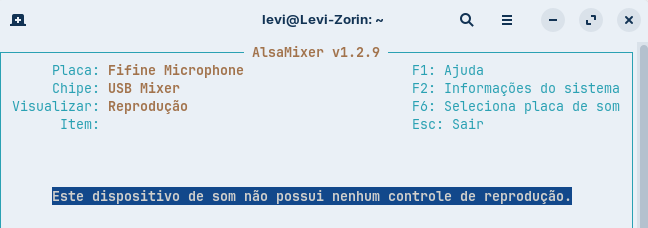
Its say its plug and play, so dont have dedicade drivers, i looked and disable de legacy usb in my motherboard bios
, because someone said that could help, but dont work
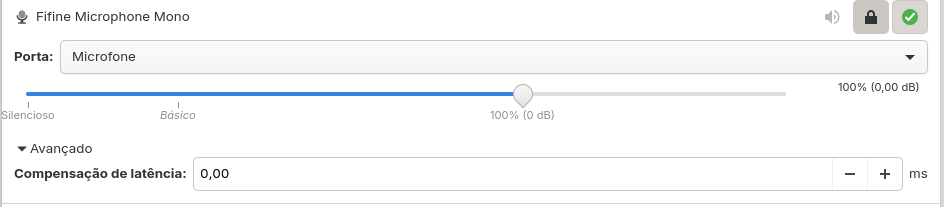
And in PavuControl dont even show the second bar, that detect audio, i have a webcam and Zorin capture the audio from her
Hmm ... What Option do you have in the Dropdown Menu. and when you go to the Configuration Tab, waht Options do You have there for it?
Interesting is the white-on-blue Text here:
If it was translated right for me, it should mean something like ''This sound device does not have any playback controls.''
Yes i fogot that was in portuguese, but yes is the right traslation, but i have a webcam, the microphone of webcam is working ( i am using until my problem solved) and the webcam have the same text "this sound device does not have any playbak controls"
Okay, I take a Look at the Manufacturer's Website. It seems that it is primary made for Windows and Mac and that there isn't an extra Driver. There is mentioned that it even run on some Linux Systems. But nothing in Detail.
So, maybe you could write to the Manufacturer and ask there for Help or if they can tell You on which Linux Systems Your Mic can run.
This topic was automatically closed 90 days after the last reply. New replies are no longer allowed.