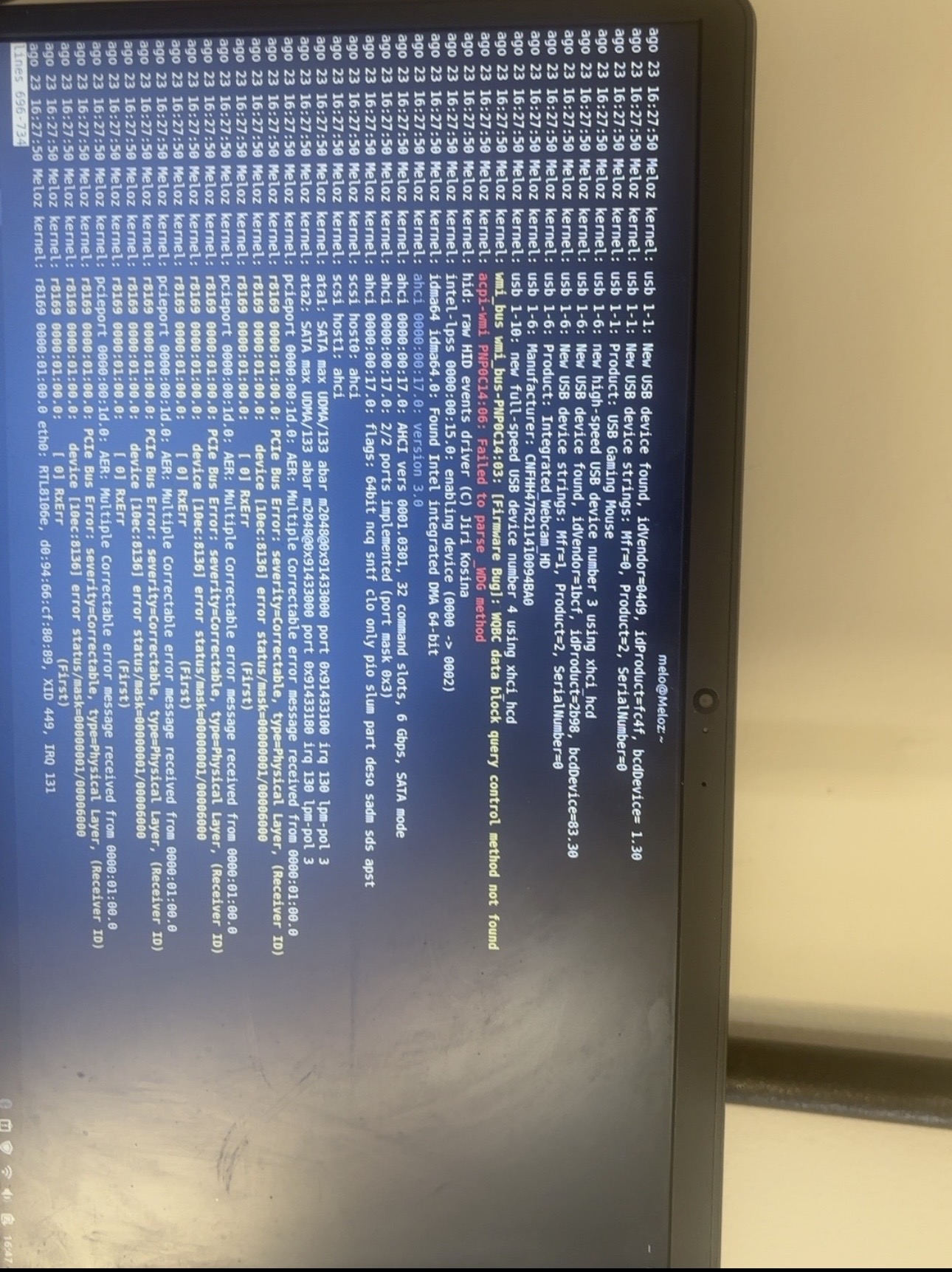
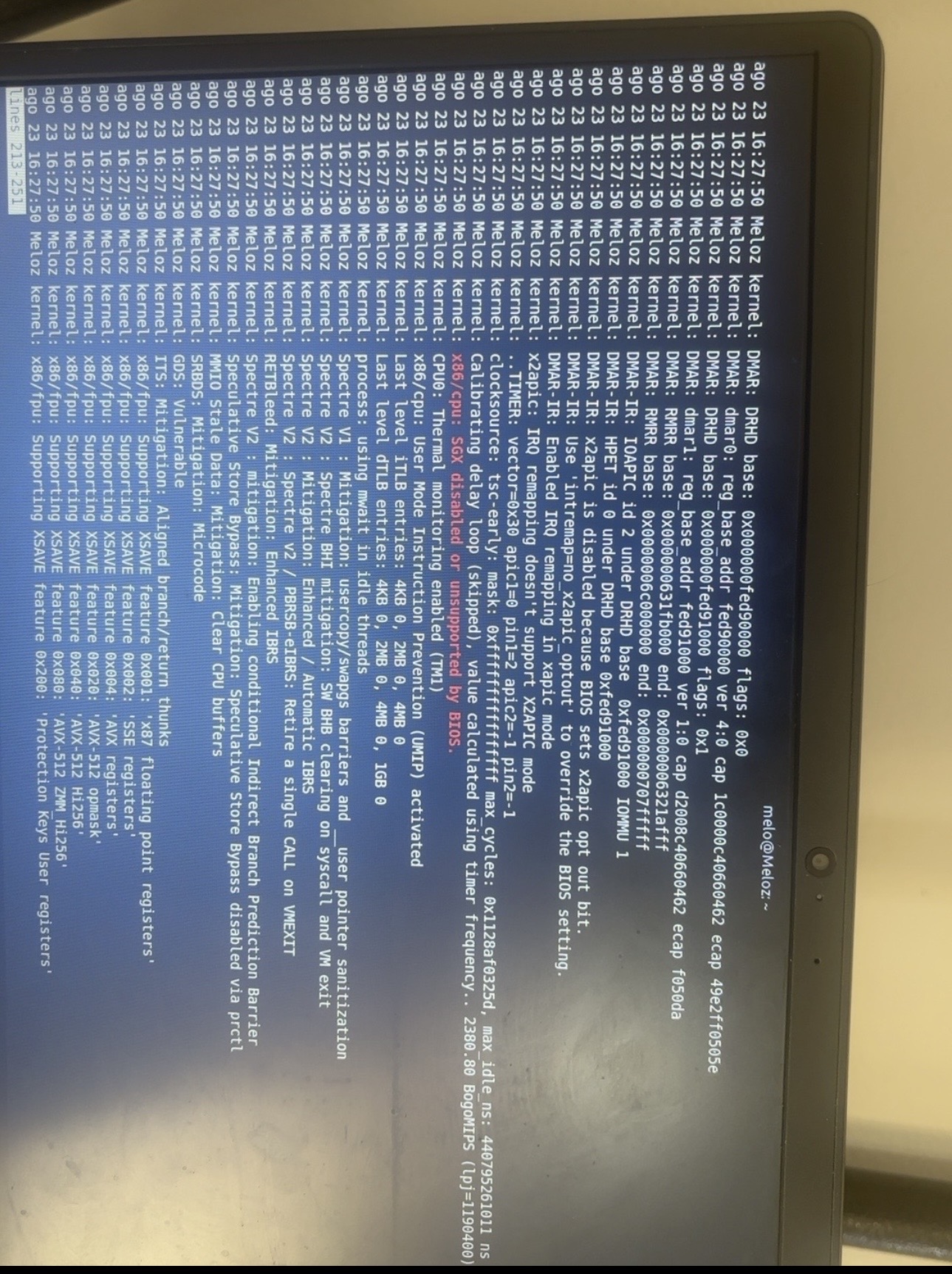
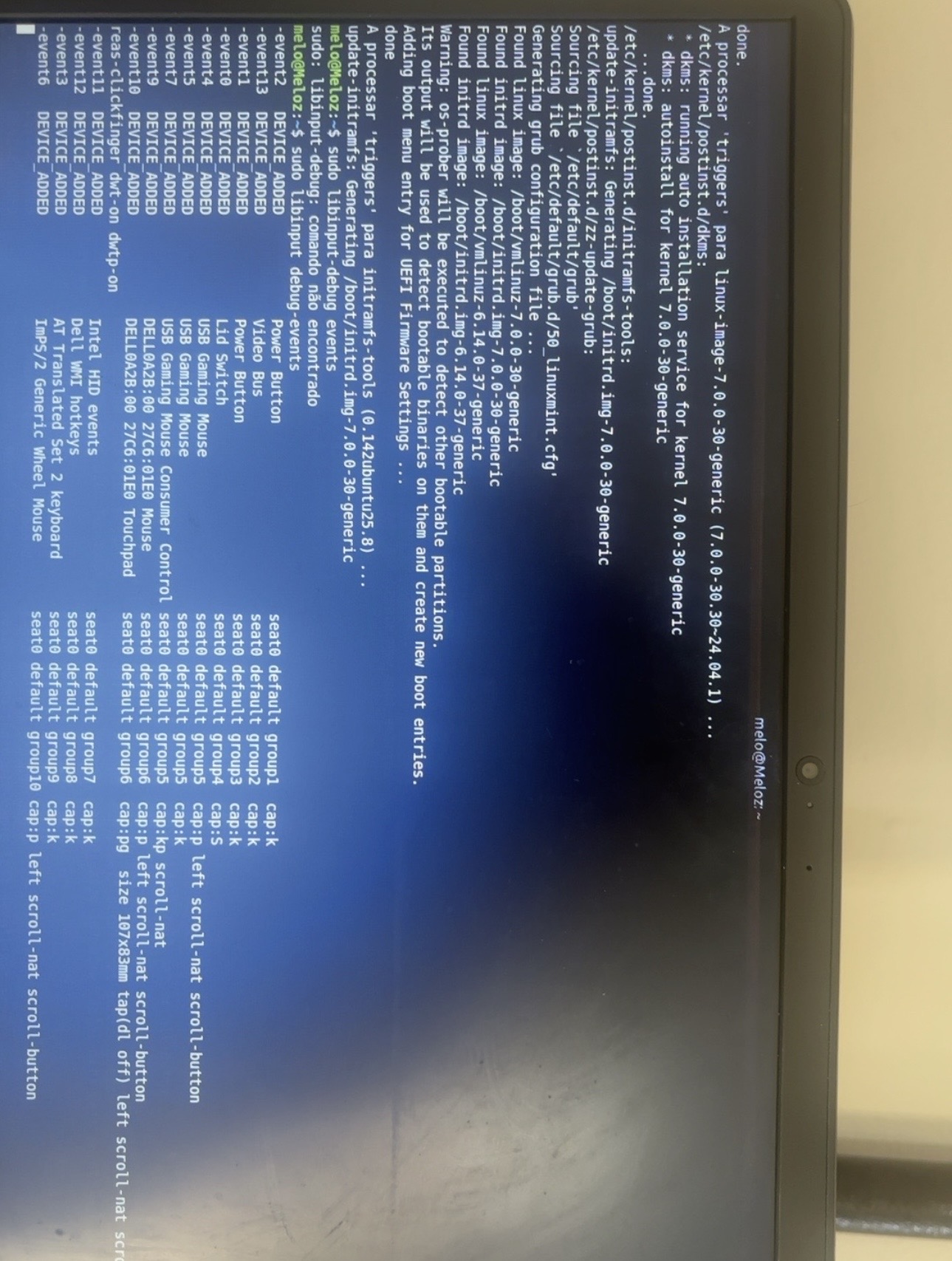
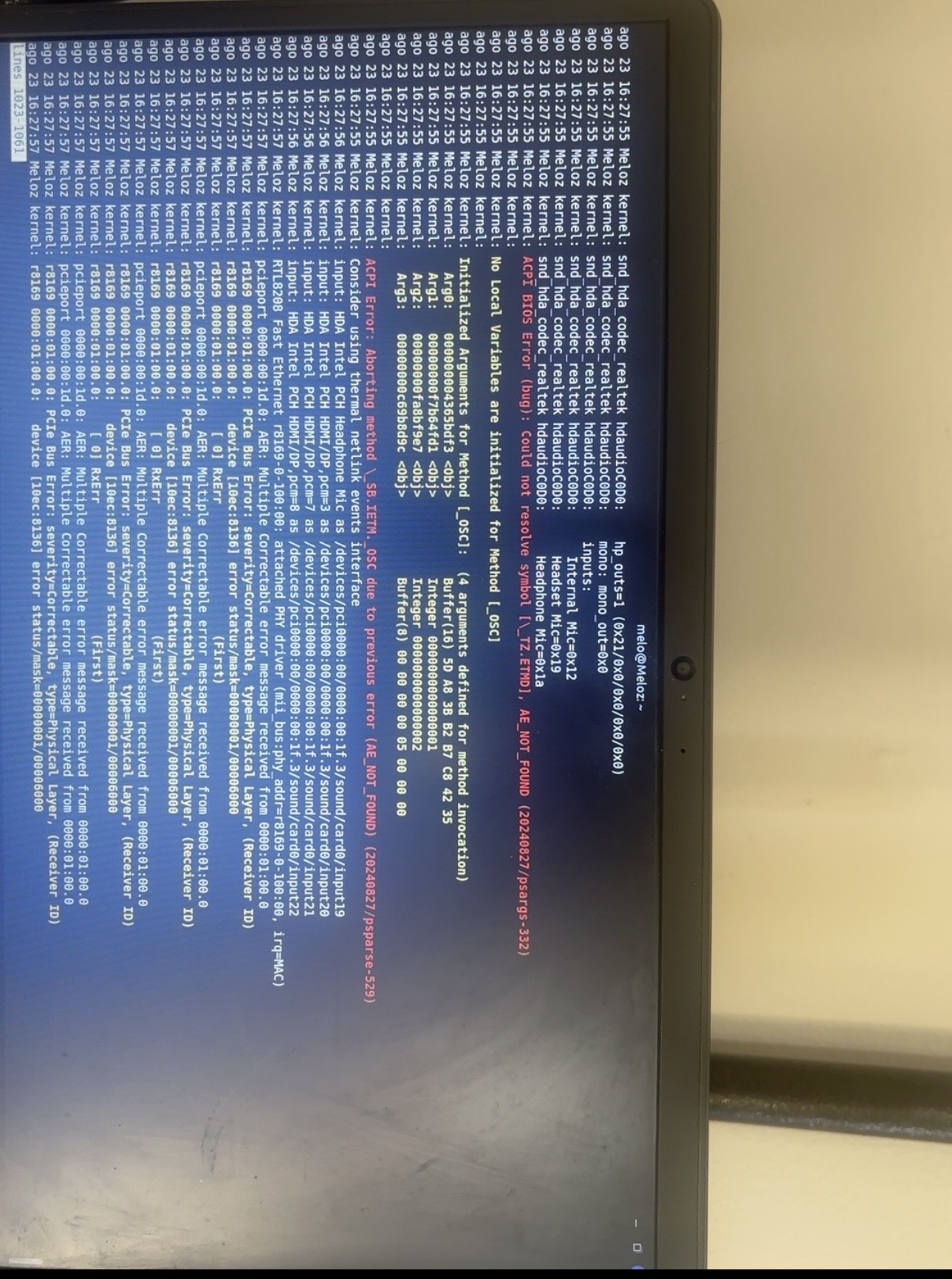
This could be Panel Self Refresh, ACPI or even i915: Moving the lid causes a cascade of events that are being mishandled.
For that reason, I doubt this is a hardware issue. If it was hardware, the screen would blank or show artifacts, not freeze the Gnome Shell.
You can try adding the grub parameter i915.enable_psr=0 (NOT the nomodeset parameter)
I already tried using i915.enable_psr=0, but unfortunately the issue still persists.
What’s strange is that I actually managed to fix this problem before. However, I had to reinstall Zorin OS from scratch, and I lost all the configurations and changes I had previously made to fix the issue.
So I’m currently trying to figure out what I changed previously, because I know it was possible to resolve the problem without replacing any hardware. I also tested another Linux distribution, and the issue still occurs there as well.
As soon as possible, I’ll run the suggested debugging commands and send the results here.
Hi! I tried sudo libinput debug-events, but the problem is that I cannot safely move the lid to test it.
Even if I move the lid extremely slowly, the entire system immediately freezes and becomes completely unresponsive. I basically cannot move the lid at all while Linux is running. The only way to recover is to force a restart.
I also opened the laptop and physically checked the hinge. Everything looks fine, and I even lubricated the hinge, but the problem remains exactly the same.
What is strange is that this only happens on Linux. On Windows, I can move the lid normally without any freezing or crashes.
So I don’t think the physical hinge itself is the problem. It seems much more likely to be something related to Linux, ACPI, the lid switch/sensor, or the firmware.
Because moving the lid causes an immediate hard freeze, I’d prefer to investigate this without physically moving the lid for now. Is there another way we can determine what is happening with the lid switch/ACPI events without triggering the freeze?
I just noticed something that might be an important clue.
When I was using Zorin OS 18.0, I managed to fix this problem and the laptop was working normally, including being able to move the lid without the system freezing.
However, after updating to Zorin OS 18.1, the problem came back. On 18.1, I haven’t been able to reproduce the fix, even after trying several of the suggested solutions.
This makes me wonder if something changed between Zorin OS 18.0 and 18.1, possibly the kernel, ACPI behavior, graphics stack, or power management.
The hardware itself seems fine: I checked the hinge physically and even lubricated it, and the problem does not happen at all on Windows.
So at this point, I’m wondering if the issue could be related specifically to a change introduced in Zorin OS 18.1.
I don’t want to keep moving the lid while testing because even moving it extremely slowly causes the entire Linux system to freeze and the only way to recover is to force a restart.
After the installation of the kernel reboot, then press the esc key to display the grub menu (if it isn't displayed during boot).
In grub menu at Advanced options for Zorin you can select an older kernel to boot from, e.g. the 6.8 kernel (not the recovery kernel).
This makes a lot of sense. My intent was that if you do the action, even with a freeze, the tail end of the log might tell us something.
I do agree that this is a likely firmware issue of some kind - and not a hardware fault.
Above, you mention Zorin OS 18 - Am I correct that the problem was present - you managed to fix it - then when it upgraded to 18.1, it returned and while you may not remember the exact fix - any fixes do not work, now?
When you fixed it before, did you use any forum or any guide you may have a saved history of?