I was running windows 11 on my hp laptop. it doesnt run on its battery and I have it running on adapter all the time I dont know if this is relevant but yeah..anyway I tried installing zorin and selected erase disk with lvm options and now it doesnt boot directly into zorin it starts up in windows recovery I have to manually select zorin boot mode in boot options to start zorin please help me
Hi and welcome.
I am somewhat concerned that I wonder if BitLocker was enabled in Windows 11 and not sure if there is a way forward.
Anyhoo, let us start at the beginning, a very good place to start (yes I have seen The Sound of Music many times!)
First boot into the BIOS - this is usually F10 on an HP machine (it is on Desktops) or possibly Esc. Look for a Tab labeled 'Boot' and then look for 'Fast Boot' and 'Secure Boot'. Additionally, if there are any CSM options to boot to UEFI first, change to 'Legacy only'.
Additionally, Windows normally sets the hard drive to RAID - this needs changing to AHCI in order for GNU/Linux to boot.
If still an issue, I would see if you can boot into Zorin in live mode and select 'Try Zorin' and launch Gparted - just type Gparted in the search bar of the menu to launch it. Take a screenshot and post it back here. Hopefully, you might still have the factory restore partition in order to temporarily restore Windows 11 in order to:
A. Turn off the hidden power settings that prevent the hard drive from ever being turned off completely, this together with 'Fast Boot' in the BIOS means you will only ever be able to boot into Windows.
B. Check if BitLocker is turned on - we need to disable it.
hey so I only understood that I have to look for secure boot and fast boot any way I have attached these photos
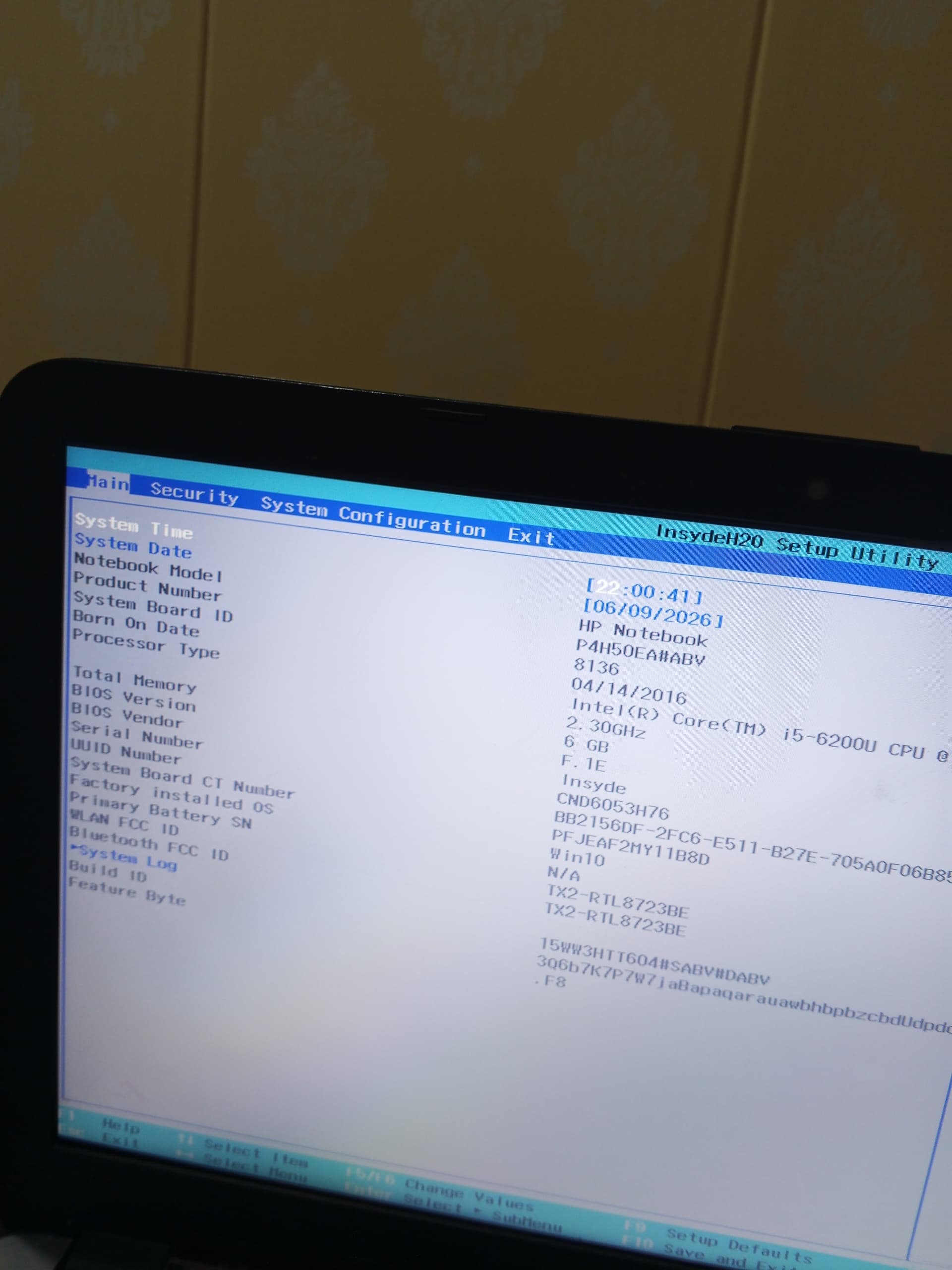
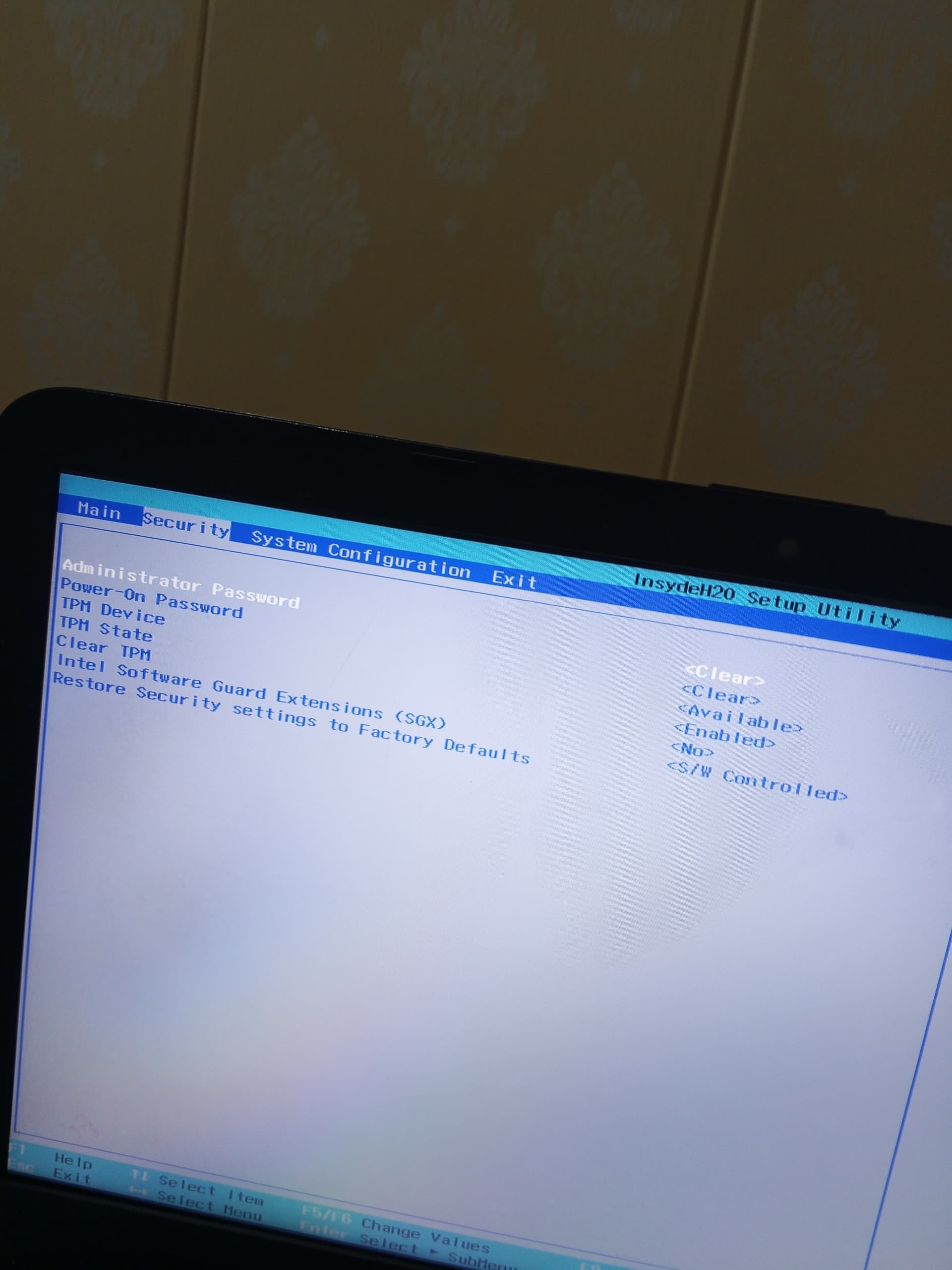
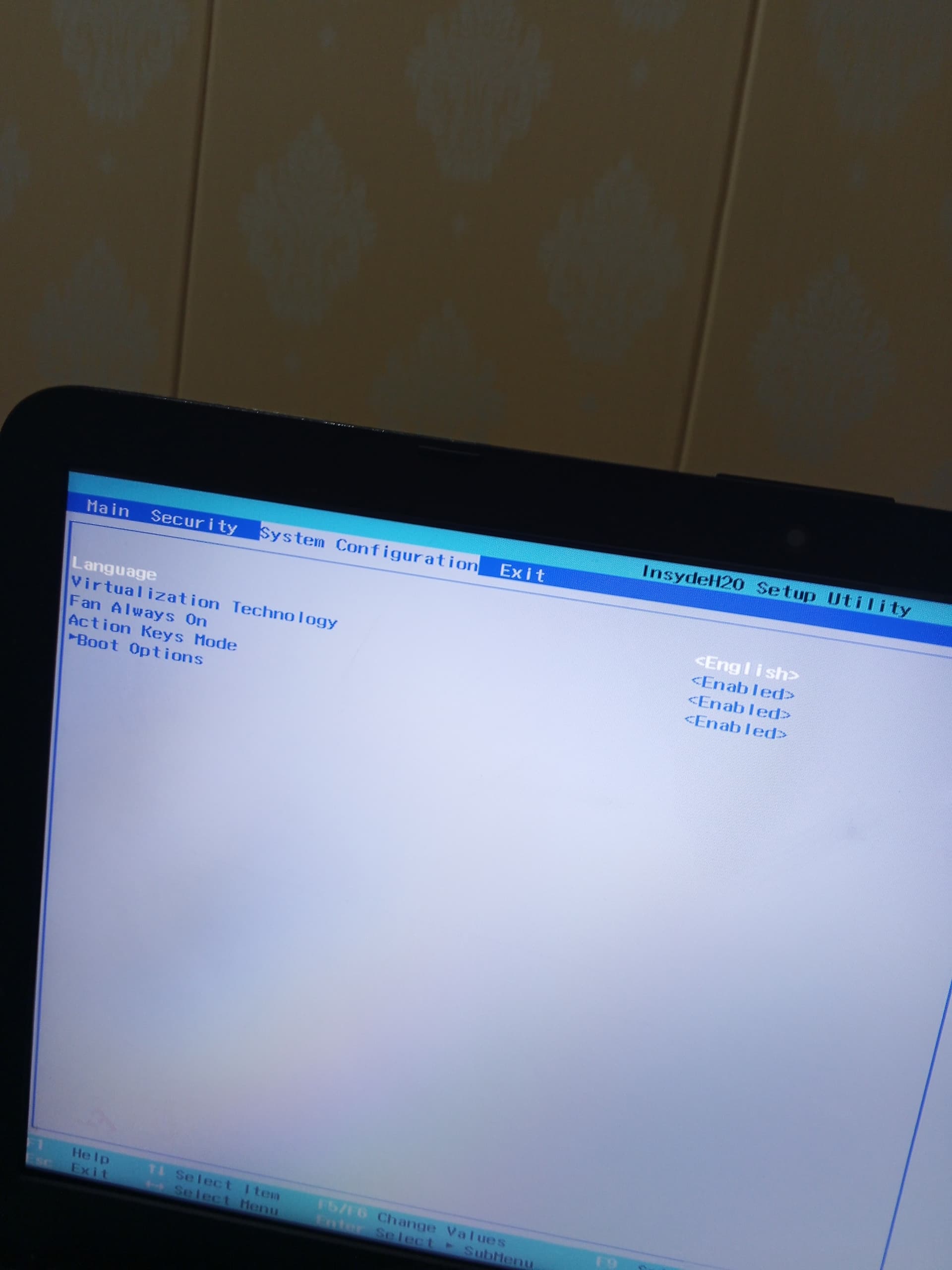
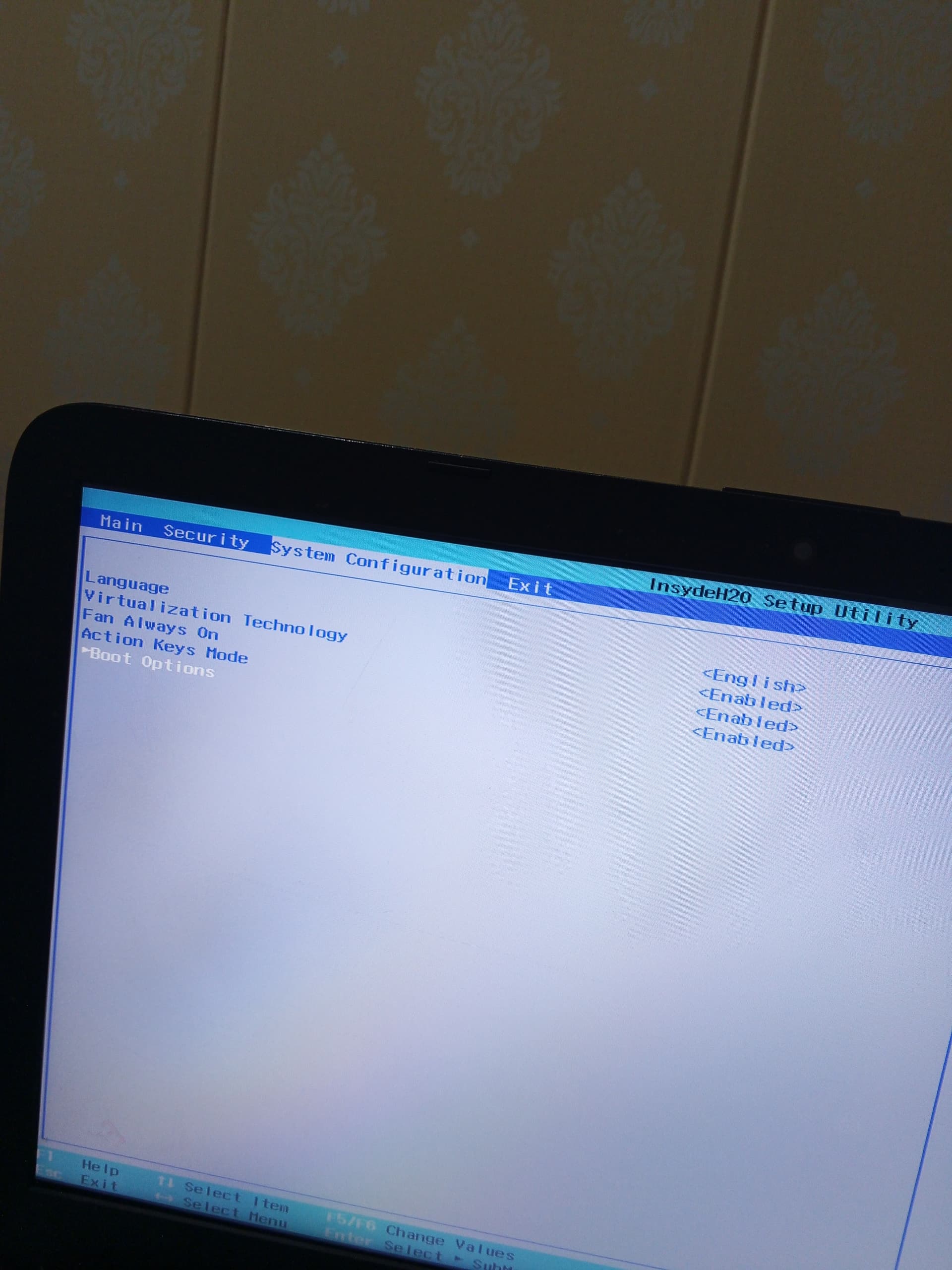
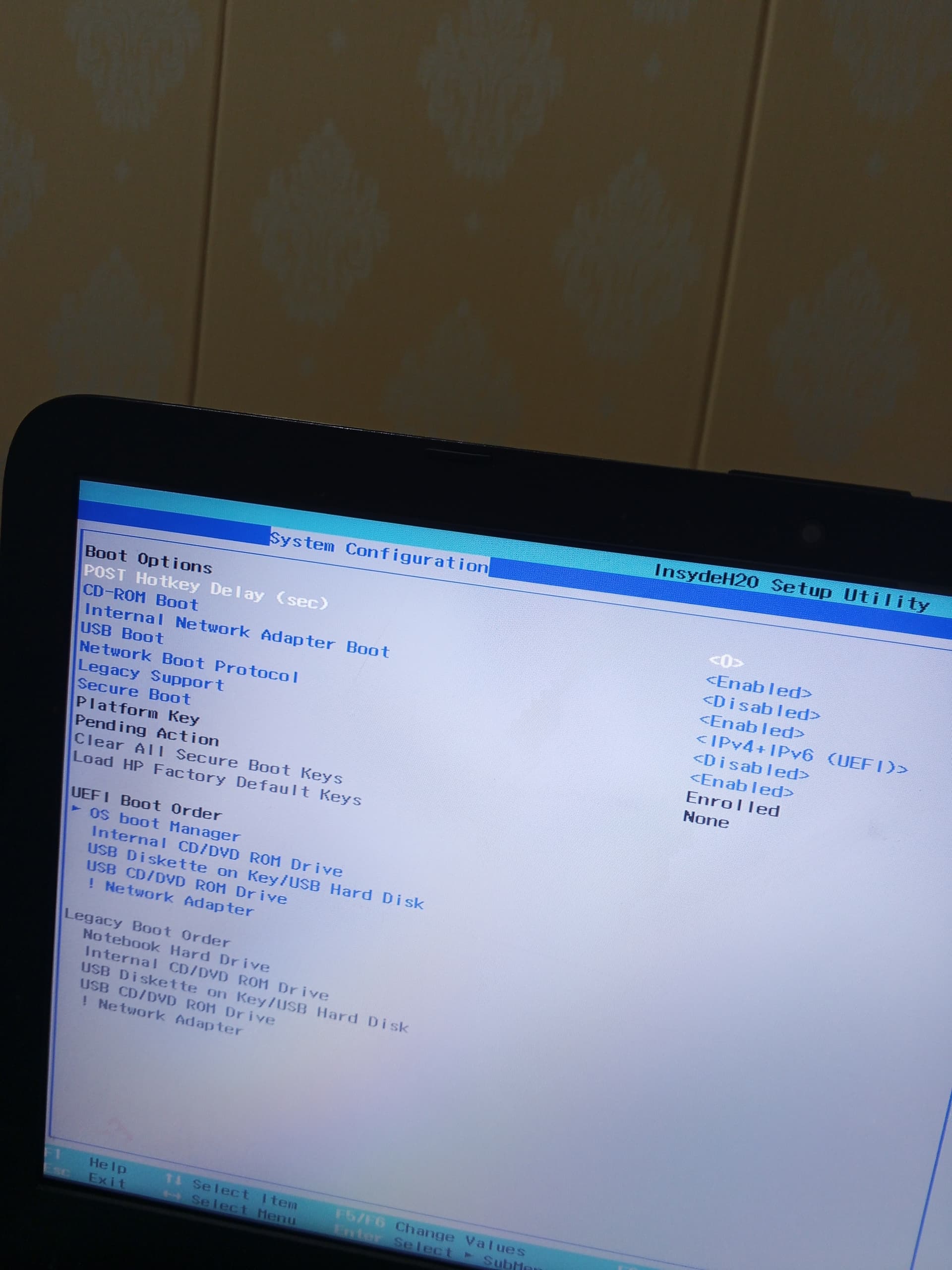
I cant really understand anything plz just look into it okay...
If what @swarfendor437 suggests doesn’t work there is a rather long thread concerning a user with a different brand of laptop that seems to have a manufacturer installed failsafe that may be of interest.
The whole thread might be worth a read but I think this particular post is the key.
1 Like
Hi, sorry for late reply. Was in an accident yesterday, no one hurt.
Regarding second photo of TPM. Can you change the setting? If not change the option below to .
Under Boot Options photo, change Secure Boot to .
Save and Exit changes.
If still having issues I would change Legacy Support to enabled, which is what I have done so when I put my Q4OS HDD in the Hot Swap bay, even though it has an EFI Partition I no longer have to go into the BIOS to select the Drive to boot off.