I Updated My Nvidia Driver To 580, No Games Launch!

Well, I'm in a serious pickle now, story of my life!

I've been running on the Nvidia 555 driver forever, so long, you can't even find it in the list anymore, and only proof I have, is a screenshot.
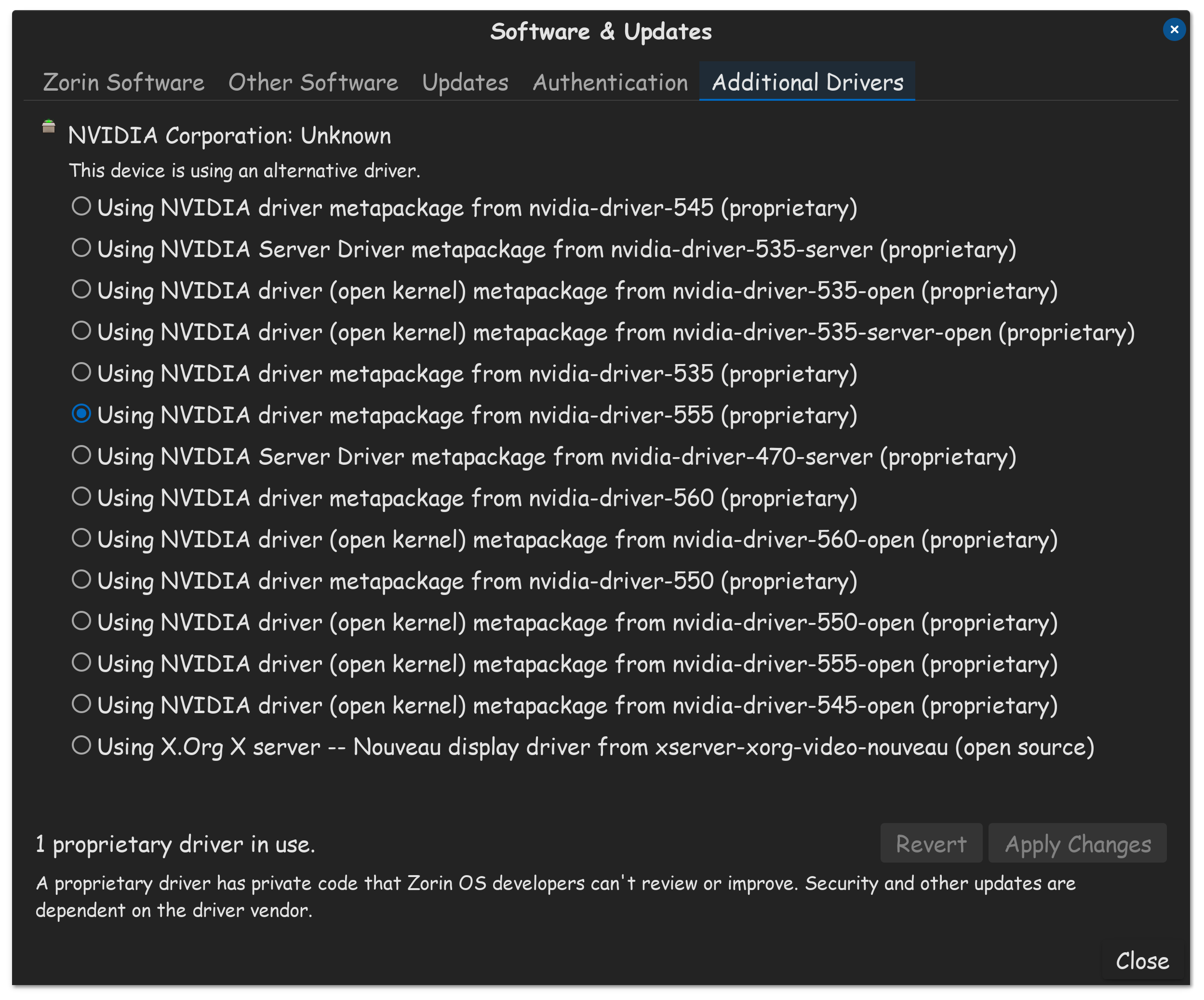
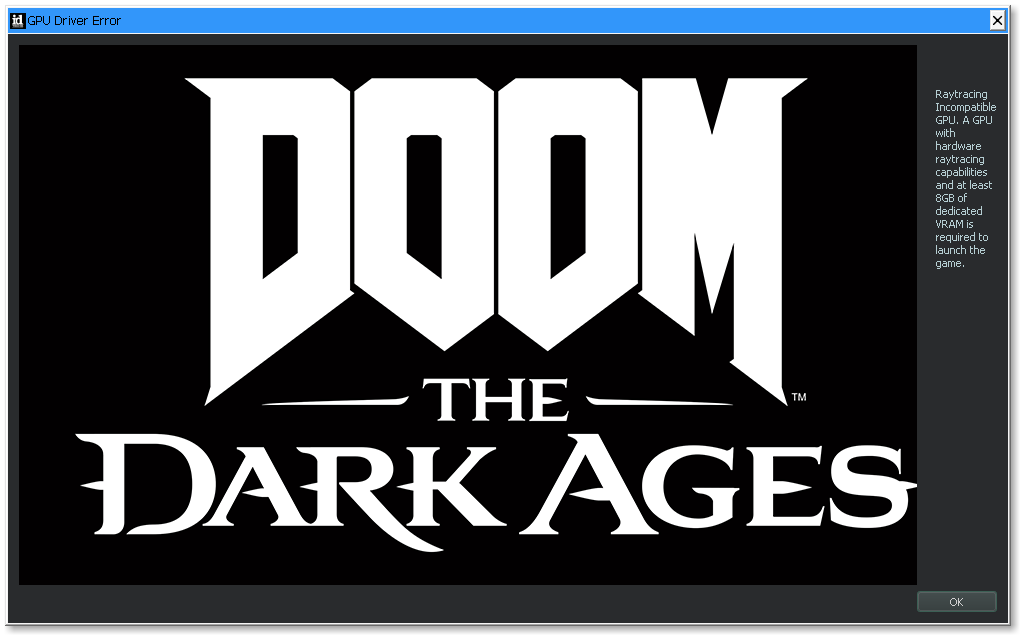
Doom The Dark Ages no longer even detects my GPU now.

Unfortunately, I'm in the same predicament as other gamers, who wish to play Doom The Dark Ages, but it requires the 576.40 driver, which can't be found in the list at all.

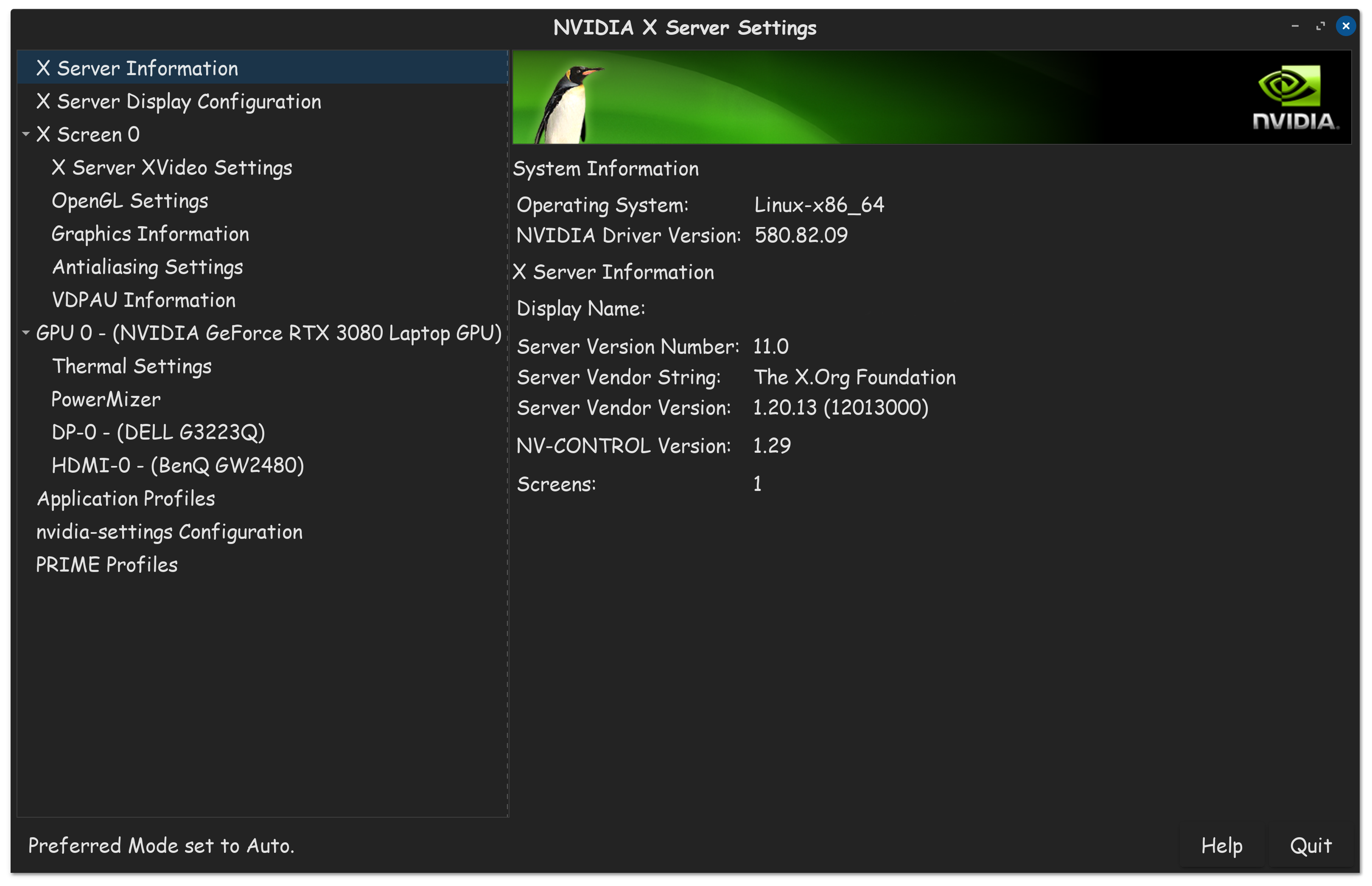
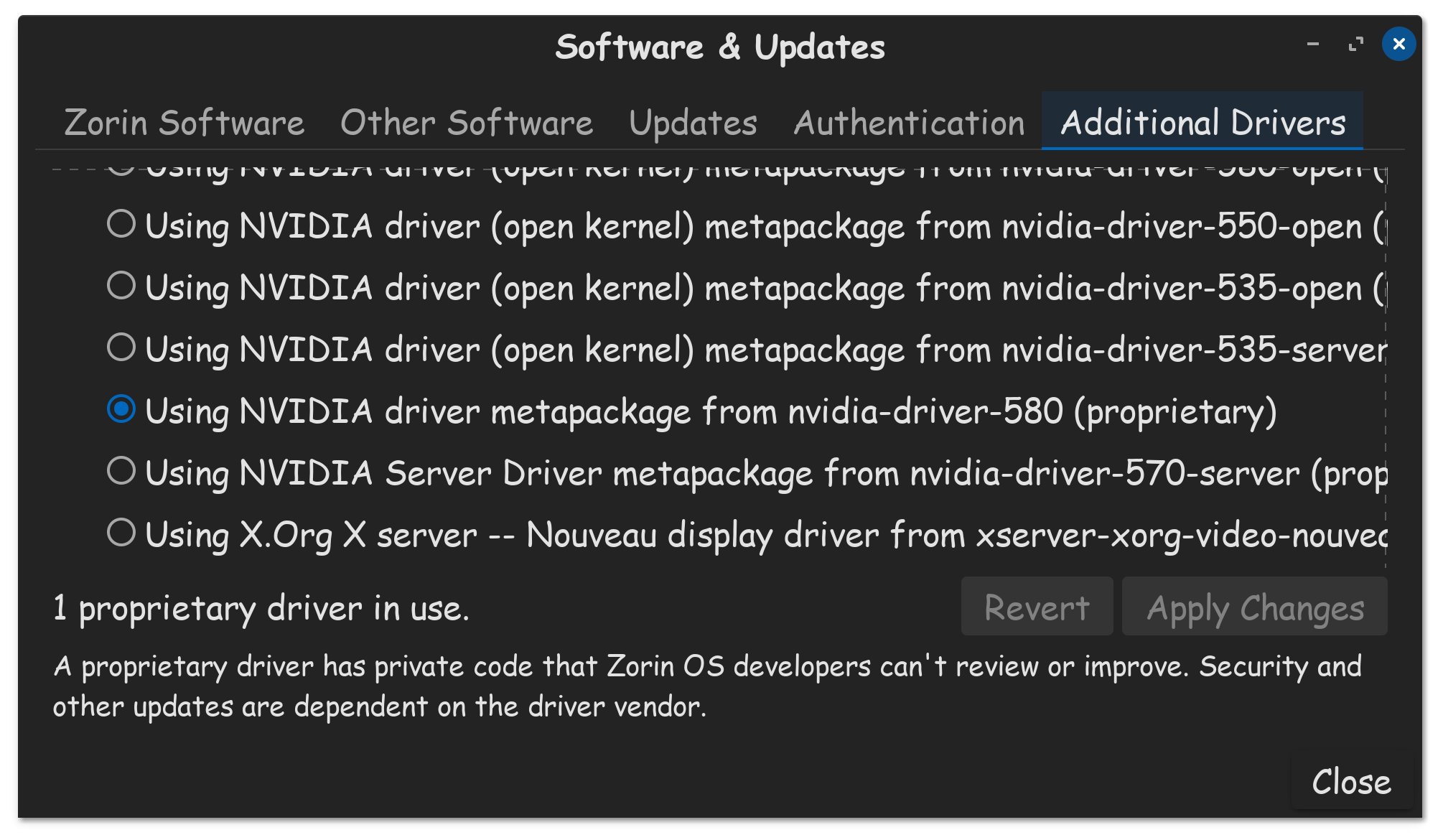
I updated to Nvidia 580 driver, and while I got into the OS alright, (no black screens) Nvidia X Server Settings app shows I'm using the Nvidia 580 proprietary driver, and additional drivers confirms that, not a single game launches on Steam Flatpak anymore!

I tried to downgrade to the 570 driver, same exact issue was present. So I tried downgrading to the 550 driver, its close enough to what I had before, I figured it would work. Nope, still games do not launch. I am royally screwed, and I don't know how to fix this.

I've purged Nvidia using terminal command on Google AI, and I reinstalled drivers via terminal as well, nothing I do works. Upgrading to 580 initially by additional drivers, ruined my ability to game. I need help, I don't know what to do anymore.

This situation does not help my state of mind, during my stroke recovery, and all this has done, is up my blood pressure.

You already know I'm on Zorin OS 16.3 with the 5.15 kernel. And you should know I run on X11, which is I think the only thing OS 16 even uses. And you already know I have a high performance notebook, not that is saves me from my own stupidity.

Wished I never bought the game now!


Are you using the GUI?

Launch terminal, crack your knuckles, and show it that you are boss in GnuLinux.

sudo apt remove --purge '^nvidia-.*'

Clear the cache:

sudo apt clean && sudo apt autoremove

This is to ensure nothing is left behind that creates the conflicts that cause the symptom you are having.
Now, fresh install Nvidia driver. I am suggesting the 580 first. You and I have the same Nvidia card... and I have been on the 580 since before it was in the Zorin OS repos... and, your game requires above 576...

sudo apt install nvidia-driver-580 nvidia-dkms-580

If it installed with no errors, do a Full Reboot and test...

1 Like

I ran each command, ended up with this, my first time using paste bin...

I removed my username from the commands.

Running the commands, a million reboots later, still doesn't work. My Nvidia server & Ad-Drivers both show I'm on 580 though. I got to watch some youtube content and eat, hopefully that works. Appreciate the help @Aravisian , despite no joy.


Hmmm?

I noticed that too, and I also thought that was weird. I'm not exactly sure what that is about. I wonder if it has anything to do with the age of the OS, cause support dropped for OS 16 months ago.

To be honest, I already plan to buy Zorin OS 18 PRO, once it releases. With that said, maybe I'll get lucky, and upgrading to OS 18, will fix my problem. I have an update.

Bad News: Can't game

Good News: I can still use the computer to surf the internets, and watch video, praise the silicone in my CPU for that!

Extra: I haven't tested other GPU related tasks, like rendering. But I did notice that Steam was more sluggish then usual, a sign of GPU issue. I'm going to post some screenshots...

Nvidia server:

A.D:

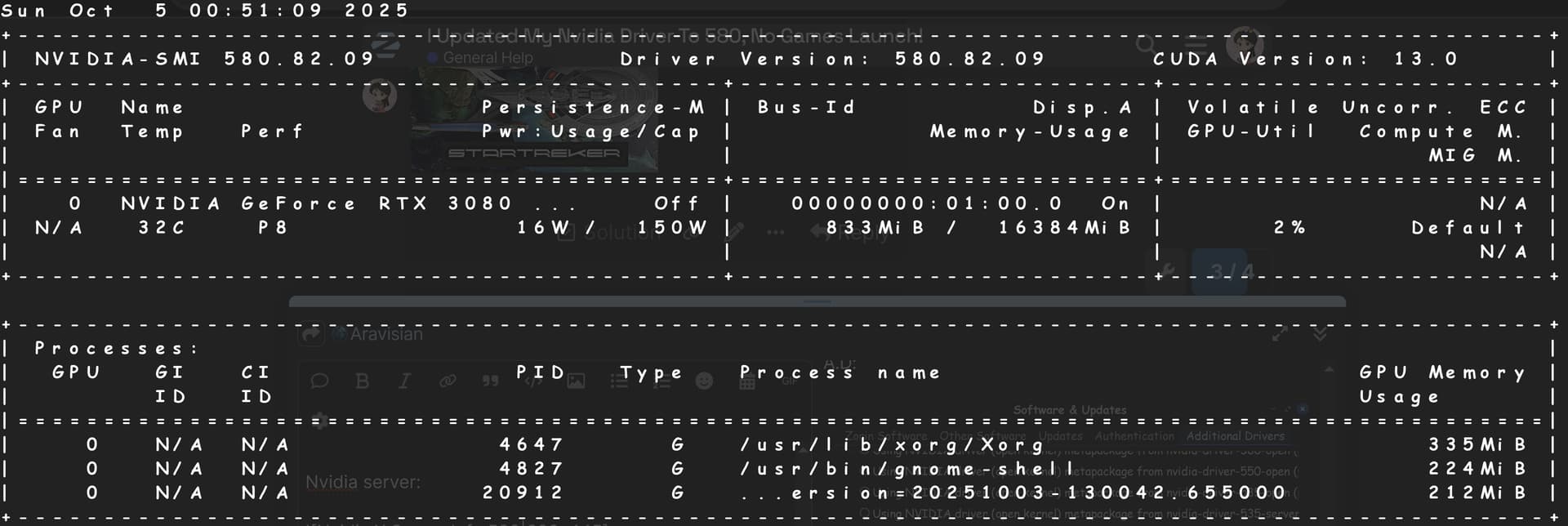
Nvidia-SMI:

Keep in mind, even though the DTDA has a known bug to operate at a sluggish craw of 5FPS with old drivers, the game at least launched, without error before. This is the error I get, incase you want to see how I know it can no longer detect my card.

Lastly: I noticed a lot of errors in the terminal window, while running the flatpak steam as well. Not sure if they were there previously, but when I looked this time, I saw a bunch for different things. I decided to update my flatpaks in terminal, see where that gets me.


Update:

Solution, updated the flatpaks via terminal!

flatpak update


4 Likes

Duh. Flatpaks, who would have them :hot_face:
Good detective work Treker. You are no longer Doomed, just Doom-ed.

2 Likes