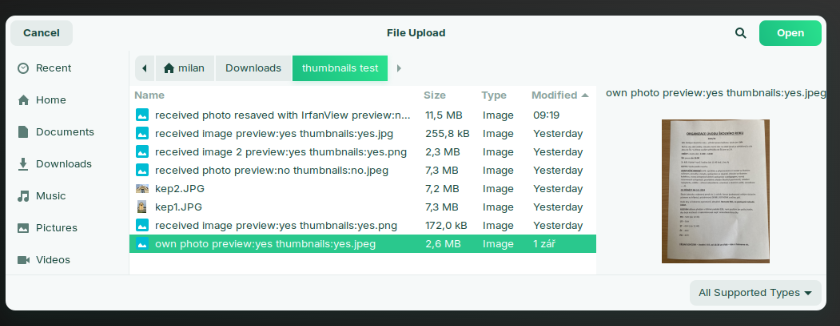
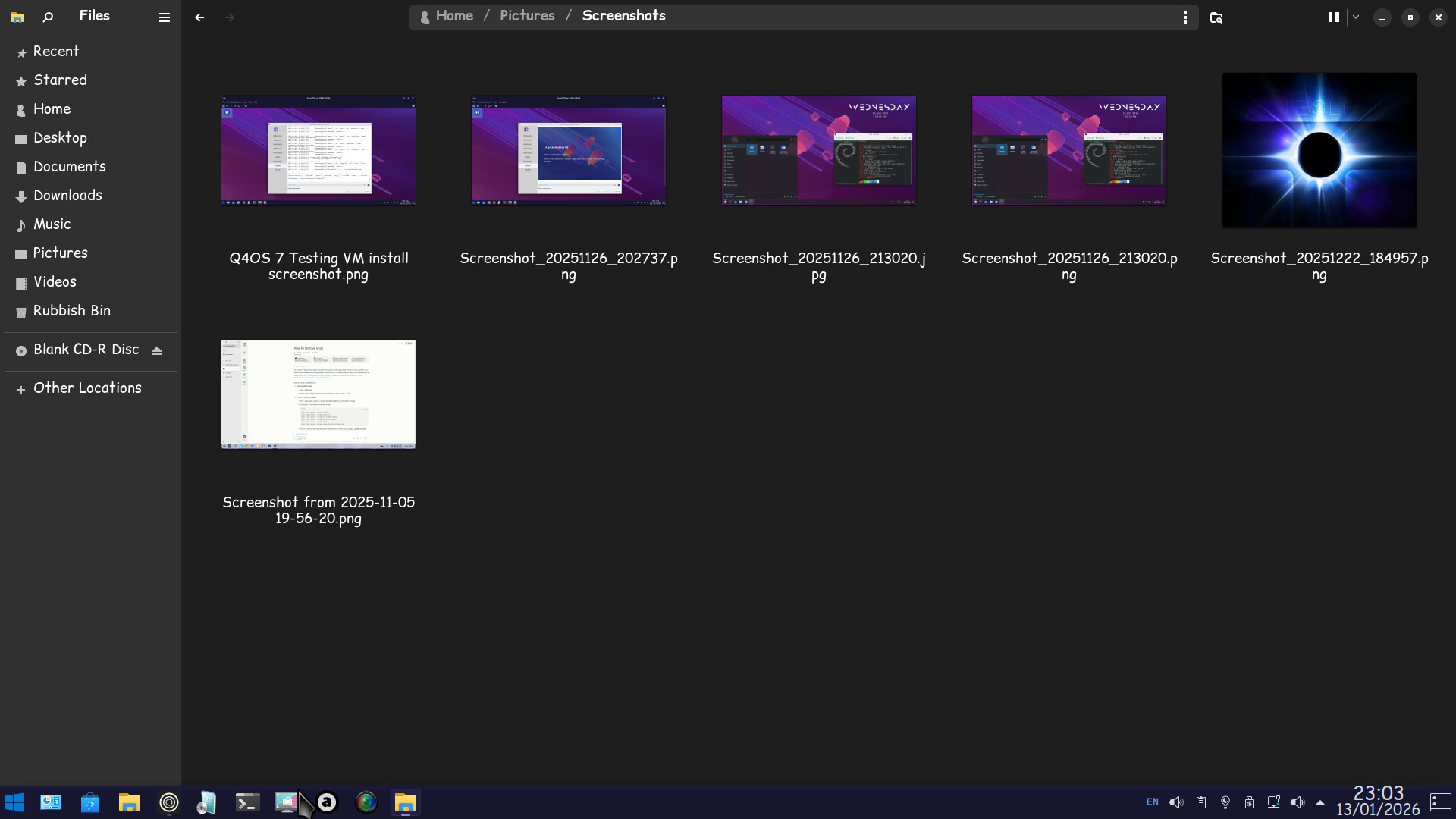
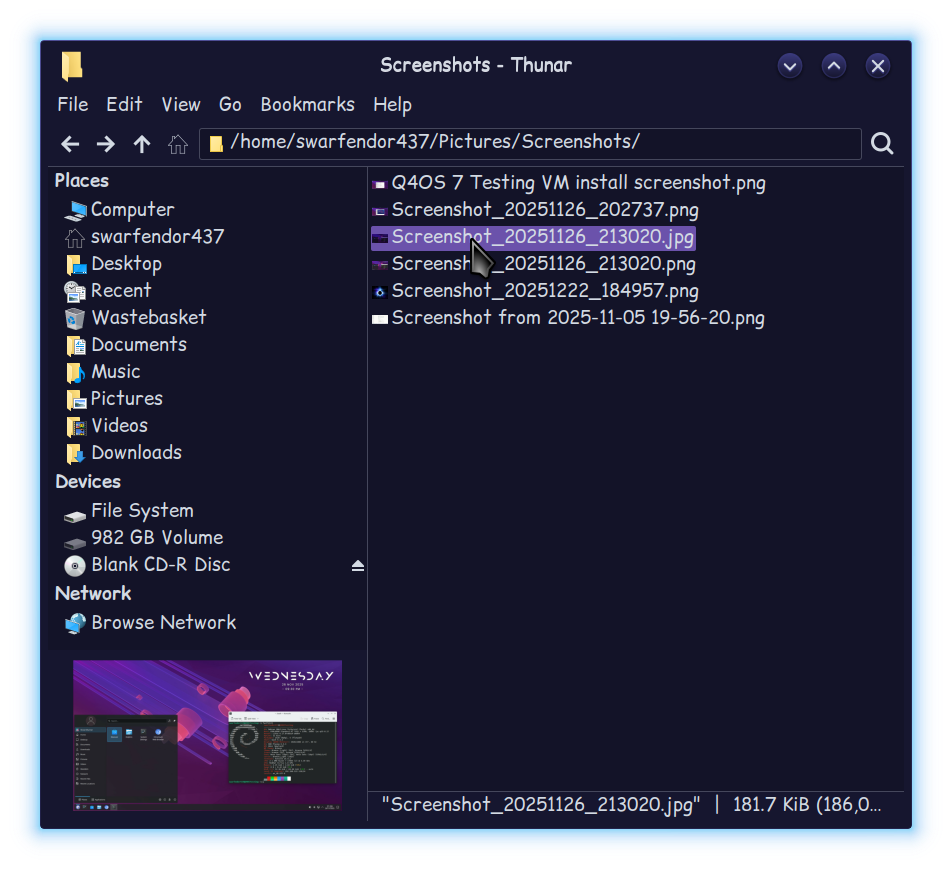
Hi. Is there a way to show image previews in a column off to the side in Home>Pictures?
I found some threads on this issue from a year or more ago but didn't see a definitive solution. Also found stuff like this while browsing:
"To enable image previews and thumbnails in Zorin OS 18, ensure that the file manager (Nautilus) is configured correctly. Navigate to the hamburger menu (three horizontal lines) in the top-right corner of the file manager window, select "Preferences," then go to the "Search & Preview" tab. Under the "Thumbnails" section, confirm that "Show Thumbnails" is set to "All Files"
I did that and do have thumbnails but only if the icon size is large enough, not really interested in that & would prefer an image preview if possible.
Any thoughts, questions or comments would be appreciated. Thank you.
But that is not the same as a preview window. If Zorin wants to appeal to Windows users (as it claims to) the right side preview window is a must. Plus it's good UX.
I agree that this is a highly desirable feature to many people, especially to me as I sort out whether I need to keep a colour scan of a historic document page.
As a new user I am not yet brave enough to try Thunar but it may be a possible short term solution.
I'm running Thunar as my default file manager, even on the default GNOME desktop. Note: If you decide to give it a try, do not uninstall Nautilus. GNOME has Nautilus dependencies built in.