I am relatively new to the Zorin OS community, but I wanted to share some objective information regarding the recent NVIDIA driver updates that many of us may have noticed in the Software Updater.
Thanks to the swift work of the Zorin OS and Ubuntu package maintainers, the patched drivers have already been rolled out to our systems. According to the security reports, the vulnerabilities are resolved in the following Linux driver versions (or newer):
R565 series: 565.57.01 or later
R550 series: 550.127.05 or later
R535 series: 535.211.05 or later
How to verify if your system is protected: You can easily check your current driver version by opening the terminal in either Zorin OS Stable or Plasma Chimera and running:
nvidia-smi
Please look at the "Driver Version" displayed at the top left of the output table. If your version number matches or is higher than the corresponding series numbers listed above, your system is patched and secure.
If you are still on an older version: You can apply the latest security patches by using the Software Updater, or by running the following commands in the terminal:
sudo apt update && sudo apt upgrade -y
(Note: Please make sure to reboot your computer afterward to ensure the new driver is properly loaded.)
I just wanted to pass along these facts in case anyone was wondering about the sudden NVIDIA updates. I hope this information is helpful in keeping everyone's environment secure!
Hi, nice post. I think this should be under Guides abd Tutorials. I also wish it could have subsections and tags like other Discourse forums to make it easier for visitors to find information. @AZorin@zorink@community-moderators
I changed the Thread Category to Chat about Zorin because it is more an Information that a Guide even when it contains Steps to check. I also pinned it. So it is more visible in the Forum for now.
The guide in post #1 shows the command without '&&' because it are two separate commands. That is not quite clear. Maybe it would be good to put the second command in an extra line or to write it as one command with &&.
Hi Frog, and thank you to the others for jumping in to help!
You are absolutely right. In my original post, I wrote them as two separate commands on two lines, but if you want to run them together on a single line, you definitely need the && in between, just like you did: sudo apt update && sudo apt upgrade -y.
Thank you for pointing that out and sharing your experience! Also, a big thanks to the other members for the quick clarification. As a newcomer, I'm still learning a lot, and it's great to see how helpful this community is.
Hey Golgo not a problem as we all started out as newbie's ..... there is quite a curve to learning about Linux but you can do it ....
If I can make the switch anyone can along with a little patience and at times help from this board ..... there are some very talented folks on here who are only to glad to help steer you in the right direction ....
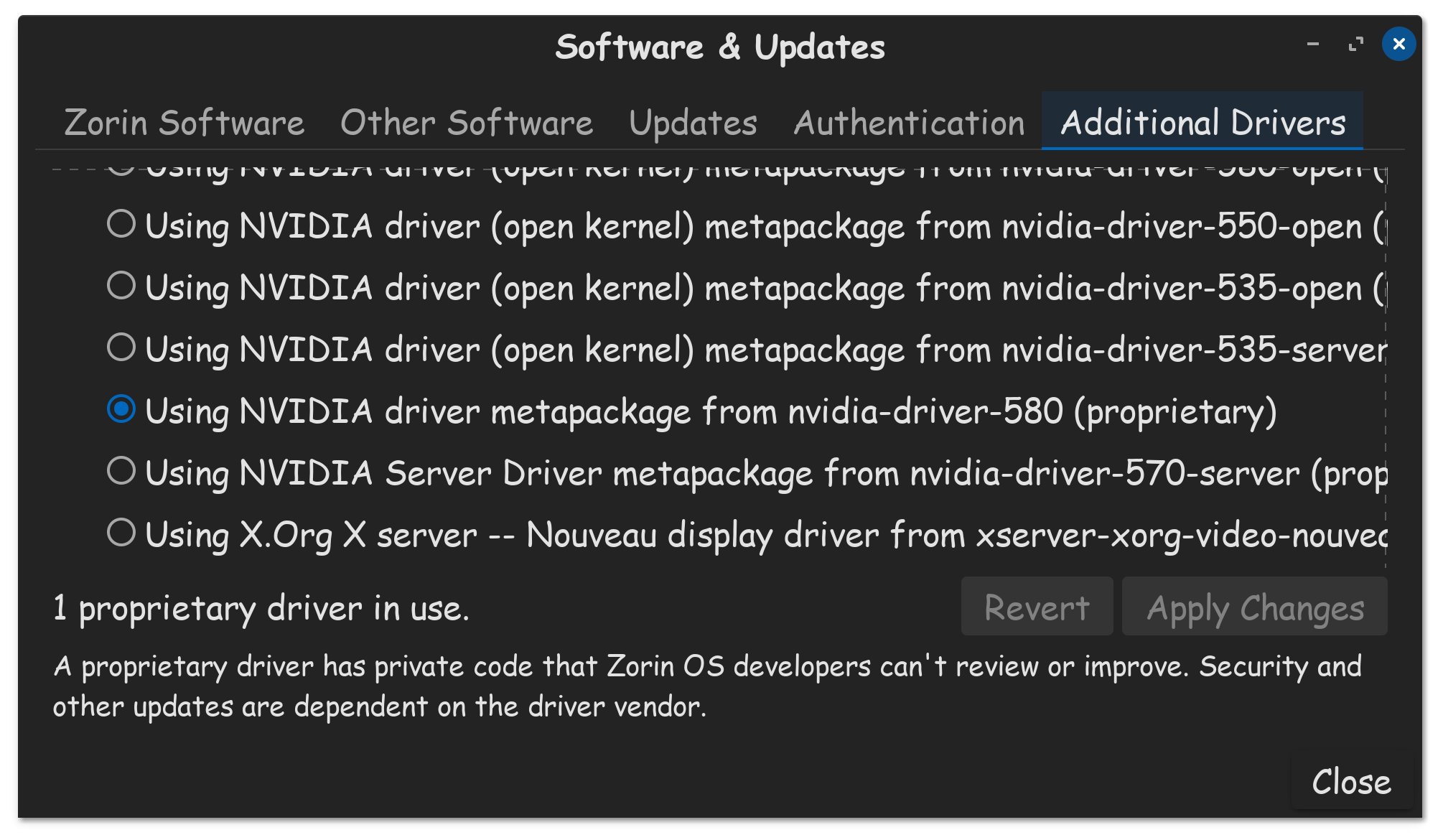
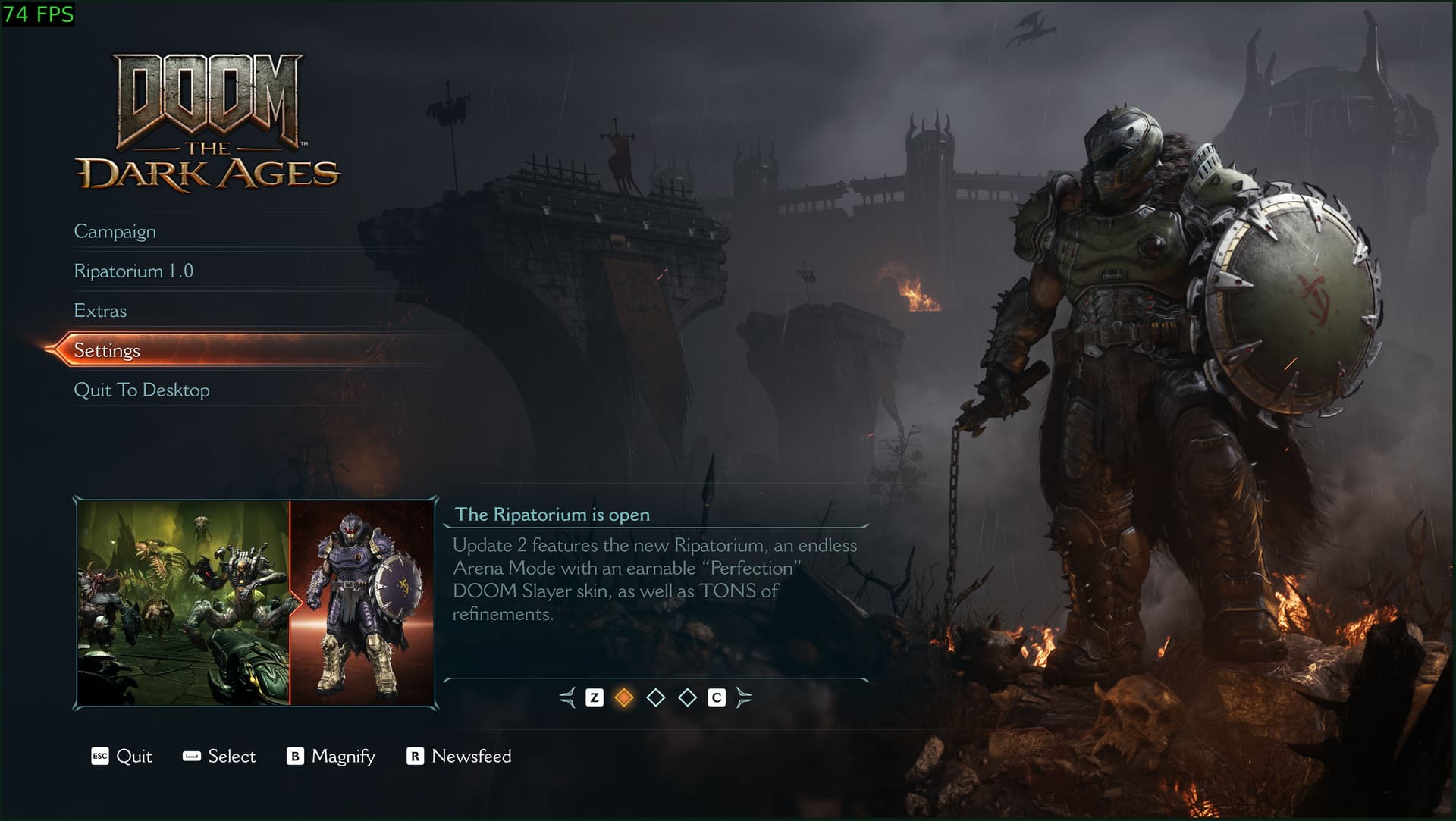
Good post! When knowledge is shared, everyone benefits. I'm already on the Nvidia 580 driver, beecause Doom The Dark Ages required it, in order to play that game.
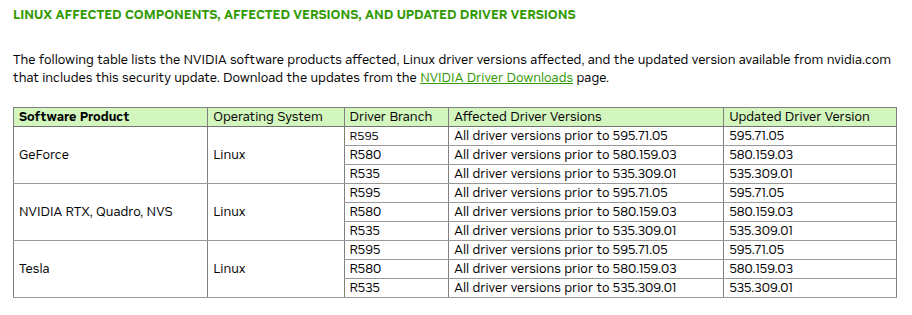
Thank you so much for bringing up the latest Security Bulletin 5821 (May 2026). I completely missed that and accidentally referenced the older one from last year.
After reading your comment, I immediately checked my system with nvidia-smi and found that my driver version is already 580.159.03. Looking at the table you provided, it means we have already received the updated, patched version!
It turns out the sudden update I noticed yesterday was indeed this brand-new patch from just a few days ago. I am truly impressed by how incredibly fast the Zorin OS and Ubuntu package maintainers are.
Thank you for the kind words! I totally agree—sharing knowledge is what makes this community so great. That’s awesome that you were already on the 580 driver for Doom: The Dark Ages. Now you can keep playing and slaying demons knowing your system is fully secure! Haha.
As a newcomer, I’m still learning a lot, and I really appreciate how helpful and welcoming everyone is here.