There is a nice tutorial "How to easily install a later kernel"
There are 3 recommended kernel types: The mainline kernel, Tuxinvader kernel and Liquorix kernel.
Can you install Tuxinvader and Liquorix Kernel with the mainline tool?
If you add the cappelican ppa, do you also have to add the other ppas to be able to select the kernels?
What is about the other kernels like oem or xanmod?
Which one is the most recommended kernel when someone needs or wants a newer kernel and what is the easiest way to see which kernels can be installed? Is it neccessary to look in launchpad for the packages that are offered by the ppa?
e.g. Here is kernel 6.12 the latest one. So is it not possible to install kernel 6.14, 6.15 or 6.16 with this ppa?
And in liquorix ppa is only shown 6.16
What is in the ppa cappelican mainline ??? Which kernels?
Mainline (as far as I've used it in the past) is mostly used just to select which kernel you wish to install via the gui. Its not its own kind of kernel, if that makes sense (unless something has changed in the time that I haven't used it).
I haven't particularly used it much, as whenever I want a specific kernel, I specifically go and add that kernel to my system directly, rather than using that to select which kernel to install. So someone else may need to answer your other specific questions with mainline. I don't think it can install those other Kernels you're talking about without, as it's specifically those kernels in the PPA that it can install that's used by the Ubuntu devs.
I hope I'm not leading you off the beaten trail with that answer, but from memory that's what's going on with Mainline.
In my case I typically add whatever ppa I'm going to want (say for example liquorix or xanmod). Then after updating the system, I manually install the kernel version I'm wanting. For example, if I wanted v3 or v4 for xanmod kernel, it would be as they list on their site:
sudo apt update && sudo apt install linux-xanmod-x64v3 (replace with whatever Version you want)
That will install what you need and keep it updated as updates come down the pipeline. That being said, in Xanmod's case there may be some other dependencies you need to install as @Locklear93 brought up fairly recently, but in reality the same steps apply to liquorix as well; Add the ppa, update, then install with the command. Easy, quick, and you'll still have the default kernel installed on the system in case an update to the kernels breaks something and you need a backup just in case.
The Mainline Kernel is the Linux kernel provided by Torvalds and his team.
This name is rather generic... So Canonical, the company that makes Ubuntu, calls their distro kernel patch team the canonical Mainline team.
Cappelican provides a "Mainline Installer" which is a utlity used to installl upstream kernels; typically Mainline, but as it is merely a utility to install upstream kernels, it can provide non-mainline as well.
Non-Mainline kernels are Modified Kernels - this includes Xanmod, Liqourix or TuxInvader as they are modified.
Microsoft will only sign the Torvalds teams and more often than not - the canonical team Linux Kernels for Secure Boot. They will not give the time of day to modifers like Liqourix.
The OEM kernel or Hardware Enablement Kernel is intended to provide the broadest support to hardware types. Usually, it is installed by LTS users that have newer hardware.
It is a compatibility kernel, not a performance kernel.
Yes. A PPA is a Personal Repository - you cannot source to an exterior PPA unless you add that PPA.
It is not. perhaps TuxInvader has been busy and has not yet added the later kernels - or they are still in testing.
Liqourix tends to stay cutting edge and replace their kernels with the latest when ready, rather than stacking all versions.
This diversity is present due to differing needs.
The Liqourix kernel is aimed more toward high performance gamers.
The Linux Mainline is intended toward the broad average users.
The TuxInvader kernel is intended for average users that need a higher kernel for newer hardware on an LTS distro.
The OEM kernel is a broad base hardware support kernel for LTS distro users.
For what it's worth in regards to which one is better or worse, I've tried a whole heck of a lot of them, and while there may be small differences here and there... for the most part, they all feel very identical, to the point that I would have no idea what I was using if I didn't select one at boot.
I used to use Liquorix for a long time... then I switched to Xanmod to see what it was like. Then I've tried countless others. Use whatever one works best for you. Never hurts having too many options to choose from. That being said, always leave the default Kernels available as a backup, just in case.
Mainline is a Fork of Ukuu. Ukuu was in the Past free but switched to a paid Model.
Mainline is at the End a graphical Interface what installs Kernel from the Ubuntu Mainline. A Point is here that the Kernels are unsigned - which is the Reason why You should have Secure Boot disabled.
Theoretically, You don't need the Tool because You could download from the Link the Kernel Files and install them manually but the graphical Interface makes it visible more ... it offers a better Overview.
Thank you very much for your help, Aravisian, Ponce-De-Leon and Applecheeks37!
What is the command in terminal for installing a mainline kernel, e.g. 6.12
The command will be the package name as it is listed in that repository.
TuxInvader names his linux-generic-(version number) for simplicity, whereas Cappelikan names them as Mainline-version-number
I believe Cappelikan prioritizes specificity because the expectation is that the Mainline GUI utility will be used...
There is only one package in ppa cappelican mainline, it is 1.4.13-0
Do you mean "sudo apt install Mainline-1.4.13-0"?
or
"sudo apt install Mainline-1.4.13-0~202505020443~ubuntu22.04.1"?
Mainline is the Tool. Nothing more. The Cappelikan PPA don't offer Kernels. It offers only the Tool. The Kernels come from the Ubuntu Source that I have linked above:
Let me say it so: This Tools grabs the Kernels from that Source. And the Tool, You can simply install with sudo apt install mainline after You have added the PPA.
Yes, and it only offers the Mainline Tool - of Course for different Ubuntu Versions. But when You add the PPA, it will only offer the fitting Version for the used Ubuntu System - in Case of Zorin 17 it is Ubuntu 22.04 LTS.
So, whe You make a sudo add-apt-repository ppa:cappelikan/ppa and then a sudo apt update && sudo apt install mainline it installs the suitable Version for Zorin.
Now it is clearer to me what the mainline tool does, thank you very much!
So today you could only install the Tuxinvader kernel 6.12 (when you want a later one than 6.8), the Liquorix kernel 6.16 or via the mainline tool all mainline kernels that are listed in
But NickS posted that he could choose 6.18 in mainline tool. So does the mainline installer offer more kernels? Where do they come from? Does the tool use also another source?
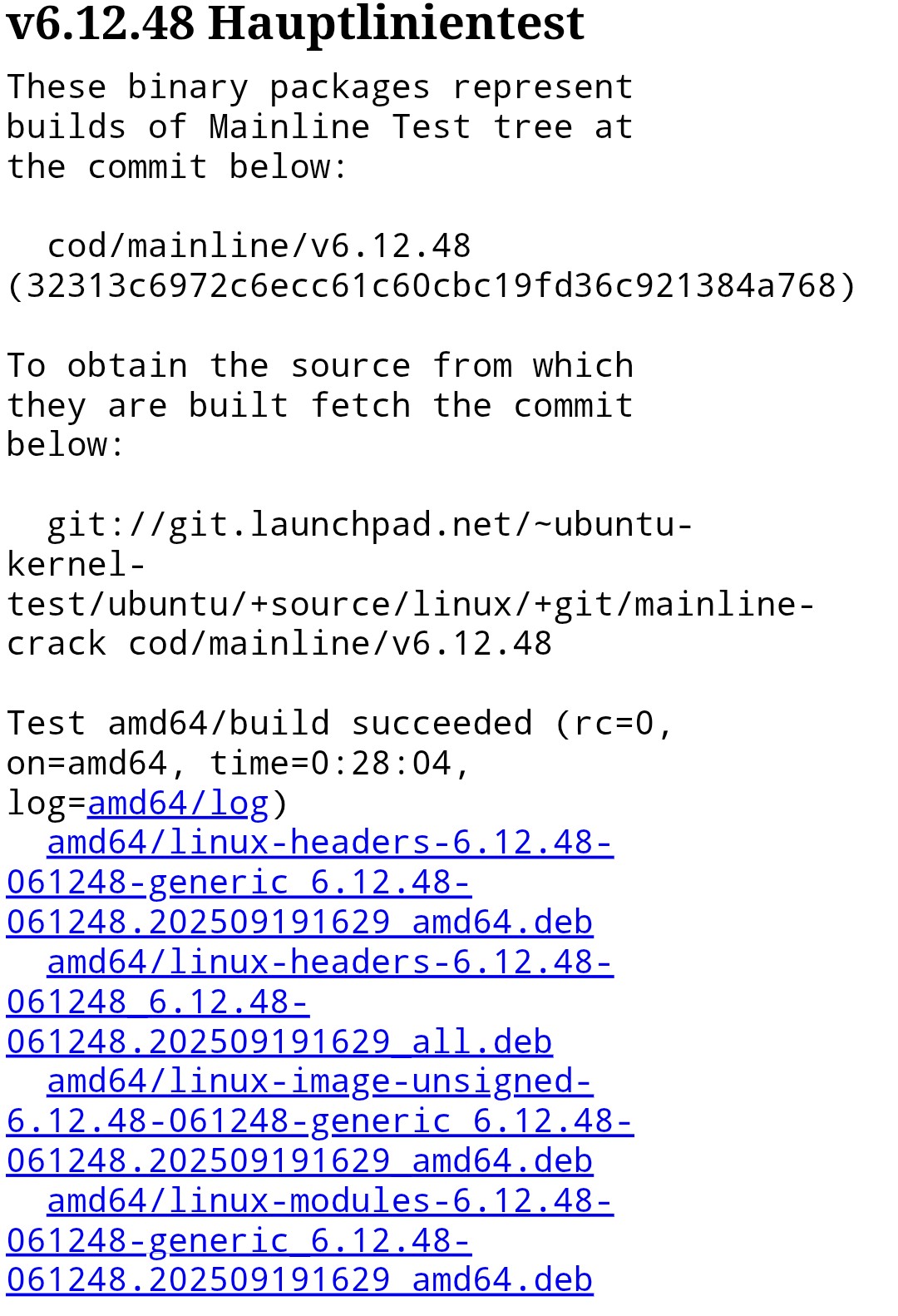
To install a mainline kernel manually without the mainline installer, you would go to the ubuntu kernel page and download the four packages, e.g. for kernel 6.12 the 6.12.48 packages (or is it better to choose v6..12.0 there?)
When a mainline kernel is installed manually or the tuxinvader/liquorix ppa are used, are there automatic kernel updates or are you informed when one is available? Are all updates within the installed specific kernel version, also no automatic upgrade to a higher version, e.g. from 6.12 to 6.13 (just for example) when a new version is released?
What about the mainline tool? Is it the same here?
Some kernel versions only have a short period of time in which they receive updates. The kernels 6.14 and 6.15 are already out of support. Should they no longer be used because it is not safe?
In Linux Mint XFCE 22.1 there are offered HWE kernels in the update manager, the current one 6.14.
It seems as this HWE kernels will get longer updates than the mainline ones:
End of life
6.14 HWE January 2026
vs
6.14 mainline June 2025
I would not recommend to use rc Kernels. These are not final Kernels. Theoretically, You can use them. But for Stability, I would recommend the stable one's (without rc).
I don't know where this come from. Even on kernel.org isn't the 6.18 Kernel listed.
when you have tuxinvader or Liquorix Repo added, you should get Updates over this. When you manually download it from Ubuntu Mainline Path then you don't get Updates.
Here comes a special situation from Ubuntu. The 6.14 Kernel is EOL. So, it doesn't get support from kernel.org. BUT: the Kernel is still running in Ubuntu 24.04. Why is that? Because Ubuntu offers Updates for it. they deliver Buf Fixes, Security Updates and Backports. And that is the HWE Kernel (HWE= Hardware Enablement).
When You use Zorin 17, the 6.8 Kernel is that, too. The Kernel is EOL for a long Time but still gets Updates from Ubuntu.
As far as I know, You should find in Mainline an Update Notification Setting. But I don't know if this is enabled by default.