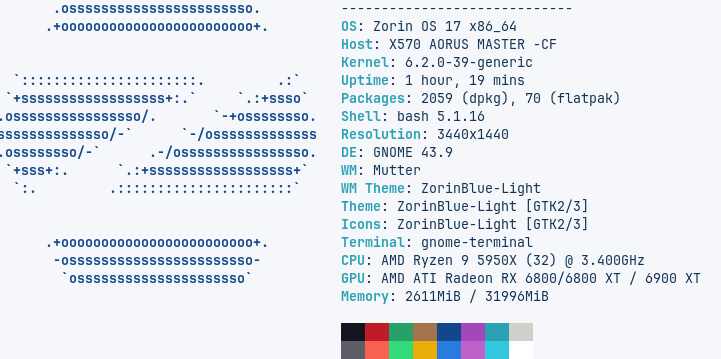
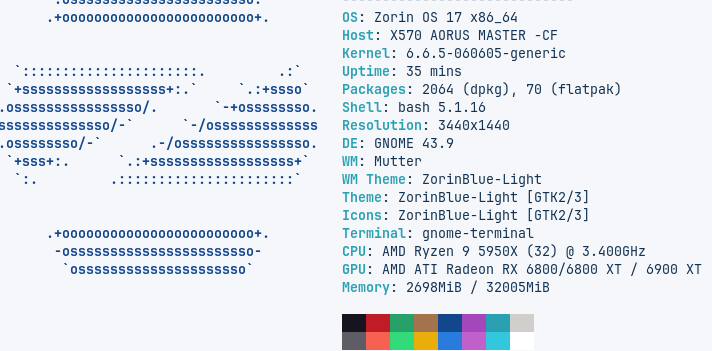
Ok, let me begin by explaining this is not a rant at Zorin and is more about me being frustrated at the horrible experience I've had getting Zorin OS 17 Pro up and running on my machine, and just wanting some general help and advice as to what may be going on.
I also hold my hand up and admit that it's likely something I have done incorrectly, or something about my hardware that Zorin 17 just didn't like or even potential hardware issues I have yet to discover.
I am a bit of a distro hopper, and have jumped around here and there for many years. I tended to prefer bleeding edge or rolling distros, but have decided recently that I would install Zorin and stick with that as my main operating system.
I would then have Nobara as secondary, and Windows 11 last. I recently purchased 2x2TB SK Hynix NVME drives which I added to the WD Black 2TB I already had, along with 2 Samsung 500GB sata ssd drives.
Wiped the lot, and split the WD Black between all three operating systems, using a quarter of the second NVME 2TB drives for a home partition, ad the rest of it for storage. This was just to get me going, as I thought I would plan something out a bit better later on.
I setup the Windows partitions how Windows likes to have them, then split the rest between Zorin and Nobara. Used btrfs for Nobara, and EXT4 for Zorin. All booted just fine, and I spent HOURS setting up each how I wanted them.
The next day, booted into Windows, did some work there and then booted into Nobara. Ran its updates, then played a couple of games before attempting to boot into Zorin to start getting more familiar with it. To be met with the grub command line. After some investigation, I found that the grub configuration had somehow got messed up (still dont really know what happened, but when I rebooted into Nobara I had the Zorin bootloader with a mix of both bootloader entries).
Second attempt, cleared everything again, but this time kept Zorin on the main drive, and let it have the whole drive, then on the second drive installed Windows and Nobara, along with a partition for home again. Installed all of them but didnt start setting any of them up, just updated and got them running. Seemed fine for a few reboots, going between. Then Zorin failed to boot again but got stuck on the Zorin logo. Managed to go to a vt, got logged in to find loads of issues, caused by permissions. When looking at the root partition, my user was now owner of most of the subdirectories, with root only showing here and there. I have zero idea how that could happen and I knew there was no easy way to reset permissions to default. Plus it would likely cause issues elsewhere, so I started again.
As Windows and Nobara had no real issues through any of this, and I was having problems with Zorin staying installed and stable i put Nobara on the main partion, using half of the space. I then put Windows on the second partition, again using only half of the space. Then installed ZorinOS using ZFS and allowed it to use the whole of one of the Sata SSDs.
No issues with Windows and Nobara - however when I was installing Zorin I asked it to use the Sata SSD for installation so assumed it would create and use an EFI on the same disk. Nope. It threw some bootfiles on to the Windows EFI and after installation and reboot - failed to boot. To be honest, this time arounf I was really tired and forget what the error was this time so gave up on it for the evening.
Following day, I re-downloaded the ZorinOS 17 Pro ISO, checked it this time (yes I should have done that with the first one) and it checked out fine. I then wiped the Sata SSD, and installs Zorin again using a standard linux partition layout and EXT4. didn't use a shared home, keeping all the operating systems separated. .
Again I got met with the grub command prompt issue, so I then reinstalled on the SECOND Sata SSD, same layout and as we speak it's working. After launching it for the first time, then updating and rebooting I then noticed the grub menu wasnt coming up anymore and it was pretty much going straight into Zorin.
Edited /etc/default/grub, ran update-grub and rebooted. Zero change. And thats where I am right now.