I installed DaVinci Resolve 20.1 and won't open it when I tried to run it, I followed this tutorial from here: https://youtu.be/nW6cTt2jehA what to do?!??
We need the output of the app (DaVinci) when running through the terminal.
Also:
sudo apt install inxi
inxi -Ga
here is it:
Graphics:
Device-1: NVIDIA vendor: Micro-Star MSI driver: nvidia v: 580.65.06
alternate: nvidiafb,nouveau,nvidia_drm pcie: gen: 4 speed: 16 GT/s
lanes: 16 ports: active: none off: DP-1,DP-2 empty: HDMI-A-1,HDMI-A-2
bus-ID: 01:00.0 chip-ID: 10de:2684 class-ID: 0300
Display: x11 server: X.Org v: 1.21.1.4 compositor: gnome-shell v: 43.9
driver: X: loaded: nvidia unloaded: fbdev,modesetting,nouveau,vesa
gpu: nvidia display-ID: :1 screens: 1
Screen-1: 0 s-res: 7680x2160 s-dpi: 162 s-size: 1204x341mm (47.4x13.4")
s-diag: 1251mm (49.3")
Monitor-1: DP-0 pos: primary,left res: 3840x2160 hz: 160 dpi: 163
size: 600x340mm (23.6x13.4") diag: 690mm (27.2")
Monitor-2: DP-2 pos: right res: 3840x2160 hz: 160 dpi: 163
size: 600x340mm (23.6x13.4") diag: 690mm (27.2")
OpenGL: renderer: NVIDIA GeForce RTX 4090/PCIe/SSE2
v: 4.6.0 NVIDIA 580.65.06 direct render: Yes
Try to enter
/opt/resolve/bin/resolve
in terminal to run the program.
ctCCMessage Already in Table: Code= c005, Mode= 13, Level= 1, CmdKey= -1, Option= 0
ActCCMessage Already in Table: Code= c006, Mode= 13, Level= 1, CmdKey= -1, Option= 0
ActCCMessage Already in Table: Code= c007, Mode= 13, Level= 1, CmdKey= -1, Option= 0
ActCCMessage Already in Table: Code= 2282, Mode= 0, Level= 0, CmdKey= 8, Option= 0
20.1.0.0020 Linux/Clang x86_64
Main thread starts: FD043000
log4cxx: setFile(./logs/rollinglog.txt,true) call failed.
log4cxx: IO Exception : status code = 2
0x71cffd043000 | Undefined | INFO | 2025-10-13 12:02:23,726 | --------------------------------------------------------------------------------
log4cxx: No output stream or file set for the appender named [RollLogAppender].
0x71cffd043000 | Undefined | INFO | 2025-10-13 12:02:23,726 | Loaded log config from /home/digital/.local/share/DaVinciResolve/configs/log-conf.xml
0x71cffd043000 | Undefined | INFO | 2025-10-13 12:02:23,726 | --------------------------------------------------------------------------------
another resolve user!!!! i can try and help if you want? i run resolve on zorin & have good perforamcnce..
whats happening?
Sure, well I I installed DaVinci Resolve 20.1 and won't open it when I tried to run it, I followed this tutorial from here: https://youtu.be/nW6cTt2jehA
ah got yah... well with resolve on zorin, you only have to install about 5/6 missing library's for it to work, i done it manually, ( it tells you what missing when you first try to open it ) you could also use this, which does the same thing as i do manually... works perfectly..
no need to do the nividida part if youve let zorin do it
As it is a guide for ubuntu 24.04, for Zorin 17 which is based on ubuntu 22.04, may be other libraries needed.
I'm running zorin 18 and used that script this time.. works perfectly
what I have to install?? tell me.
How do I install it??? tell me dude.
Should I uninstall davinci resolve 20.1 and reinstall?
So download resolve... leave it zipped in your downloads folder... go the to link in that video & downlaod the script, then follow the video, if you are new to linux, like i am... it took me about 10mins following.
thats it
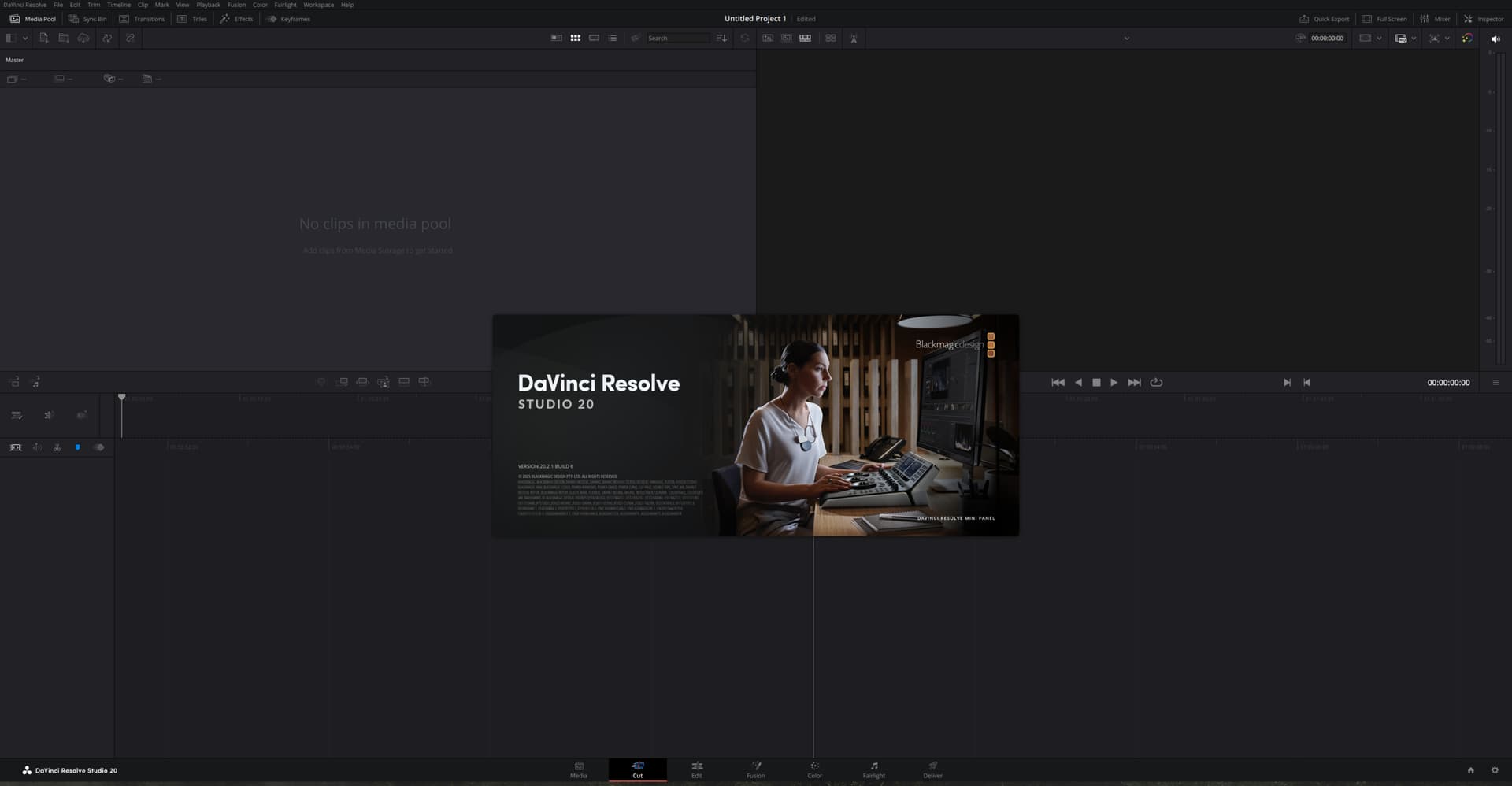
ermmm.. not sure if it would still work, you prob best uninstalling first yeah
will their script work with resolve 20.1?
so follow whole thing but in zorin os?
Ok, it worked! now that's it?
Also why I cannot pin to dash?
Yep that's it. Find the software in the app list & right click to pin