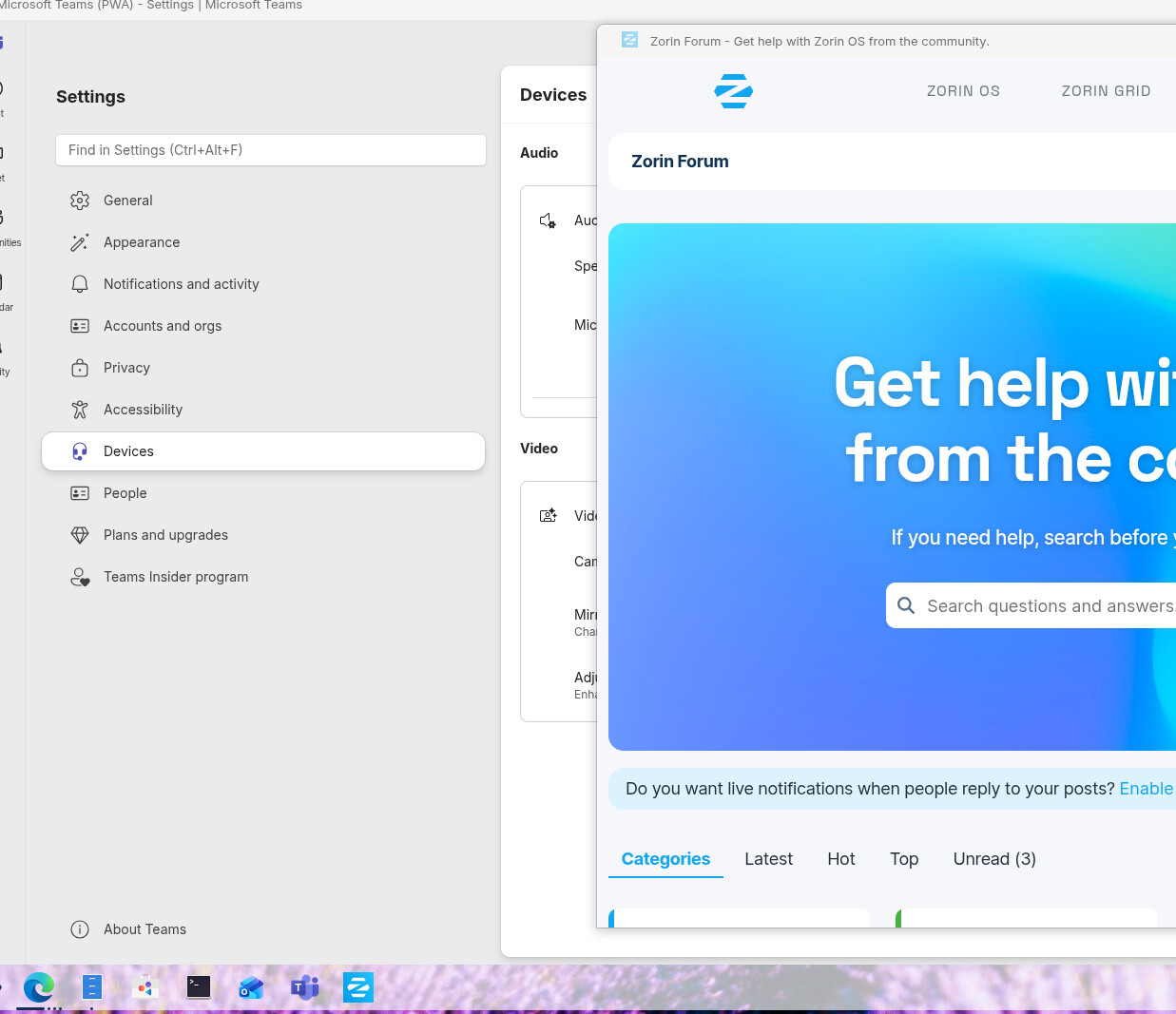
When I 'install' and PWA using the option in my Edge browser, I can pin the resulting application or at least its icon to the taskbar. However, when I launch it from the taskbar from said pinned icon, it just shows that I have another browser window open. I recall this worked before, so I'm not sure why it isn't any longer. I even have a fresh install of 18 pro that is not cooperating.
This is bad because the whole point of using the PWA is to separate it from all of the other browser windows and/or tabs and having the ability to click on that taskbar icon and go to the application (i.e. browser window) that I want w/ out sifting thru the many tabs that I might have in the browser more natively.
Note in the phot that Zorin Forum is open as a PWA and pinned to the taskbar, however it just shows an Edge window being open.
I don't care if it works in Chrome, so don't suggest that as I use Edge. I like it better especially now that it is just Chromium distro. I am highly urged to use by IT at work to use it, and I like how it syncs better w/ my many Microsoft accounts, both personal and organizational types.
I don't think you understand the question. It's not that the icon is missing or has a generic icon instead of one that matches the 'favicon'. It's that the running PWA shows up as another browser window in the browser taskbar icon when it was launched from a different icon in the taskbar.
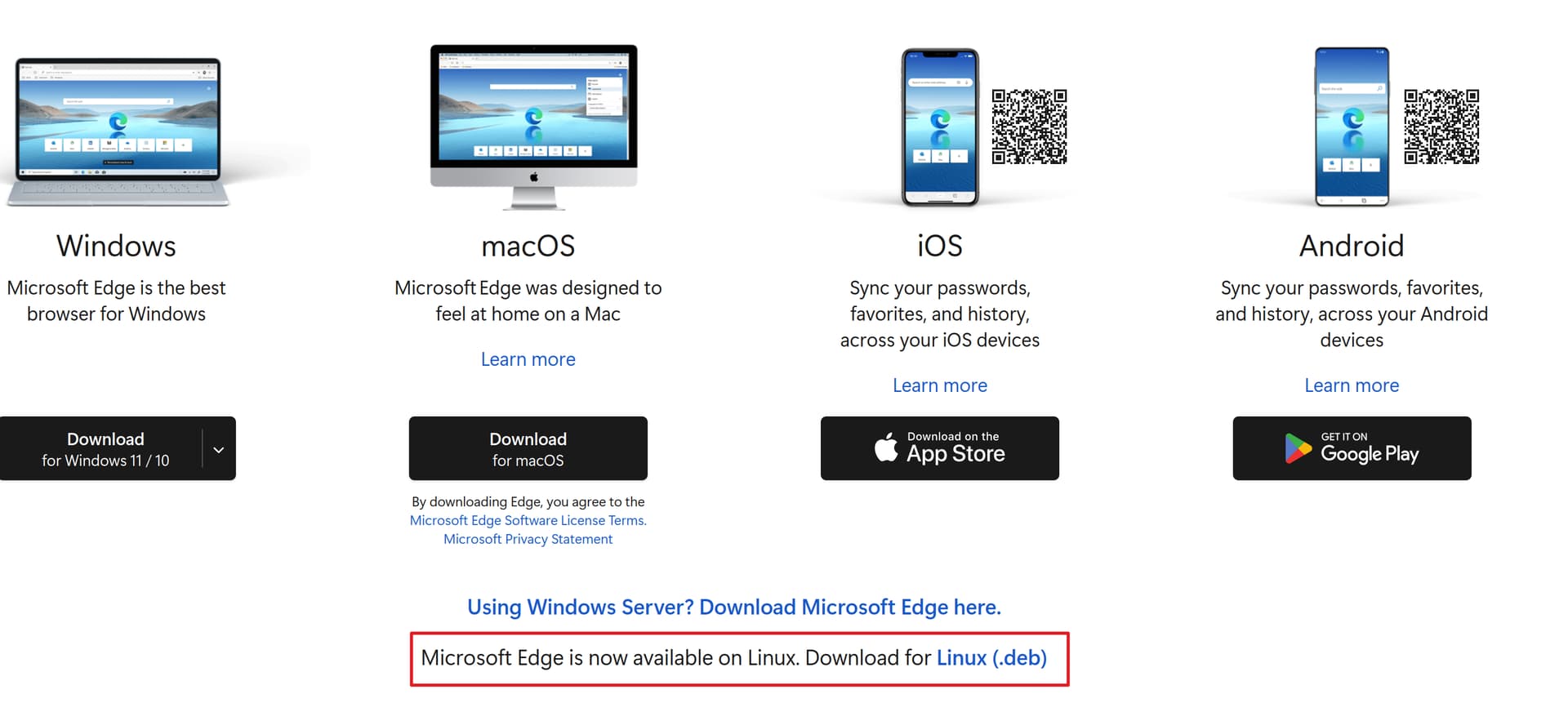
I did have the flatpak version installed, so I took your advice and installed the .deb downloaded from MS. It didn't entirely fix it as it was working differently, but not as I wanted and had seen in the past. Then I tried @Forpli 's suggestion to use Xorg and now it works exactly as a I want and would expect.
To anyone else having this issue, try Xorg first, then the deb install.
Now, I only have one more issue, and that's whose reply do I mark as the solution?
I apologize, it's true that my suggestion didn't address your problem, I misunderstood something and didn't read carefully enough. You can mark your last post as the solution, then everyone who comes across it will know what helped.
Good that it's now working as desired!