Hi everyone.
I'm new to linux and Zorin. It's not been easy getting things set-up, but I thought I'd share here a solution to one particular obstacle I encountered and solved.
There are some problems with running OBS Studio on Zorin, to do with Wayland. The online advice tended to be incomplete, leading to the application failing to load at all.
I found that my Twitch chat dock (and the other docks Twitch provides) wouldn't show up. In Settings/Stream, too, the "Connect Account" button had disappeared.
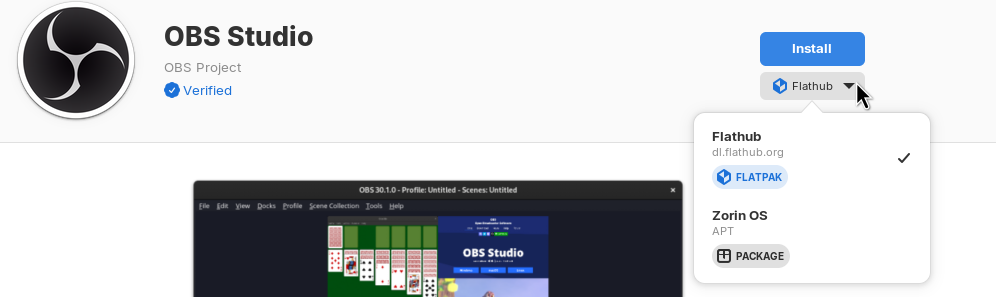
I'm using the flatpak version of OBS. There was something in the research I did suggesting that this includes a part that facilitates browser sources.
The solution was to install "Flatseal" from the Software store. This lets you modify permissions for Flatpak applications. TWO changes here were needed:
-
In the "Socket" section, switch OFF "Wayland windowing system"
-
In the "Environment" section, ADD a Variable "QT_QPA_PLATFORM=xcb"
The online advice I found only mentioned the latter, but if step 1 is omitted, OBS fails to launch.
After having made those changes, the button to "Connect Account" within OBS/Settings/Stream reappeared. That let me reconnect my Twitch account and authenticate. After that, all the Twitch docks appeared.
Now, copying over my scenes and sources from my Windows installation — that's a whole other headache. My main Scenes JSON export causes OBS in Zorin to crash. Still working on that one...