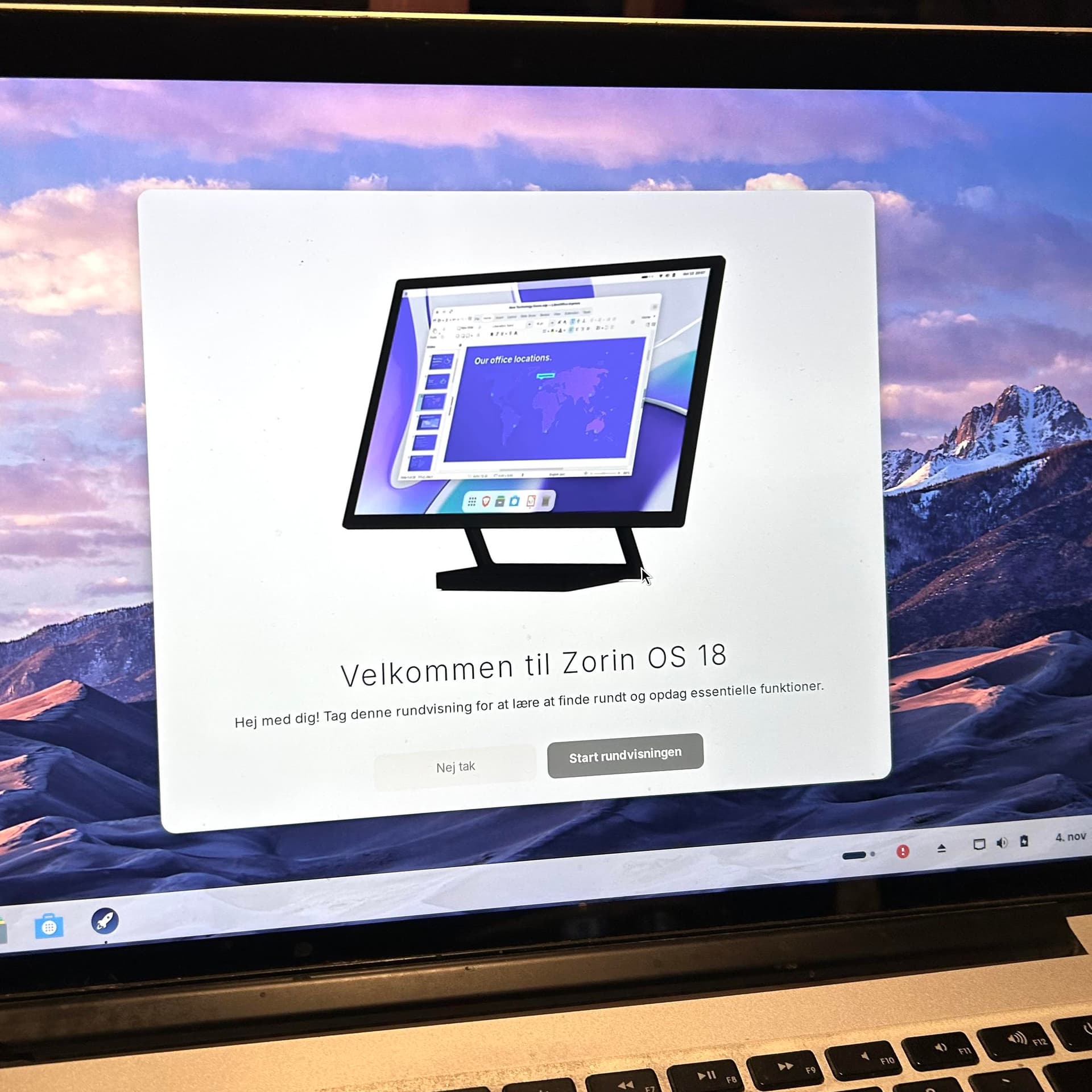
While I would recommend getting a USB WIFI adapter just to be sure, (Their good to haves for backup too) If you do a full install with drivers, Zorin should come with a WIFI driver in the kernel, to get that WIFI going.
If it were me making the decision in your case, I would opt to get a cheap WIFI dongle for that thing, just to be on the safe side. Heres a link!
Did You take a Look at the ''Additional Drivers'' Tab in Software & Updates if there is a Driver for Your Wifi offered? Could You post the Output of sudo lshw -C network please?
You likely have a Broadcom card on MacBook which is Proprietary with its drivers.
Using your Phone as a hotspot with USB tether to connect to the net, launch terminal and run
Using a USB-tethered phone was a great tip, I hadn't thought of that - thank you @Aravisian
I also made some progress downloading & installing the Broadcom driver - until I realized that this would probably require a restart & so wouldn't work from the Live USB.
No worries, for now at least - I can run the installation with the phone tether & then do the other thing.
That should probably be a different thread, though, with a reference to this one? I would like to share my experience with it, just in case someone else can use it
Some of the steps were redundant, of course, because some of the above steps had already covered it, and being new to Linux I can't say for sure which steps did what - but it works now.
Thank you for your help - I'm glad to find that this is a friendly & responsive forum, another reason to believe I chose the right kind of Linux