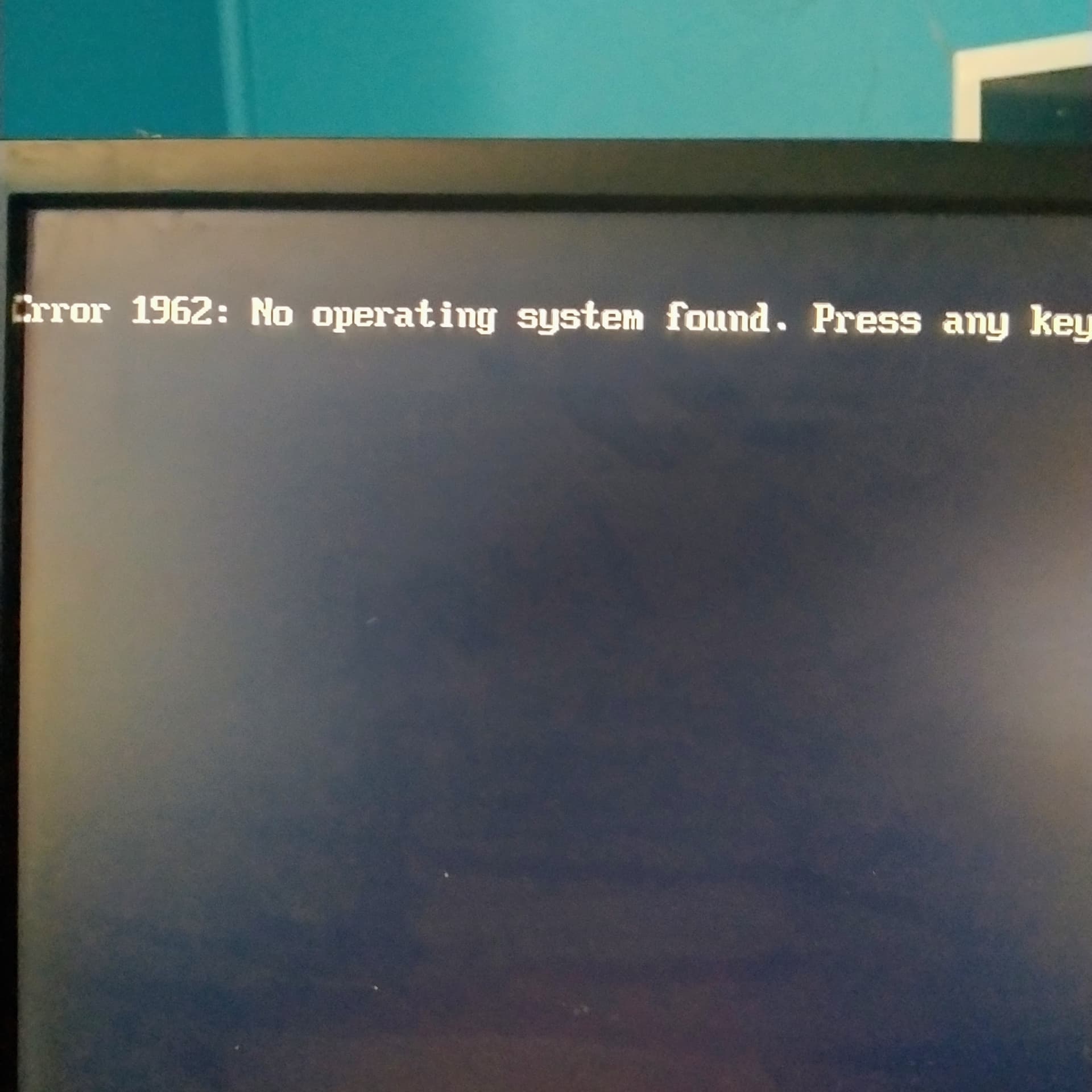
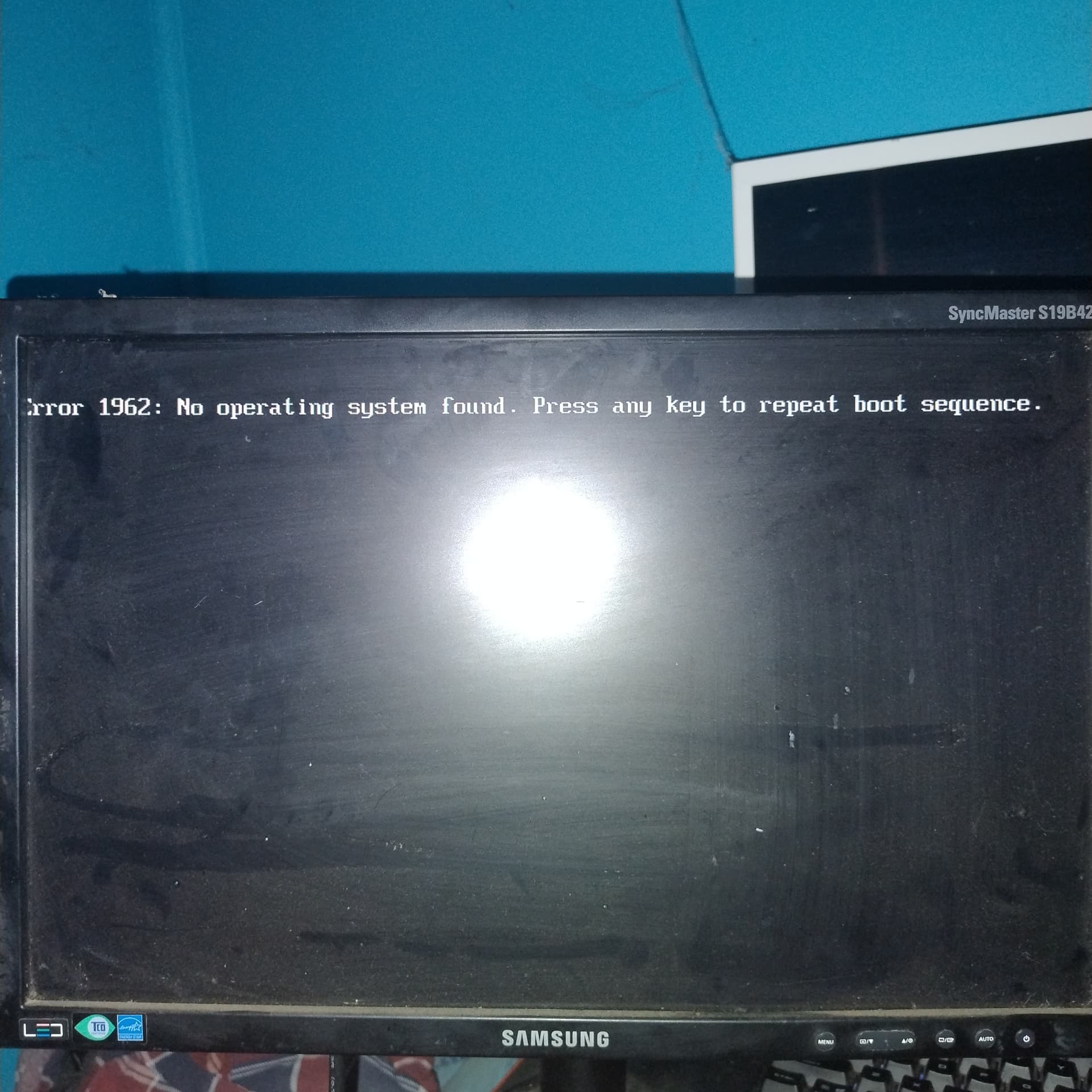
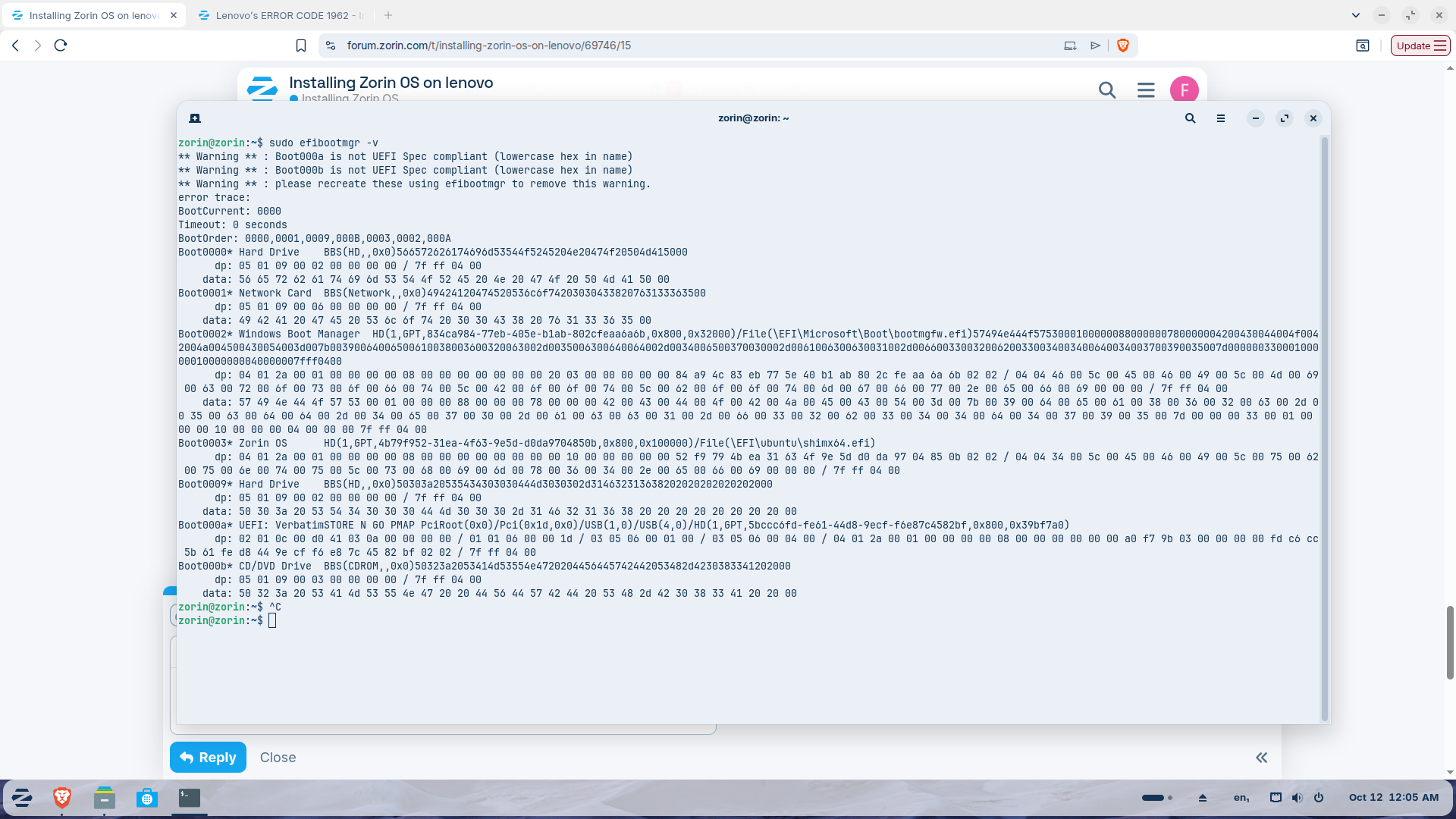
Hi guys, I'm having trouble I stalling and idk what else to do, I've got a lenovo Thinkcentre M91p desktop tower which has 2011 bios, no secure boot or anything, however, I finally got windows 10 to install with Rufus on the 1st 4TB HDD I have ,so Windows is fine ,however the 2nd Exact same type and age etc 4tb Drive, I've got it installed but cannot for the life of me get it to boot up zohrin, I've tried others no change but I've decided to stay here, I jsut need some help to figure out a way to get this thing booting up along side my windows, cause zohrin will be my main OS if I can get it to boot and windows is my backup multilayer system thanks all
hi bud, tha kyou for the reply, windows and Linux are both running under UEIF right through I made sure everything was running under the same type of bios setting, but I just can't get the boot to load since apparently for my bios everything is saying it ignores everything other than Windows boot manager but it's strange due to I did use to have Linux on this machine but I'm guessing somthing has changed so unsure bud
Hi Frostman6. I have not tried this exact setup (a ThinkCentre M91p with two 4TB drives), so this is only from reading documentation.
It would help to know what happens at boot: does the PC go to a black screen, show an error, or just start Windows? And can you see the second drive in the BIOS boot menu?
One thing I can point to. The GRUB manual says that on a BIOS (non-UEFI) PC, a disk with a GPT partition table needs a small "BIOS Boot Partition" for GRUB (at least 31 KiB, 1 MiB recommended, partition type bios_grub). On an MBR disk it does not need one. I do not know which partition table your 4TB drive has, so this is a guess to check, not a diagnosis. If you can post a screenshot of the partition list of that drive from GParted (in the live session), it would show whether that partition exists.
I had a similar issue getting Windows 11 and LMDE 7 to see Windows in GRUB even after ensuring OS Prober was active after erebuilding youngest's PC recently.
I used a combination of creating an entry in GRUB for Windows Boot Manager and then to ensure things could be booted, I installed rEFInd which gives a GUI at boot time to choose which drive you want to boot off:
hi mate appreciate the reply, I'm wondering why it doesn't work now when it use to on earlier versions and earlier iean Linux in general, as for the boot when Windows is plugged in and not just the Linux drive windows boots fine unde UEFI which is what's needed for the GPT, as for Linux I've installed it on the other drive without any addition to the Windows drive due to I disconnect Windows while I did the Linux install, and the boot loader I've verified is indeed there but it just won't boot, I've tried everything to get it to load, from remounting to normal mounts to remove ans redo of either grub or normal doesn't matter, anytime I try ans boot up the system after I think it might work I instantly go to error 1962 or whatever it is No operating system detected, please press any key to start the boot process again, ans it just keeps saying it over and over if u press any key
I am wondering if it is because the root file system isn't labeled as such. Can you boot with your installation media, select Try Zorin then launch GParted and top right should indicate that it is looking at your install media. Use the drop-down arrow to the right to select the drive Zorin is installed on and take a screenshot and post back here.
I would suggest that You create a Bootstick with Rufus and choose MBR and then try it with this to check if that makes the Difference. Also format the Bootstick to FAT32.
hello bud, yeah ive checked everything including the efi and the boot side,everything else is fine apparently according to everything iv found and what ive checked, its just somthing with this BIOS or maybe boot manager due to its firmware thing, idk, im at wits end with it all, im not a heavy tech linux person, so i do a ■■■■ load of looking up or as AI or ask someone, but alot arnt sure either, ive tried everything to boot, it works perfectly fine on the USB but once i try have it boot off pc, its like nope, so ive wiped it again while on the windows drive, and made it have nothing on the drive again, so im unsure what the heck to do about, it bazzite was the same, whatever is causing it doesnt seem to want to work with linux period, so ive come here as last resort to see if anyone else has had any similiar experience or dealth with this issue
, i did watch a youtube clip of someone else with a lenovo desktop or server machien or somthing he said, and he had to redo the UUID, i did try it no change so im at a loss, i love linux i cant stand windows anymore, but not much i can do about it all
i could try, but in my mind if i have a 4tb drive, id prefer to use the entire drive, due to games to run aswell, but yes i could test it but id be back to reinstalling ,so it is a possibility, i used rufus for this drive to install, but made no difference id say my bios and boot management system , is seeing it and choosing to ignore it and not boot from it, so it gives me the error of no operating system
is like to thank everyone who's had an input to try ans get this working, however I've been a this for 6 days straight, and I've decided to wait a little longer till I get a better newer type machine that I can then install zohrin again then, I'm not giving up on the Linux dream ohh heck no, I appreicte all who have tried to help
first, if I recall win 10 has fastboot, doesn't it? Can you make sure it is disabled?
second, have you tried running OS Prober? If that is the problem there are some lines to uncomment in your /etc/defaults/grub file.
fast boot is enabled due to 1 reason if I have it off all I get is dhcp side nothing else ,so I left it on, however I haven't used ,I'm at the point I'm just going to wait for a better pc which can support this stuff better
I think it has more to do with the set up configuration than the age of your computer. So long as you have about 8gig or better memory you should be able to run Zorin o your old machine. With fastboot enabled you will not get into anything but windows because it never powers off, just goes into a hibernation with windows still running. You will never reach grub.