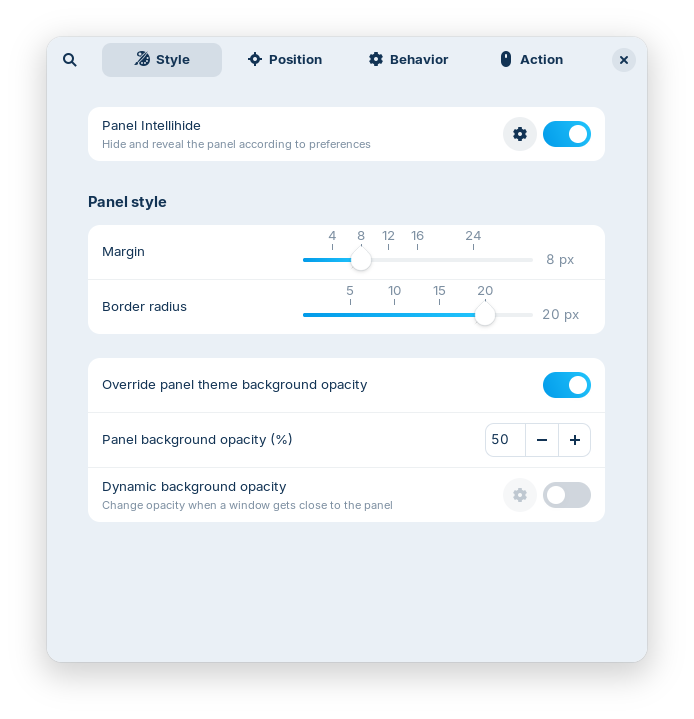
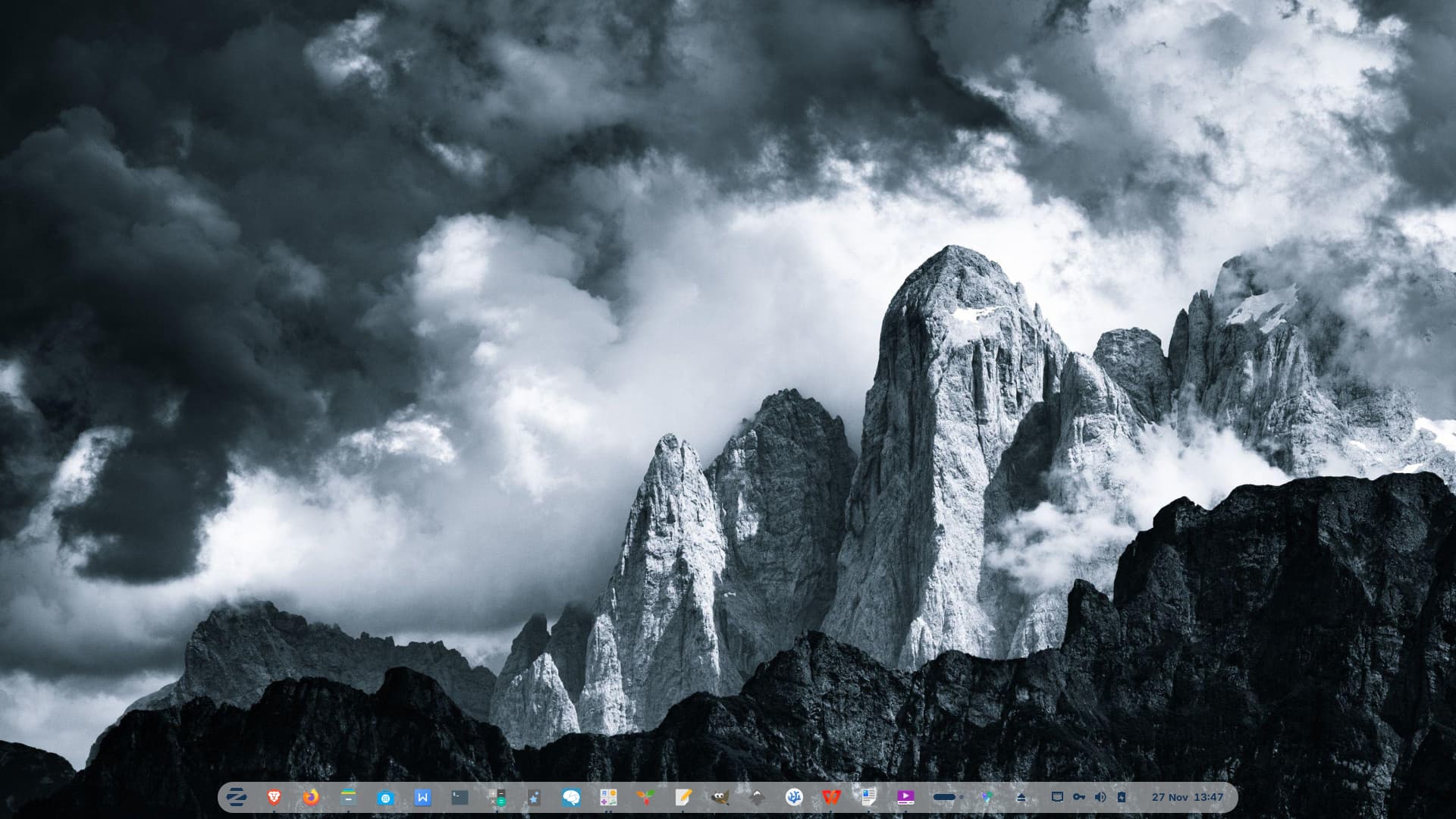
Somewhat similar to this topic, but just significantly different. The intelli hide option is enabled in Taskbar Settings, so that when a window overlaps the taskbar, the taskbar auto hides, but also reappears when hovering the mouse over the relevant area at the bottom of the screen.
This functionality works for a duration of time but will eventually desist. When hovering over the relevant bottom area, the taskbar will no-longer appear.
For a short duration, functionality is restored by returning to the desktop. For this, I usually press super + d. But the problem will soon reoccur.
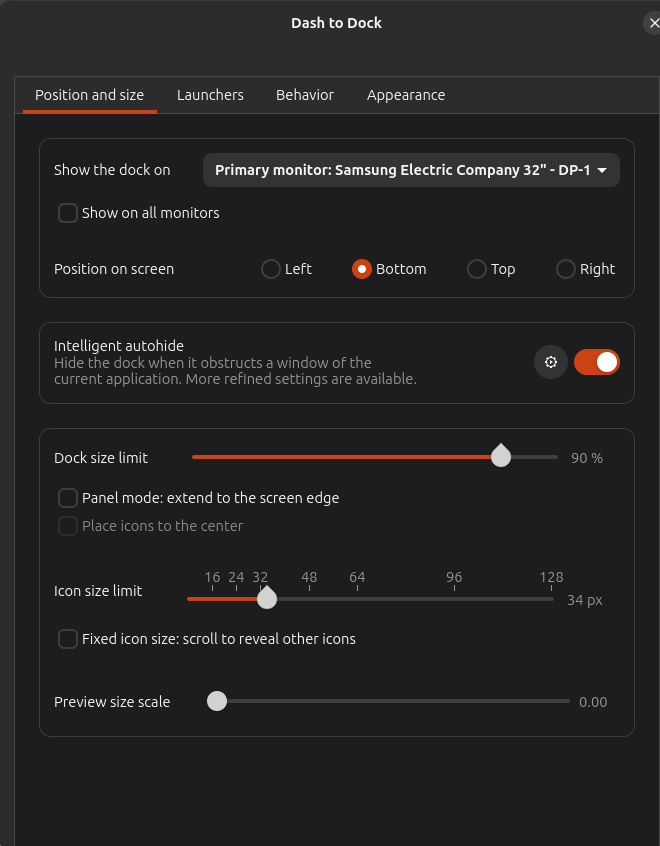
Hmm I use the extension dash to dock to control it. works fine. is that the one built into zorin? Im on a differnt OS and cant see the zorin settings right now
No. For as far I can see there is no relevant utility related to extension dash to dock. I think you must be referencing that classic Gnome menu.
My neophyte status might misread things.
No, the Zorin Taskbar is not Dash To Dock. It is Dash To Panel. Not with the full Feature Set, but it is. Zorin has an own Dock, too but that comes with the Pro Version.
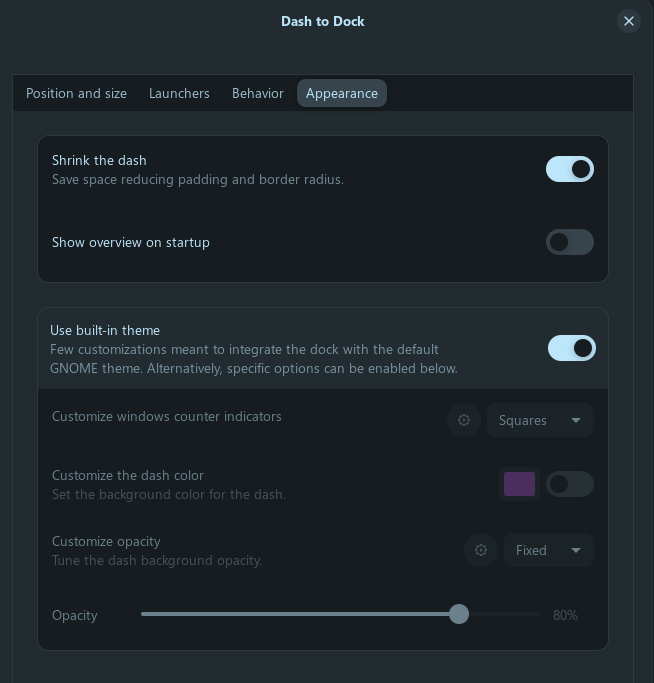
So he would need to install extension manager then browse Dash to dock install then the gear then set intellihide in there I would think
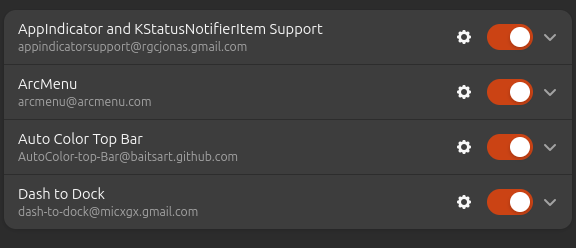
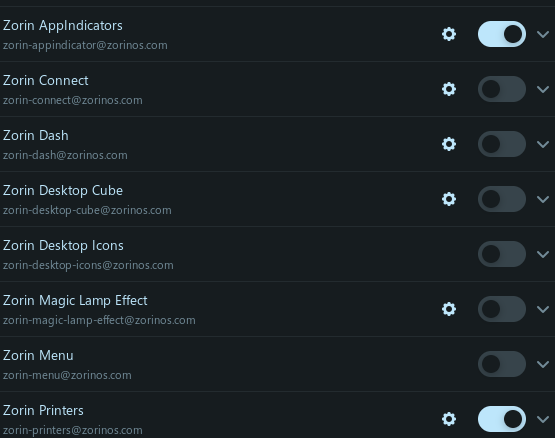
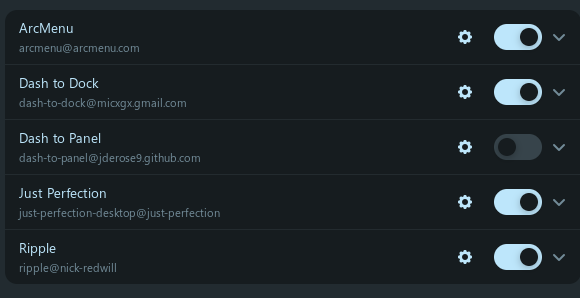
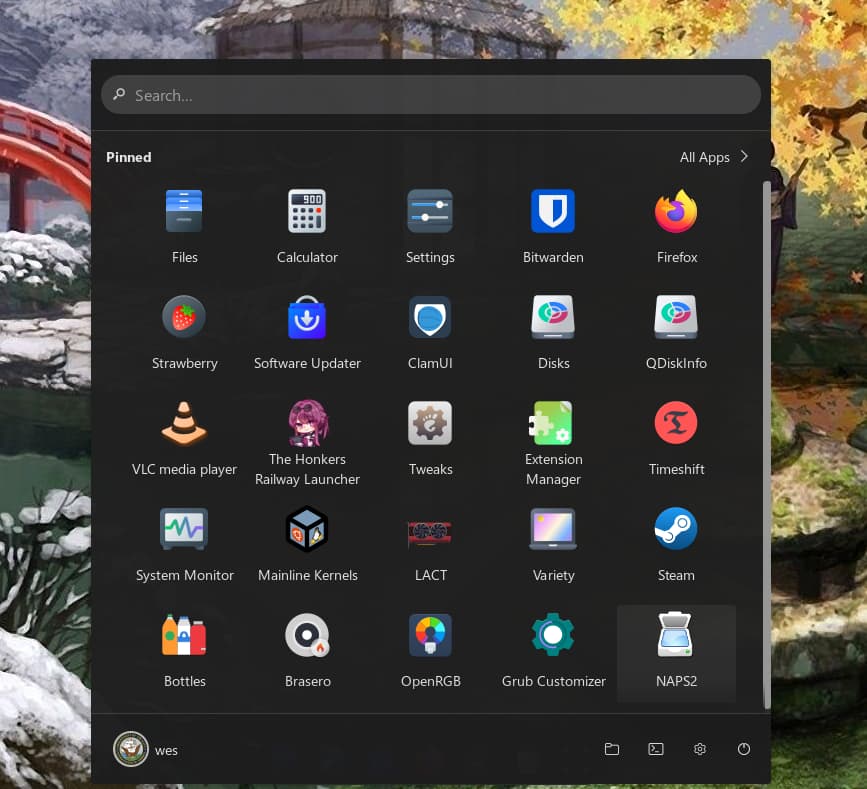
these are what I have installed there
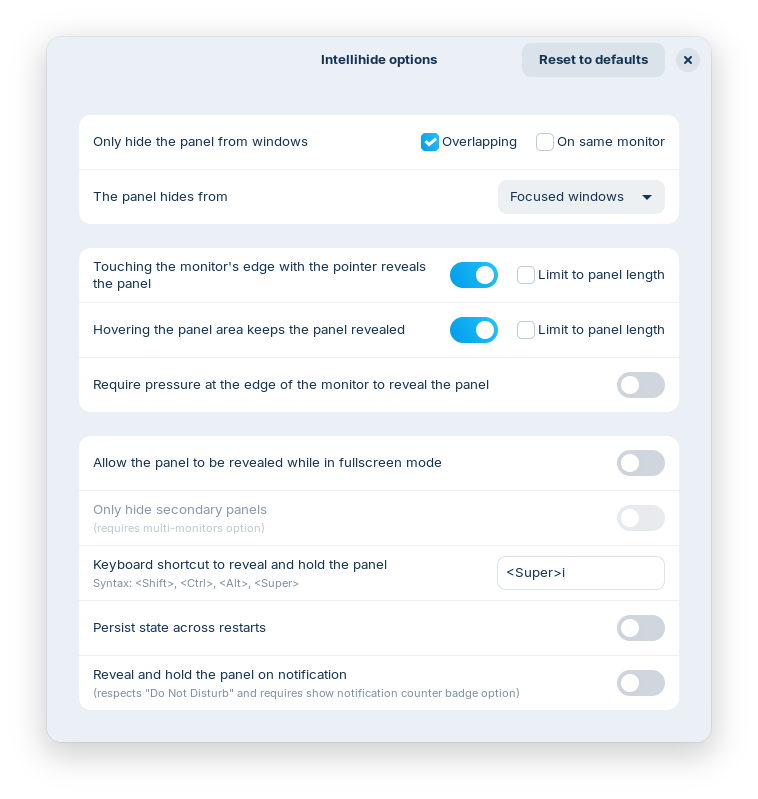
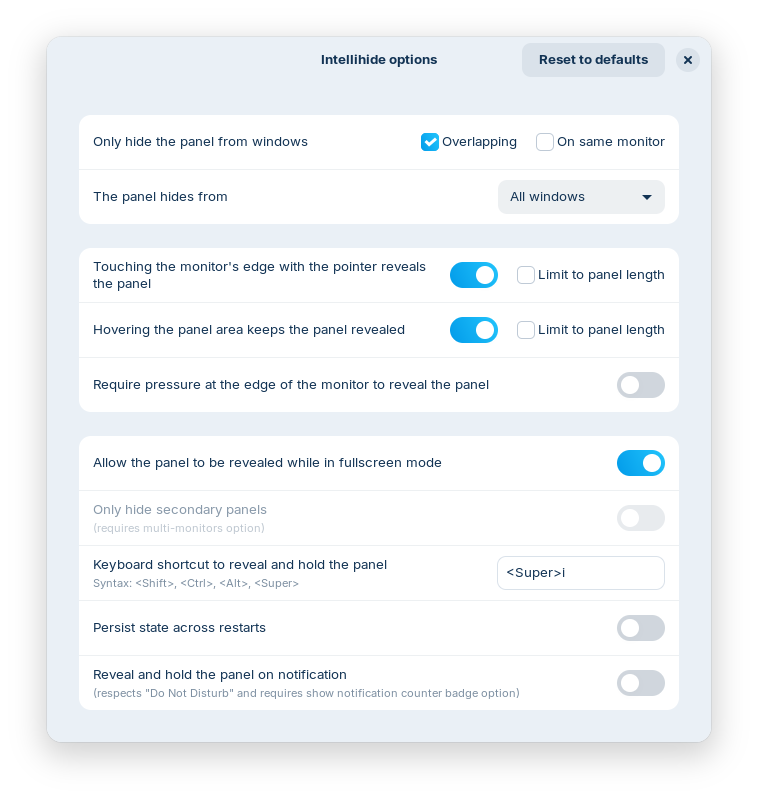
Thank you ― I played around a bit with several options and toggles here, but wasn't sure if I was going in the right direction. This is because the menu presentation as it is now seemed to imply the auto hide/reveal should already be toggled on by solely activating intellihide. This made me doubt as to those options you mentioned were relevant at all.
The fact that the original problem arises after a random duration of time also makes it difficult to test the effectiveness of option variation in this menu. I will give the below configuration a go for a few days, then report back.
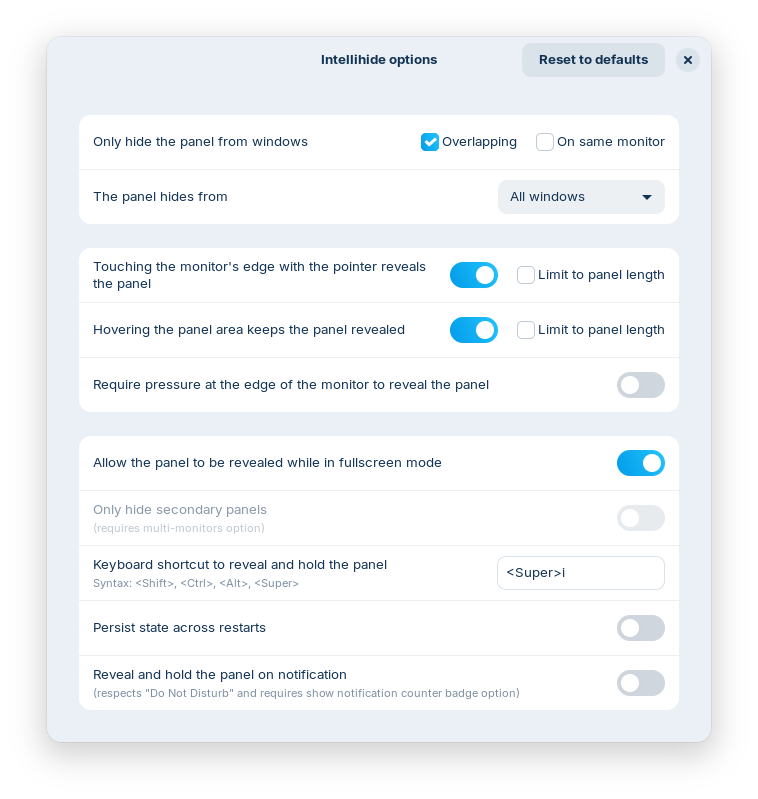
Thank you for pointing this out again. It appears the likeliest solution will be found here.
After some experimentation, I must unfortunately conclude that varying the options in the IntelliHide menu did not resolve the issue. After a certain duration―the taskbar will fail to reveal itself on mouse hover.
An additional problem has been added after testing varying options here, namely that the taskbar can not remain hidden even when returning to the desktop. Pressing the super key does re-allow the hide/reveal dynamics. But a new unintended behaviour is that the taskbar now also hides on the desktop (no persistent sticky behaviour), without any screen open, even when not configured to do this.
Hence―the IntelliHide feature revealed itself as buggy on my end.
Hello Forpli―Thank you; and no. No other Gnome extensions are installed. I haven't changed much if anything to the original installation, configuration-wise.
Maybe try it with switching to Xorg to see if it behaves the same. To do that, go to the Login Screen. click there on Your Profile so that the Password Field appears. When it is appeared, You should see in the bottom right Corner a Gear Icon. Click on it and choose the Option ''Zorin Desktop on Xorg'' and then log in and test if it works better.
That is a really good idea. I'll try for the sake of experimentation and situational analysis. However ―and I don't know how much this really matters― but I prefer Wayland for its superior security reputation. I'm not sufficiently UNIX-educated to know if sticking to Wayland here really makes a difference security-wise. But my intuition would guide me to stay on Wayland and would be willing to sacrifice a bit of desktop functionality for increased security.
I'm not sure if it may be a relevant factor here, but if you use fractional scaling, try to disable fractional scaling at the display settings and test it then.
He should just turn off all the ones in Zorin and install extension manager then dash to dock and use it. has always worked for me
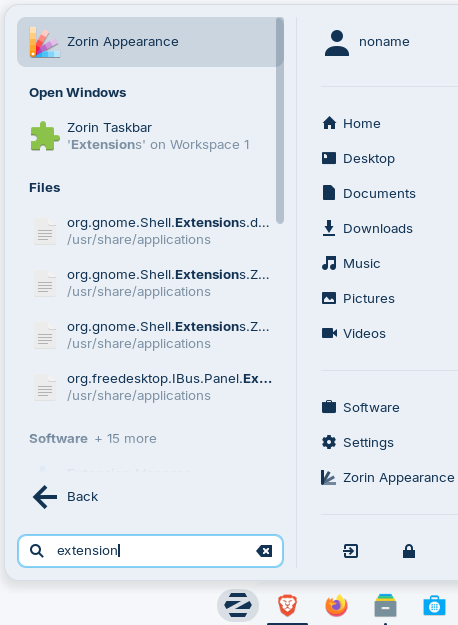
logged into zorin as what i posted above is on Ubuntu 26.04 heres what i have in zorin
Well, there is a Security Factor, yes. But it is more a relative one. It doesn't protect You from bad Software. When You install it, it is installed. You have still the Responsibility what Software You take from which Source.
@wesoliv429 mentioned here Dash To Dock. When You look for an Alternative to the Zorin Taskbar Dash To Panel would be a better Adress because it is a Taskbar.
You can expand Dash To Dock in the Extension Settings and it will look like a Taskbar, yes. But it isn't one.