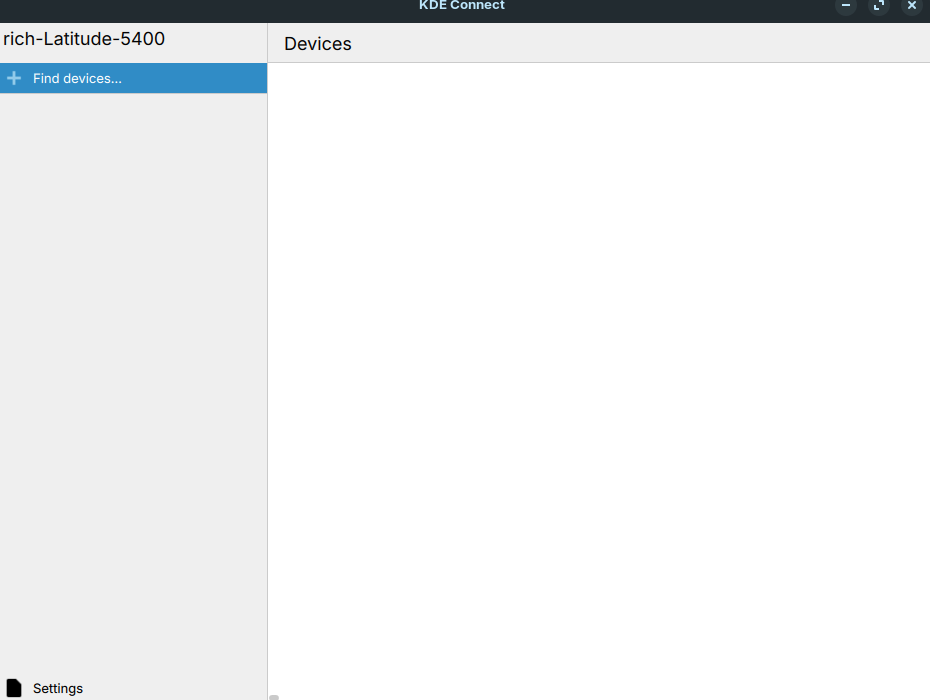
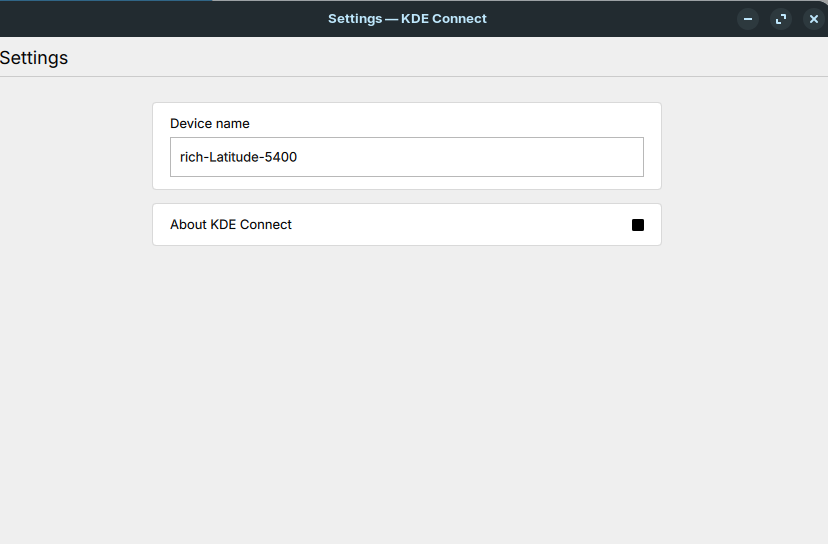
I just spent my evening clean installing Zorin OS 18 on my laptop. Everything went pretty well except when trying to connect my iphone to kde connect. I downloaded kde connect to my computer but when I launched it I just get a box with my computer name and the settings really have nothing in them. This seems like something is wrong because before kde connect had a lot of tabs and settings, etc.
My firewall is not activated so I know it can't be that, This all worked great on Zorin OS 17.3. I'm running IOS 26.1, which I'm not sure even matters. I put the computer's ip address in the kde connect app on my iphone but that did not help.
Any thoughts or ideas would be great;y appreciated.
Hi, just done a search and potential issue is Wayland. Zorin by default uses Wayland (Zorin Desktop). See if switching to "Zorin Desktop on xorg" at the login screen solves the issue. Select your username at login and a cog appears. Click on it and change it to the xorg option. Keep us posted.
After going back to Zorin OS 17.3 I realized I hadn't tried KDE Connect using my new iPhone 16 running IOS 26. As it turns out the problem seems to be the iPhone because the same thing that was happening in Zorin OS 18 is happening in Zorin OS 17.3. I have decided to use OneDrive for basic file transfers between my iPhone and computer for the time being.