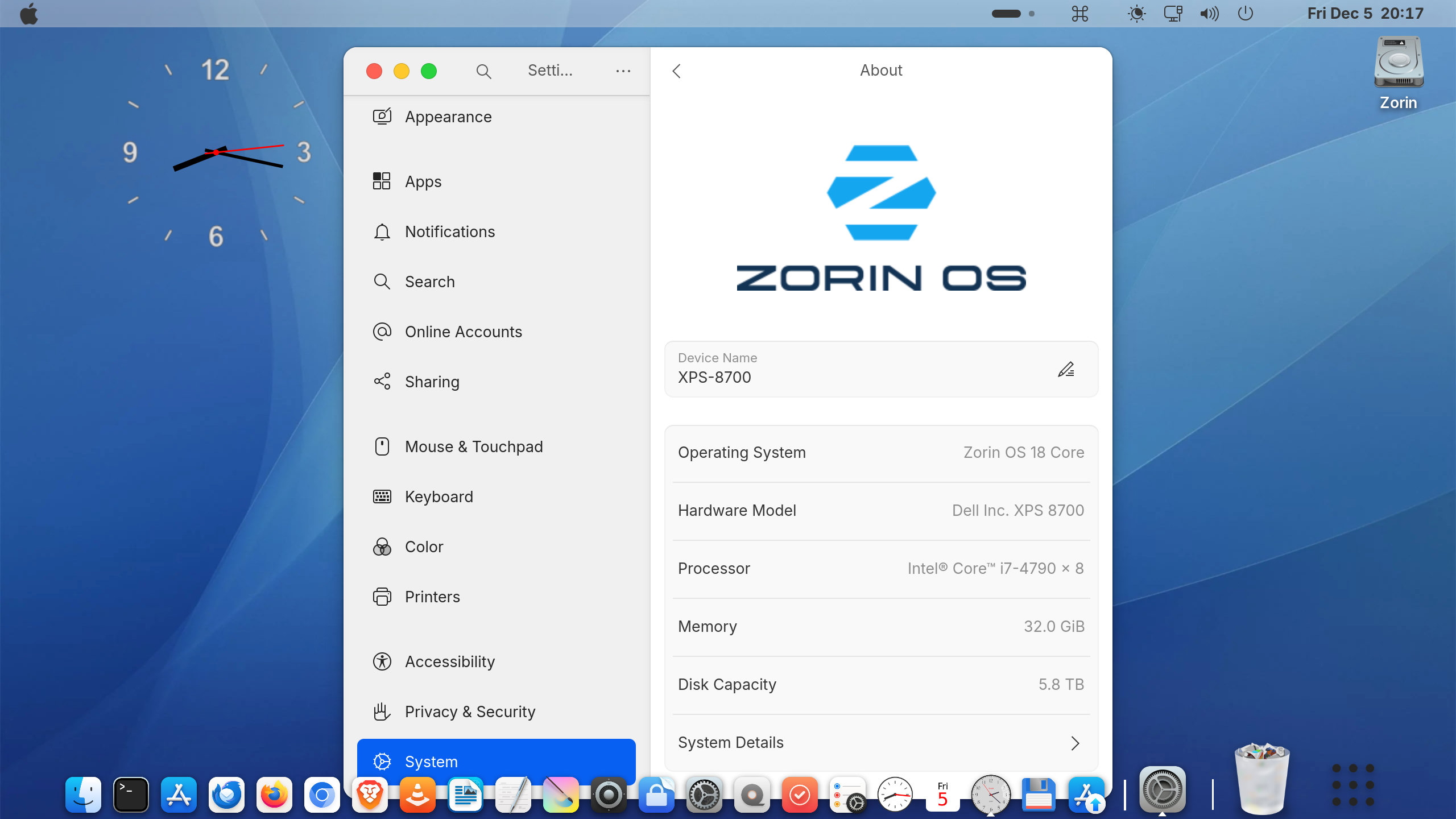
I am a ZorinOS newbie coming from Windows 10. I like old MacOS Aqua desktop, so I make the one like this. ZorinOS18 Core has worked well about 20 days so far.
I have a question about Zorin System Sound Theme.
Zorin has 'Zorin' sound theme pack /usr/share/sounds, while I can't set any system event sounds expect 'Alart'.
Does ZorinOS inteds to disable any System Event Sounds?
Do you have a plan enabling System Event Sound Theme in a near future?
I attempted to install a custom sound theme on Zorin 17 but was unable to get it to work for all system sounds.
What you can easily do is to enable the startup sound in autostart applications.
Zorin does not have enabled system sounds.
You're more flexible to setup sounds with cinnamon and kde.
Zorin Pro does not offer any more features in this regard than the core version. You are welcome to try it out to see if it behaves differently on Zorin 18 than on 17, but more and more features are being disabled in Gnome, so functionality is decreasing rather than increasing. So far, I have only read user reports (no one from Zorin 18) where some of the system sounds worked, but not all of those listed in the (custom) sound theme. It is as if the sounds are not linked and you have to create these links first. However, there is very little information about this, and I eventually gave up.
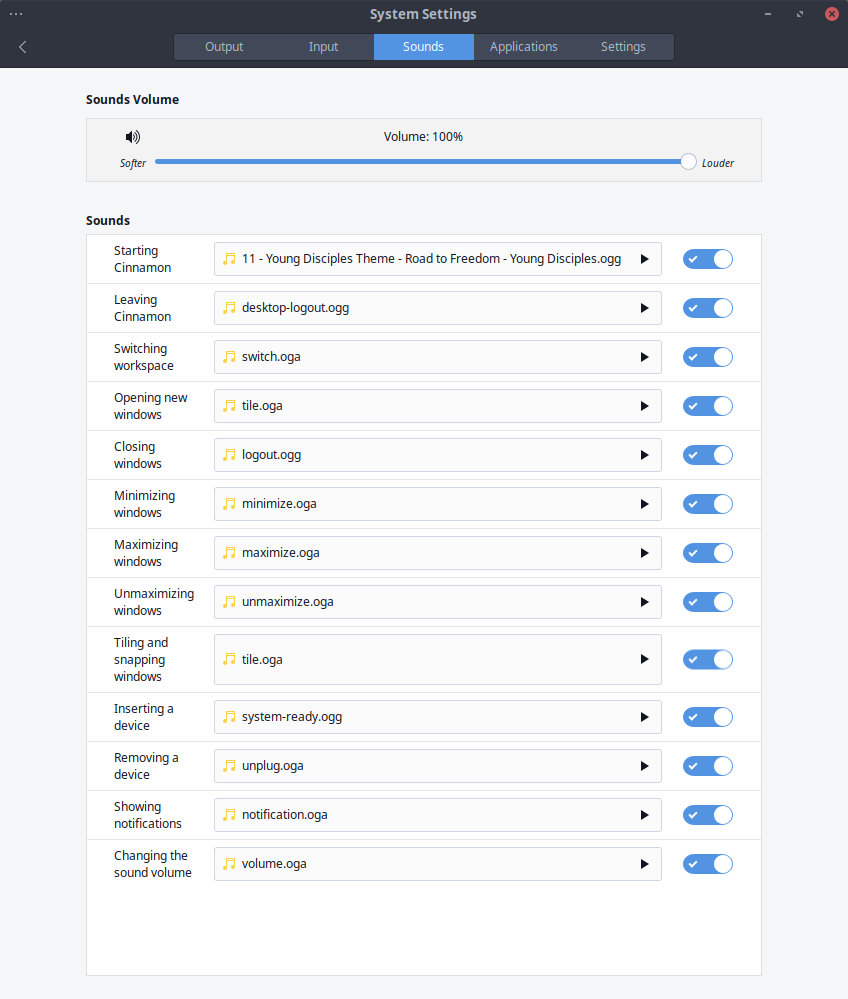
I have even installed cinnamon desktop on my Zorin virtual machine to see if it would be easier to set up sounds there, and it worked - but the list for the sounds you can set up there is not very long. But you can choose any sound file you want. In kde it should be similar.
You should be able to get a Startup Sound. Go to Start menu>System Tools>Startup Applications and tick Startup Sound. My daily driver is Zorin 17.3 Pro Lite, but separately I have XFCE installed on Zorin Core 18 (which usually is based on Gnome), and that also has only Startup Sound listed. For years I have used Zorin Lite (XFCE), but that will disappear after Zorin 19 - a great pity.
Thanks much for you advice.
I've already set the Startup Sound, but I realy want aother 4 system event sounds; Trash, Window Zoom in, Window Zoom up and Shut down 'Good by'...
For years I have used Zorin Lite (XFCE), but that will disappear after Zorin 19 - a great pity.
You can install a sound theme that offers sounds for this actions and put the sound theme to /usr/share/sounds. You need root rights to do this. Run nautilus from terminal
nautilus admin:/
Then enter your password and wait until nautilus will be opened.
Or you put the the theme to
~/.local/share/sounds (press ctrl+h to show the hidden files and then create this folder), therefore you need no root rights, but I haven't tried if it works there.
Then install gnome-tweaks
sudo apt install gnome-tweaks
open it and and at tab "sounds" select your sound theme.
Perhaps you can hear some sounds now. When I tested it yesterday on Zorin 18 live session with Smooth sound theme, it dependeded on the app whether I heard a click when maximizing/minimizing or closing a window or not. Mostly no sound was played .
If you find a way to get the sounds to work for all apps, let us know!
I already installed the freedesktop sound into /usr/share/sounds/freedesktop, but I got none of sys sounds.
As you say, only the text editor application sounds 'Alert', when I push 'Backspace' key at the end of the line in my case. One odd thing happens that I set the Alert to 'Hum' but 'Hum' sound turns to 'Default' a while.
None of other apps do.
Do you have a sound at shutdown now?
If not, you could try it with this:
I tried with the Zorin theme and it worked, but it is only a really short sound and not very nice. With custom sound themes I didn't get it to work for logout.
 .
.