Is upgrading to a newer Kernel for Zorin 17.3 worth it?

Dear ZorinOS users,

I am one of these disgruntled Windows users moving to Linux-based distros to escape the Windows 11 path. I am not a software engineer. I'm just a casual user and gamer.

I installed Zorin OS on a living room PC without any issues, but this week, I moved my main gaming PC away from Windows 10 to Zorin OS 17.3.

Out of the box, it works OK. I tried to upgrade the NVIDIA drivers to 580 (570 was the default version at install) as it is labelled as proprietary-tested.

That's when it started to go downhill.

Apparently, changing the version via the software update -> Settings -> additional drivers path led to a conflict between kernel version and GPU driver.

I only found this explanation after several hours of trying to remove all nvidia drivers and reinstalling 580.

Anyway, to cut to the chase, as a racing sim gamer with Moza R5 equipment, I have been trying to use the boxflat package. It works OK-ish but since the FFB was not very effective, I tried to follow other instructions to go for higher kernel versions.

Using this very helpful resource (GitHub - JacKeTUs/linux-steering-wheels: Project to track Linux steering wheels support), I read that Linux supports the FFB on DD wheels from 6.12.24.

I tried to install the new Kernel (with some ChatGPT help) and unfortunately ended in a situation where the GPU was not even acknowledge and any NVIDIA driver lower than 580 would not be picked up.

End of first install and complete wipe of the system and clean reinstall.

I reinstalled everything with Zorin OS 17.3.

Learning from my mistake, I want to understand how I can safely upgrade the Kernel version from 6.8.0-85 to 6.12.24, or will it break completely my stable system?

Apologies for the long post and thanks in advance for your insights!
G.

You can follow this guide and use the mainline tool or tuxinvader:

In the past, advice has been to avoid "proprietary-tested" versions of drivers. I don't know if that has since changed. The word "tested" in the label here, apparently does not mean it's best.

Upgrading the kernel is generally not difficult as long as you follow the instructions Aravisian provides in the thread above. The biggest risk is that you could run into video drivers that don't have DKMS support for that kernel yet, which it sounds like you've experienced from your post above. (DKMS is what lets a driver with kernel modules work across multiple kernels.) The second link I'm going to provide below may help you in such cases.

More resources that might be of use to you, given your described troubles.

This howto explains how to very easily strip all Nvidia drivers from your system before installing the newest packaged versions. These versions are not straight from Nvidia, they're prepped by package maintainers to easily install on Ubuntu based distributions. (Zorin is Ubuntu based.) Because of that, you won't find the newest release from Nvidia immediately, and you could potentially have DKMS issues if you're upgrading your kernel to bleeding edge. The only solution there is to wait.

This guide explains how to install Nvidia's drivers using the installer straight from Nvidia. The process is considerably more involved. I wouldn't call it hard, but there are a fair few steps, and it will require updating the version of gcc on your machine. That's not hard either, and there's a link to a tutorial on that in there, but again, lots of steps. (You'll only have to update gcc once, barring a reinstall of your system.) I personally don't recommend this unless you're someone who really wants to have the latest driver immediately, and is comfortable with getting a little more hands on, but this IS what I do personally.

As to the question in your subject: Upgrading the kernel is worth it if and only if you get something out of it. Having the highest version isn't an end unto itself (unless you just really like maintaining your own stuff), but there have been a number of kernel improvements to CPU and hardware support since 6.8. I personally update my kernel and video drivers by hand, and I've only been a Linux user for a year and a half or so, some dabbling in the 90s notwithstanding.

Thank you all for your contributions. @Locklear93 I'm not necessarily eager to be at the edge of update. I'm mostly trying to avoid the kernel/drivers inconsistency that made my first install fail.
I'll run through all the How Tos provided in this thread.
Thanks again to all!

2 Likes

For tuxinvader kernel please replace 6.11 with 6.12 in the command of Aravisian's guide.

1 Like

Thanks @Forpli

1 Like

Welcome to the Forum!

When Kernel 6.12 helps, I would make a Suggestion: There is the Zorin 18 Beta available which comes with Kernel 6.14. So, this should work then. And You don't have to install a newer Kernel.

1 Like

My Opinion:

Zorin OS 18, is just around the corner. Instead of messing with kernels, I think its a better idea, to wait till Zorin OS 18 releases this month or next month. Better stability, better piece of mind, then messing with kernels. My Two Cents.


Additionally, as a note to @Ashram1976, should you try the Zorin 18 beta, it's my understanding that upon release you'll not need to do anything to move from beta to to release; regular updates should get you there.

1 Like

If indeed Zorin 18 is about to be released, I can wait an extra couple of months to indulge in some sim racing with FFB.
All your inputs were much appreciated! Looking forward to understanding more the Linux world with a great community.

1 Like

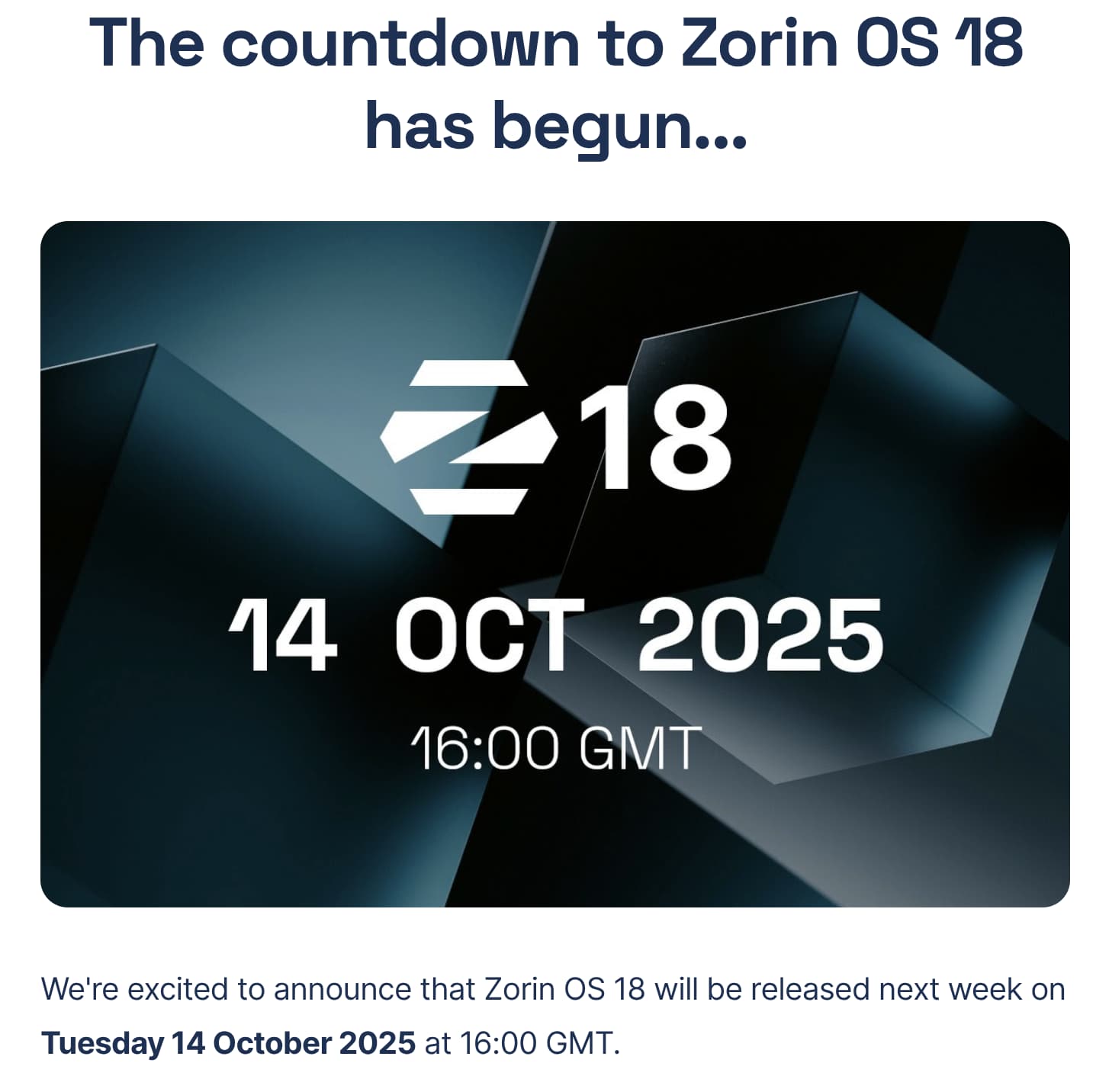
Next week, Tuesday, 14.10.2025, Zorin 18 will be released.

1 Like

Its now been confirmed, Zorin OS 18, will officially be released, on October 14th, 2025.


1 Like

In your experience, how stable are full releases or does Zorin suffers from day one issues?

It should run stable. Of Course depending of Hardware Specs, Drivers and Usage it could come to Issues. Avoiding that to 100% is not possible I think. You can wait a couple Days or Weeks to let Updates come and then download and install it.

1 Like

Will there be an easy upgrade path from 17.3 to 18 or is it a fresh install via USB Boot device?

You use Core. So, You will be able to upgrade from 17 Core to 18 Core.

But I doubt that the Upgrade will be possible directly on Day one. You can use for the Upgrade the Zorin OS Upgrader. It should be preinstalled. If it shouldn't be there, You can install it with sudo apt install zorin-os-upgrader

Thanks @Ponce-De-Leon

I'd be remiss to suggest there can't be day one problems, but Zorin being what it is, its core, system components aren't new--they're just new to Zorin. Everything it's adopting has been used successfully in faster-moving distributions for some time now. What's "new-new" are Zorin's customizations to the UI and any other tweaks they've made to the overall configuration. It's not like most software where a new release is a wall of new code hitting broad use all at once. Distributions are assembled from pieces, and as a slower moving distribution, what Zorin's bringing in 18 is pretty well tested in other places by now.