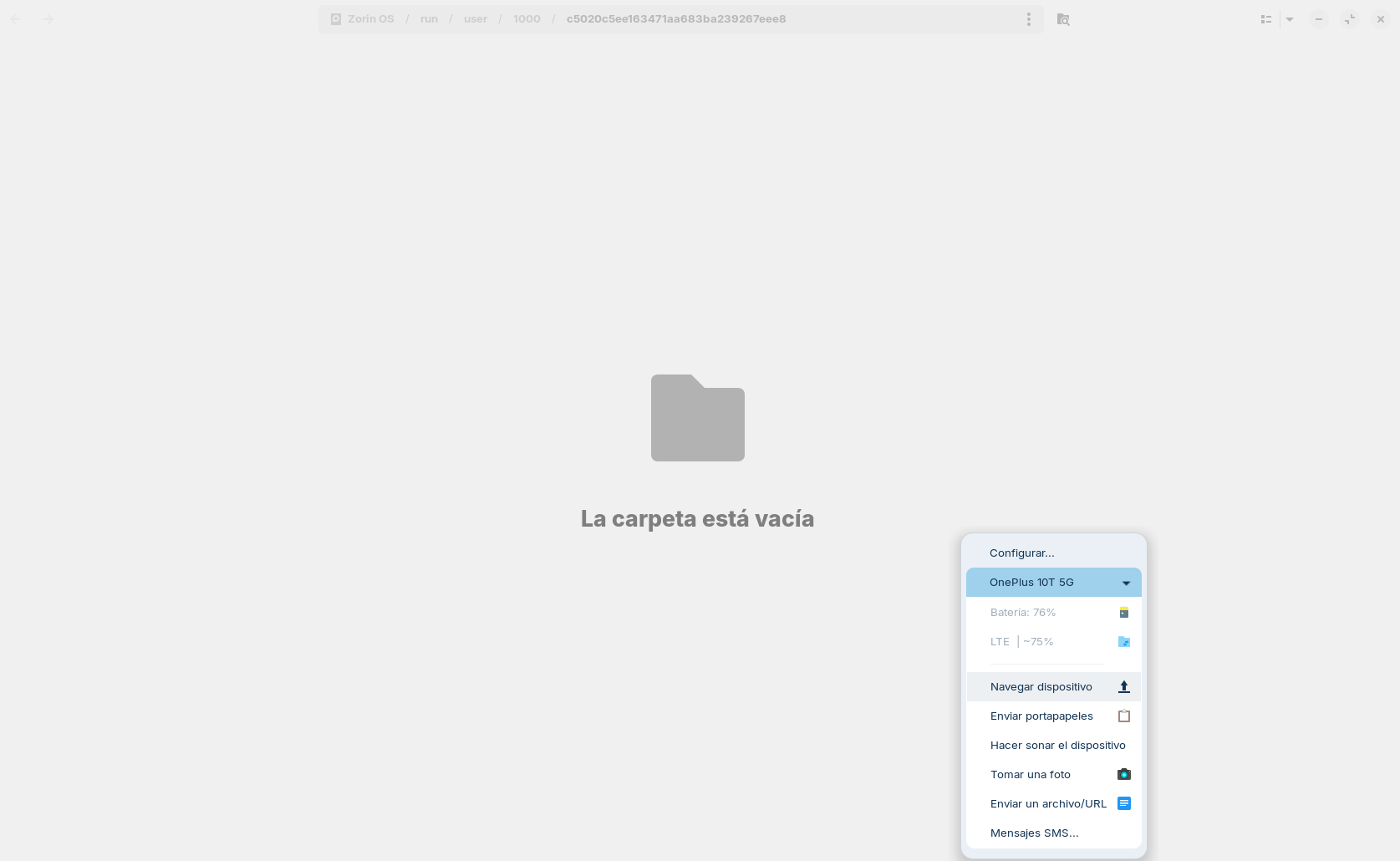
I'm having some trouble accessing my phone's storage through Zorin Connect.
The issue: I have the "Expose storage" option enabled in the Android app. When I try to mount the phone's storage from my computer, the drive appears in the Zorin File Manager (Nautilus) showing an IP address. However, when I try to open it to browse my files, I get the following error message:
"You do not have the permissions necessary to view the contents of..."
I have just tested it with KDE Connect on both Zorin OS and Android. In this case, the "Mount" button that usually appears in Zorin Connect isn't there. Instead, there is a button labeled "Browse device" (as shown in the attached screenshot, where it appears in Spanish as "Navegar dispositivo").
When I click it, the file explorer opens, but it shows an empty folder with none of my phone's files, which you can also see in the screenshot.