I am experiencing a persistent graphical glitch with ZapZap (WhatsApp client) on my laptop.
The Issue: Every time I close the lid of my laptop (triggering hibernation/suspend) and then unlock it again, the ZapZap window glitches out completely. As seen in the attached screenshot, the background turns black, and the contact list becomes a corrupted white block with green circles.
The app is unresponsive to UI updates until I restart it. Other applications seem to work fine, but ZapZap breaks consistently after every lid close.
My System:
OS: Zorin OS 18 Core
Device: Lenovo Legion 5 Gen 6 (17.3" FullHD 144Hz)
CPU: Intel Core i7-11800H
RAM: 16GB
GPU: NVIDIA GeForce RTX 3060 (6GB)
Storage: 1TB SSD
What I have tried so far: I suspected this was related to the NVIDIA drivers or GPU rendering, so I tried the following within ZapZap's settings:
Disabling "GPU Hardware Acceleration".
Enabling "Single process for GPU and rendering".
Unfortunately, neither of these settings solved the problem; the artifacting persists immediately after waking the laptop.
Suspicions: I suspect this is an issue with how the NVIDIA driver handles the Electron container during power state transitions, but I am not sure how to fix it at the system level or if there is a specific launch flag I should be using.
Has anyone experienced this with ZapZap or other Electron apps on Zorin with NVIDIA hardware?
Yes, the glitch happens when I manually suspend it too.
I installed dconf-editor and I changed both lid-close-ac-action and lid-close-battery-action to 'blank', I saved the changes, I rebooted, yet the ZapZap graphical corruption keeps happening.
My system runs on X11, which I thought was already a thing of the past.
Many OS developers, would like to lead people to believe, that X11 is a thing of the past, because their goal is to push Wayland. Wayland, is far from being ready in modern times, its loaded in bugs, and doesn't work for 99% of Linux users, especially those who have Nvidia GPU's like myself.
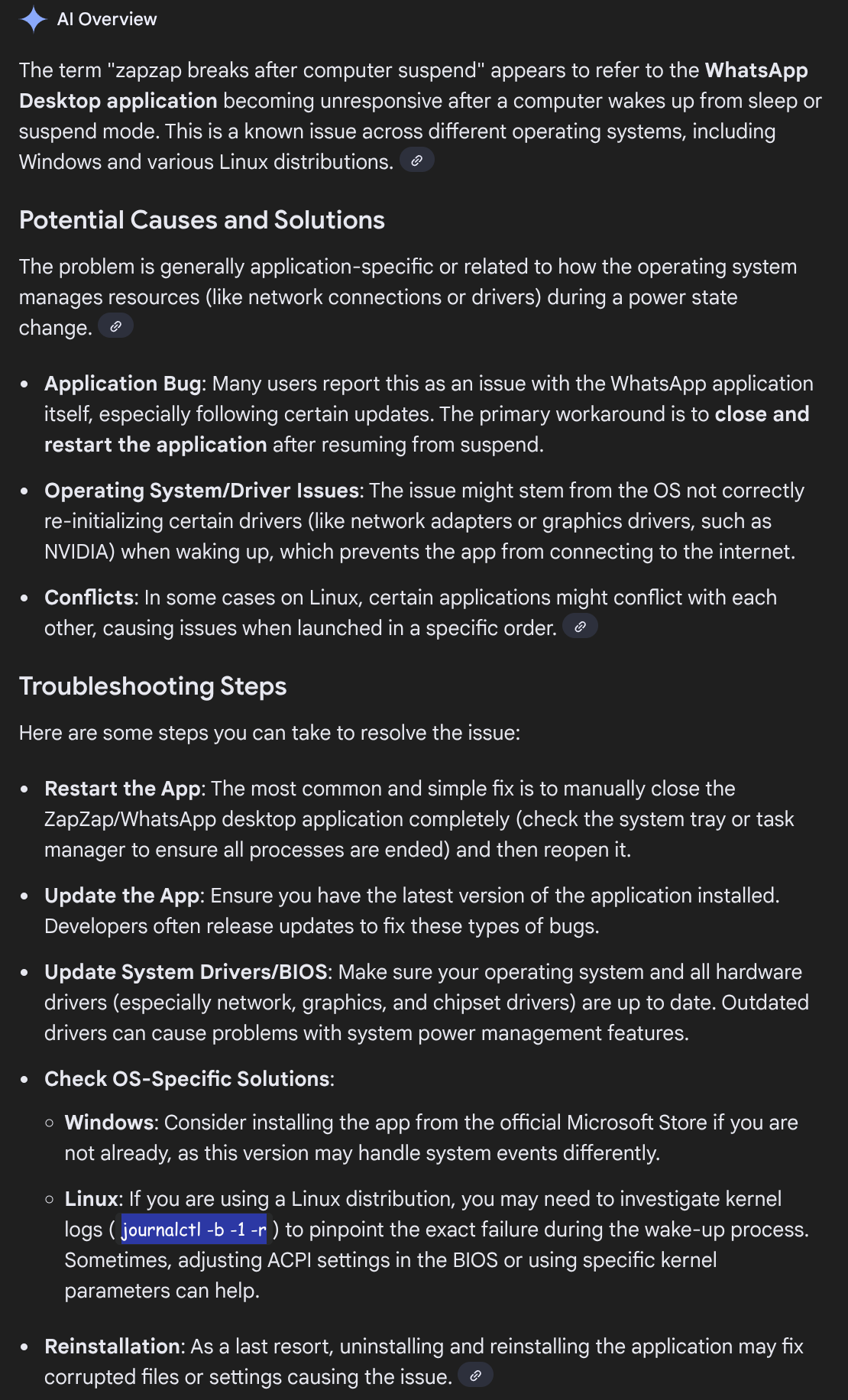
Since I couldn't think of anything else, other then disabling power saving features in the OS, I asked Google AI, and this was the response...