Hello guys. I just got running Zorin OS 18 CORE.
I have a dell latitude 5480 and it seems to be running decent so far.
My only issue is that the system tray icons take ALOT of space in my opinion.
I would like to Group some of them like the SD cards, bluetooth, etc. Any suggestions?
To install and manage gnome extensions, first install extension manager and then browse for the extension there to install it. Choose gnome shell version 46.
I appreciate all of the feedback. My Dell laptop has that odd 1366 x 768 resolutin and I cant go beyond that. and my task bar icons and system tray icons are almost head to head.... it botheres me.
I tried fedora KDE PLASMA for a few weeks. it was a bit more heavy on my system but i liked how it had that "arrow pointing up" on the task bar that grouped things like volume, sd card etc. much cleaner I need something similr here in Zorin
Will this create a "top bar" and i will be able to move my system tray icons? I am not so proficient yet to linux and I still have the fear I might break the system
I don't know. Probably not. I'll try in a few minutes with my live boot stick. Some layouts of Zorin have a top bar and you can enable the original gnome top bar.
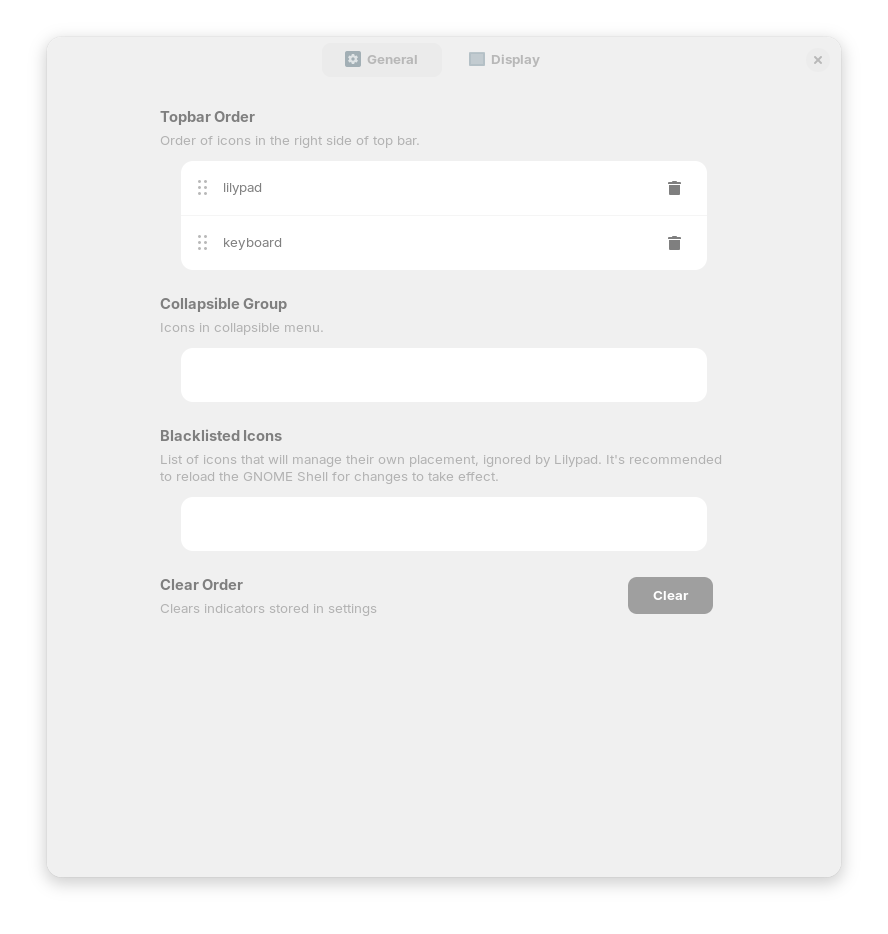
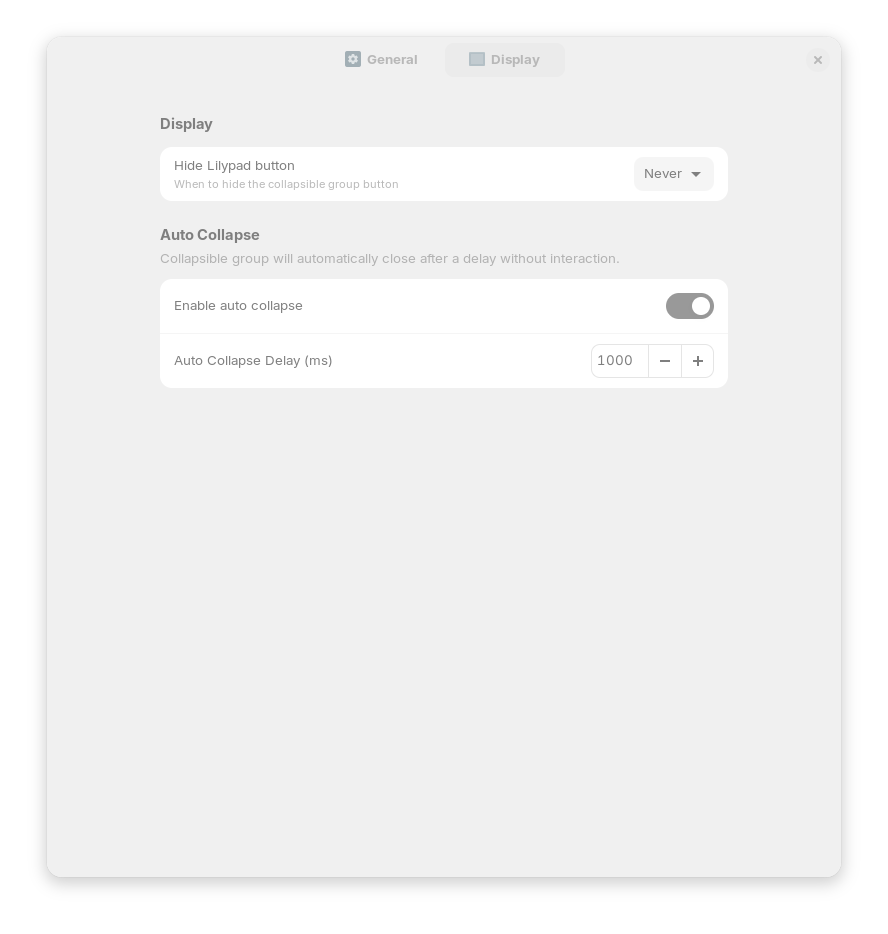
I tried the extension, but I don´t know how it works. It makes a white round dot in the taskbar, but I couldn´t add tray icons there. Maybe someone else can advise you. I have no apps with tray icons at the moment. Here you can see the settings of the extension: