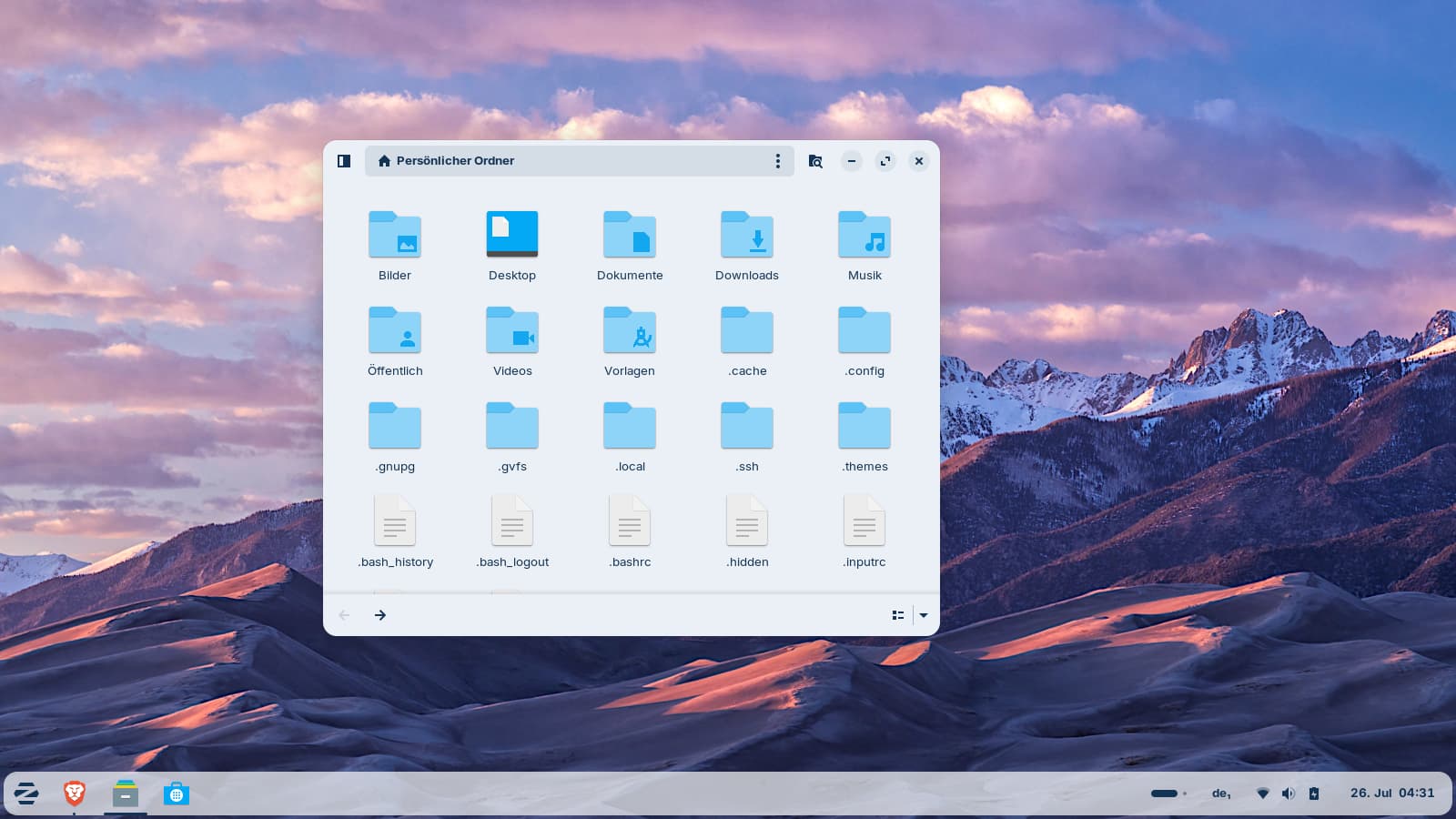
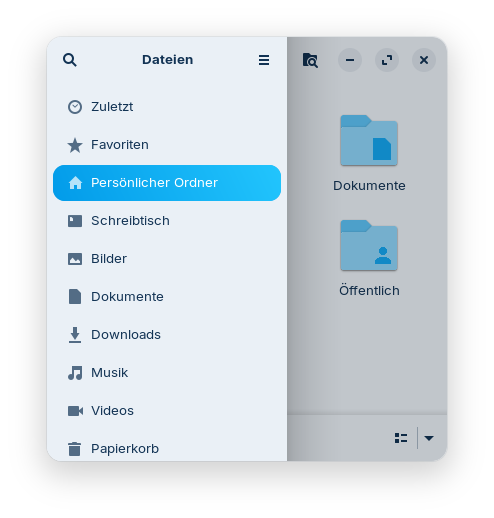
In Zorin 18 Core, the left sidebar disappears when you resize the Nautilus window (For new users: Nautilus is the default file manager of Zorin Core, the app is named "Files").
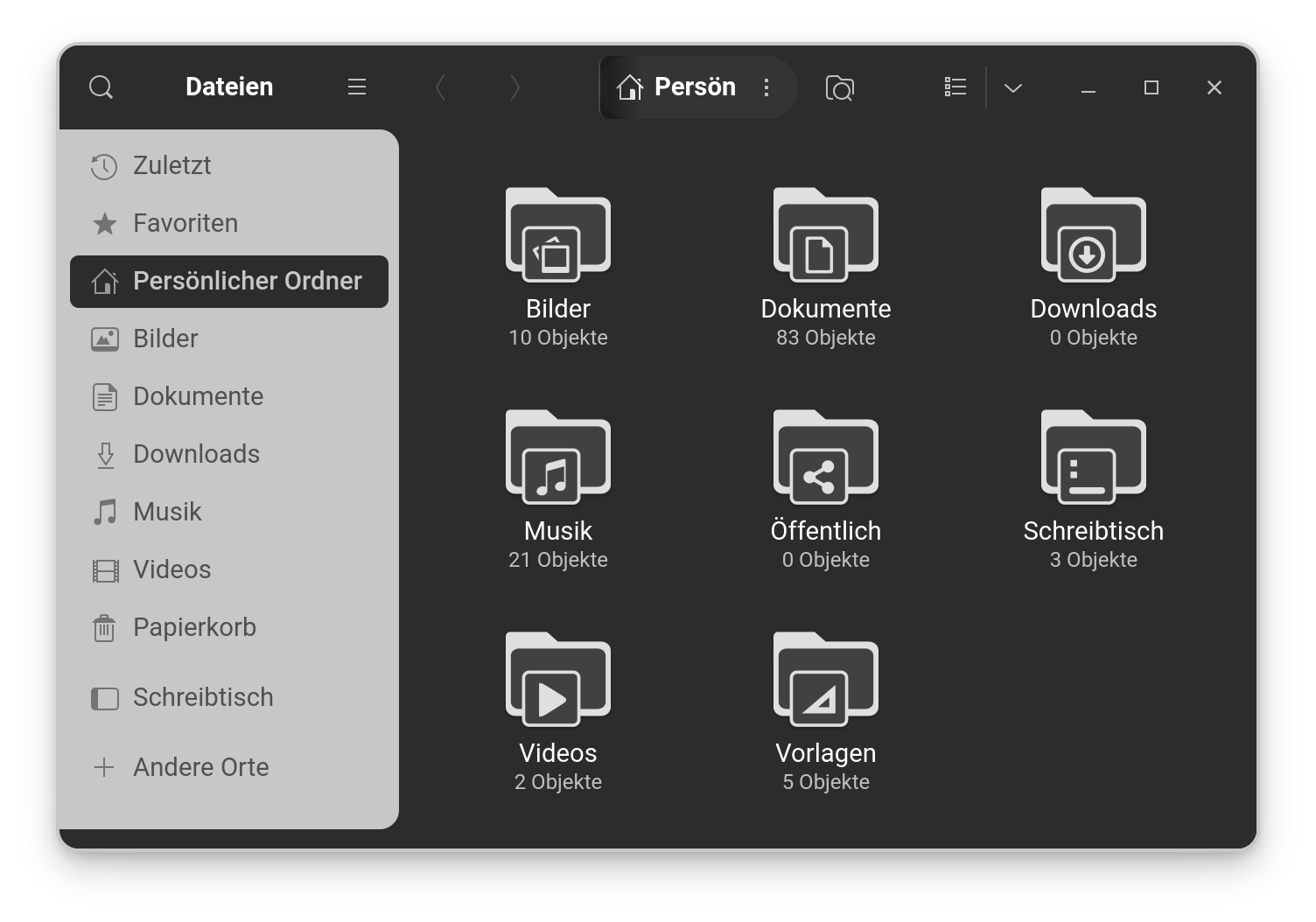
Is there a way to configure Nautilus so that the sidebar is always visible, just like in the Thunar and Nemo file managers when resizing it to a small size?
The nautilus window is big enough to show a sidebar.
Meanwhile I found out that you can fade in the sidebar in small nautilus windows with F9, but it is not very handy (and I'm not good in remembering shortcut keys).
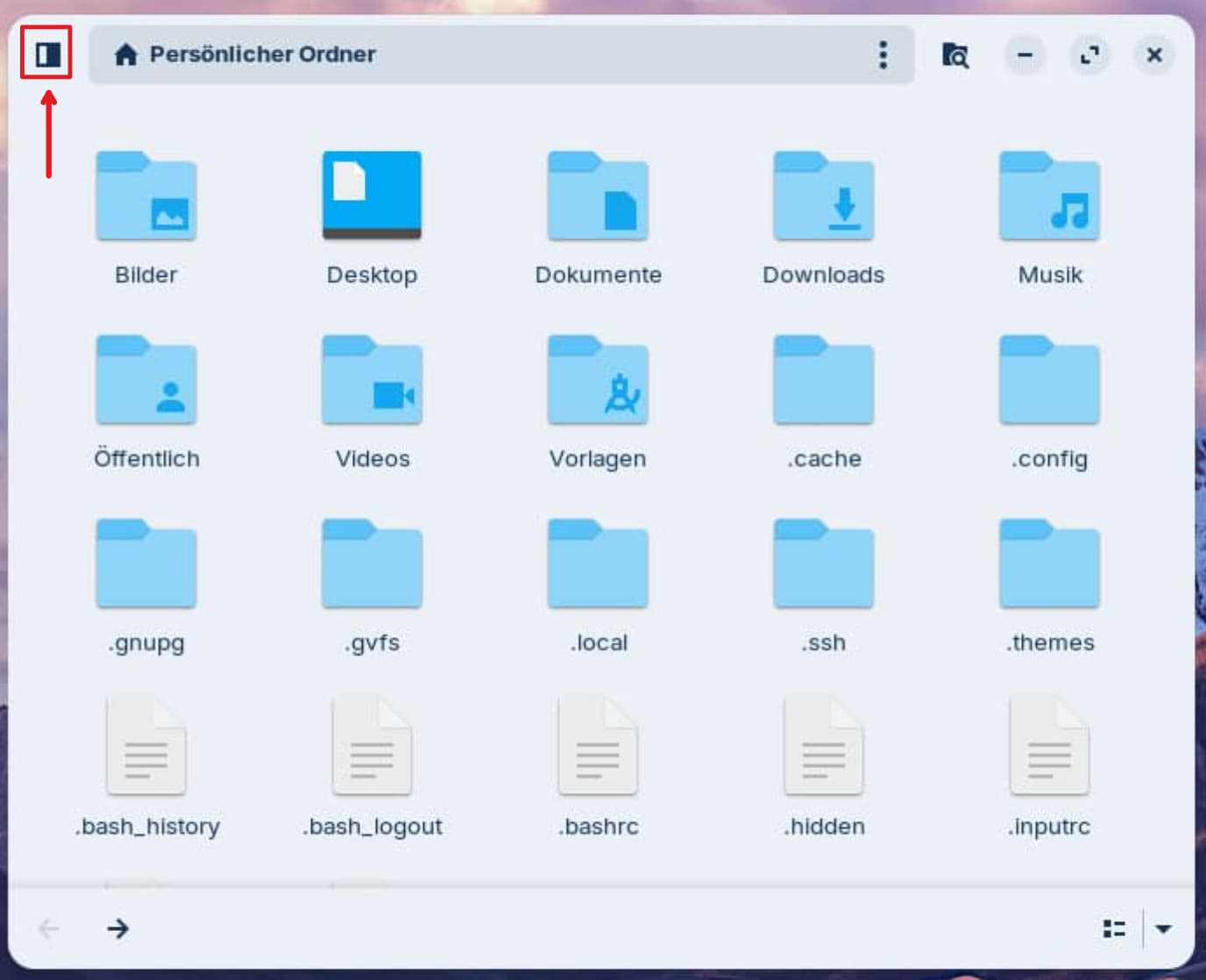
Or you can click on the icon in the top left corner.
Hi, I think it would help new users if you referred to it as Files. Experienced users know that it is just the new 'face-name' given to Nautilus. New users might get confused with an extract from a Jules Verne novel!
That's why I went out of my way to explain what Nautilus is. I don't like the term "files" at all because it's ambiguous - it could refer to regular files instead of the file manager - and other file managers, such as Nemo, are also labeled by default to as "files" when you install them in Zorin. It is just Nautilus which hides the sidebar completely and I'd like to have a sidebar permanently. But I've updated the thread title.
I don't think that is it is possilbe. When You shrink it, You have a Compact View if You want so. You can see that the whole Layout has changed. If You want keep the Sidebar, set it on the minimal Size with the Sidebar visible.
Hm, then it looks as if it is setup this way in the code of Nautilus and you would have to compile it to make changes. In dconf editor I also found no additional settings to show the sidebar permanently. Fortunately, there are several file managers to choose which one is the best for a special purpose.
The gnome developers have removed it. In Zorin 17, the sidebar was reduced in size in small windows, but still visible.
Edit: I must have mixed something up, or I can't find it anymore. This happens to me often with one file manager - it (unintentionally) shrink the sidebar down to a narrow strip, but unfortunately, I don't remember right now which Zorin version or which file manager that was.