You can keep it for cases you'll need it again. When the line GRUB_DEFAULT=
is set to 0, it doesn't have an impact.
1 Like
Ok, thanks
1 Like
OK, was going to start a video project with the VM of Zorin 18.1.
Software Updater booted after I was checking something out. It kept freezing, especially after I tried deselecting the latest kernel. It kept wanting to force quit.
So I did a force off of the VM. Changed the Graphics Adapter from QXL to VGA and increased RAM from 4096 Mb (4 Gb) to 8192 (8 Gb) and increased the number of CPU cores from 2 to 4.
Deselected the main updates but installed the bottom half (Brave Browser updates et.al). Tried to deselect the version 7.0.0.28 kernel, Software Updater wanted to either quit or wait. Once it settled down, I thought, what the heck, install. Did that, then I thought it was wanting additional updates after completion - no, it was going to remove 6.17 from the VM. So rebooted and - no issues! (OK so I know it is a VM, not a bare metal install):
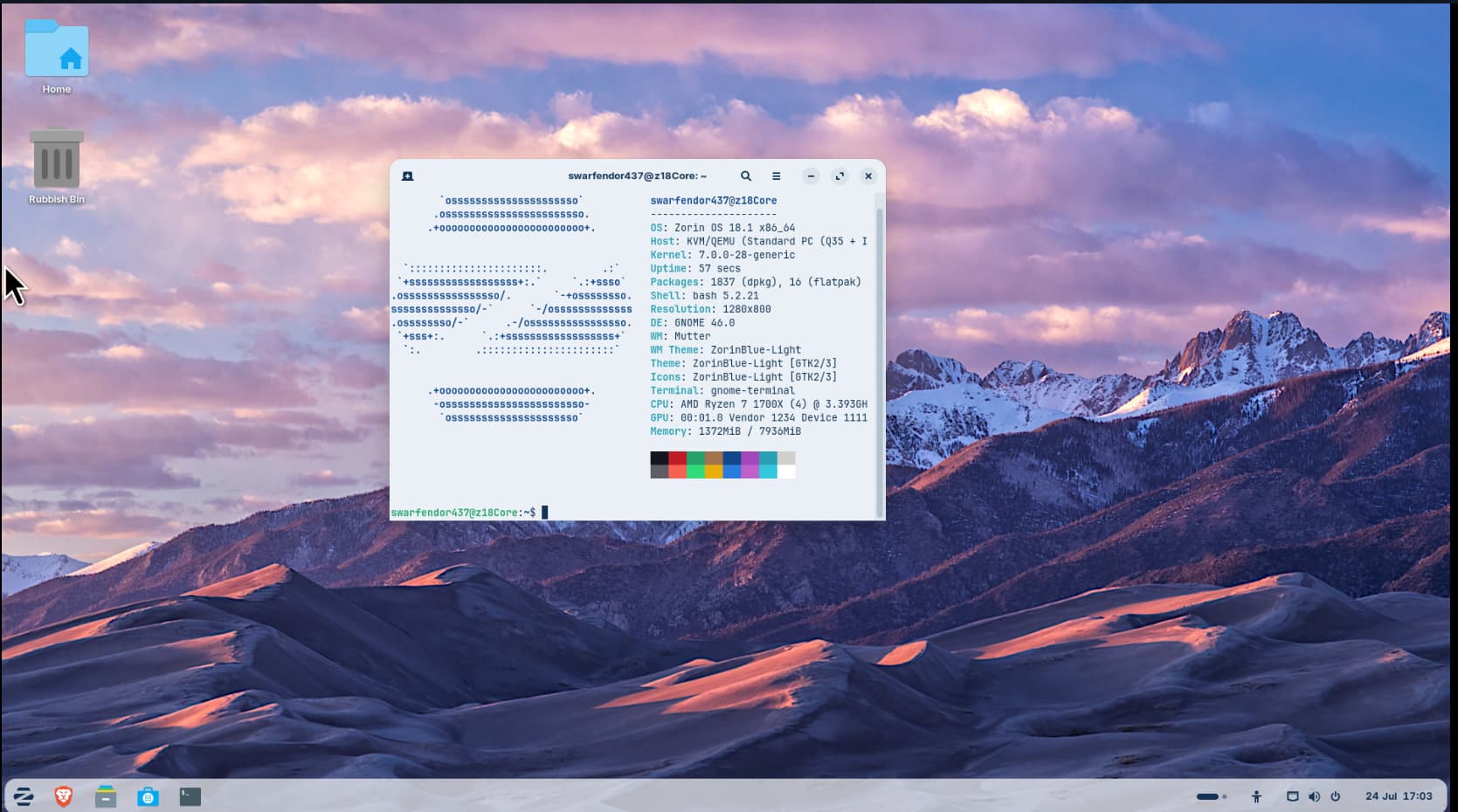
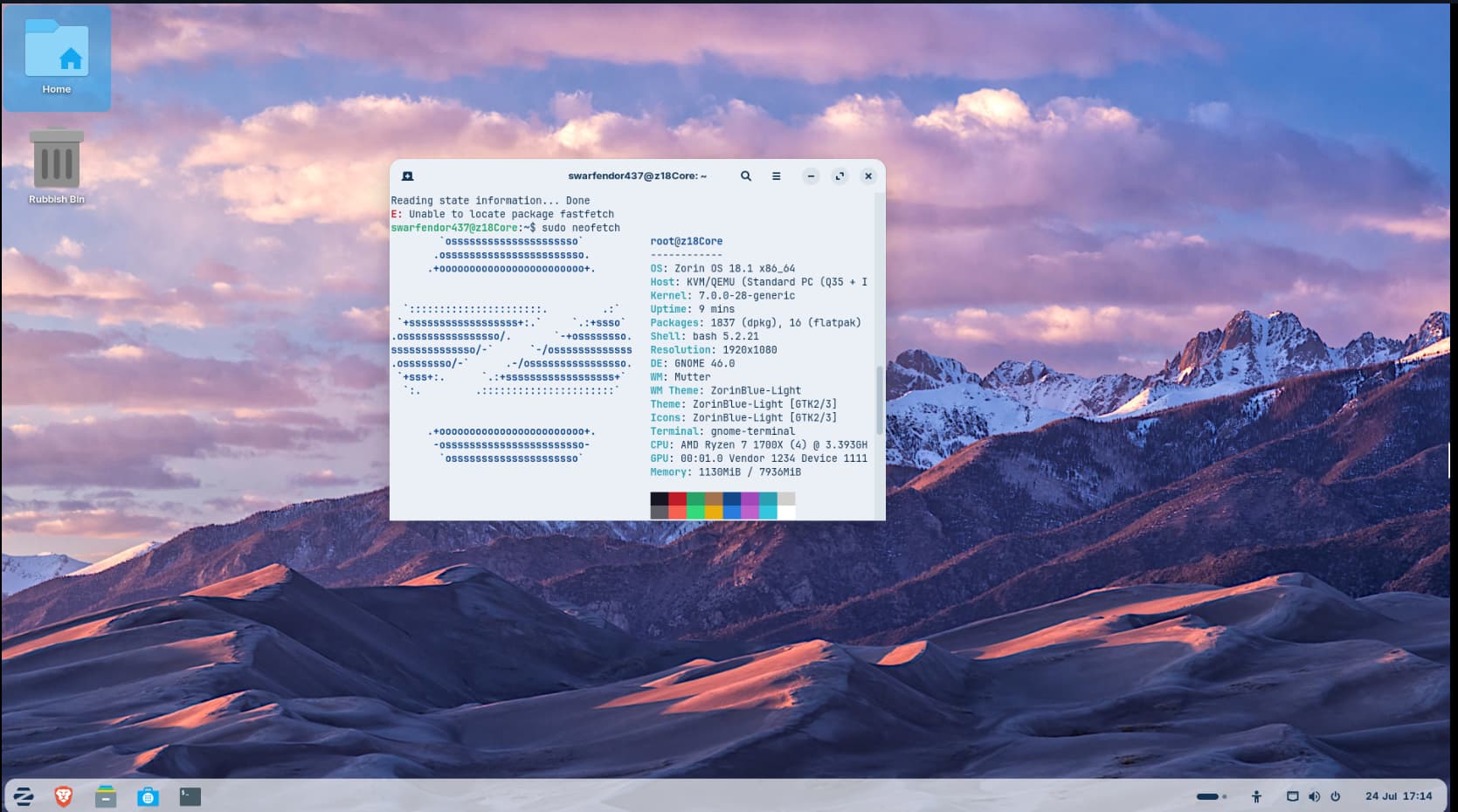
Notice the screen resolution in neofetch was incorrect at 1280 x 800 - only gave the correct resolution if:
sudo neofetch
was used!
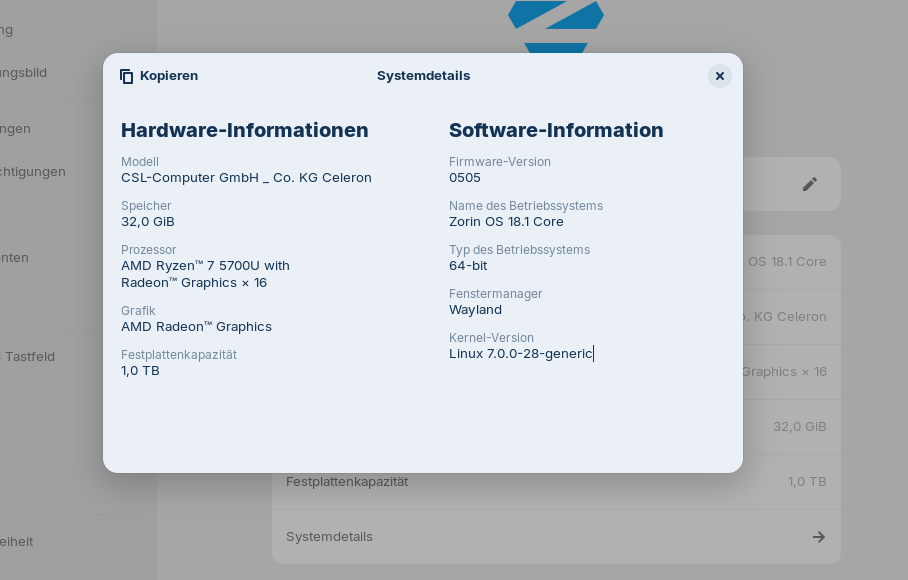
I just got back from my two-week summer vacation, booted up my Zorin OS PC, and the new update was installed. Wow, we now have kernel 7.0.0-28-generic.
I feel like everything on my computer is running a little faster than it did with the previous kernel. For me, the update seems to have improved performance.
5 Likes
Welcome back from Your Vacation. When something should run fine, try it with switching back to the 6.17 Kernel. The new one can make some Problems.
Hello @Ponce-De-Leon, what kind of problems? Right now, the new kernel is running really well on my hardware.
You can read many errors in this thread: kernel panics, low screen brightness, wlan not working, Broadcom driver issues, problems with virtual box (the last ones seem to be fixed now), problems with nvidia...
But there were updates to fix the problems, and now many problems are solved.
1 Like
Yes. You were late to the party. Being on vacation spared you all the fun and games here following the release of Kernel 7. If you read the thread you will understand 
2 Likes
There were some Issues with VirtualBox and Drivers and other Stuff. Here are several Threads. But when the Kernel runs fine for You, all is well. It was only a little Info for the Case, You should have Issues.
2 Likes
Having the same issue on my Lenovo ThinkCentre all in one computer.
I thought the issue was resolve in Jully?
1 Like
No worries here, worked out the issue and all is good now. 
Would you care to tell us what you did?
I basically did what was in this chat like restored to 6.17.0-19-generic and then removed virtualbox and then re installed it again.
2 Likes