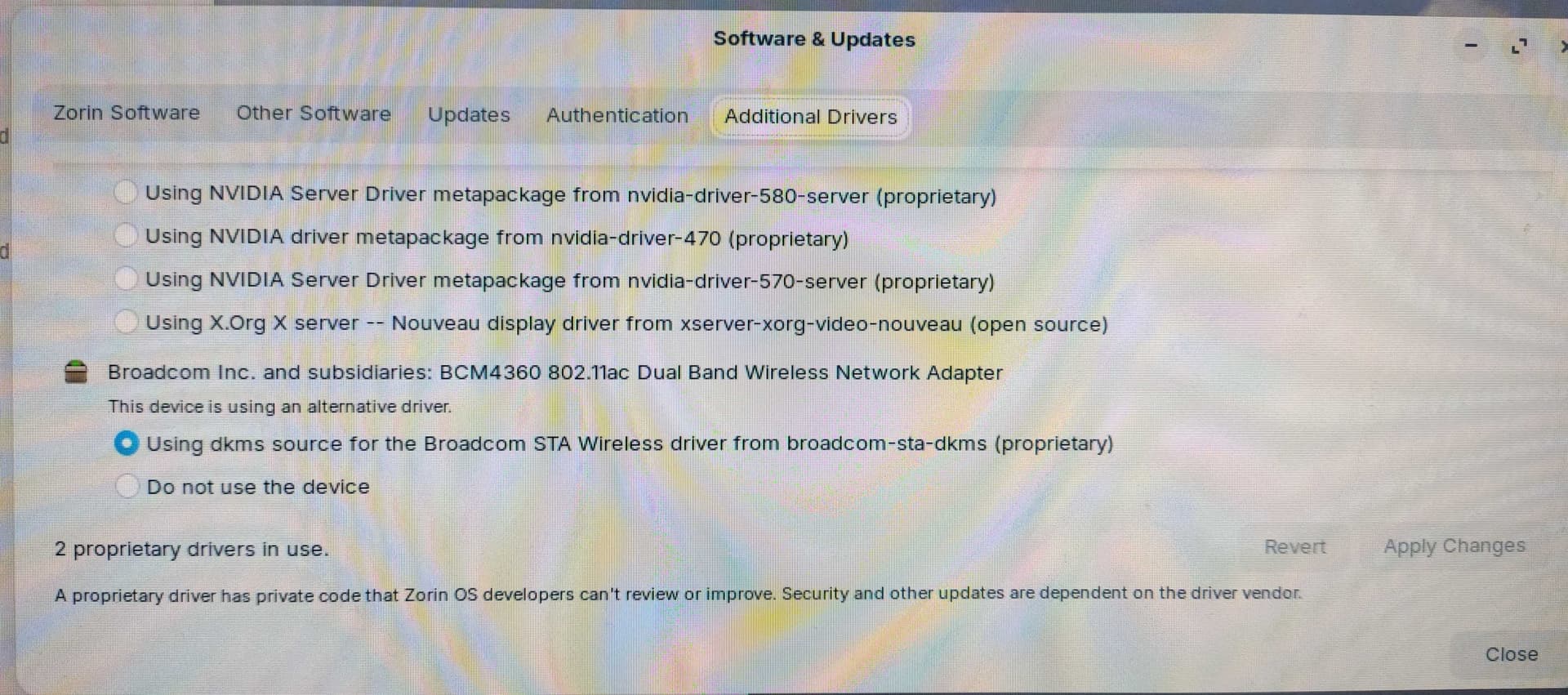
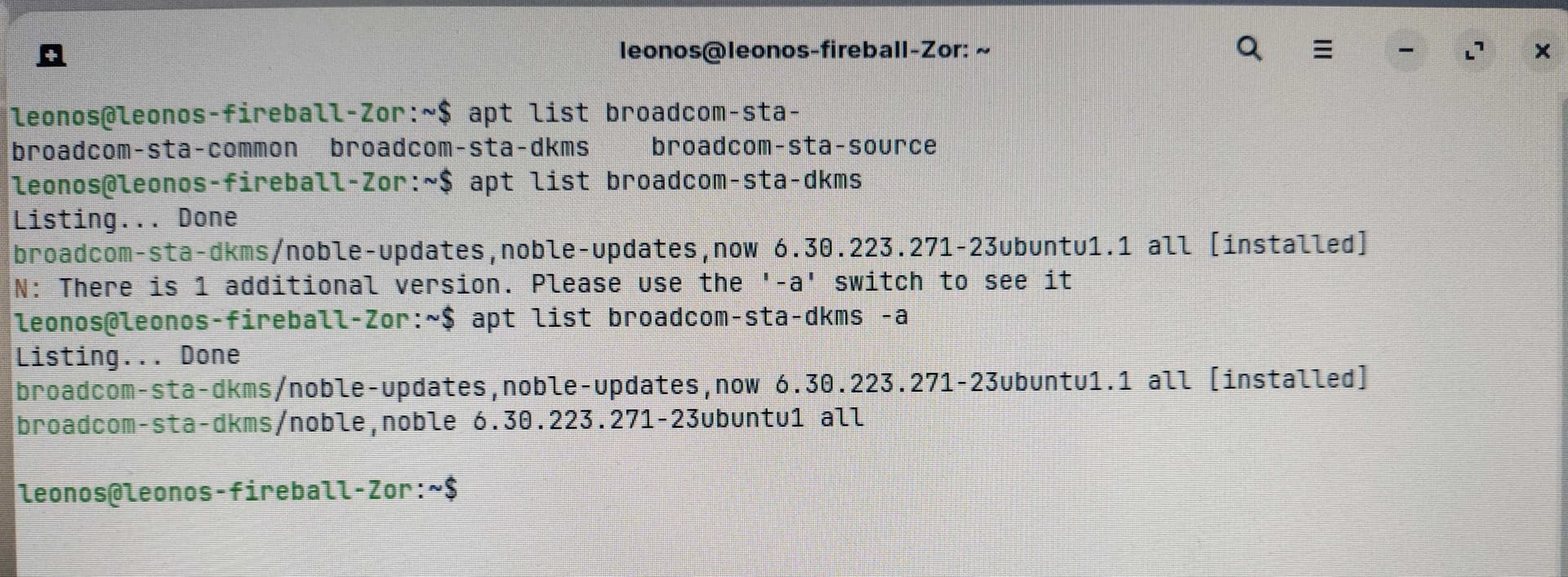
(sorry about the bad pic quality, version 6.14 is acting weird and I can't really click on things in my browser so I'm sending this from a different computer)
It looks like there are 2 versions of this package,:
broadcom-sta-dkms/noble-updates, noble-updates, now 6.30.223.271-23ubuntu1.1 all
broadcom-sta-dkms/noble, noble 6.30.223.271-23ubuntu1 all
The first one is the one that is installed. I could try to remove it and install the other version if you think that would help? How would I do that? I tried to refer to the version to install with '=' but it didn't work.
@Aravisian 6.14 is acting up, my mouse cursor is blinking, the keyboard works irregularly and selecting menus in my browser is inaccurate and jumpy. If 6.14 was what I was using before the update, it seems it has been corrupted by the update as well..
Virtualbox is not the problem in your case if you don't have installed the program. It is a software for virtual machines which isn't preinstalled in Zorin. It is also not contained in the kernel.
To what the latest actually offers us.
True on Windows OS. Just as true on Zorin OS.
When users get on here and post "But the stuff in the repository is old. It's like... six months old! It's outdated!"
The word is not 'outdated', it is 'stable.' Had time to find and work out the bugs and regressions.
Observers: Take note.
@Leonos, you have Secure Boot enabled. What I am seeing in your output is a DKMS failure.
What if you disabled Secure Boot in your BIOS settings, temporarily, in order to see if we can fix this issue?
You may need to enroll the broadcome-sta driver to sign for it for MOK, for Secure Boot.
Thank you @radiokop - could you explain how to update to a specific version? I'm sorry, I'm a linux newbie
(I tried to look online for this but it isn't clear how to do this)
EDIT: never mind, I will try the instructions from your link!
I’m facing a very similar issue on Zorin OS 18 after the recent updates with kernel 6.17.0-14.
In my case it didn’t result in an immediate kernel panic, but Wayland completely broke: white screen, wrong resolution, applications opening black, virtual keyboard appearing randomly, and the system becoming barely usable.
Switching from Wayland to Xorg restores normal behavior, which strongly suggests a regression related to the graphics stack in this kernel update, especially on older Intel integrated graphics.
So even when the system still boots, the update effectively breaks Wayland. This doesn’t seem like an isolated case.
For now, staying on Xorg and avoiding further kernel updates appears to be the safest workaround until this is properly fixed.
Hi @martigej, welcome to the forum and thanks for sharing. There definitely seems to be a lot of problems with this kernel update and I hope someone somewhere is trying to fix them.
In the meantime my friend who recently installed ZorinOS also got problems with the new kernel (6.17) when trying to switch NVIDIA drivers and he's now had to revert to 6.14.
My own computer has started acting slightly weird again with 6.17, especially with my browser (Vivaldi) flickering, the keyboard not being responsive and the mouse acting weird too. These problems disappear when I used Brave instead. I haven't tried to switch to xorg like you but maybe I should!
Would you happen to have a NVIDIA graphics card by any chance? Or maybe you have Virtual box (if so, see earlier answers in this thread)?
In any case, if you wanted to try and fix it, you could maybe run the instructions suggested by @Aravisianhere - these helped narrow my problem down to the broadcom-sta package. Or it could also be a Secure boot problem if you have that enabled...
My mom's computer (on which I had installed Zorin 18) kept becoming unresponsive after the update to 6.17.0-14. It turned out the system kept putting the main partition into read-only mode.
After booting with 6.14 again and a conversation with AI, it turns out this is apparently a SSD driver timing bug introduced with 6.17; the AI says that Samsung drives are particularly vulnerable.
I think Zorin should urgently hold the rollout of this particular kernel update.
For myself, on the advice of AI, I pinned linux-image-6.17.0-14-generic and the corresponding headers and modules packages.