It is not shown as you have chosen for your profile to be Hidden.
As for desktop layout, your Windows style layout is same as my own.
Your Login screen however, is quite different from the standard ZorinOS login screen, more like PopOS login screen I have seen before. Have you maybe added any Repositories for software you have installed?
Maybe I'm wrong but that looks like the Lock Screen and not the Login Screen. When You reboot Your Machine: Do You see that, too? the Login screen - if not somewhoi changed - has a dark blue burred Background with the Zorin Blue Theme.
No, you where spot on @Ponce-De-Leon !
I wasnt even aware of the difference, sorry. I ativated "auto-login" in the Zorin settings, my laptop gets used mostly at home...
I deactivated it and rebooted an now I was able to change to Xorg.
And interestingly: no lag during printing (at lest not on my quick first print just now).
so that raises the question: can/should i stay in this Xorg "mode"?
What else changes with it, whats the drawback? Why choose on over the other? Sorry for all my questions, I search and read a lot but I am still in the stage where confusion gets more, not less...
Well, yes there is a Security Thing because on Xorg, the Things what you do in a Window - for Example type in a Password - could be grabed. But only when a Virus is on Your Machine and has Access. This Point is ... how can I say that ... I mean You have to be in general careful what Software You download or what Internet Pages You visit or what Links You click. That is simply one Reason more to be careful.
Xorg is older, yes. But at the Moment more reliable - especially here on Zorin 17 with Nvidia Cards You should stay on Xorg.
Wayland is a newer Display Manager which is made for more modern Hardware. But the Compatibility is a Thing - like You have seen on Your Situation. Wayland gets Progress but to be able to come to this Progress You need newer Desktop Environments because there the Wayland Implementation is better. When You look in Gnome 47 and Plasma 6.2 there are better Wayland Experience.
In general this Wayland - Xorg Comparison is a bit a Fight. There You must be careful about the whole Arguing in this. It's a deep Hole. At the End, I see it this Way: Use what works for You.
When Zorin 18 with a newer Desktop Version is released, You can test this again and look if it works. Your linked Aritcle explains it in a good summarized Way I must say. It is neutral written and show the good and the bad Sides of both.
The screenshot above is from my lock screen, not the login screen as I learned
The background seems to depend on my desktop wallpaper, which is the sanddune.
FYI. From past experience here on the Forum, I would avoid auto-login like the plague. It can cause more trouble and can loose you more time than you save.
As an "older" guy I'd appreciate it going along in the old thread!
I am still confused about the "modern" way of opening a thread for every thing... So thanks!
And yes its the same 2 devices, no changes other then software updates...
It gets worse and worse and drives me crazy, now even after finishing printing the system is frozen for 5-10 seconds!
It doesnt matter if I print directly from the browser, or from Thunderbird or if I download the file first and print it then...
any ideas would be highliy appreciated!
The other question is: is there a printer manufacturer (or modell) known for its Linux compatibility?
Mine is an Epson, and they did provide drivers for Linux which if found cool...
HP: = Best support for Linux Brother: = Great support for Linux Epson: = OK support for Linux
Look for printers that have PostScript capability, generally regarded as excellent support for Linux.
Connection type support:
USB: = Best support, should work out of the box! Ethernet: = Great support, may require setting IP config. WIFI: = Not best support, most likely requires a driver install, to function.
Printing type: = Most people buy inkjet printers to save on initial cost, but they will cost more in the end in cartridge buys, and they are not necessarily the best for printing in Linux. Laser printers are the best in just about every way.
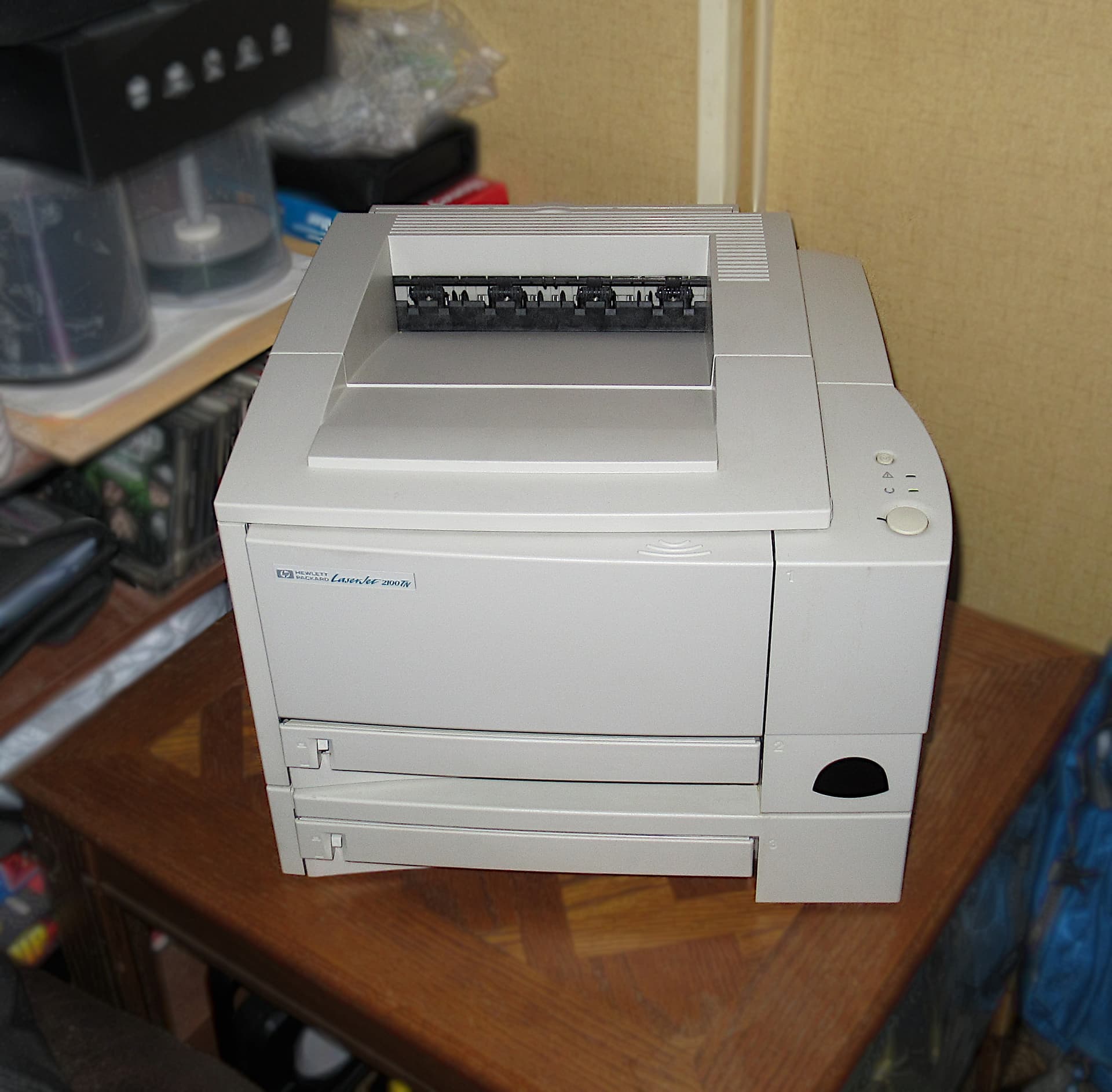
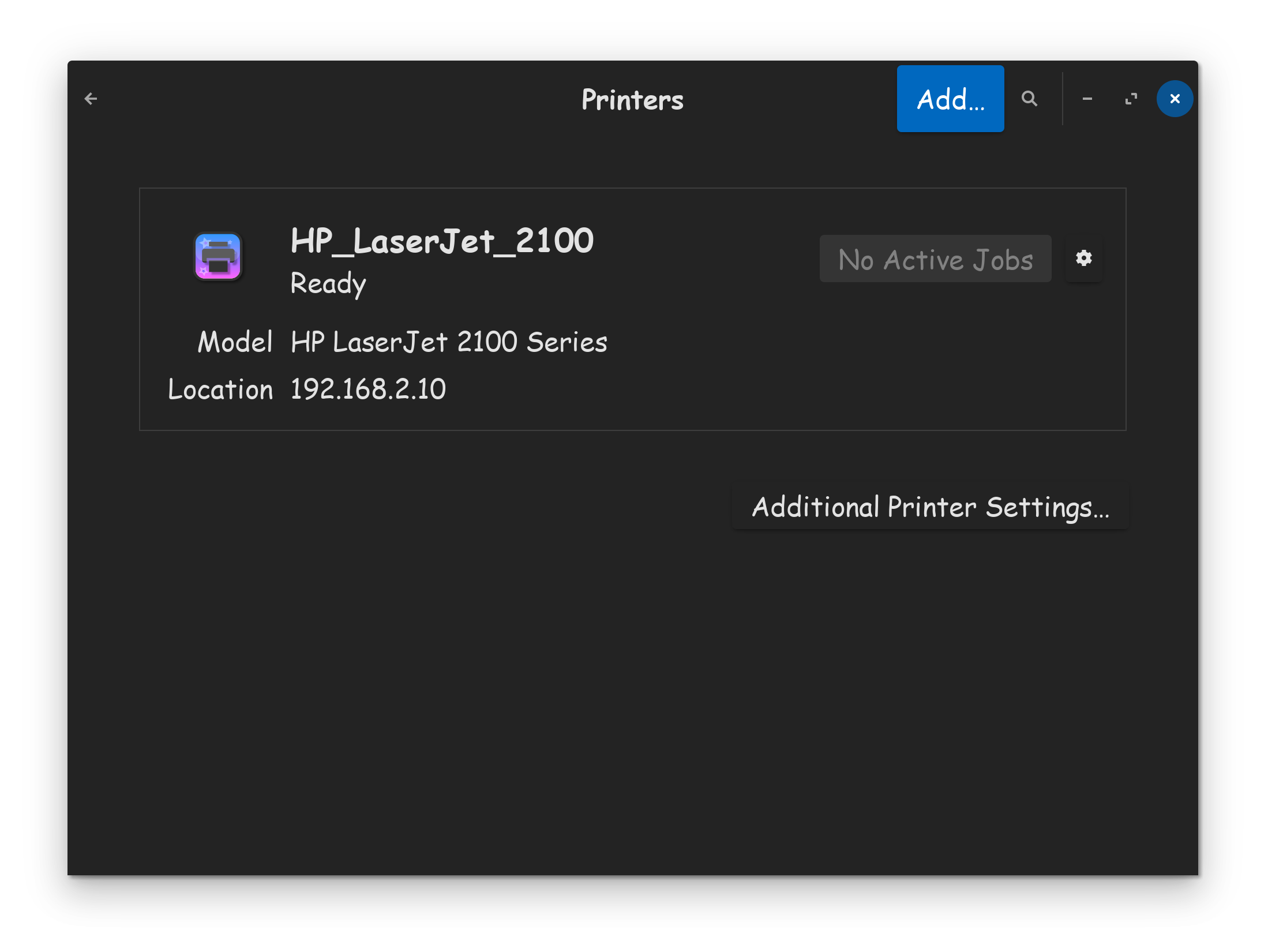
They cost more up front, but ink toners last much longer, and thus cost you less in the end. They also print the best, are the most legible. Linux works well with them. I have an old HP Laserjet 2100, connected via ethernet to my router, works awesome, what a great printer!
Best suggestion, is to look up what you actually need or want, and looking for compatibility in a Google search.
I just learned about the cmd "sudo systemctl restart cups"
and solved the issue for now.
But does it mean thee is something in ms system I need to setup differently?
And does it mean it would be better to switch back to Wayland now because that has more advantages in sum?
Sorry for all my noob questions...