After the latest updates, I booted my PC and was no longer able to use my main monitor. I tried to update the drivers, but I got some kind of error (that I unfortunately didn't screenshot).
I used timeshift to revert my system back and all was okay then.
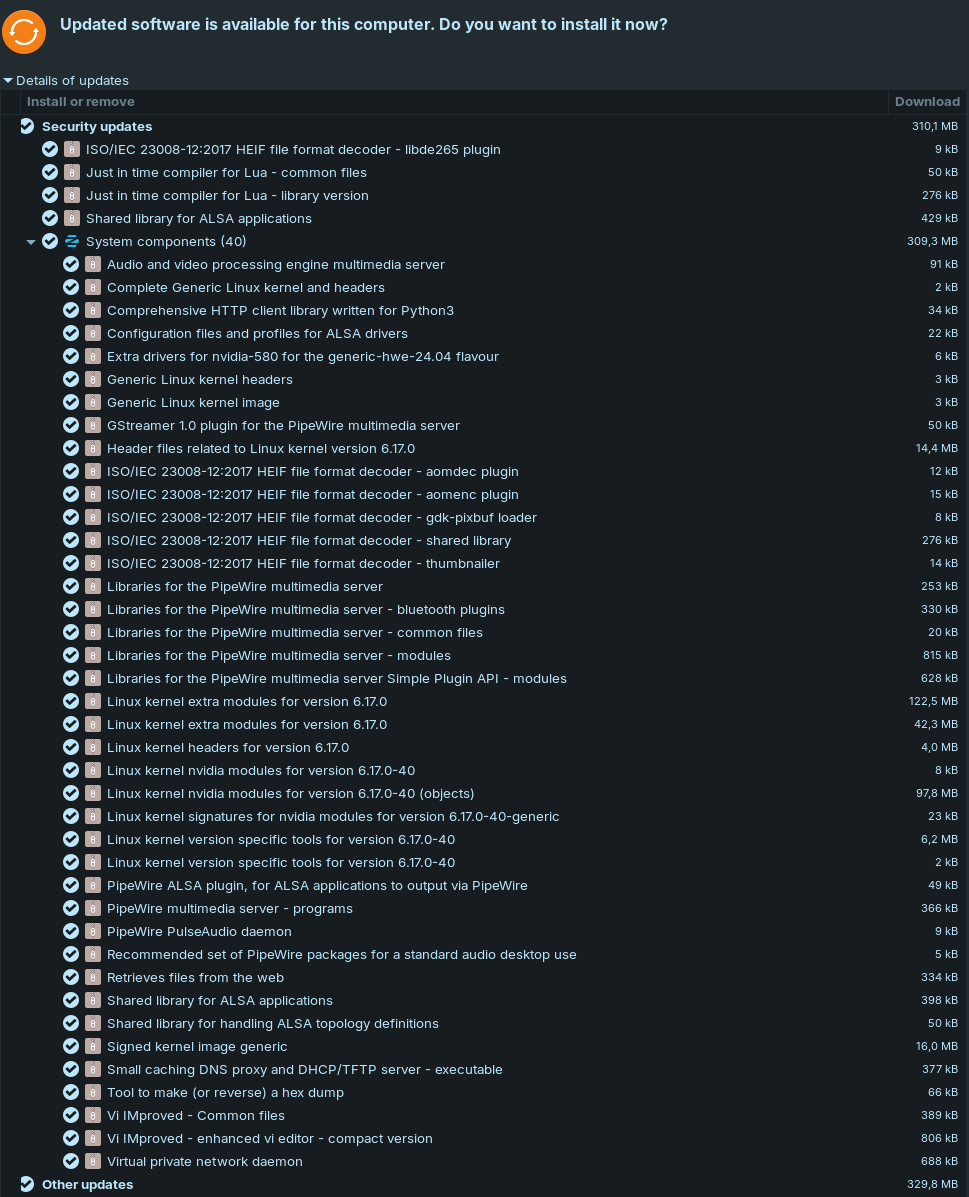
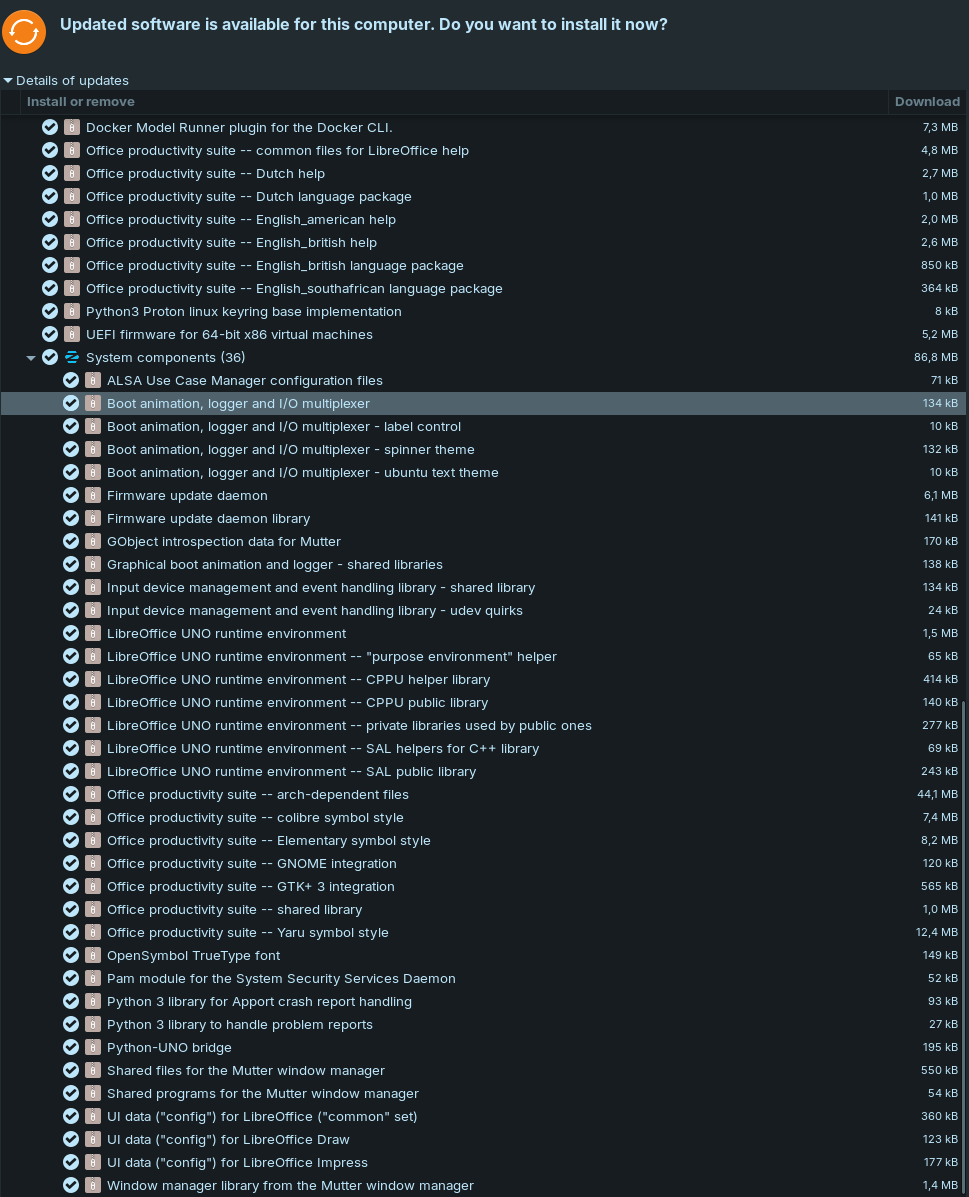
These are the updates that are available:
System info:
        `osssssssssssssssssssso`           pieter@DESKTOP2016L
       .osssssssssssssssssssssso.          -------------------
      .+oooooooooooooooooooooooo+.         OS: Zorin OS 18.1 x86_64
                                           Kernel: 6.17.0-35-generic
                                           Uptime: 32 mins
  `::::::::::::::::::::::.         .:`     Packages: 2439 (dpkg), 43 (flatpak), 10 (snap)
 `+ssssssssssssssssss+:.`     `.:+ssso`    Shell: bash 5.2.21
.ossssssssssssssso/.       `-+ossssssso.   Resolution: 1920x1080, 3440x1440
ssssssssssssso/-`      `-/osssssssssssss   DE: GNOME 46.0
.ossssssso/-`      .-/ossssssssssssssso.   WM: Mutter
 `+sss+:.      `.:+ssssssssssssssssss+`    WM Theme: ZorinBlue-Dark
  `:.         .::::::::::::::::::::::`     Theme: ZorinBlue-Dark [GTK2/3]
                                           Icons: ZorinBlue-Dark [GTK2/3]
                                           Terminal: gnome-terminal
      .+oooooooooooooooooooooooo+.         CPU: AMD Ryzen 9 3900X (24) @ 4.673GHz
       -osssssssssssssssssssssso-          GPU: NVIDIA GeForce RTX 4070 Ti SUPER
        `osssssssssssssssssssso`           Memory: 4959MiB / 31995MiB