I do not have dualboot. I will give liquorix a shot.
I installed the driver from a .run file based on advice from a website I don't remember. It helped me fix the nvidia-smino device found issue and open up more options in Nvidia x server.
You could take a Look in Your BIOS. Depending on Brand and Model, You should find an Option to set up the primary Output to iGPU or PCI-E. Maybe that is a Way.
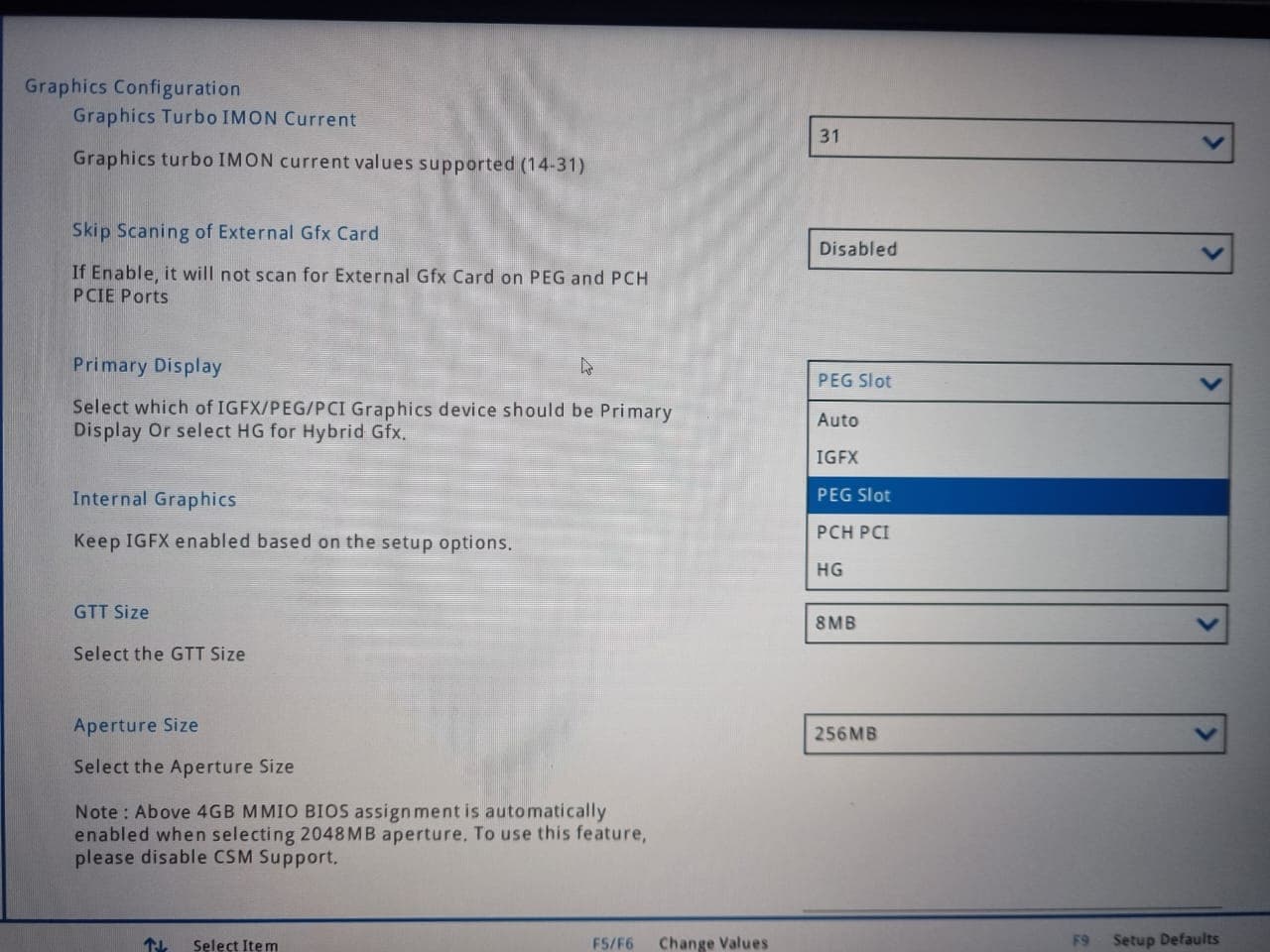
This one looks good for me. The Options ''Primary Display'' and ''Internal Graphics''.
On ''Primary Display'' try the Options PEG Slot and PCH PCI and look if it will change. On ''Internal Graphics'' look if You can - depending on the chosen Settings before - disable the iGFX. It's a bit Trying around, I know.
Thank you for the suggestions. I tried 4 different settings:
Primary Display: PEG Slot Internal Graphics: Enabled
Windowing system x11
Graphics: Intel Corporation Raptor Lake-S UHD Graphics
Graphics 1: Software Rendering
nvidia-smi working
Nvidia X Server has all options
Primary Display: PEG Slot Internal Graphics: Disabled
Windowing system x11
Graphics: Software Rendering
Graphics 1: Intel Corporation Raptor Lake-S UHD Graphics
nvidia-smi working
Nvidia X Server has all options
Primary Display: PCH PCI Internal Graphics: Disabled/Enables
Windowing system Wayland
Graphics: Intel Graphics (RPL-5)
nvidia-smi NOT working
Nvidia X Server has almost no options
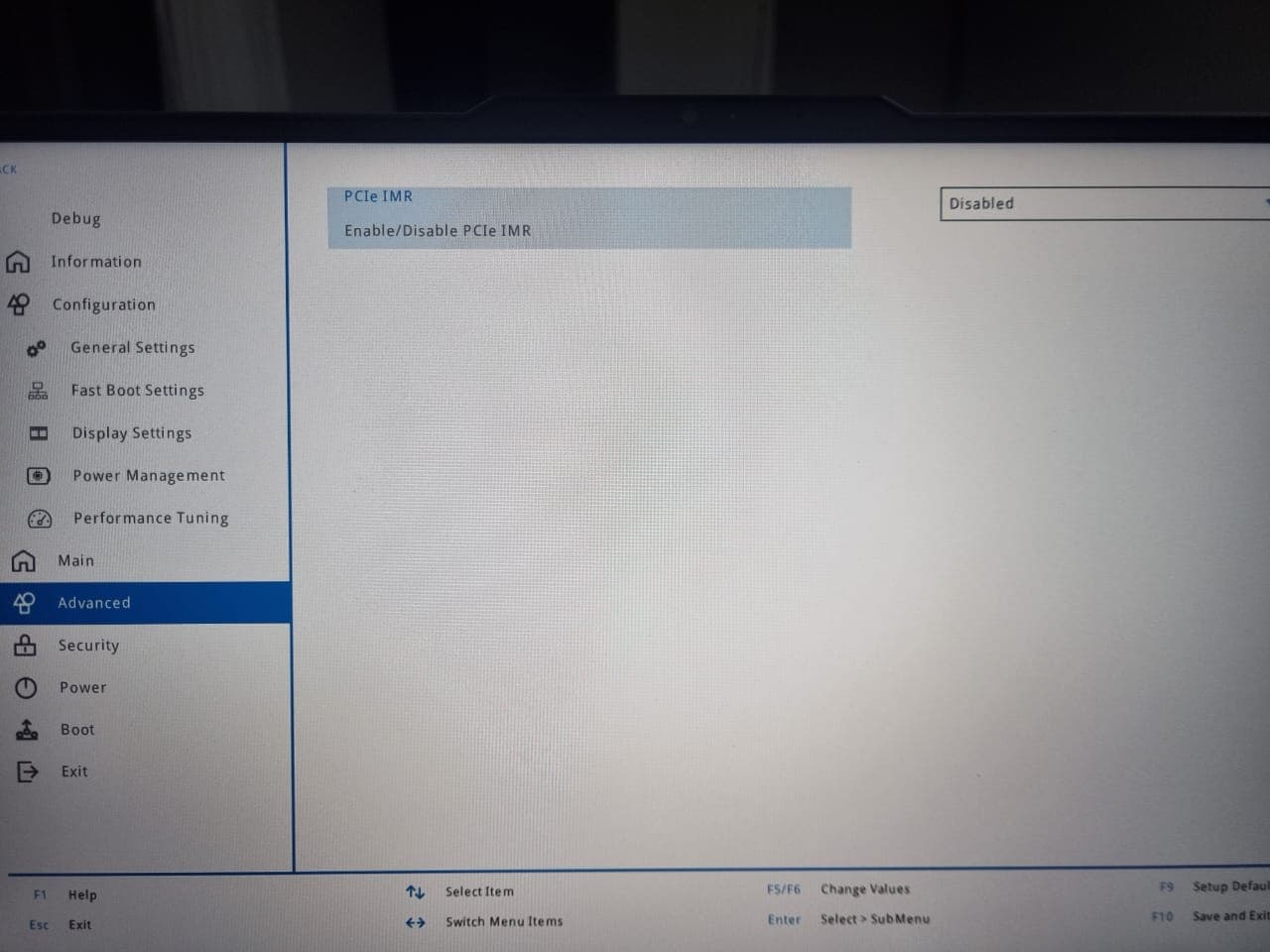
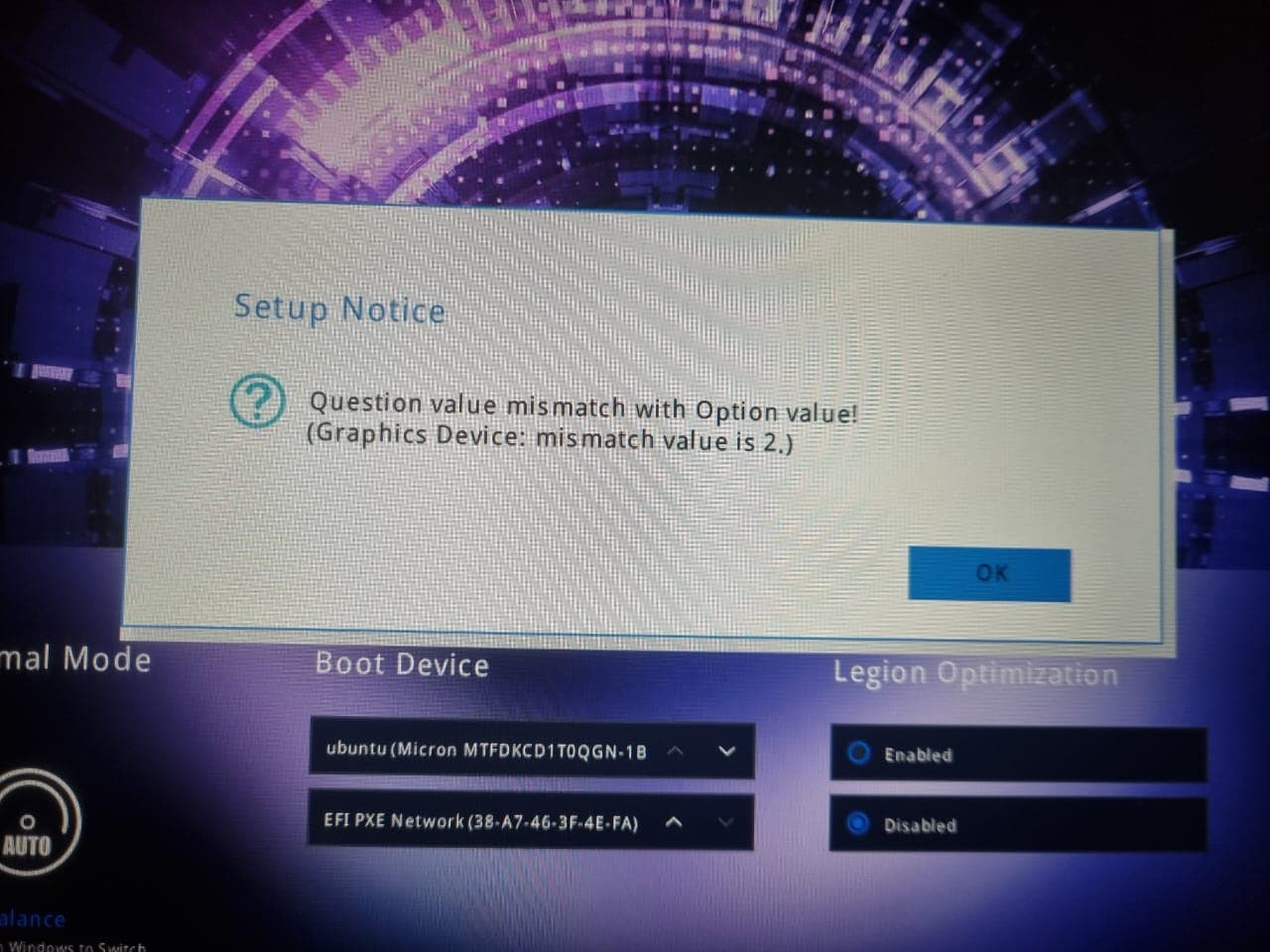
With the last option, when I reboot into Bios I get the error below and the Primary display shifts to HG
Ok I was able to solve it in the end. I re-installed Zorin but when prompted with the choice I just chose "Try and Install Zorin OS" not "Try and Install Zorin OS (modern graphics card)".
but ultimately did not install the driver from the .run file.
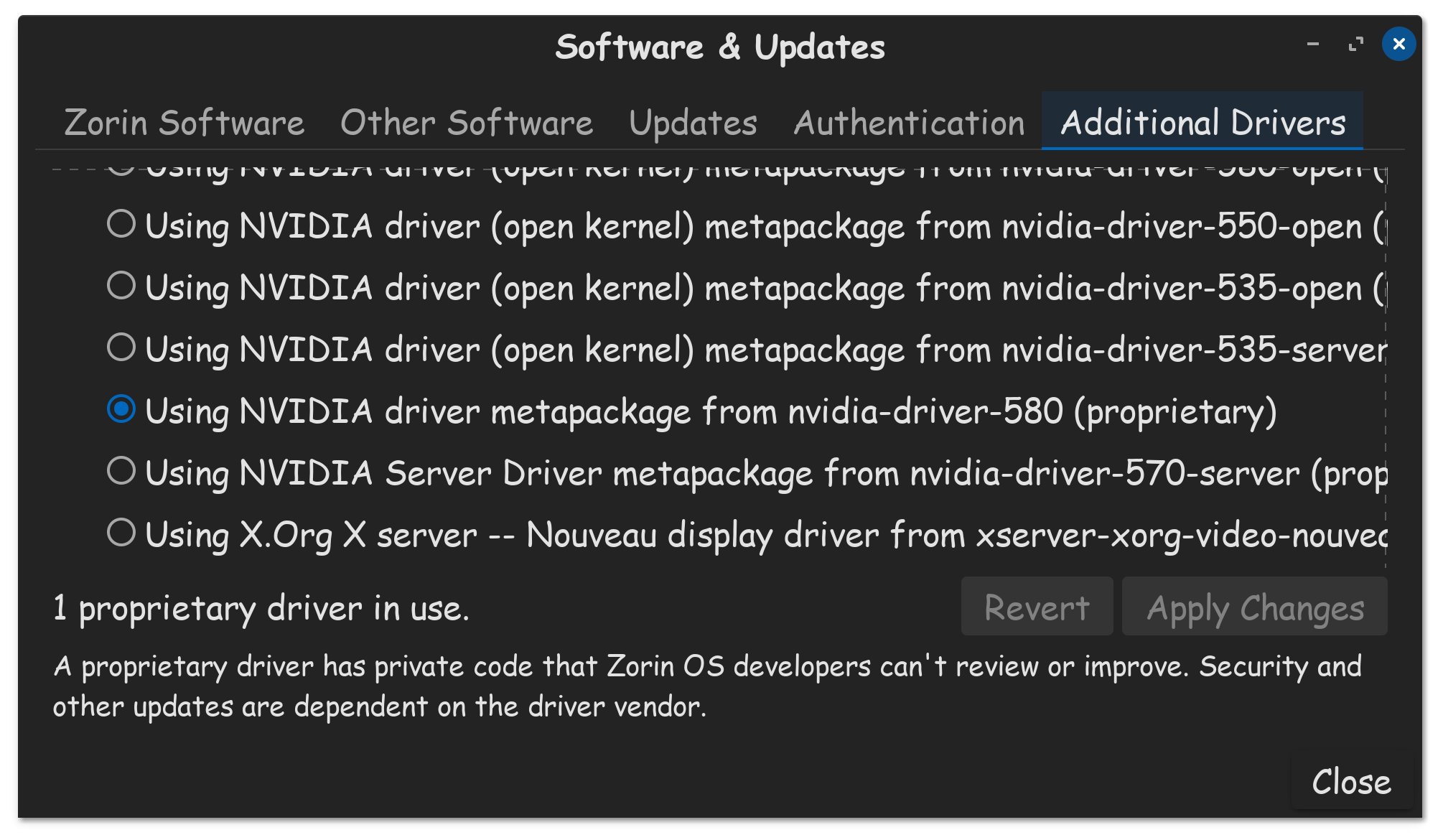
I just went to Software & Updates > Additional Drivers Tab > Using NVIDIA driver (Open kernel) metapackage from nvidia-driver-580-open (proprietary-tested)
It fixed for me. Now in system details I have the info below, nvidia-smi works and the Nvidia X server settings has all the options