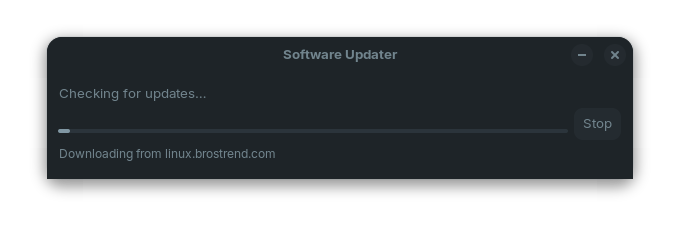
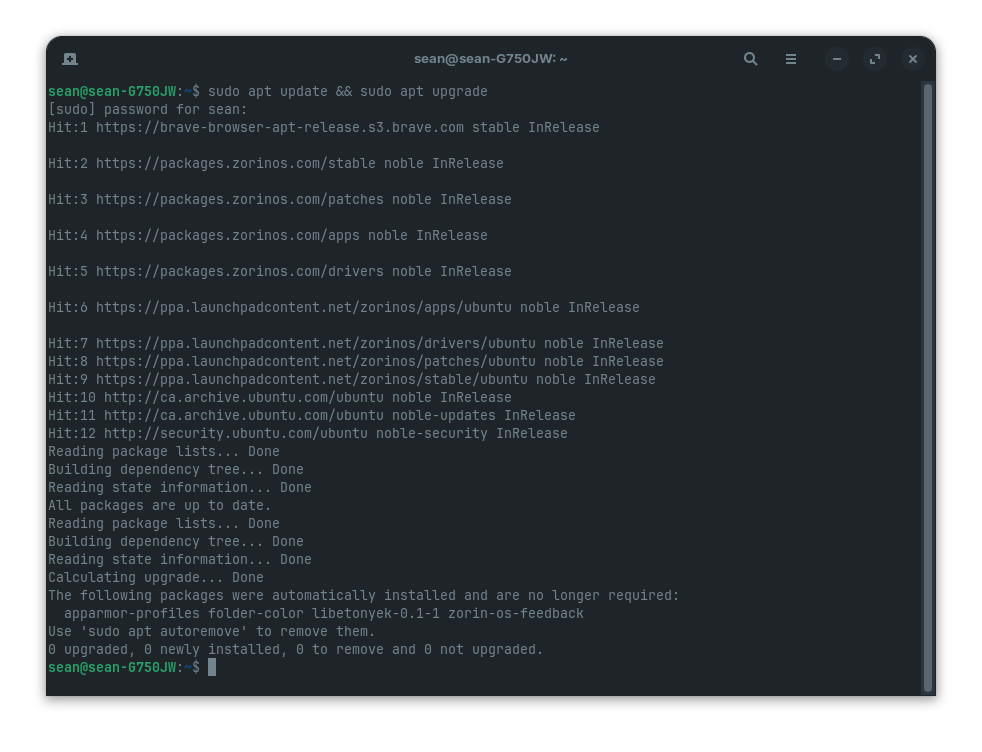
Having recently updated Zorin 18, when I now run Software Updater, it has an issue while trying to communicate with linux.brostrend.com (progress bar freezes; see first photo). Then I get an error (see second photo). I don't have an internet issue.
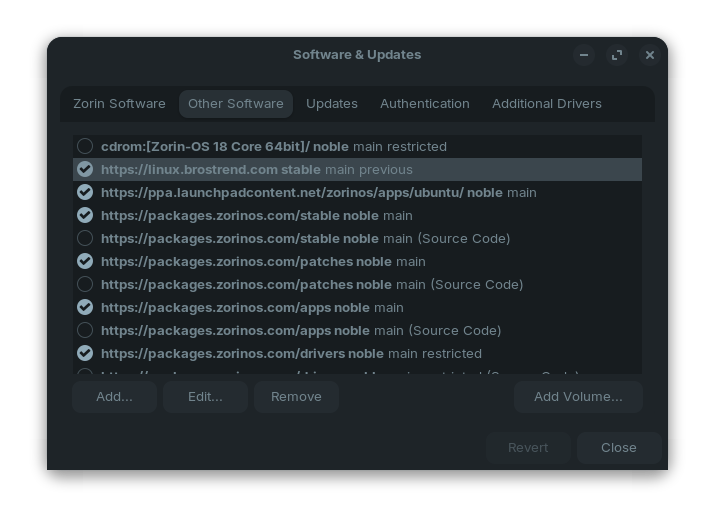
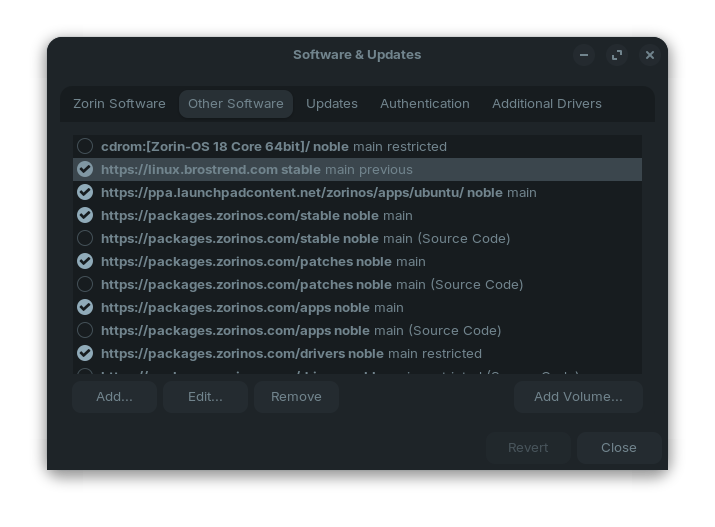
I did notice on the "Other Software" tab that other updaters use "Noble" but linux.brostrend.com does not (see third photo). Could this be the issue?
I ran the install of linux.brostrend.com again to see if it would update but it's the same.
Has anyone had this issue and found a fix? Any help greatly appreciated!
I unchecked the linux.brostrend.com in "Other Software" tab in Software Updater and no longer have the freeze and error issue. It takes longer than normal to check for updates but it works now.
Guess I have to wait for Brostrend to update their repository for Software Updater.
I selected linux.brostrend.com in "Other Software" tab of Software Updater again. It is working again now. Software Updater is running much faster today as well.