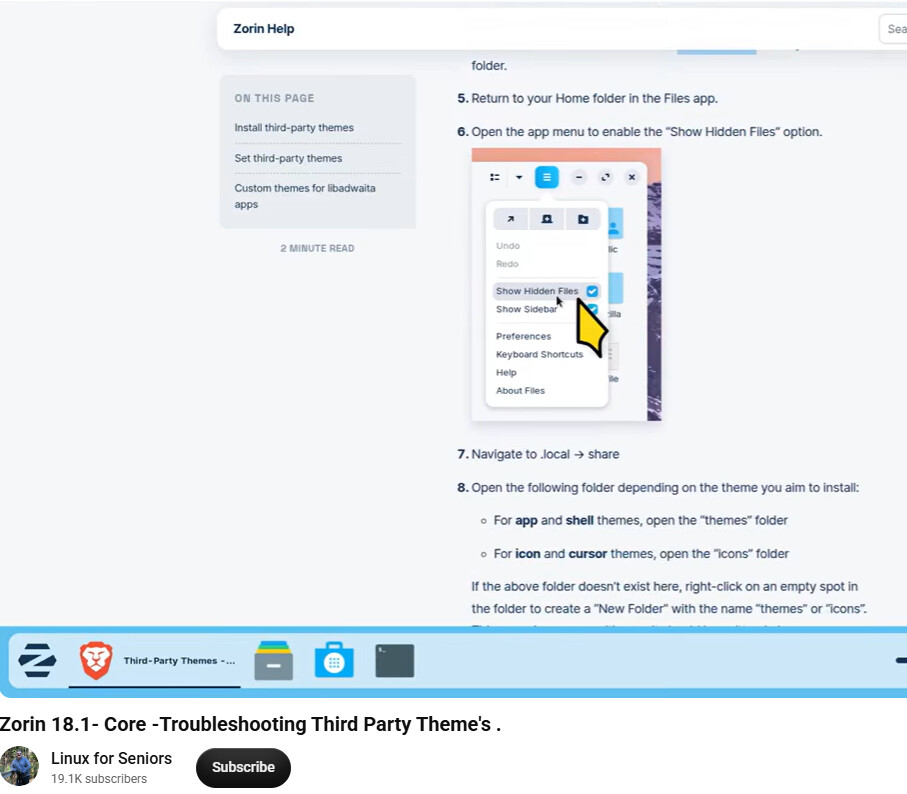
I have just found this Youtube channel (https://www.youtube.com/@linuxforseniors) and after a quick review of three videos given up on it because the creator insists on using a black cursor on a dark background making it impossible for anyone with less than perfect vision to follow his actions. Going by the audio he is otherwise creating badly needed content for seniors and newbies.
He is so arrogant that he does not permit feedback (comments).
I watched some of the videos, and often he used a yellow cursor. Then the cursor is good visible. So it's worth trying out different videos. But yes, for seniors, the cursor could certainly be larger and colored so it's easier to see.
I liked his Tutorial on Plasma. I am surprised he did not mention anything about Oxygen cursors as they are available in a myriad of colours and offer sizes 24 and 48. I may be wrong but I thought in earlier versions of Plasma they had even 64 size.
I have not seen any mention of system font sizes, another reason why I like Plasma. I donated my Dell notebook to my eldest who has Lupus that needs to use Comic Sans 16 on a Black background. I can easily adjust all fonts to Comic Sans/Comic Relief across the Plasma desktop.
That is the Azenis Cusor. One of my favorites - but yes, it against a very dark background is a poor choice - and disabling feedback means no one can let him know of the oversight.
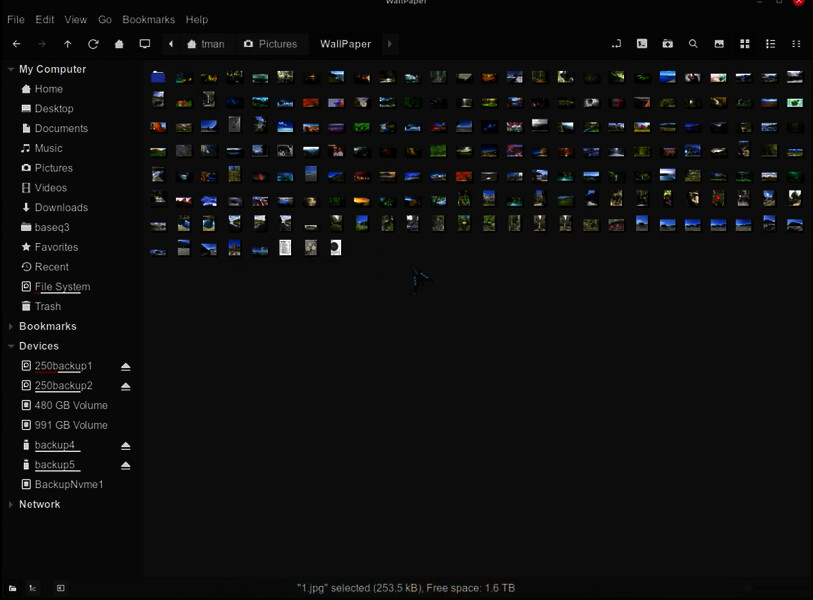
 This is his cursor.
 One of my favorites - but yes, it against a very dark background is a poor choice - and disabling feedback means no one can let him know of the oversight.