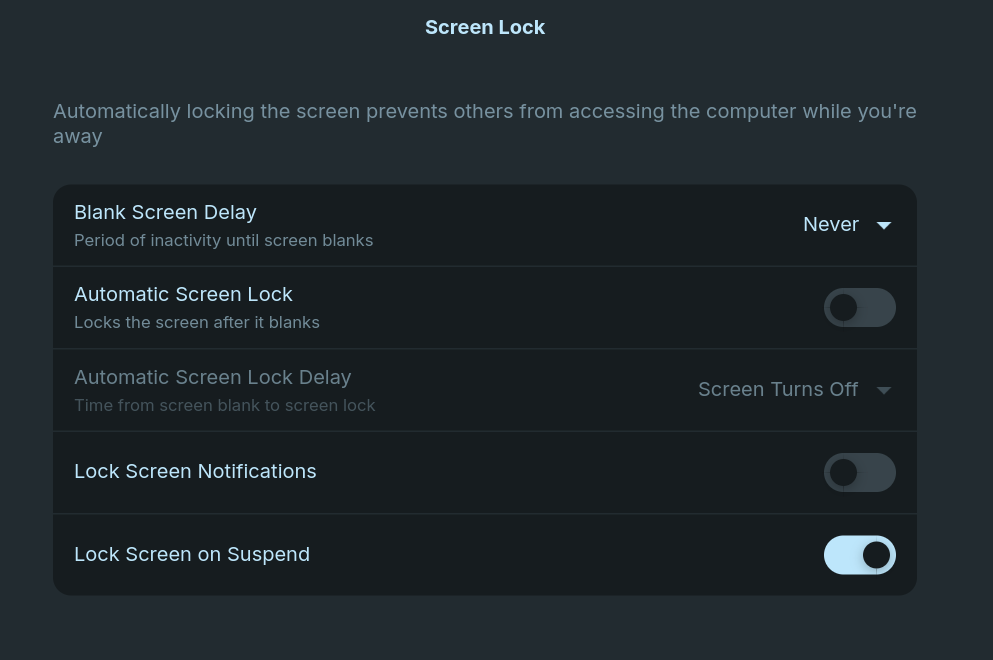
In the lock screen settings, I have it set up to never go blank and show a black screen. However, my computer goes black after a few seconds once I lock it anyways. I want that to never happen, so it always shows the lock screen. Alternatively, I would at least like to play a screensaver instead.
you can try Light Locker which is available in the Software Store
What is lightdm? Does ZorinOS already use it?
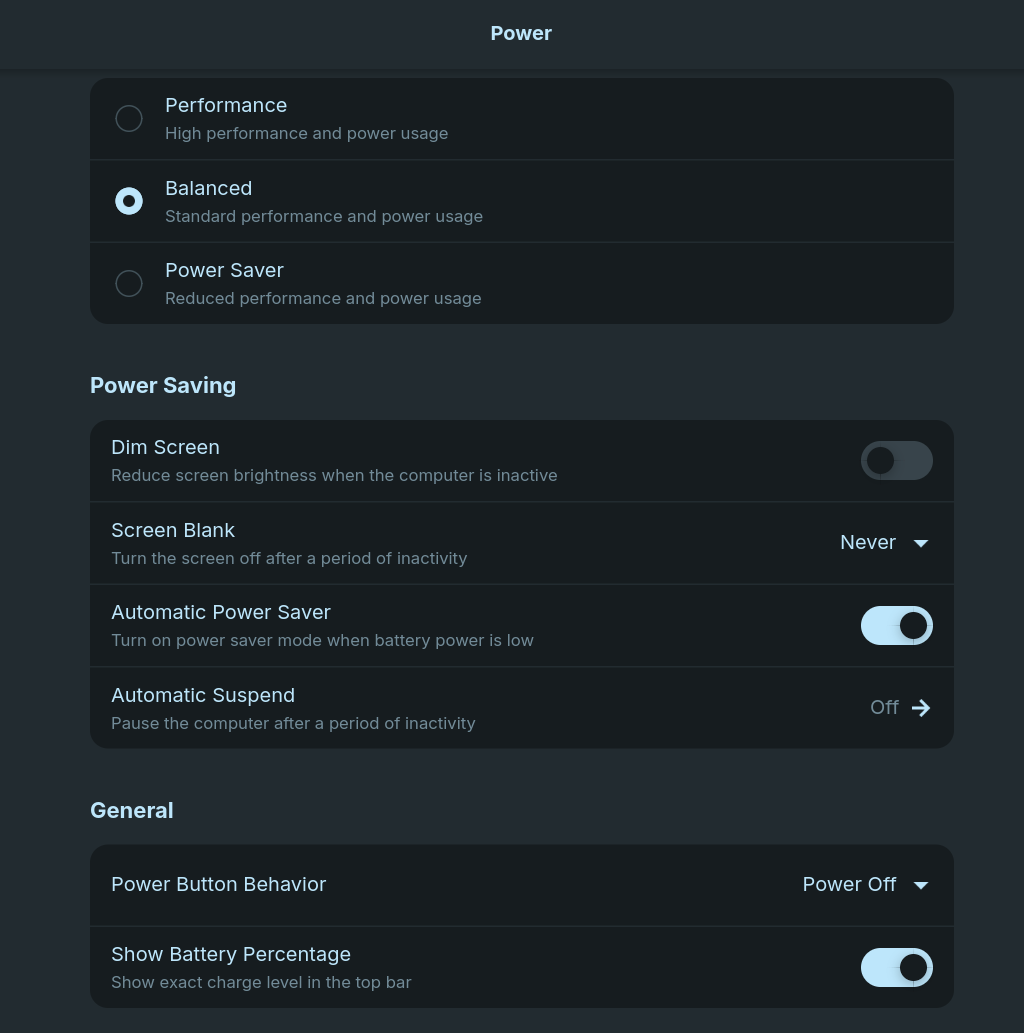
You could try with disabling ''Lock Screen on Suspend''. Besides that: How is Settings>Energy set up?
Disabling lock screen on suspend does not change the behavior. Here are the power settings. Is there any way to display all these settings in the terminal so I can copy and paste them here instead of taking screenshots?