Instead of the usual Zorin theming you get, my lock screen has a grey background and (I'm guessing) the default gnome colours. No matter what I do (e.g. extensions I install), it won't let me change it and it stays the same. System settings like display scaling don't work on it, which bugs me out having a 5K monitor that is basically unreadable at 1x scale. Don't get me wrong, the lock screen's still usable, but I'd love some customisability on it!
P.s. I have no idea how to take screenshots on the lock screen, sorry
The lockscreen is the screen which is shown when you lock the screen, and e.g. after suspend when you have enabled the lock screen there, the login screen is shown after a shutdown, reboot or logout.
To me it looks if you are talking about the login screen. Is that right?
From what I understand, yes, it's my login screen. I also noticed that trying to use my lock screen using Super + L doesn't seem to lock the screen and loginctl lock-session doesn't either. But it still says gnome screensaver is running?47172 /usr/bin/gjs -m /usr/share/gnome-shell/org.gnome.ScreenSaver
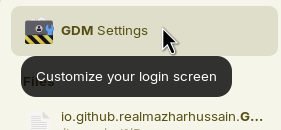
Do you use a custom theme for gdm3? Or do you have used the app gdm-settings to setup a custom login screen?
Which is your gtk theme which is enabled?
Some third-party themes offer scripts which install a custom gdm3 theme.
From what I've understood, I'm using all the default themes except for the icons, which I'm guessing is not important. I tried sudo apt reinstall gdm3, everything seems the same
Ok, so I got the lock screen (Not the login screen) working!! From what I understand (Which is not much) I reset all the settings and updated dconf (??) I'm not really sure what exactly fixed it... but the login screen is still broken.
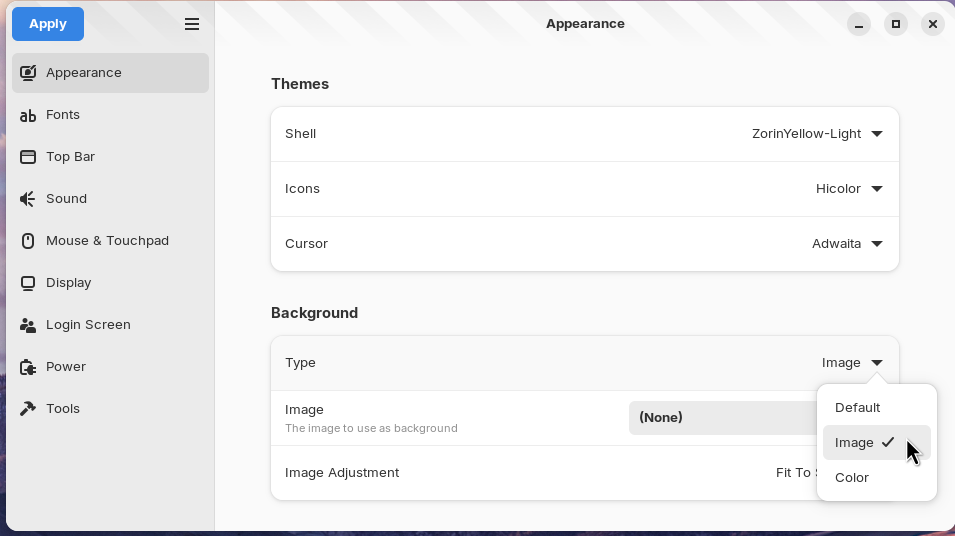
I wanted to write the same just now. I tested it in the app gdm-settings, and when there is set as shell theme "default" and as background type "color" and color black, you have the same grey background as on the photo in post no1.
Edit: Even if you have set as shell theme "default" and for the background type "default', the background is grey.
So it is important that you set as shell theme a Zorin theme and as background type you can set "default", this is the fastest way.
If you like to have another theme as shell, e.g. the "default" one which is set at the moment, and you want the default background from Zorin, you can select the background image from the Zorin theme (when the image picker opens, go to other places), e.g.
/usr/share/themes/ZorinBlue-Light/gnome-shell/assets/login-background.png
The background image is in all Zorin themes the same.
Which Zorin Version are you running? The commands to install the program gdm-settings are only for Zorin 18, not for Zorin 17 or earlier.
Today, I ended up on the same login screen as you showed in your first post (without having installed gdm-settings, nor other scripts, nor third-party themes) by running
and then pressing 1.
If it happened in your case the same way, you can go back to the Zorin gdm background by running the same command and then pressing 0.
Then logout.
1 is the number for the default gnome-shell-theme for gdm, and
0 is the number for the ZorinBlue-Dark theme for gdm which is used in Zorin by default.
Yesterday, I went to the trouble of removing zorin-os-desktop and installing the entire ubuntu-desktop just to try out Ubuntu's original GDM theme, but today I realized that you can get a similar look as in Ubuntu very easily this way.

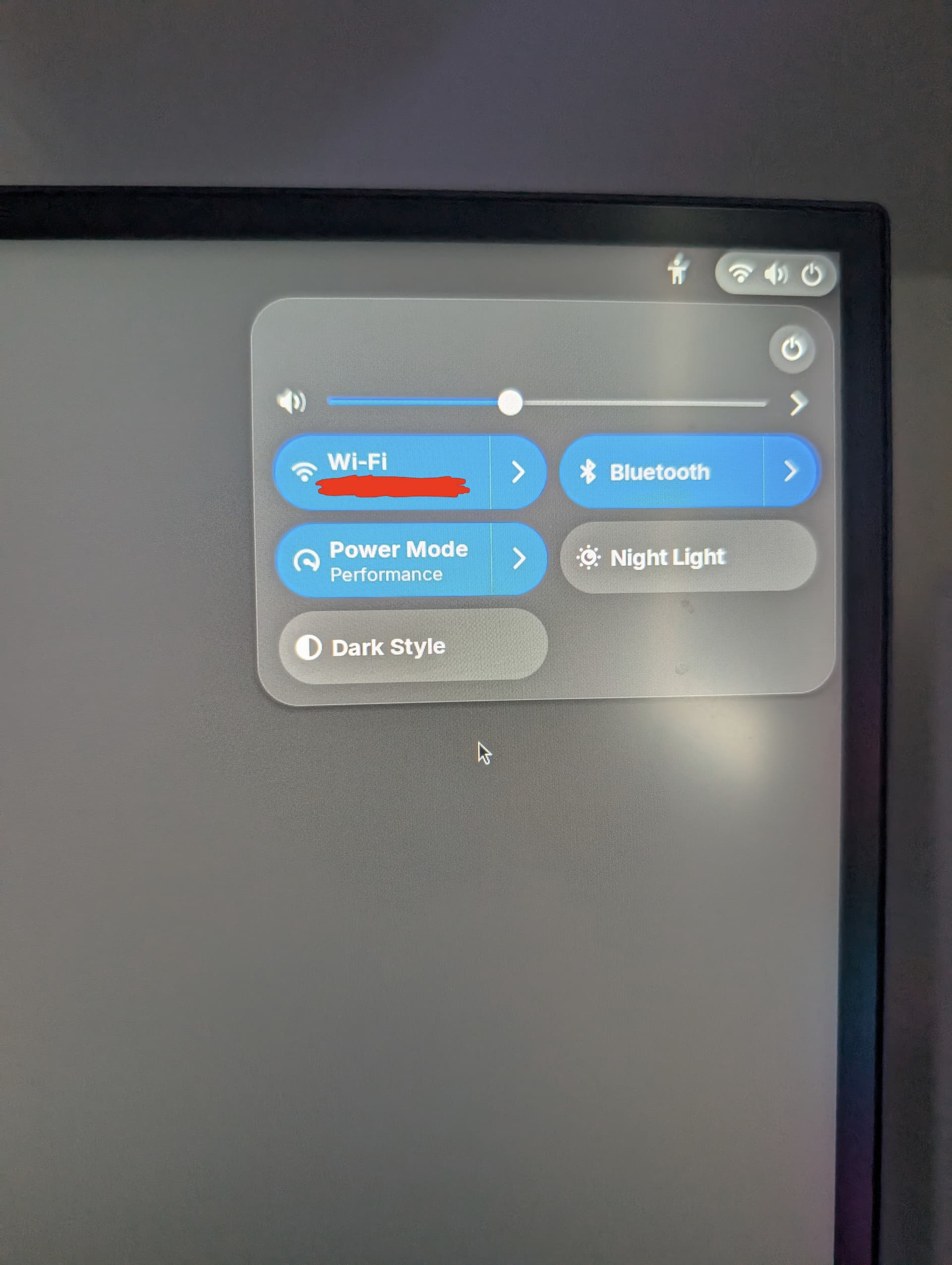
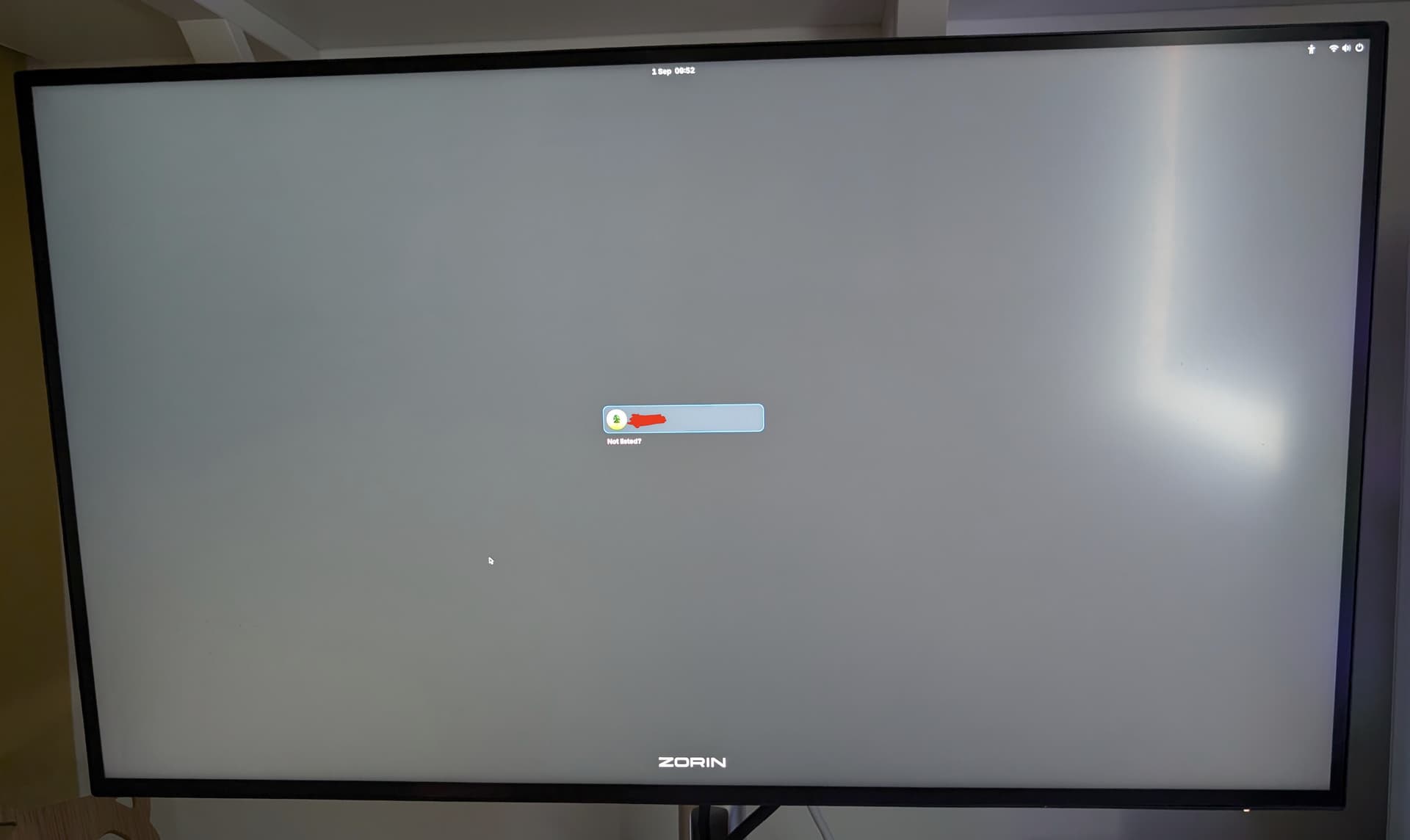
 I'm so sorry, what's the difference?