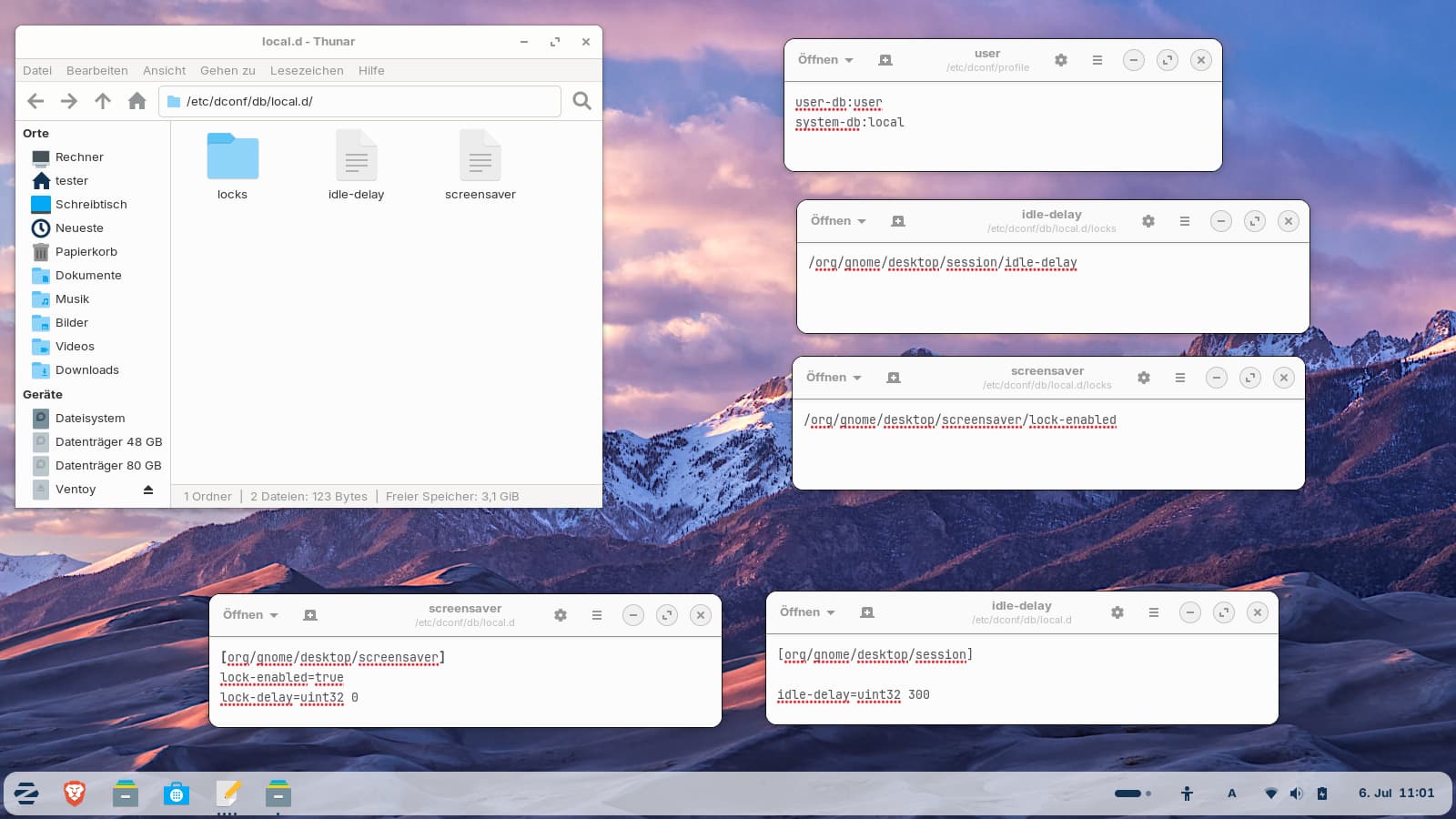
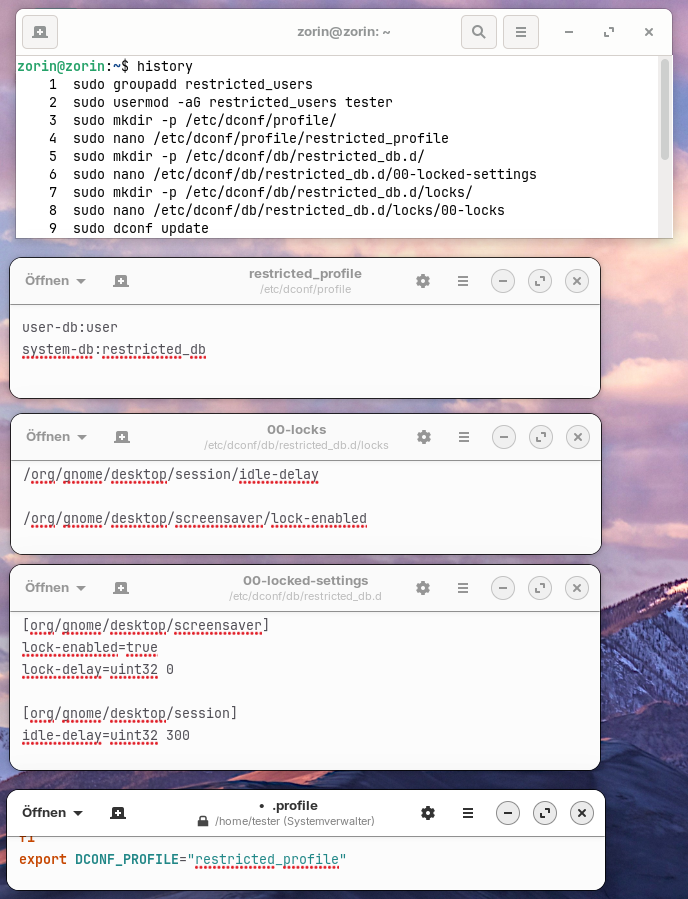
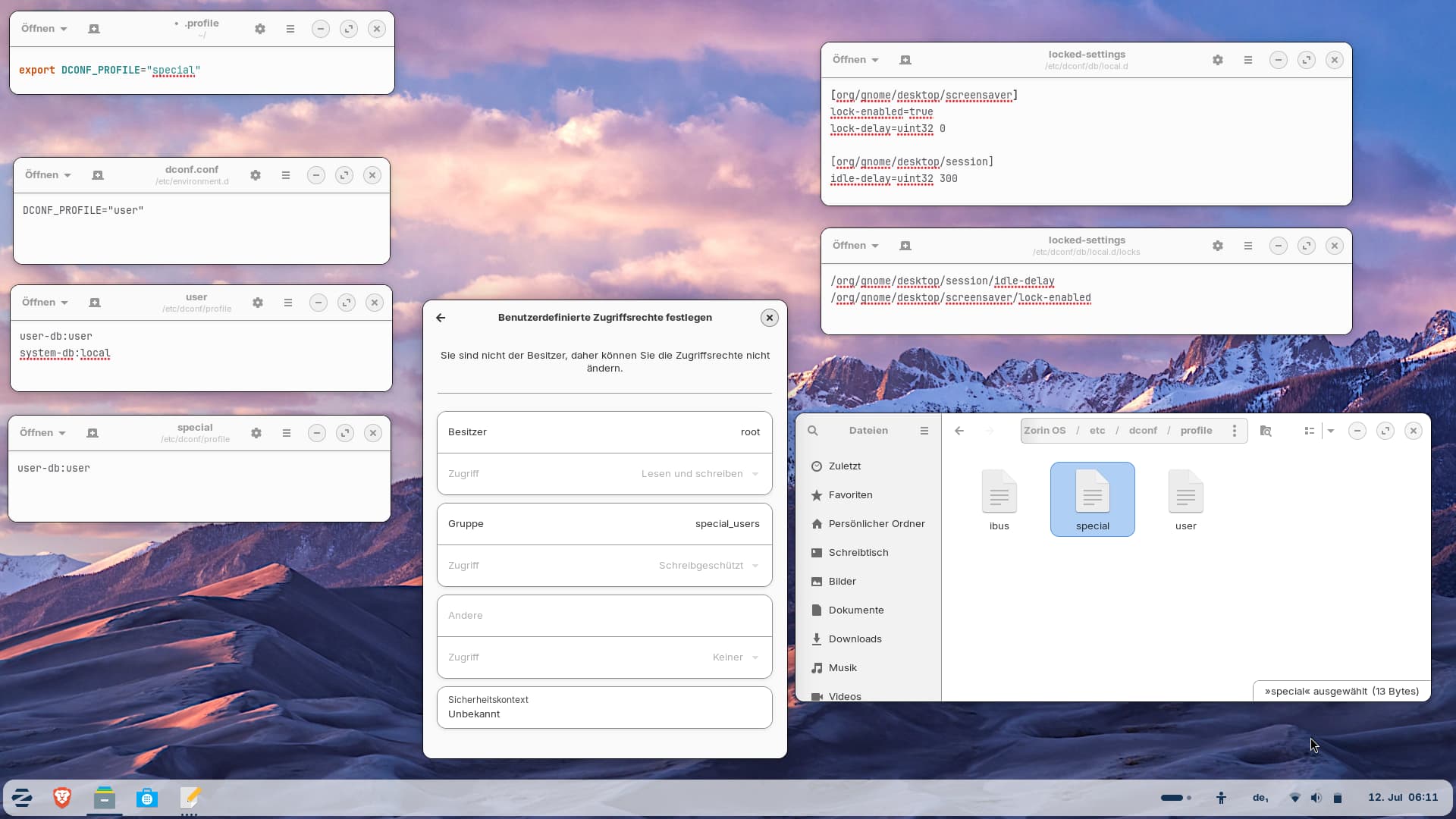
Possibly something else to look at:
" AppArmor is a Linux Security Module (LSM) that implements Mandatory Access Control (MAC) to confine applications, limiting their access to files, network resources, and capabilities regardless of user permissions. It is the default security module on Ubuntu , Debian , and SUSE , and is widely used in enterprise environments to harden servers, databases, and web services.
To effectively lockdown Linux in an enterprise setting, follow this structured approach:
-
Verify and Enable : Check the status with sudo aa-status and ensure the service is active via sudo systemctl status apparmor . On systems where it is not default, install tools with sudo apt install apparmor apparmor-utils apparmor-profiles and ensure the kernel is booted with security=apparmor .
-
Adopt a "Complain First" Strategy : Never enable a new profile directly in Enforce mode on production. Use Complain mode (sudo aa-complain /path/to/binary ) to log violations without blocking them, allowing you to identify necessary permissions for the application.
-
Generate and Refine Profiles : Use sudo aa-genprof /path/to/binary to interactively generate profiles based on application behavior, or manually edit profiles in /etc/apparmor.d/ . Use sudo aa-logprof to review logs from Complain mode and automatically generate rules for allowed actions.
-
Enforce and Monitor : Once validated, switch to Enforce mode (sudo aa-enforce /path/to/binary ) to actively block unauthorized access. Regularly monitor logs for violations and update profiles as applications evolve.
-
Target High-Risk Services : Prioritize applying strict profiles to network-facing daemons (e.g., nginx , MySQL , Postfix ) and utilities that process untrusted input, as these offer the highest return on security investment by limiting the blast radius of potential compromises.
By systematically applying these profiles, enterprises can significantly reduce the attack surface, ensuring that even if an application is compromised, the attacker’s ability to move laterally or access sensitive data is severely restricted.
AI-generated answer. Please verify critical facts.
How to integrate AppArmor with Docker containers?
Integrating AppArmor with Docker involves leveraging Docker's built-in support for Linux Security Modules to confine container processes. By default, Docker applies a moderately restrictive profile named docker-default to all containers on AppArmor-enabled hosts, but enterprises often require custom profiles for stricter isolation.
Default Behavior and Verification
Docker automatically loads and applies the docker-default profile unless explicitly overridden. This profile blocks dangerous operations like mounting filesystems, writing to sensitive /proc or /sys paths, and loading kernel modules, while allowing standard application functionality.
To verify the active profile and status:
- Check the loaded profiles:
sudo aa-status | grep docker
- Inspect a running container:
docker inspect <container_id> --format '{{.AppArmorProfile}}'
If the output shows docker-default , the integration is active. If it returns empty or unconfined , AppArmor may be disabled or bypassed.
Docker default AppArmor profile docker-default
View all
Applying Custom Profiles
For enterprise workloads, the default profile is often too permissive. You can create and apply custom profiles to restrict specific containers based on their least-privilege requirements.
1. Create and Load the Profile
Define a profile in /etc/apparmor.d/ (e.g., docker-webapp ). Use the flags=(attach_disconnected,mediate_deleted) syntax standard for containers.
# Example: /etc/apparmor.d/docker-webapp
#include <tunables/global>
profile docker-webapp flags=(attach_disconnected,mediate_deleted) {
  #include <abstractions/base>
  # Include specific rules for your app
  network inet tcp,
  /usr/bin/nginx mr,
  /var/www/** r,
  deny /etc/shadow r,
}
Load the profile into the kernel:
sudo apparmor_parser -r -W /etc/apparmor.d/docker-webapp
2. Attach to Containers
Apply the profile at runtime using the --security-opt flag or in Docker Compose.
Docker CLI:
docker run --security-opt apparmor=docker-webapp -d nginx
Docker Compose:
services:
  web:
    image: nginx
    security_opt:
      - apparmor:docker-webapp
how to apply custom AppArmor profile to Docker container
View all
Troubleshooting and Tuning
Misconfigured profiles can cause containers to crash or fail silently. Use the following workflow to tune policies without disrupting services:
- Complain Mode : Before enforcing, set the profile to
complain mode. This logs violations without blocking them.
- Command:
sudo aa-complain /etc/apparmor.d/docker-webapp
- Alternatively, add
complain to the profile flags: profile docker-webapp flags=(...,complain) { ... }
- Analyze Logs : Run the application workload and monitor denials.
- Command:
sudo journalctl -k -f | grep apparmor or sudo tail -f /var/log/syslog | grep apparmor
- Refine Rules : Use
aa-logprof or aa-genprof to interactively update the profile based on logged events, then switch to enforce mode (sudo aa-enforce /etc/apparmor.d/docker-webapp ).
troubleshooting AppArmor Docker container permissions
View all
Advanced Integration Strategies
-
Disabling for Specific Containers : In rare cases where AppArmor conflicts with specific legacy applications, disable it per-container using --security-opt apparmor=unconfined . Avoid this in production unless necessary.
-
Layered Security : Combine AppArmor with seccomp profiles. While AppArmor controls file and network access, seccomp filters system calls. Using both provides defense-in-depth.
-
Orchestration Tools : If using Portainer or similar UIs, apply profiles via the "Security & Host" section of the container creation wizard by entering apparmor:docker-webapp in the security options.
What are common AppArmor syntax errors?
Common AppArmor syntax errors typically stem from missing delimiters, incorrect rule ordering, or misunderstandings of how specific operations like ptrace are logged and handled.
1. Missing Trailing Commas
The most frequent syntax error is omitting the trailing comma at the end of a rule. AppArmor requires every rule (file, network, capability) to end with a comma. Without it, the parser fails to load the profile.
- Incorrect:
/etc/myapp/config.json r
- Correct:
/etc/myapp/config.json r,
AppArmor profile syntax trailing comma error
View all
2. Ptrace and Capability Confusion
Administrators often misinterpret DENIED logs related to ptrace , leading to incorrect rules. The kernel may log a ptrace denial as a capability denial (sys_ptrace ) depending on the context (e.g., crossing UID boundaries) or the specific /proc file being accessed.
- The Error: Adding only
capability sys_ptrace, when the application actually needs ptrace rules, or vice versa.
- The Fix: Often both are required, or a specific
ptrace rule with peer constraints. For example, netstat -p often requires:
deny capability sys_ptrace,
deny ptrace,
Or, if access is needed:
capability sys_ptrace,
ptrace (trace) peer=@{profile_name},
Using deny rules for ptrace is a common strategy to silence logs for tools that scan /proc but do not actually need to trace processes, as deny rules do not generate log entries.
AppArmor ptrace vs capability sys_ptrace denial site:reddit.com
View all
3. aa-logprof Parsing Failures and Infinite Loops
The aa-logprof tool can fail or hang due to syntax issues in the logs it parses or bugs in older versions.
- Infinite Loops: Older versions of
aa-logprof (specifically around Ubuntu 14.04/Trusty) contained bugs where parsing signal or specific ptrace log entries would cause the tool to enter an infinite loop or crash with a UnicodeDecodeError . This often happens if the kernel version and user-space tools are mismatched.
- Log Format Mismatches:
aa-logprof may fail to read logs if they are in an unexpected format (e.g., reading /var/log/messages instead of audit.log or kern.log ), resulting in "no events found" errors.
- Permissions: The tool requires read access to the audit logs. If
/var/log/audit.log permissions are too restrictive (e.g., not readable by the user running the tool), profile generation will result in empty or incomplete profiles.
aa-logprof infinite loop signal ptrace bug
View all
4. Path and Globbing Mistakes
Confusion between file and directory rules often leads to unintended access grants or denials.
- Trailing Slashes: A rule like
/var/log/myapp rw, applies to a file named myapp . To apply to a directory , a trailing slash is required: /var/log/myapp/ rw, .
- Recursive Globs: Using
* matches files only in the immediate directory. Using ** is required for recursive matching. A common error is using /etc/myapp/* when /etc/myapp/** is needed to cover subdirectories.
- Missing Binary Rule: A profile must explicitly allow the binary itself to be executed. Omitting
/usr/bin/myapp mr, (or similar) prevents the application from starting.
AppArmor globbing * vs ** directory slash error
View all
5. Missing Abstractions
Profiles often fail because they lack essential system access rules provided by abstractions.
-
The Error: Manually writing rules for standard system calls (like accessing /proc , /sys , or shared libraries) instead of including standard abstractions.
-
The Fix: Always include #include <abstractions/base> at the start of a profile. Depending on the app, nameservice , ssl_certs , or python abstractions may also be required to prevent basic functionality breakage.
How does AppArmor compare to SELinux?
Core Architectural Differences
The fundamental distinction between AppArmor and SELinux lies in their security models: AppArmor is application-centric and path-based , while SELinux is system-centric and label-based .
-
AppArmor attaches profiles directly to executable paths (e.g., /usr/bin/nginx ). It defines what resources that specific program can access. This model is intuitive, as policies mirror the filesystem layout and application behavior, making it easier for administrators to write and audit rules without deep security expertise.
-
SELinux assigns labels (types, roles, users) to every process and file (inodes). Access is determined by a global policy defining interactions between these labels, regardless of the file path. This Type Enforcement (TE) model offers superior granularity and robustness, preventing unauthorized access even if files are moved or renamed, but it requires a steeper learning curve to manage the complex abstraction of security contexts.
SELinuxLinux kernel security module
Wikipediagithub.com

AppArmorLinux kernel security module
Wikipediaapparmor.net

Enterprise Adoption and Ecosystem Trends (2025–2026)
As of 2025, 55.6% of enterprise Linux environments actively enforce either SELinux or AppArmor. The choice is often dictated by the underlying distribution, though significant shifts occurred recently:
-
SELinux Dominance in Traditional Enterprise : With Red Hat Enterprise Linux (RHEL) holding 43.1% of the enterprise server market, SELinux remains the default for the largest segment. A major shift occurred in February 2025 , when openSUSE (Tumbleweed and Leap 16) switched its default from AppArmor to SELinux, citing the need for stronger type enforcement in high-security setups. This signals a broader industry trend toward SELinux for new deployments in regulated sectors.
-
AppArmor in Cloud and DevOps : Ubuntu (33.9% market share) and Debian default to AppArmor, making it the dominant MAC framework in public cloud environments (60%+ of instances) and containerized workloads. Its path-based model aligns well with immutable infrastructure and rapid container spin-up/down cycles. However, some cloud providers, like Microsoft Azure (in Azure Linux 3.0), are moving toward SELinux-only support for Kubernetes nodes to leverage its stricter isolation.
SELinux vs AppArmor enterprise adoption trends
View all
Security Granularity and Compliance
-
SELinux is the preferred choice for high-security and compliance-driven environments (e.g., government, defense, finance). It natively supports Role-Based Access Control (RBAC) and Multi-Level Security (MLS) , allowing for complex policies like "read-down, write-up." Studies indicate a 60% reduction in privilege escalation incidents in SELinux-enforced environments compared to permissive modes.
-
AppArmor provides robust application confinement sufficient for most general-purpose and web server scenarios. While it can implement RBAC via PAM modules, it lacks native MLS. Its strength lies in reducing the "blast radius" of compromised applications with significantly less configuration complexity, though it is theoretically easier to bypass via path manipulation (e.g., symlinks) if not carefully configured.
Performance and Operational Overhead
Both modules introduce negligible overhead in macro-benchmarks (typically <5% ), but differences appear in micro-benchmarks and operational management:
- Performance : AppArmor generally incurs lower CPU and memory overhead because it evaluates fewer Linux Security Module (LSM) hooks (approx. 80 vs. 217 for SELinux) and uses simpler path checks. SELinux involves more complex label lookups and context switching, though its Access Vector Cache (AVC) mitigates this in high-throughput scenarios.
- Management : AppArmor profiles are human-readable text files , making troubleshooting and editing straightforward. SELinux policies are compiled binary modules; diagnosing denials often requires analyzing audit logs with specialized tools (e.g.,
audit2allow , sealert ), contributing to a reported skills gap where 41% of IT departments struggle to find qualified administrators.
SELinux vs AppArmor performance and management experience site:reddit.com
View all
Summary Comparison
| Feature |
AppArmor |
SELinux |
| Model |
Path-based (Application-Centric) |
Label-based (System-Centric) |
| Complexity |
Low (Easy to learn/manage) |
High (Steep learning curve) |
| Granularity |
Moderate (File/Network/Capabilities) |
Very High (Type Enforcement, MLS, RBAC) |
| Default Distros |
Ubuntu, Debian, SUSE Linux Enterprise (legacy) |
RHEL, Fedora, CentOS, openSUSE (new) |
| Profile Format |
Human-readable text |
Compiled binary modules |
| Best Use Case |
Cloud, Web Servers, General Purpose |
High-Security, Compliance, Multi-tenant |
| Overhead |
Lower (Fewer hooks, simpler checks) |
Slightly Higher (Complex label checks) |
Recommendation : Stick to the distribution default to ensure vendor support and tested configurations. Choose SELinux if you require strict compliance (PCI DSS, STIG), multi-tenancy, or are in the RHEL/openSUSE ecosystem. Choose AppArmor for faster deployment, easier management, and if you are heavily invested in Ubuntu/Debian cloud environments.
A.I. generated answers, verify all the facts."