In reading about Linux support for Logitech keyboards i have been playing with Solaar. Does anyone have a Logitech keyboard without a dedicated print screen button and how did you solve the screenshot situation? Is Solaar the de facto solution for screenshots?
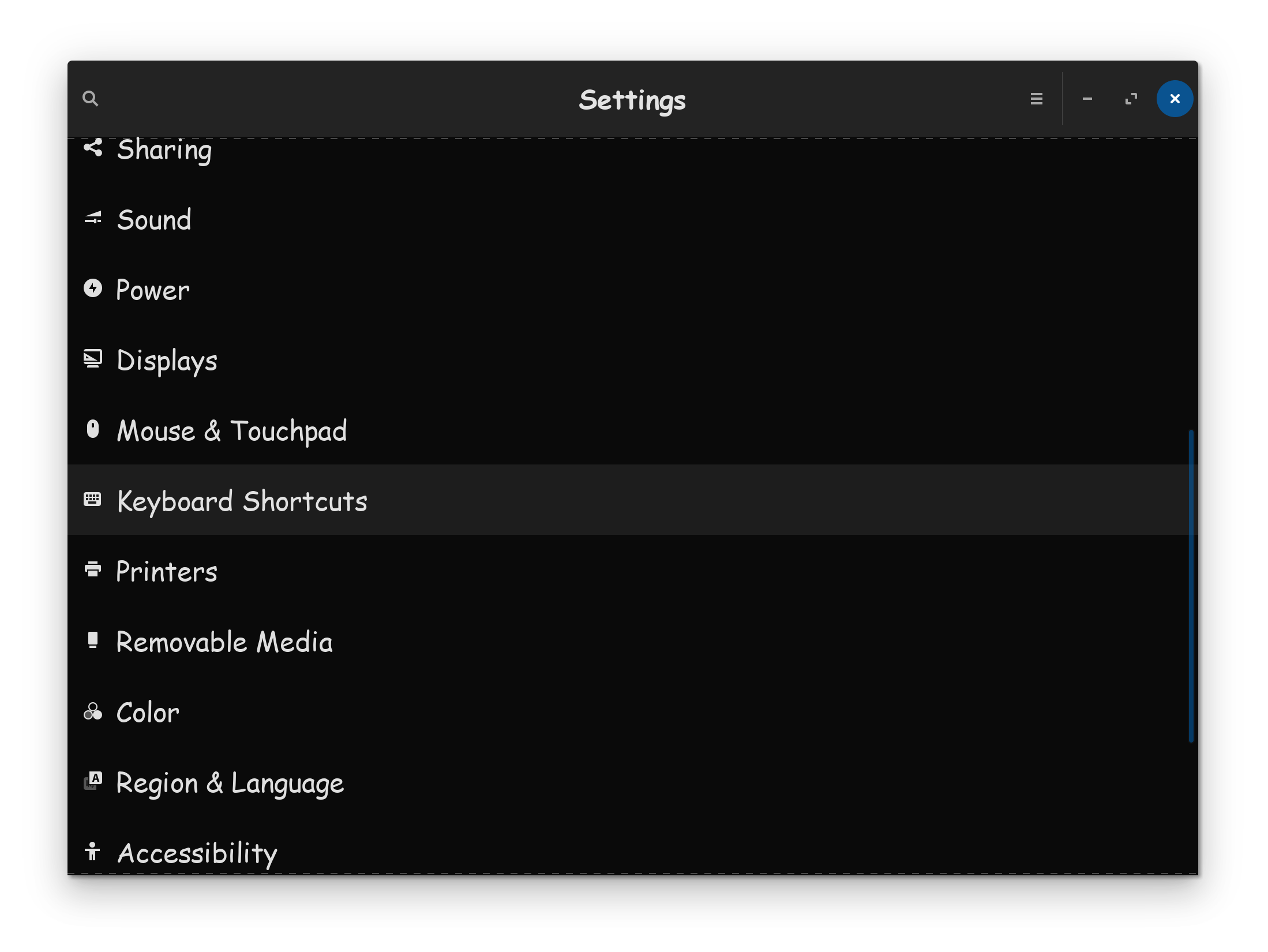
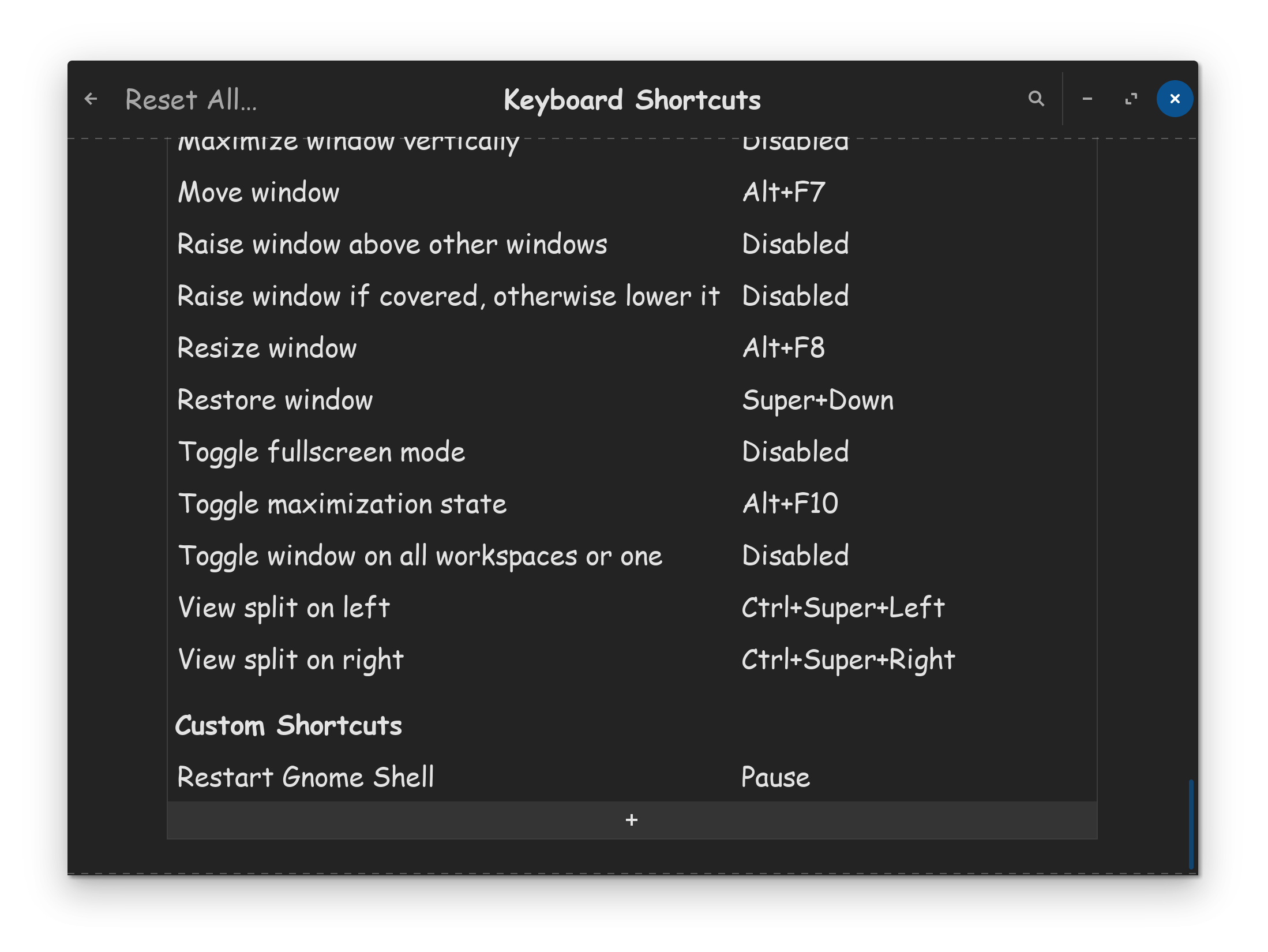
You can set any keys you like as shortcuts for the screenshot tool (go to settings >keyboard > keyboard shortcuts) or you can make screenshots with the quick settings from the taskbar.
Solaar being the prime APP for setting up configging Logitech input/output devices, is correct. Its also correct, that you can adjust shortcuts, in the OS, as @Forpli suggested.
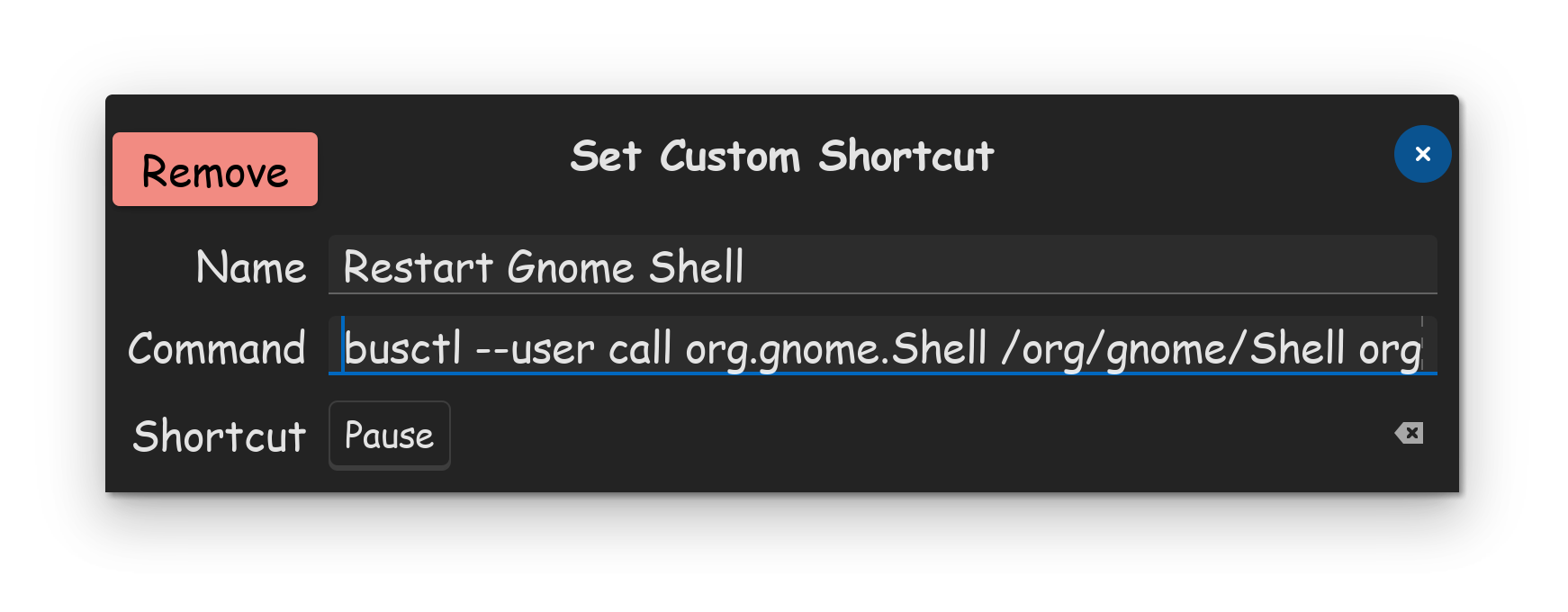
When Gnome shell performance gets terrible, I use a single key on my keyboard, to restart Gnome Shell, which makes video's I watch online, stop being a slideshow, in panning shots. I never cracked the code on what specifically causes it.
After the OS runs awhile, a 1-second stutter begins happening, which is easily experienced in games as well. A GS restart, brings back performance for awhile. I love shortcuts & hotkey's!
Ok I was able to set the shortcut the same as the Windows snipping tool, so I do not need to learn a new key combo. I did learn that I do have a possible print screen button on the MX Keys. For those of you that have the MX Keys look at the keys above your number pad. Its the second from the left above and has what looks to be a camera icon and a dotted line around it. In setting the shortcut I found that once you set the key combo this is activated also!
Hey Zorin folks could you make this key combo the default, so it aids in transition from Windows?