Looking for an Office equivalent app

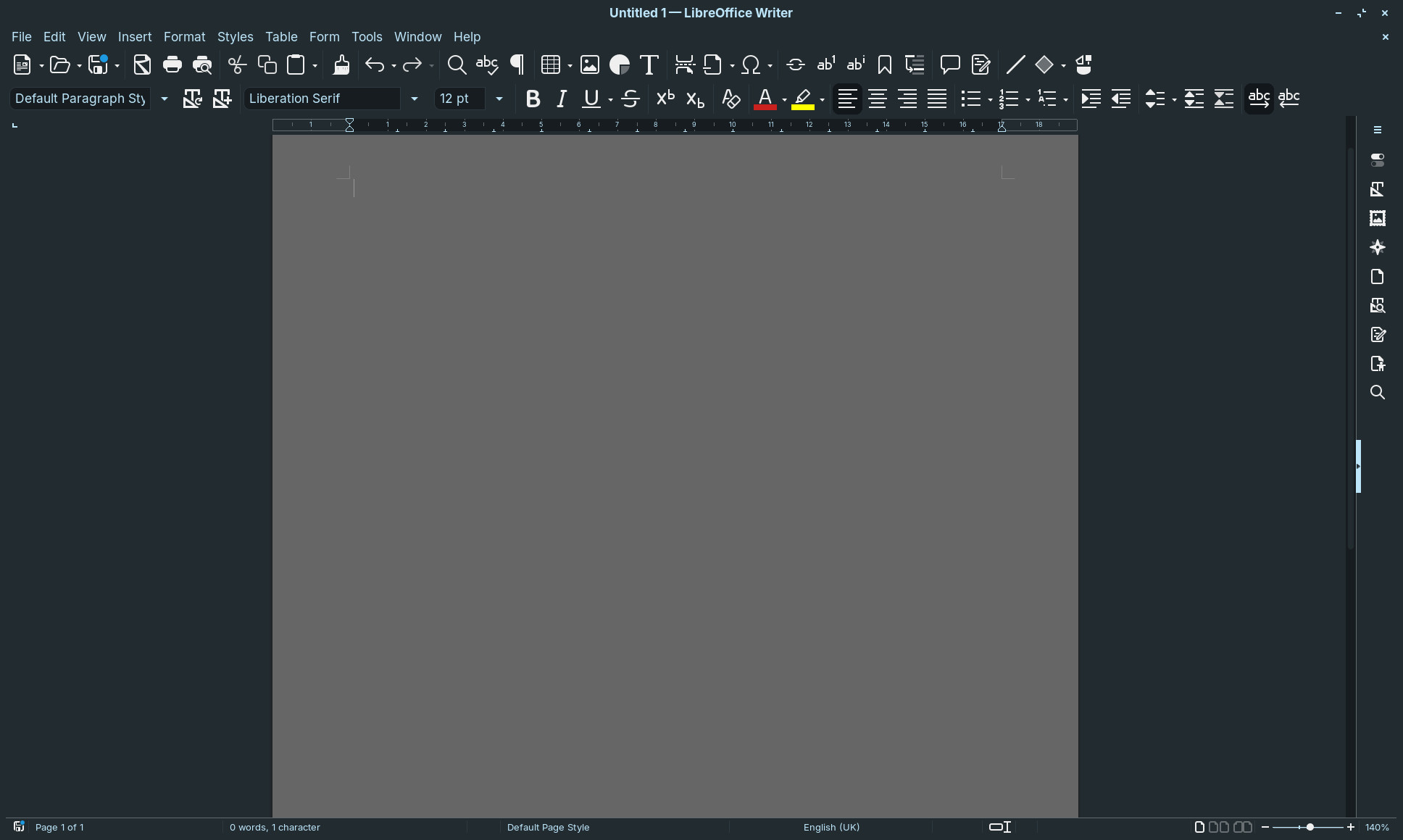
Libre office - icons TOO SMALL even in EXTRA LARGE
ONLY OFFICE - Can't find a real time grammar checker
WPS office - icons too small - can't figure out how to customize it for either enlarging the icons OR putting it in dark mode.

Any other options out there that actually do everything I want on Zorin? Or if you know where I can find and how to install a realtime grammar checker for Only Office.

thanks in advance
arashi.

Check the automated script here to use MSOffice with Wine / PlayonLinux (I think better than flatpak bottles):

I already posted the answer to your grammar query on another thread.

You could try FreeOffice by SoftMaker:

You can save as .docx but you can't make it the default format. It uses its own file extension of .tmdx for TextMaker.

Collabora Office maybe an Option?

Your only options with built-in spelling and Grammar are LibreOffice that comes with ZorinOS (and most other distributions) and Abiword, part of Gnome-Office:

Libre office - on this machine running Zorin the icons are way too small to be able to read.

Thanks. I'll try that first, if not Ill try FreeOffice. Thanks again!

Except I'm trying to get away from MS. The whole reason I installed Linux.

Freeoffice - No document dark mode. No grammar checker. Why can't I find what I need? Shouldn't be that hard.

Couldn't customize Collabora office at all.

Improve your grammar and use Only Office.
Never found better.

But the OP doesn't want to get plugins which I have explained in another post.

1 Like

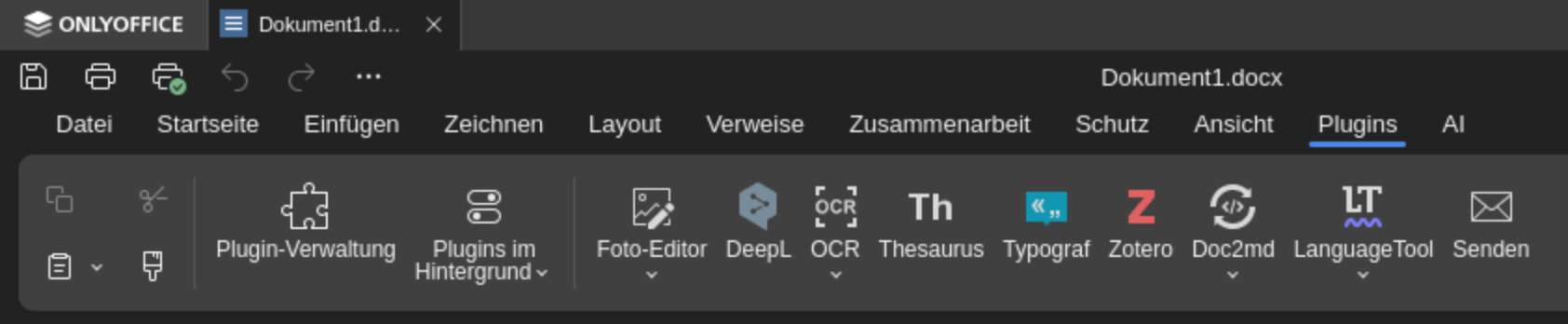
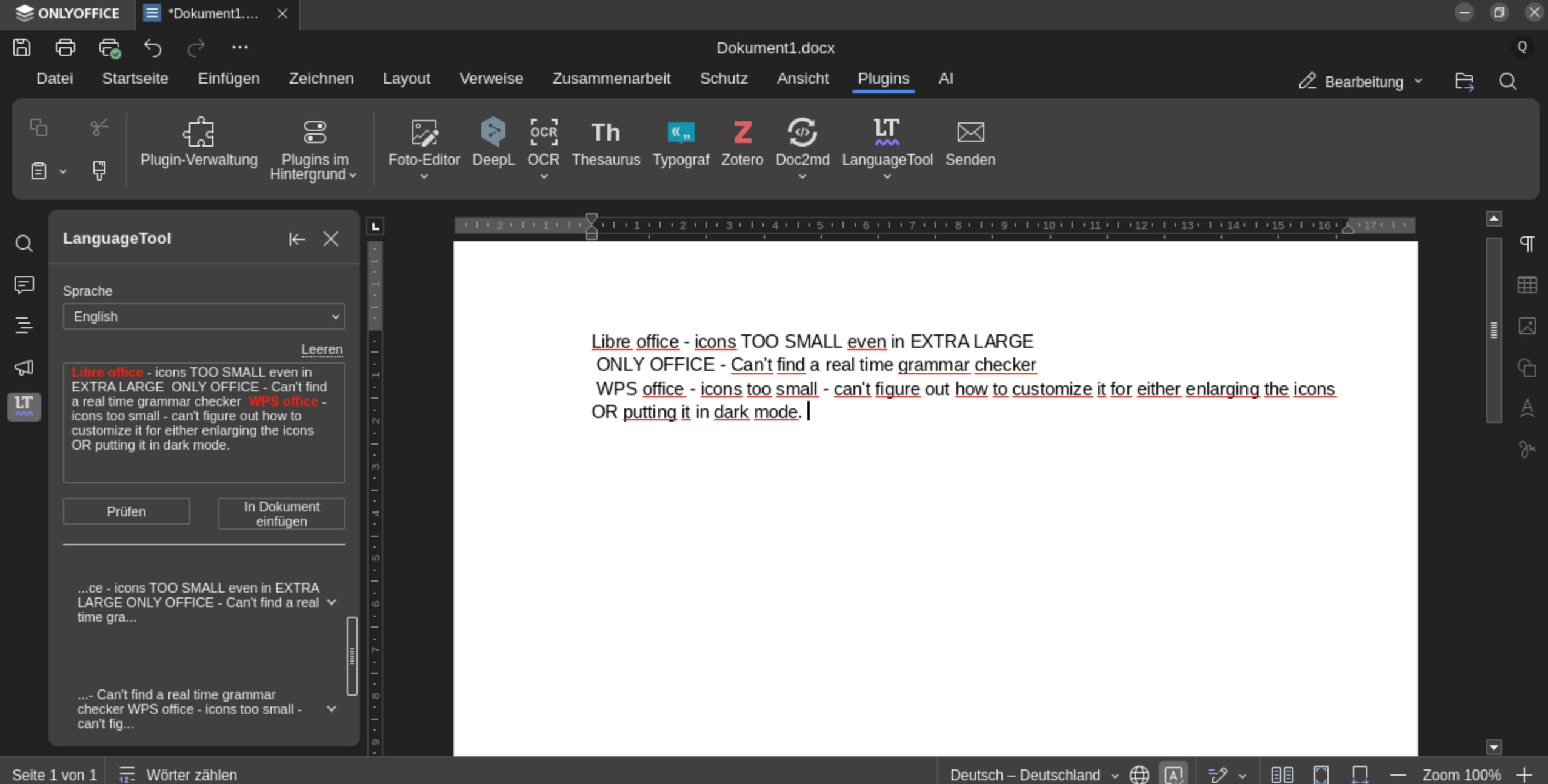
Grammar checking is possible within OnlyOffice using the included "Language Tool" plugin. To use it, select the text you want to check and click "Check". Suggested corrections will then appear, which you can insert directly. Maybe this was already explained before...

Nope. From 8.2 up you have to install third party plugins.

1 Like

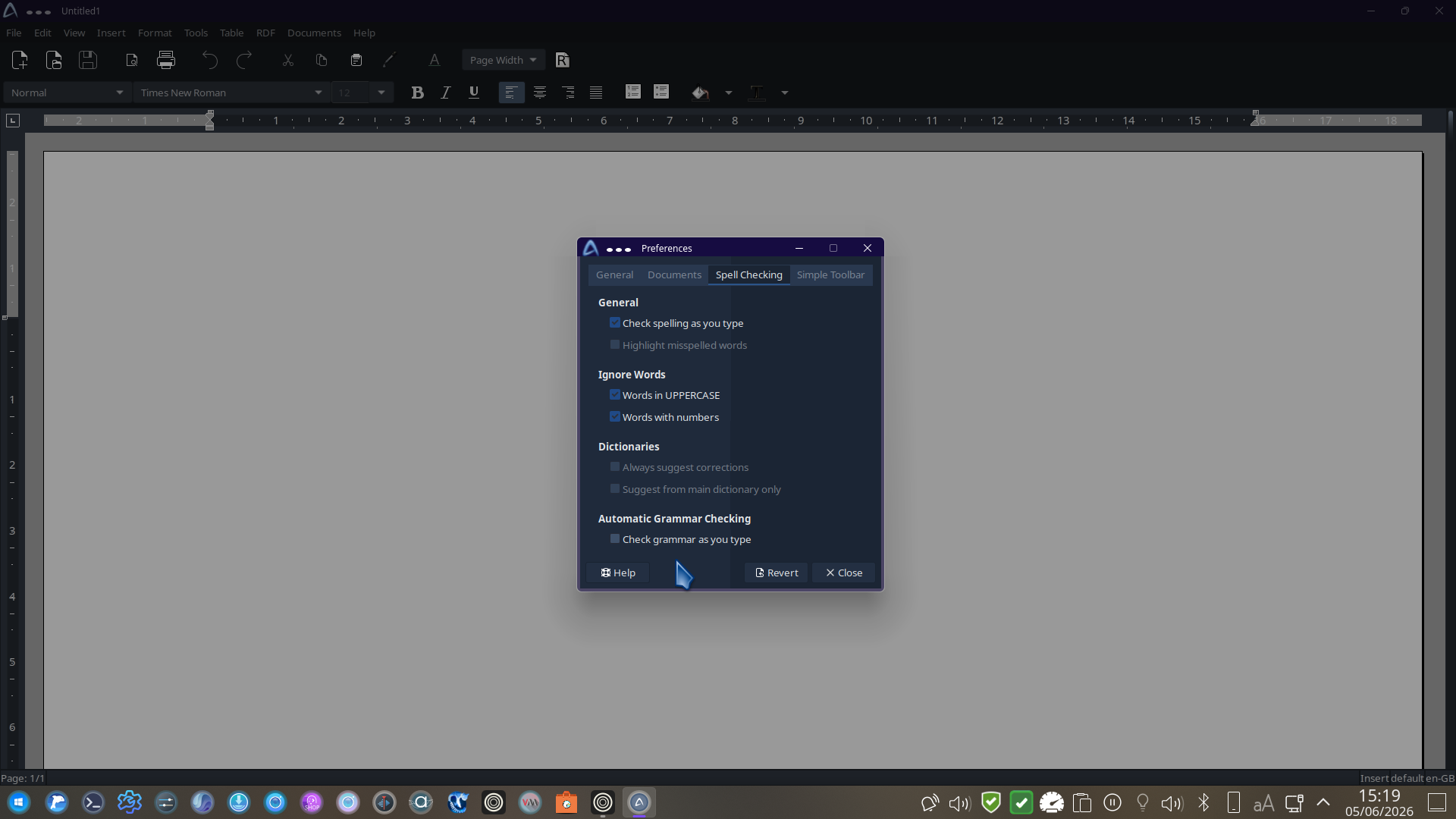
I had installed onlyoffice. The only grammar checking I found was not real time. You had to type into a separate box first. I liked everything else about Only Office though. (Trying to remember if I was able to get full dark mode working - there was one office like app that still showed the "paper"/ typing area as black type on a white background - but I think that was Collabra).

If you can tell me SPECIFICALLY what plug in in Only Office does grammar checking in real time, I'm willing to give it one last try before I reformat and install Mint. But for an "easy OS" I find Zorin MUCH more difficult than Mint.

I'm open to trying it again. But it this point I think the easiest solution is to backup data, reformat and install Mint. I have everything working the way I want in Mint on my old i9 MacBook Pros. Configuring everything was MUCH easier than Zorin, even with the T2 boot security challenges and tracking down the WiFi firmware.

Then I really doubt that you'll find a match.
I would say the closest is Google Docs (Offline Extension):
[https://chromewebstore.google.com/detail/google-docs-offline/ghbmnnjooekpmoecnnnilnnbdlolhkhi]
(https://chromewebstore.google.com/detail/google-docs-offline/ghbmnnjooekpmoecnnnilnnbdlolhkhi)

I have tried every single one and they managed to dissapoint me:
LibreOffice - Zorin's own theme has problems with it and 30% of the buttons are not even readable and even though I reported both here and libre issue tracker, it's not been fixed. (You can override gtk theme but this breaks other apps' themes.). I also had problems with excels, google/msoffice was rendering some cells correctly but not libre.

OpenOffice - It's just libreoffice.

Collabara Office - It's just libreoffice.

Also font is another issue, even though you install MS fonts on linux, static fonts and variable fonts are not being installed so libre/only cannot use it and finds another font and text overflows from page.

OnlyOffice - I like it, looks modern but soo many bugs (even on csv), not enough customization, not enough shortcut (cannot even start a presentation from current slide using a shortcut). Most of my powerpoint presentations text change positions as well.

WPS Office - Half of the app is still in chinese and so many options are missing.

Softmaker Office - People say that it's perfect etc. but all I see is an app asks for money.

Microsoft 365 Copilot Online: Works so slow even with a fast connection. Nothing microsoft did after windows 7 ultimate was good.

EuroOffice - Since OnlyOffice made by a russian team, another team took the code of it and remade it and said it's better and called "EuroOffice" and now there is an argue. But Euro-Office is not designed for stand-alone use, but developed to be a web based and integrated in another product that handles documents, for example a file sharing solution, an online wiki, a project management tool and so on.

So that was the reason I had to come up with PlayOnLinux+wine solution (which is not perfect either) but at least I can work with excel instead of reporting bugs every time I open an excel/powerpoint file.
1 Like

I got Libre Office working with larger icons after a lot of playing around.

I took the editing of 2 .desktop files. Will see if the same Exec line (with the appropriate modifications) works with the other Libre Office Apps.

I'm also having the problem that symbols in LibreOffice are unreadable for me. Furthermore, text selection doesn't really work; the highlighting remains invisible.
If arashi1969 has managed to enlarge the LibreOffice icons, could that be posted here or elsewhere in the forum? I'll be sticking with OnlyOffice, but it might be relevant for others.

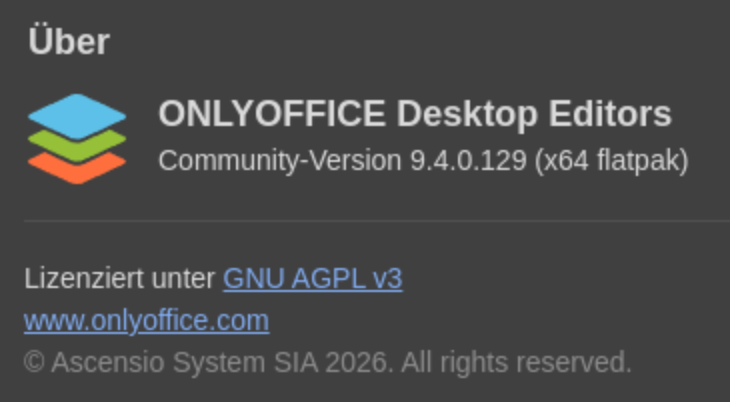
Incidentally, my newly installed OnlyOffice (which I installed yesterday) and the ones that have been installed for a while both came with several plugins and the Language Tool pre-installed. Perhaps a different software package is the source? I used the Zorin Store as a flatpak for it. Maybe there are other software packages among my Zorin Pro installations?
However, this is irrelevant for solving the problem here, as a real-time grammar check is desired, which is not possible via the OnlyOffice Language Tool plugin anyway.


That's how I installed it too. I have Libre office working and looking the way I want it to so I'm basically done with this.

1 Like

I'm just posting this here for information that might be useful for others.

The flatpak version of LibreOffice has no problem with icons/symbols or anything else I can find, here they are set to extra large.

1 Like