Hi Everyone
I install Lumux ( to philips ambilight )
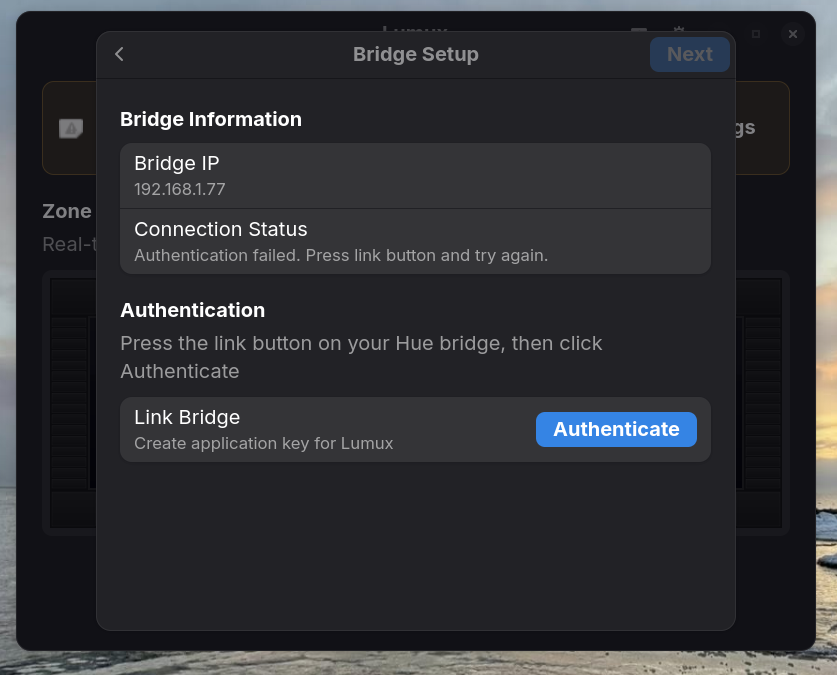
where i find app and login key ?
please help
Is your system running in Wayland or Xorg? If you're on Xorg, try to switch to Wayland. Logout and at loginscreen click on your username then a cog wheal appears at the bottom right corner. There you can switch between both.
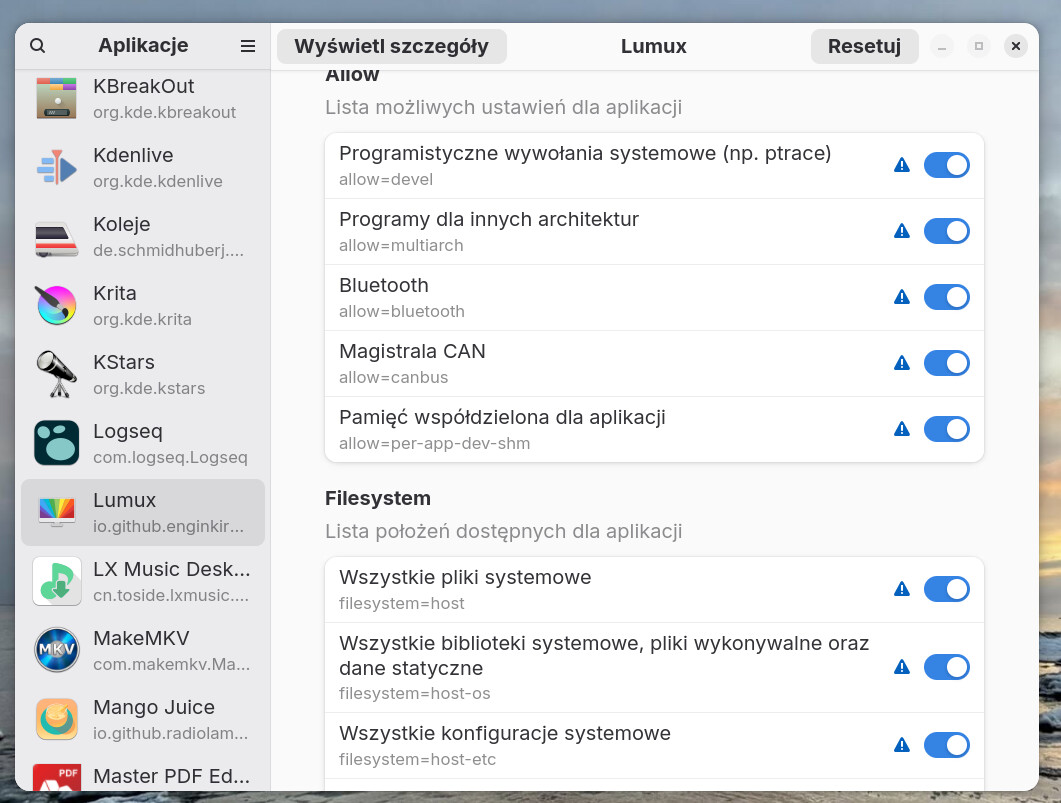
Is the app installled as flatpak? Then it can help to install flatseal and set the permissions for the app lumux so that it has access to important files and portals.
Do you have a firewall? In the installation guide is shown that it can help to disable the firewall for connecting.
I don't know, I'm not familar with Philipps' ambilight.
You can check your session type with
echo $XDG_SESSION_TYPE
and when it shows x11,
logout and at login click on your username then a cog wheal appears at the bottom right corner. Click there, you'll see two entries.
Wayland
Okay, you don't need to switch, you are already on Wayland (the app needs Wayland if I understand right).
What I see from this Picture, You don't need a Login Key. There stands that you have to press the Link Button on Your Hue Bridge and then the Authenticate Button in the Window.