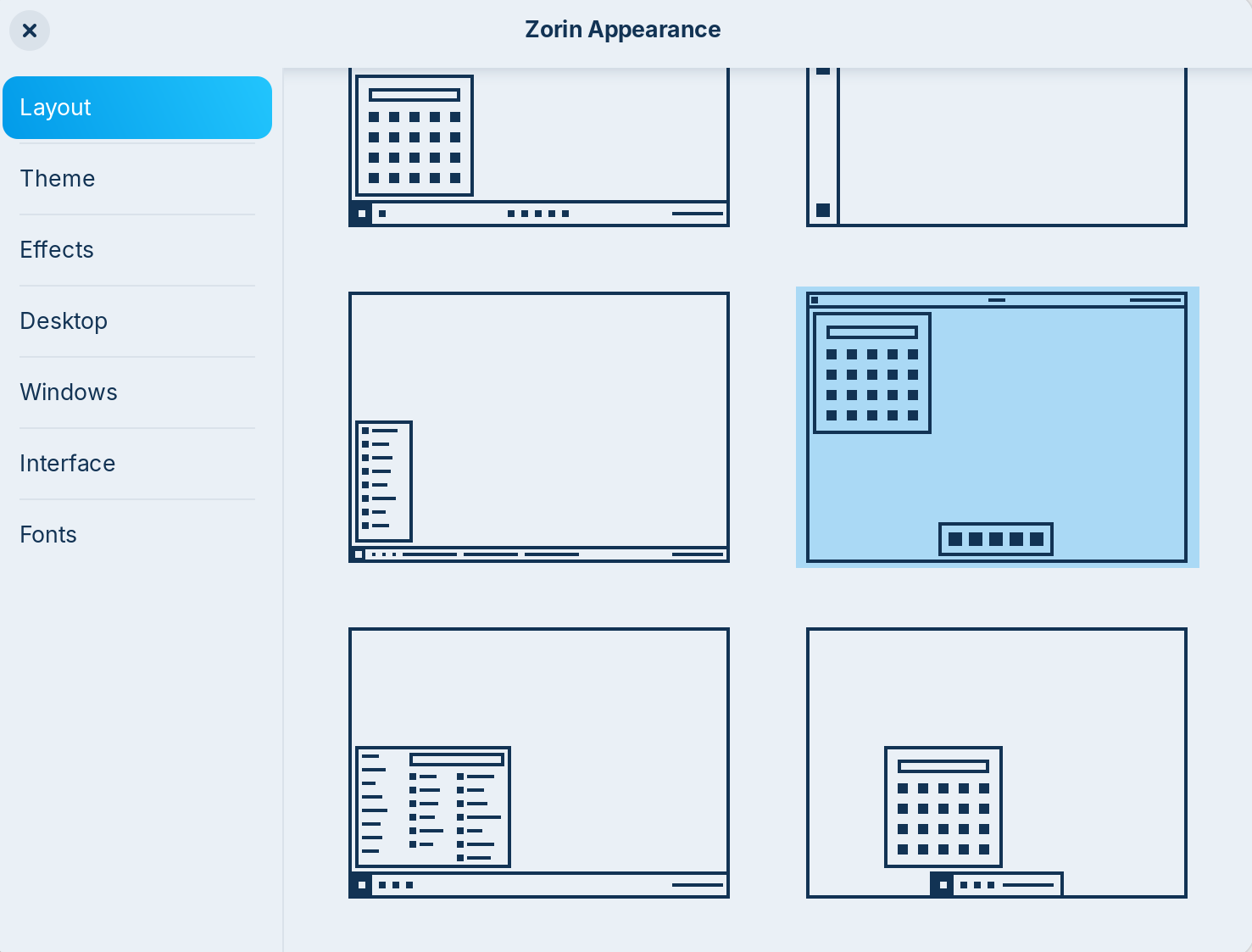
Hi, I switched to the "Mac like appearance", at least that's what I think it's called, there are no labels or names for these alternatives.
When I did that it seems the "super" key no longer gives me the option to access the zorin menu and quickly type the first letters of the app I want to open, like I'm used to from Mac. What is the best way of achieving this "search/open app" type feature in Zorin? (on Mac it's cmd + space bar)
Go to Zorin Appearance > Interface and at the first point there select Zorin menu for left super key.
If it doesn't work make sure that Zorin menu is enabled. To check that you can install extension manager
sudo apt install gnome-shell-extension-manager
After the installation open it and go to tab "installed" and check if the Zorin menu is enabled.
Very nice thanks That worked. Is there any way of having it centred on the screen like on mac? That's not super important, but it feels intuitive that it shows up in the middle and not up in the left corner.
You could try it with this gnome extension, but I haven't tested it.
If you want to test, first install the gnome extension manager
sudo apt install gnome-shell-extension-manager
then open it and search the extension at tab "browse". Install it and then click on the cog wheal at tab "installed" to see the settings and put the Zorin menu to the center top bar box.
I don´t have the pro layouts, so my look is not the same, but with the extension you can make the Zorin menu open centered at the top of the screen, not on the left side.
I'm not sure how to put the popup of the menu in the center of the screen. I've made this once with whisker menu in Zorin lite, but haven't tried in Gnome yet.
Edit: The easiest way would be to use the gnome-extension "Arc menu" instead of the Zorin menu. You can install "Arc menu" with the extension manager. It is also a start menu, but much more configurable. You can set up many different layouts there, and at tab menu > menu visual appearance > menu location
select "override menu location" and choose "monitor centered" there.
Thanks for your efforts to offer a solution. I guess it goes a long way to have it horzontally centered from the top. But maybe there's even some other extension that will allow closer simulation of the mac "search" in the middle of the screen. There used to be several for Mac , I think they were called Albert and Silverline or something like that. Maybe there are equivalent extenstions for Linux/Zorin that you're aware of?
 That worked. Is there any way of having it centred on the screen like on mac? That's not super important, but it feels intuitive that it shows up in the middle and not up in the left corner.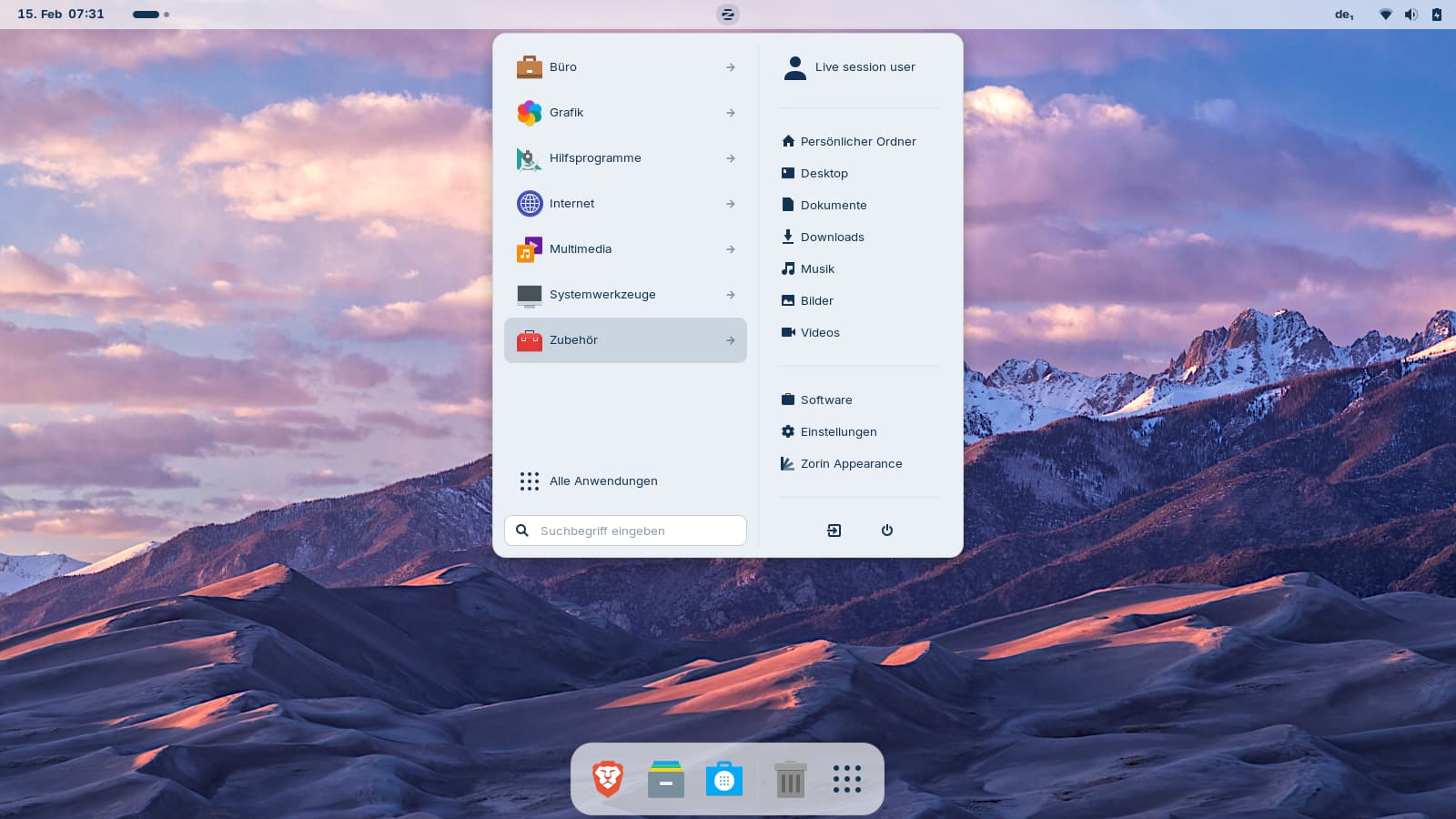

 for now, so I'm marking that as the solved.