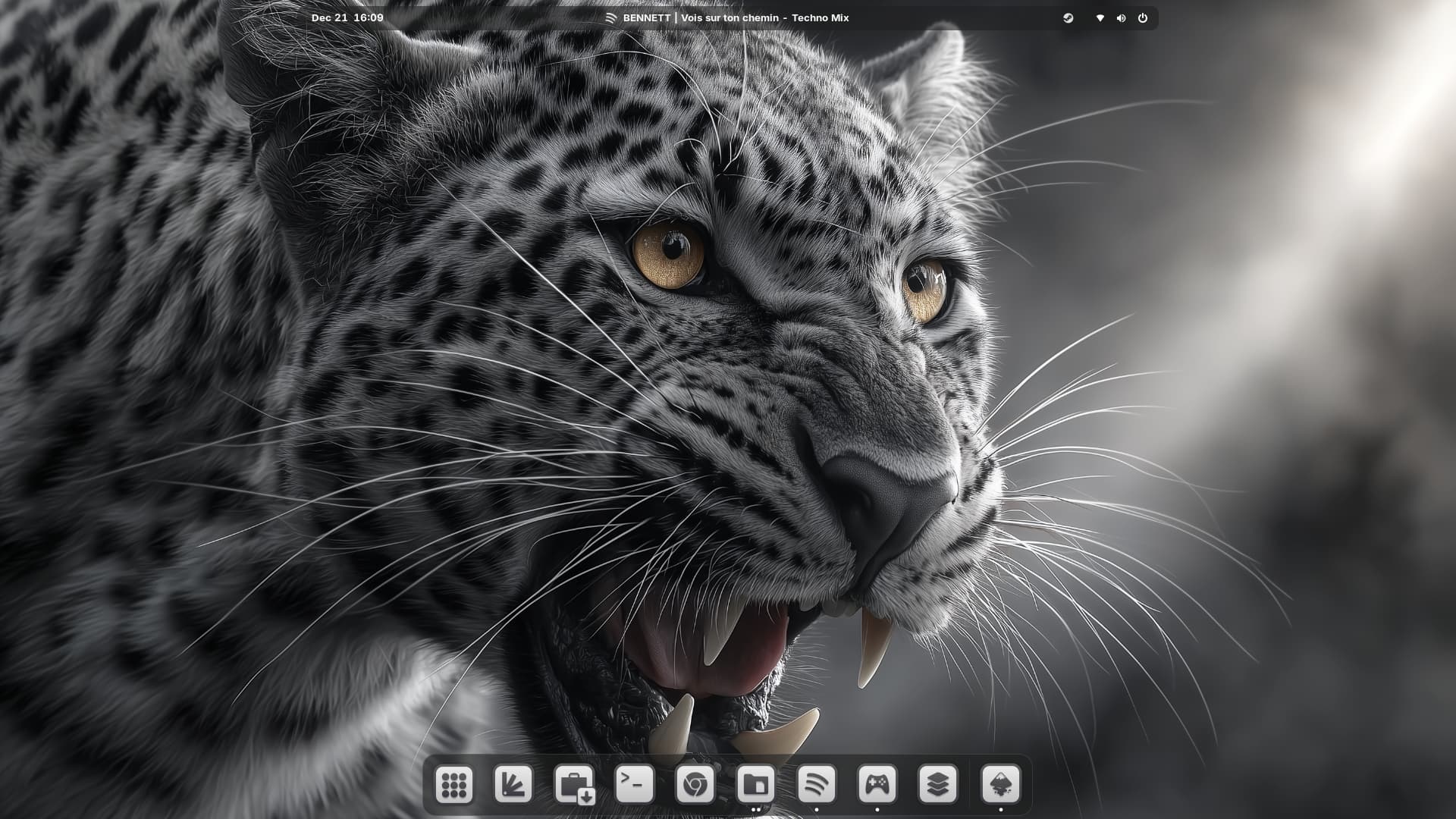
I installed Zorin 18 on an old iMac and it's working beautifully.
I'm not a Mac user, so I'm not sure how this works on a real Mac - but I chose the Mac OS style layout for this machine, and the icon seems to suggest a floating dock?
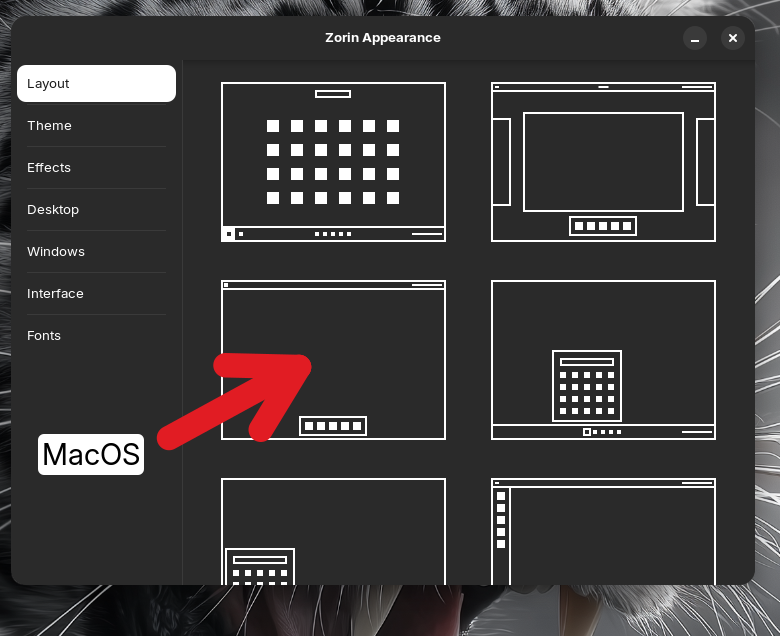
That is not the MacOS Layout. This is the Vanilla Gnome Layout. There is a Dock only in the Overview and not on the desktop. If You want in this Layout a Dock, you have to install the Dash To Dock Gnome Extension.
The Zorin MacOS Layout is available in the Pro Version and is this one:
oh, no. I've learned not to install third-party GNOME extensions. I'm not going to compromise my system stability over this. I'll settle for whatever Zorin provides.
The Dash to dock Extension shouldn't bring any Instabilities for the System. It is a pretty common Extension and should work very well. But when You don't want to use it, it is fine of Course.
Since you don't want to install GNOME extensions, if you're using Zorin OS Core, you can install and use two of Zorin OS's own extensions. Here's how: First, using Extensions Manager, disable "Zorin Taskbar". Then, enable these two extensions: one is "Zorin Dash" and the other is for moving the clock. You can also enable "Zorin Menu" if you'd like.
Thanks, yeah, I had already tinkered with some things that aren't exposed in the settings or appearance apps - just didn't occur to me that I could also enable or disable Zorin's own extensions, but they are of course all installed, so. I'll play around.