Hi, my MacBook Air Camera not detected by Zorin 18 pro.
There is something to do on the terminal?
Hi, my MacBook Air Camera not detected by Zorin 18 pro.
There is something to do on the terminal?
Hello,
It really depend which model of Macbook air you have.
Could you please share the model and the year?
Thanks
Hold CTRL ALT T to enter terminal. Run the following command...
sudo apt install ubuntu-restricted-extras
Enter password when asked.
Once that is completed, restart the computer.
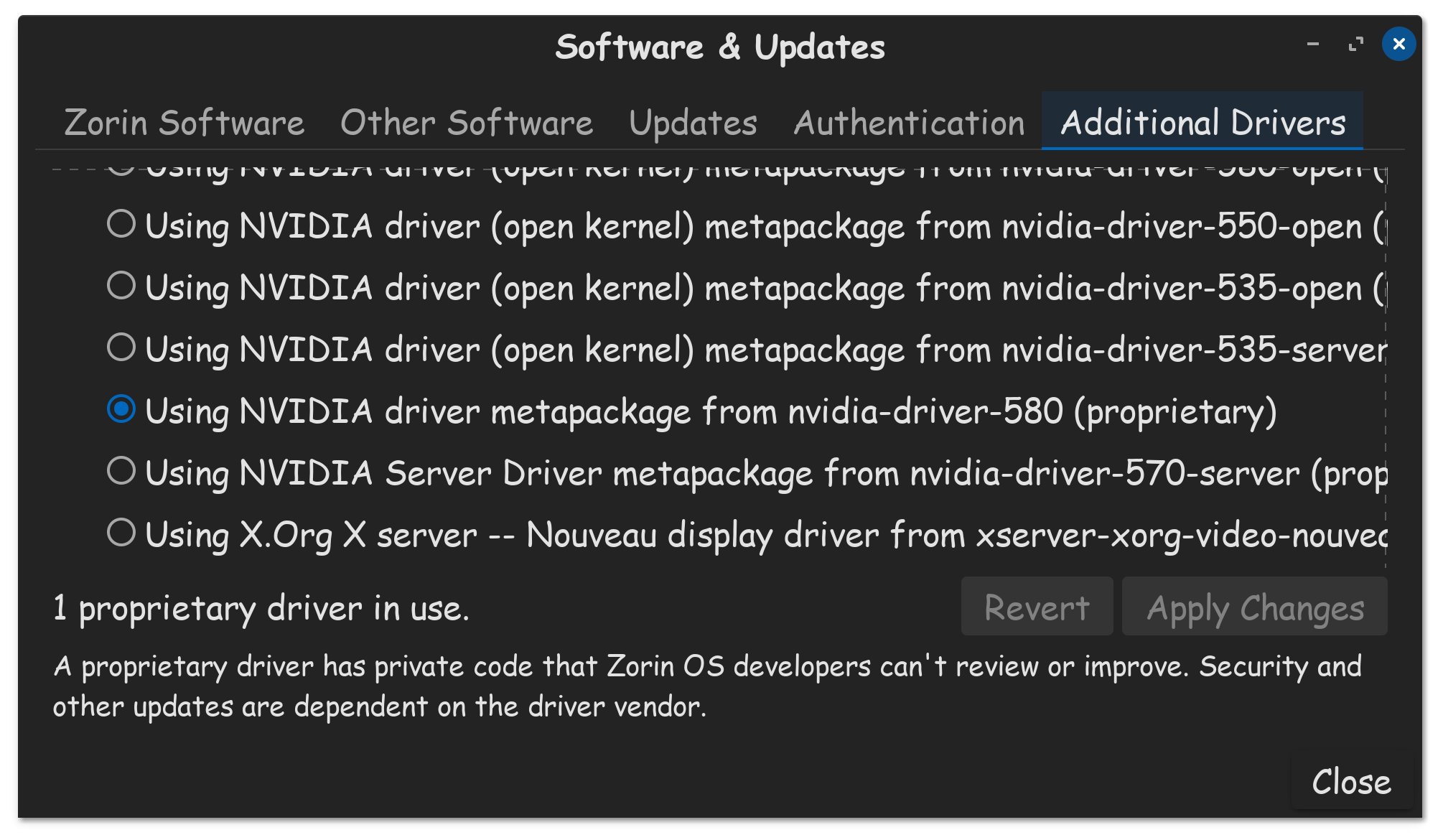
Now go to Additional Drivers from Software & Updates
Look for any drivers specific to your MAC's hardware, like your camera for example, in that list. If you see an available driver not selected, then please do so select it. Once its finished installing, restart your computer once more, and hopefully things will be good now.