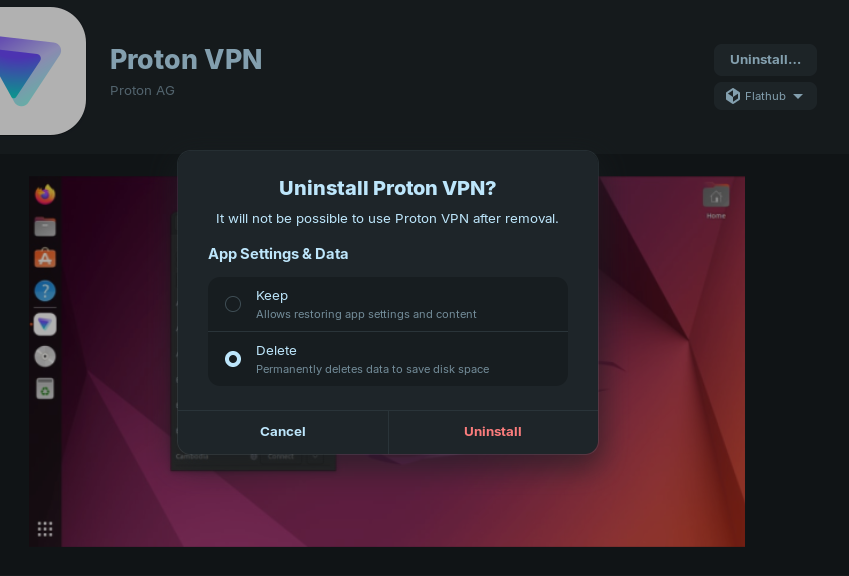
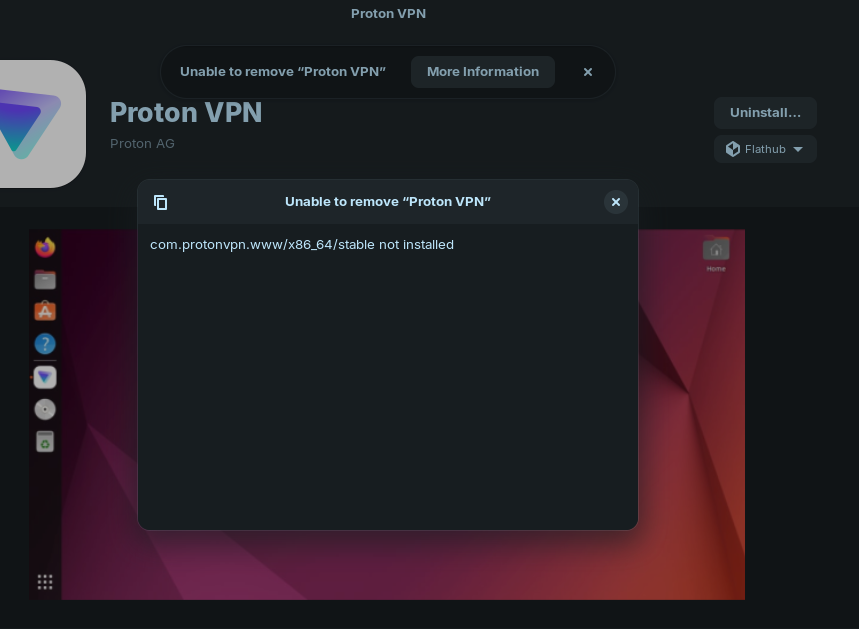
I really made a mess of uninstalling then reinstalling Proton VPN flatpak. I uninstalled then reinstalled the flat and it had me logged in already, to me this didn't seem correct so I proceeded to uninstall again via terminal and now I cannot reinstall the Flat from the Software manager. It is not on the list in the Zorin Menu yet Software manager says this ...
This part isn't going to be helpful right now, but I'm saying it first just so I don't forget: Unless you have an absolute, ironclad reason that ProtonVPN must be the Flatpak, don't use the flatpak. Proton did not create that Flatpak, they do not support that Flatpak, and they do not update that Flatpak. It's probably not malicious, but security related software is the last thing you should use from unverified sources, and if you look up ProtonVPN on Flathub's site, it has a big "unverified" under the name. This isn't the "I hate Flatpak" a lot of our users share--I'm fine with Flatpaks; just not when they're not from the people who make the software.
Official installation uses the command line, but they give easy copy and paste steps here:
Now, for your actual problem. Close Software first; we don't want to change things while it's open. Next, let's try to fix what's there, then remove it. Hit Ctrl-Alt-T for a terminal window, then: flatpak repair com.protonvpn.www flatpak uninstall com.protonvpn.www
Look in ~/.var/app for the com.protonvpn.www folder. It shouldn't be there if uninstallation was clean. If it's still there with orphaned files somehow, I'd try deleting it manually.
I strongly encourage you to use the official ProtonVPN installation at this point, but if you want to put the Flatpak back, this would be the time.
Duly noted and no I don't need to use a Flatpak ... I had already gone to the Proton site and checked out their preferred method of installation which I intend to follow.
I will first follow the recommended clean up commands before proceeding.
Thank you for the advice and help