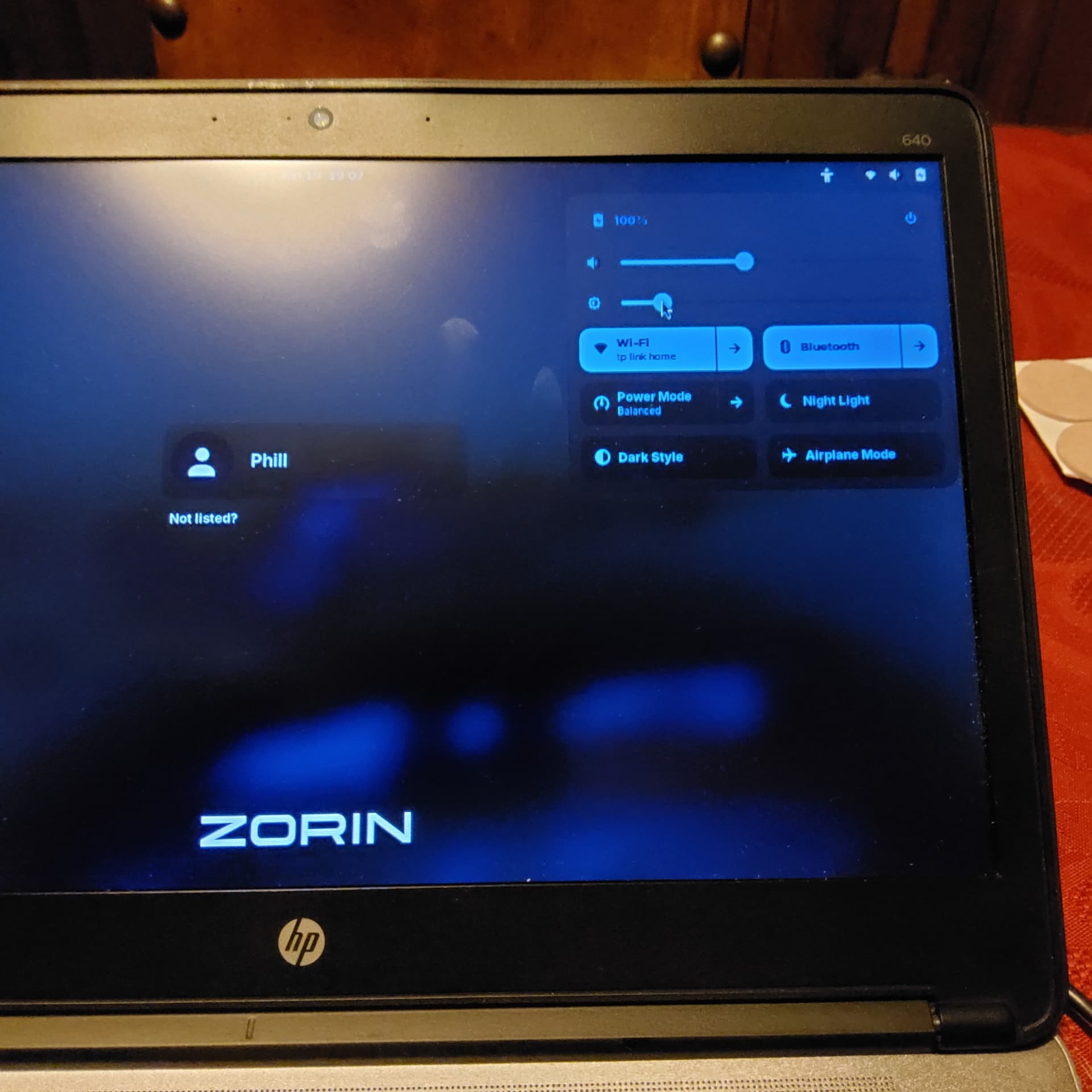
Recently installed 18 core onto an old h.p. laptop and am having to go through several screens before getting to a menu where Zorin is at the bottom of a list of options.
This was a fresh install on a formatted ssd, so I must have strayed from the path somewhere during installation.
Coming from Mac, this is all uncharted territory for me, but in using terminal I did find "platform is in installation mode" which I am guessing is my issue, but no idea how to get it out of that mode.
Only to be clear: The Zorin Installation isn't on a Mac, right?
How did You install Zorin? And could You maybe post some Pictures of the ''several Screens'' so we can see them, too?
This is on a HP laptop ProBook 640 G1.
Install was some time ago, so details of the Install steps vague at best, but basically followed the instructions on the Zorin web page.
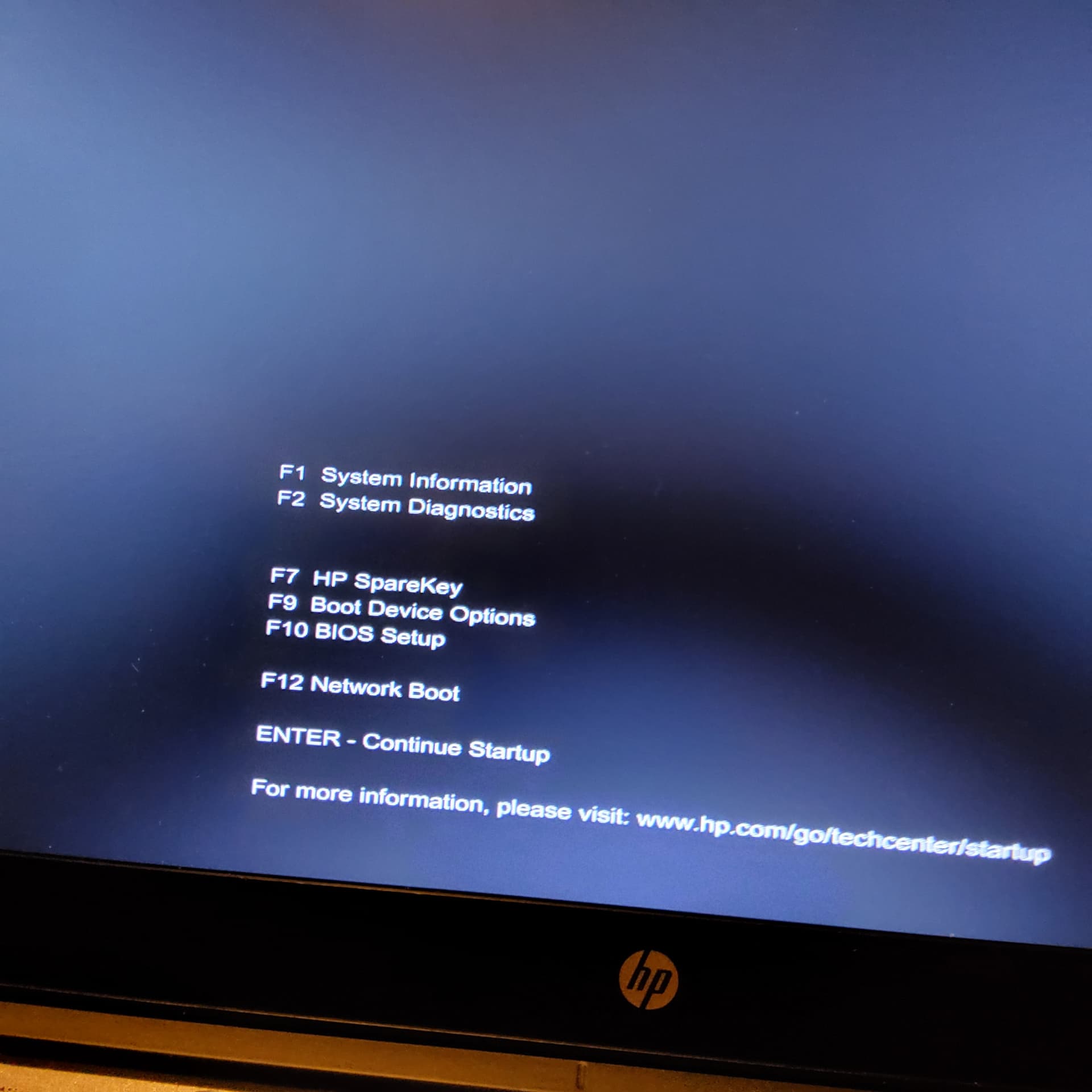
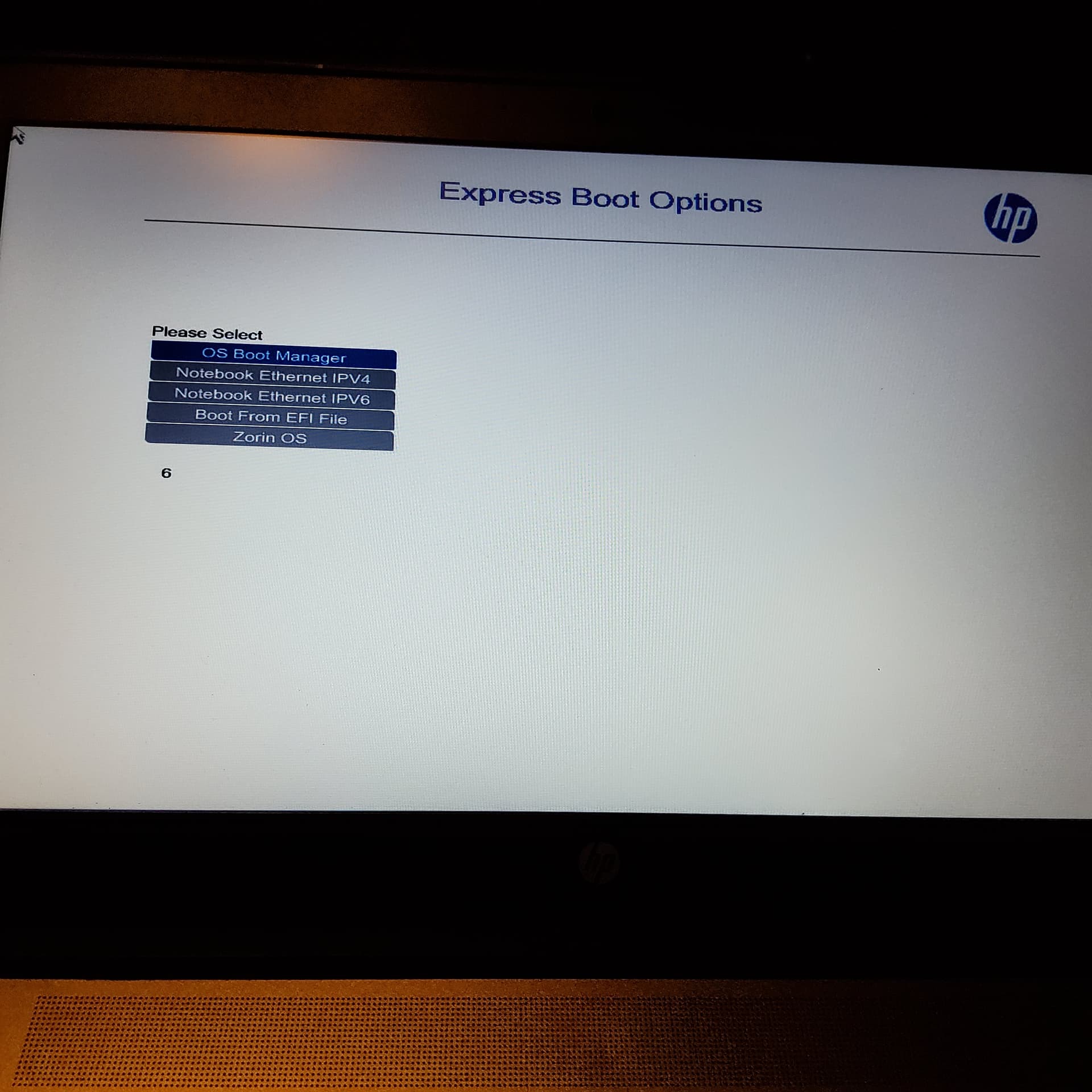
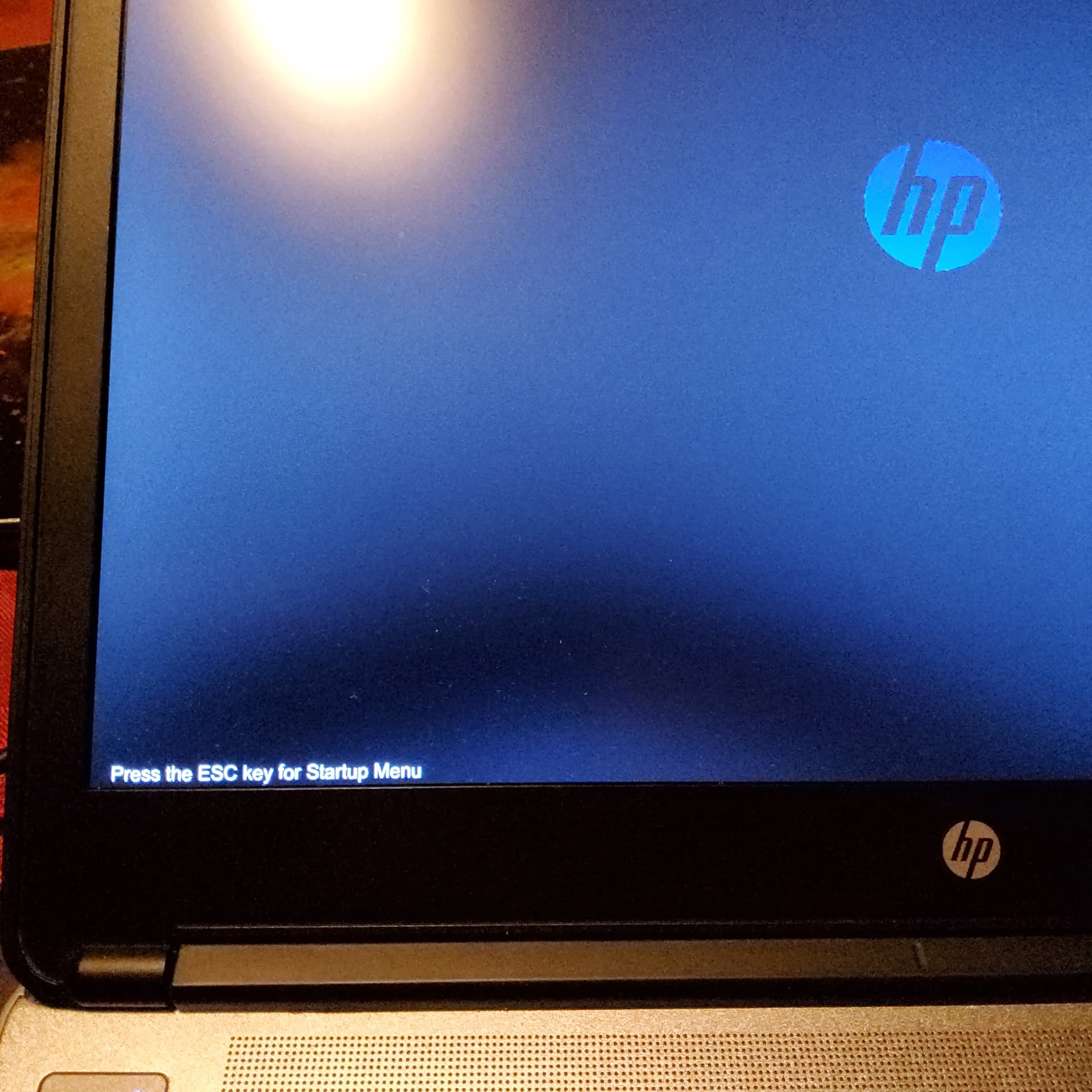
After powering on, I get a message to press esc key. When I press esc, it sometimes goes to express boot page, other times to the F1,F2,F7 etc. page. If I do nothing on the first page, it continually loops back to the Express boot options page. If I select F9 on the Boot Device Options page, I expected to be able to select the order, but seems like it isn't possible.
This info may or may not be related,.... I have sound issues and screen brightness issues also, but unable to source updated drivers for either. The screen brightness issue I think is resolved by disabling Night Light on the user login screen.
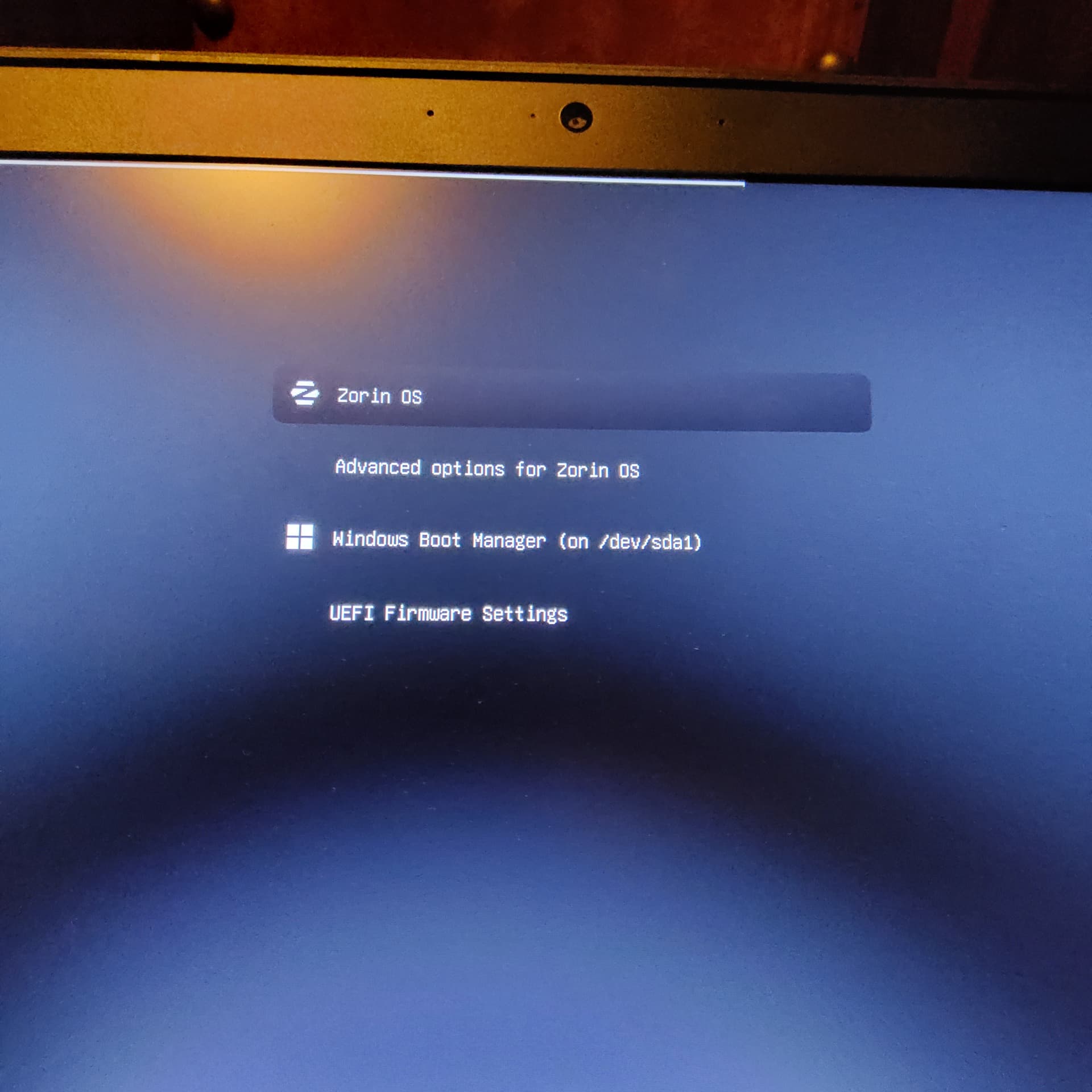
There is an Zorin OS Entry. So far, so good. Could You check in Your BIOS an Option called ''Boot Order'' if there is Zorin OS on the first Position? If not, change it to that.
Also: Are Secure Boot and Fast Boot in BIOS disabled? Did You choose Balena Etcher to set up the Bootstick? Did You checked the Checksum of the ISO?