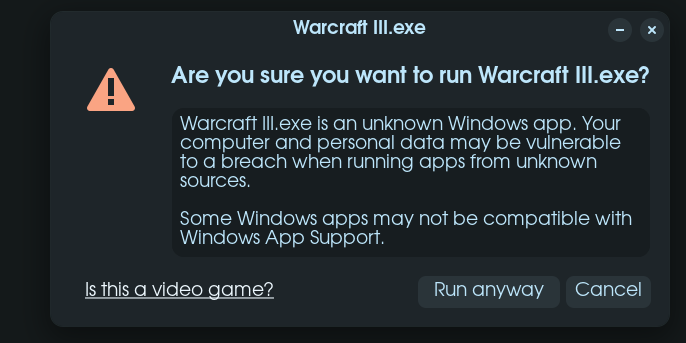
Hi All,
I've been enjoying Warcraft 3 for a while i ported over my windows cd install and have had it running fantastically ever since, since its very safe to say the .exe works and runs well as a video game is there a method to mark it as safe to run so the popup no longer appears (if i run this game via steam it simply doesn't boot, however runs fine via windows app support.
Could you provide a screenshot of exactly which "popup" you're referring to? Its been a while since I personally have dealt with any Windows Apps, so just trying to jog the 'ole memory into functioning again would be a help to me, and hopefully others as well