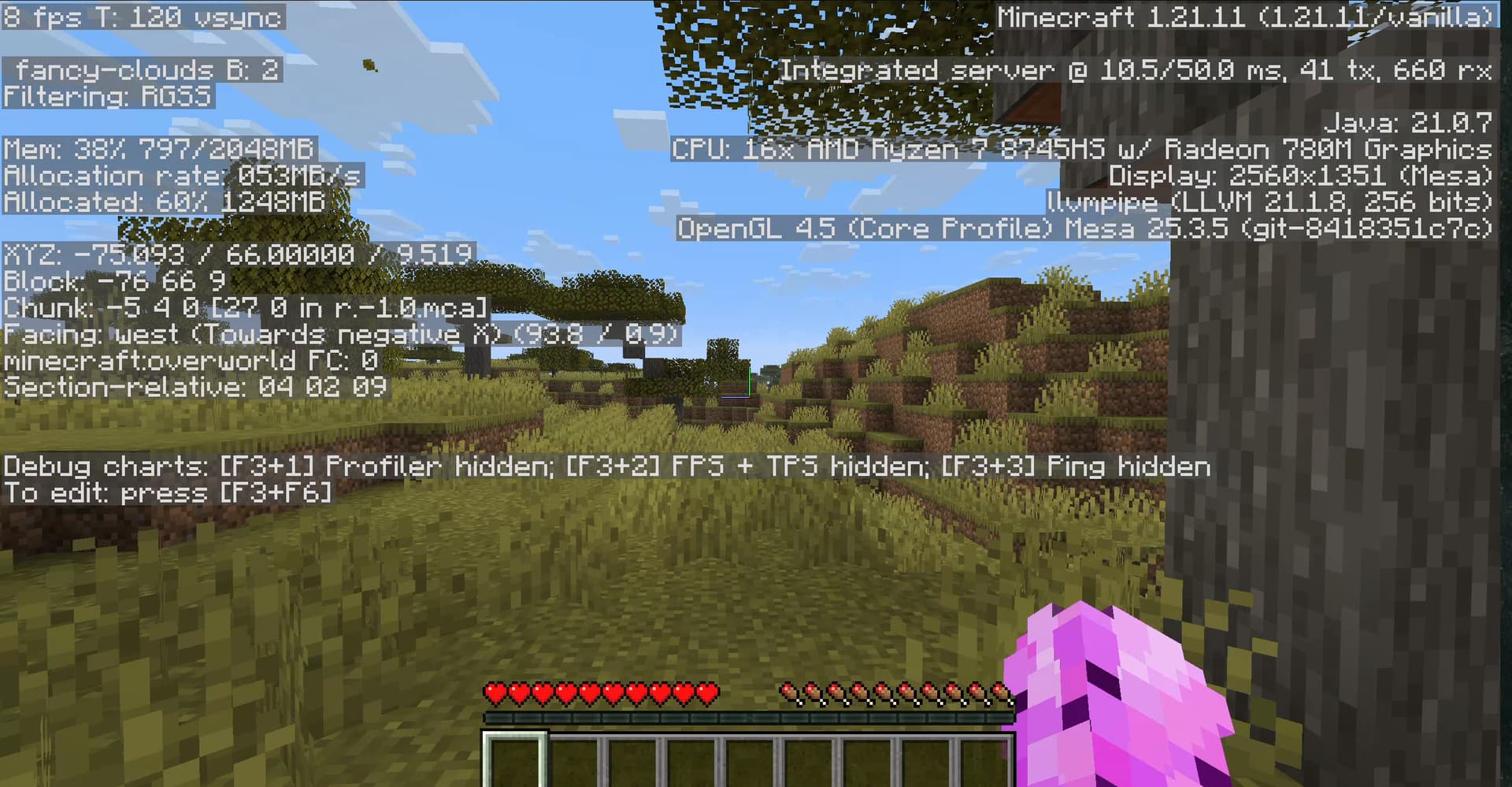
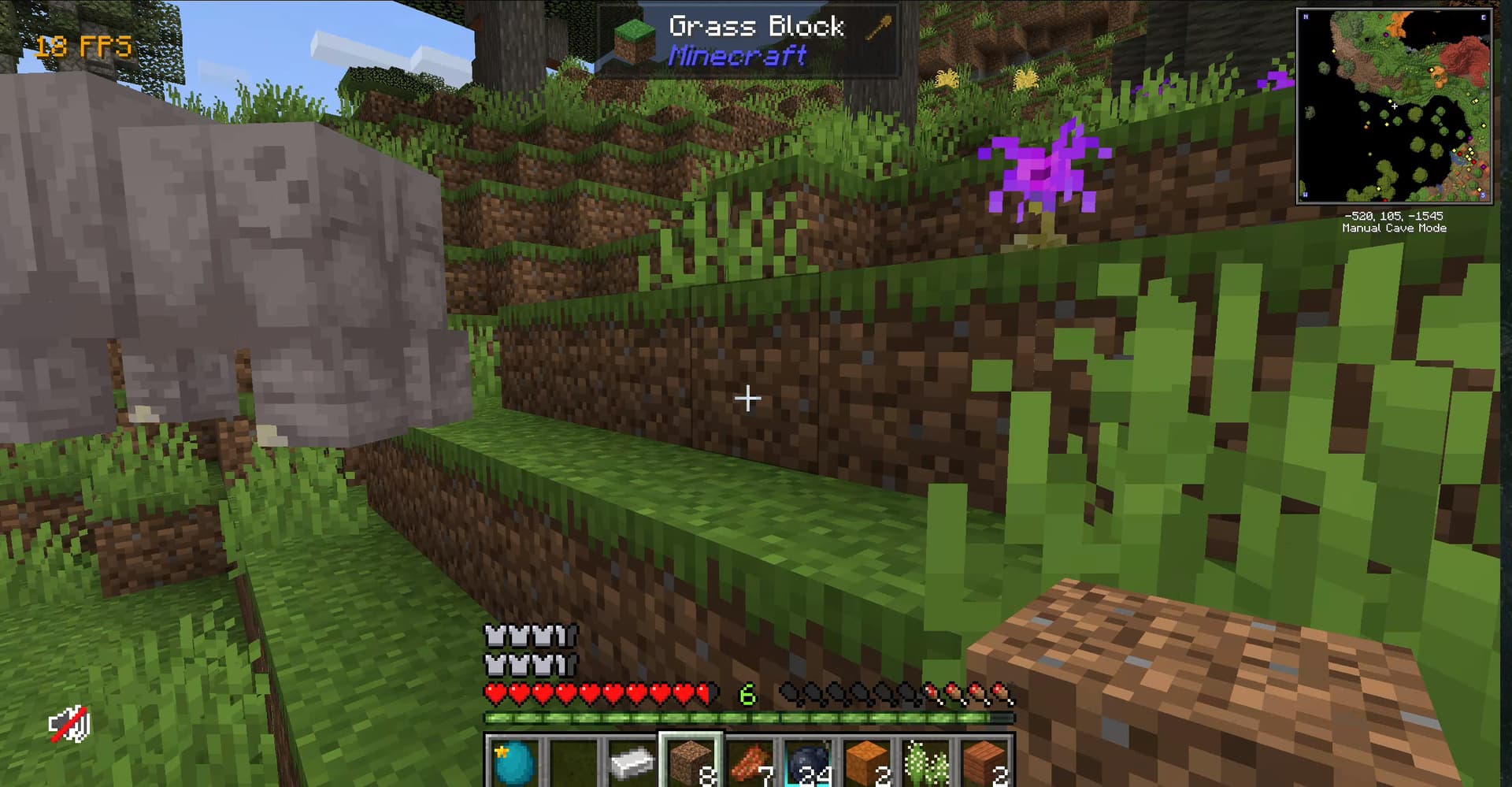
this is my first time on linux and i chose zorin.
been painful trying to get minecraft to run
installed minecraft for ubuntu from mojang website
used prism, tried both modded and vanilla. they both cap at the same fps.
troubleshooting steps i went through to try and fix it:
terminal command to run it through wayland
copy pasting jvm arguments into prism launcher
with ai assistance: used commands such as mesa-vulkan-drivers to add the vulkan support
allocating more or less ram
no progress. minecraft still slow. any idea on how to increase the framerate? i have no idea what to do next (reposted from reddit post for more reach)
Welcome to the Forum!
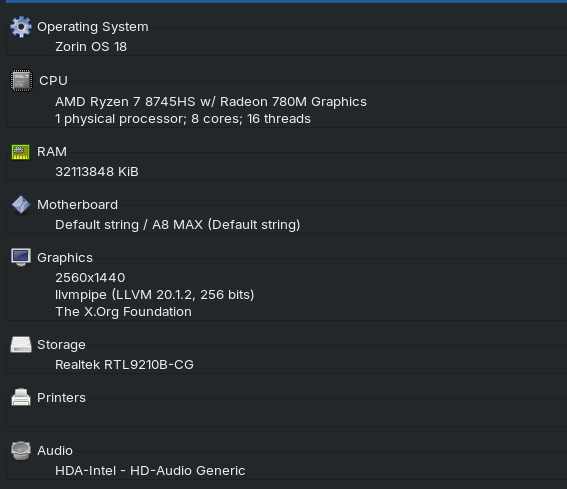
Could You post Your Hardware Specs please?
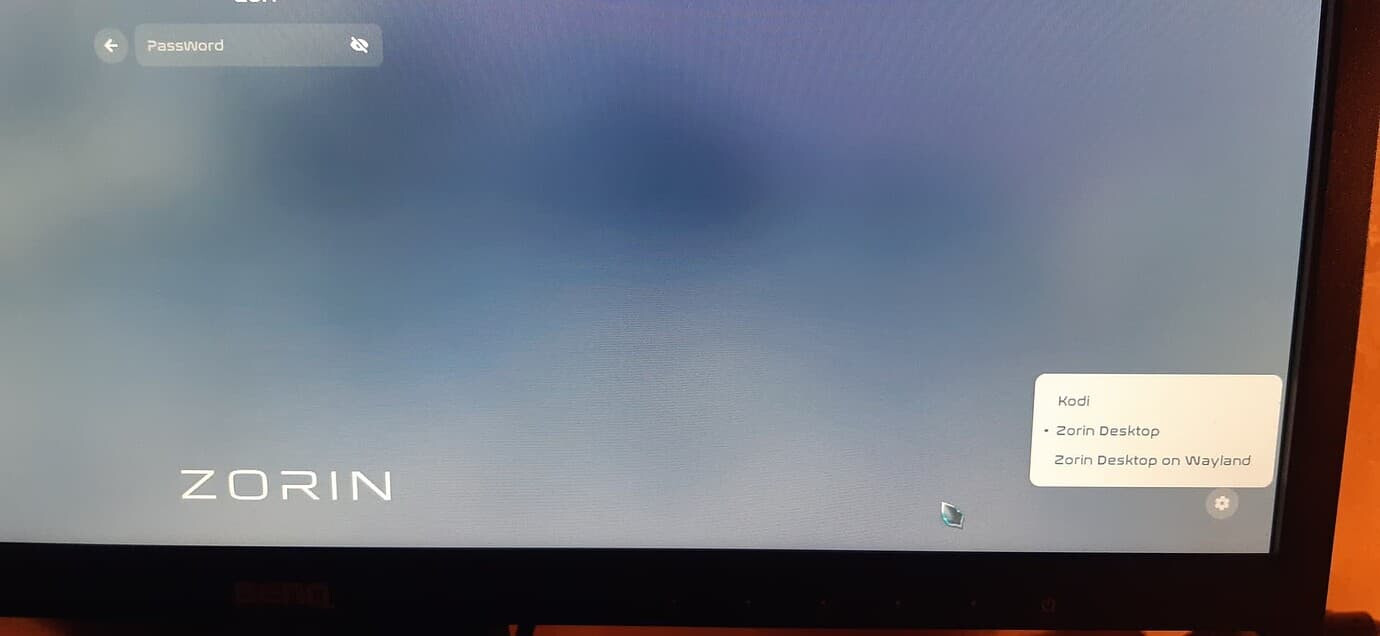
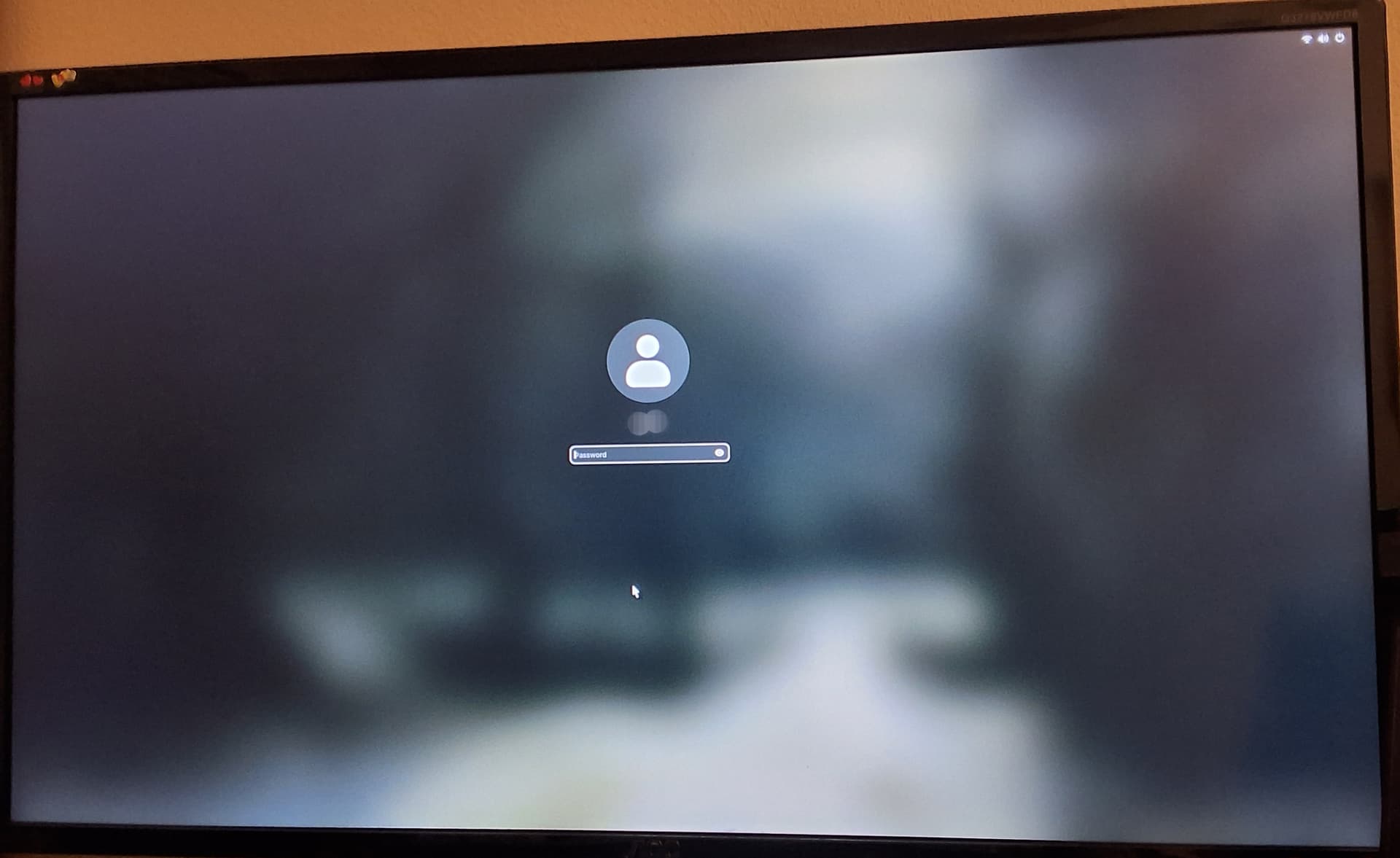
A first Thing would be to check if it runs in X11/Xorg better. To switch from Wayland to it, go to the Login Screen. Click on Your Profile so that the Password Field appears. When it is appeared, You should see a Gear Icon in the bottom right Corner. Click on it and choose the Option ''Zorin Desktop on Xorg'' and then log in.
I too would run in Xorg AKA Zorin Desktop. Please don't use Wayland, its not ready for prime time, why its pushed as default these days, I will have no idea.
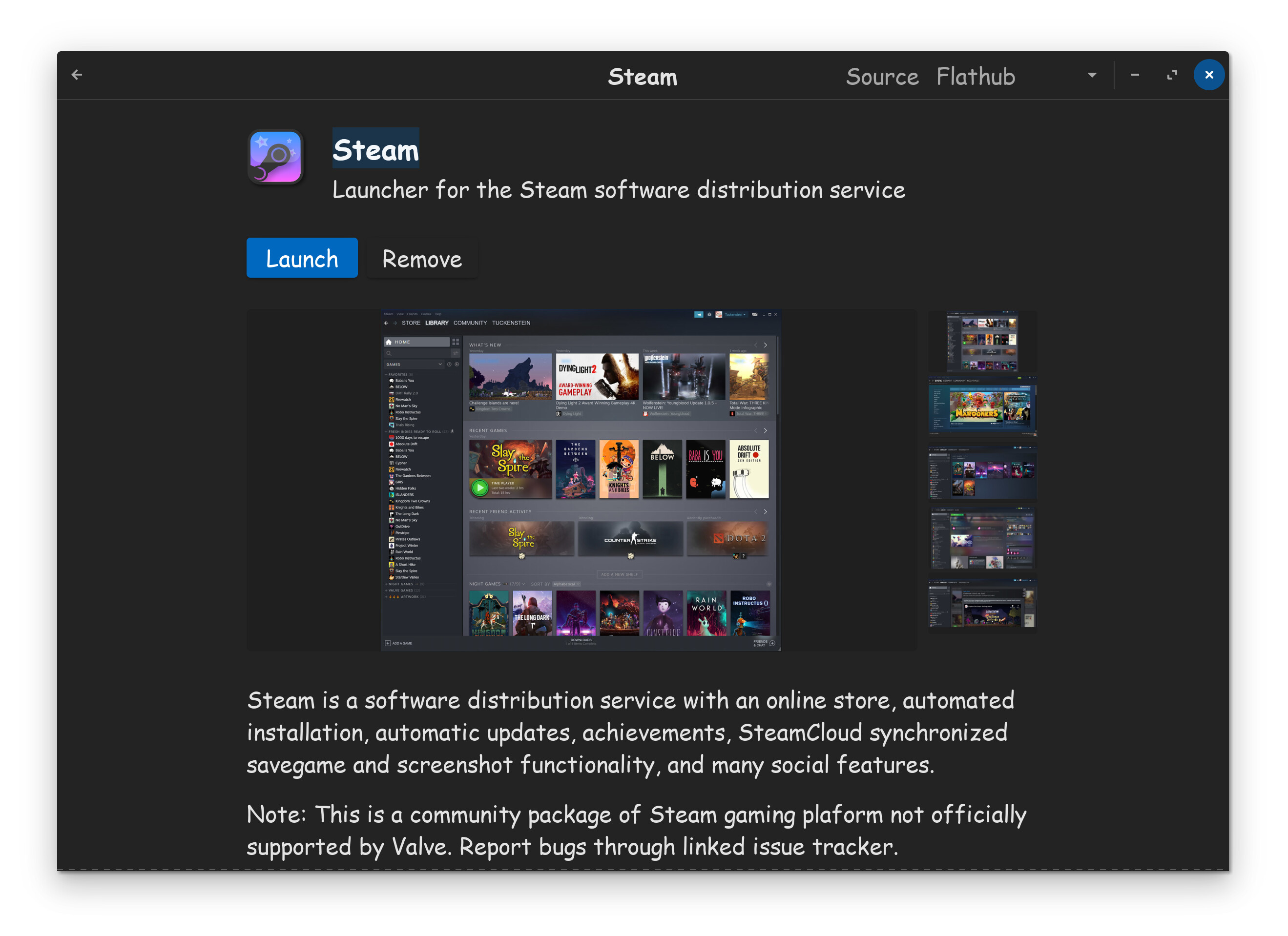
Additionally, it might also run better if you install Steam...
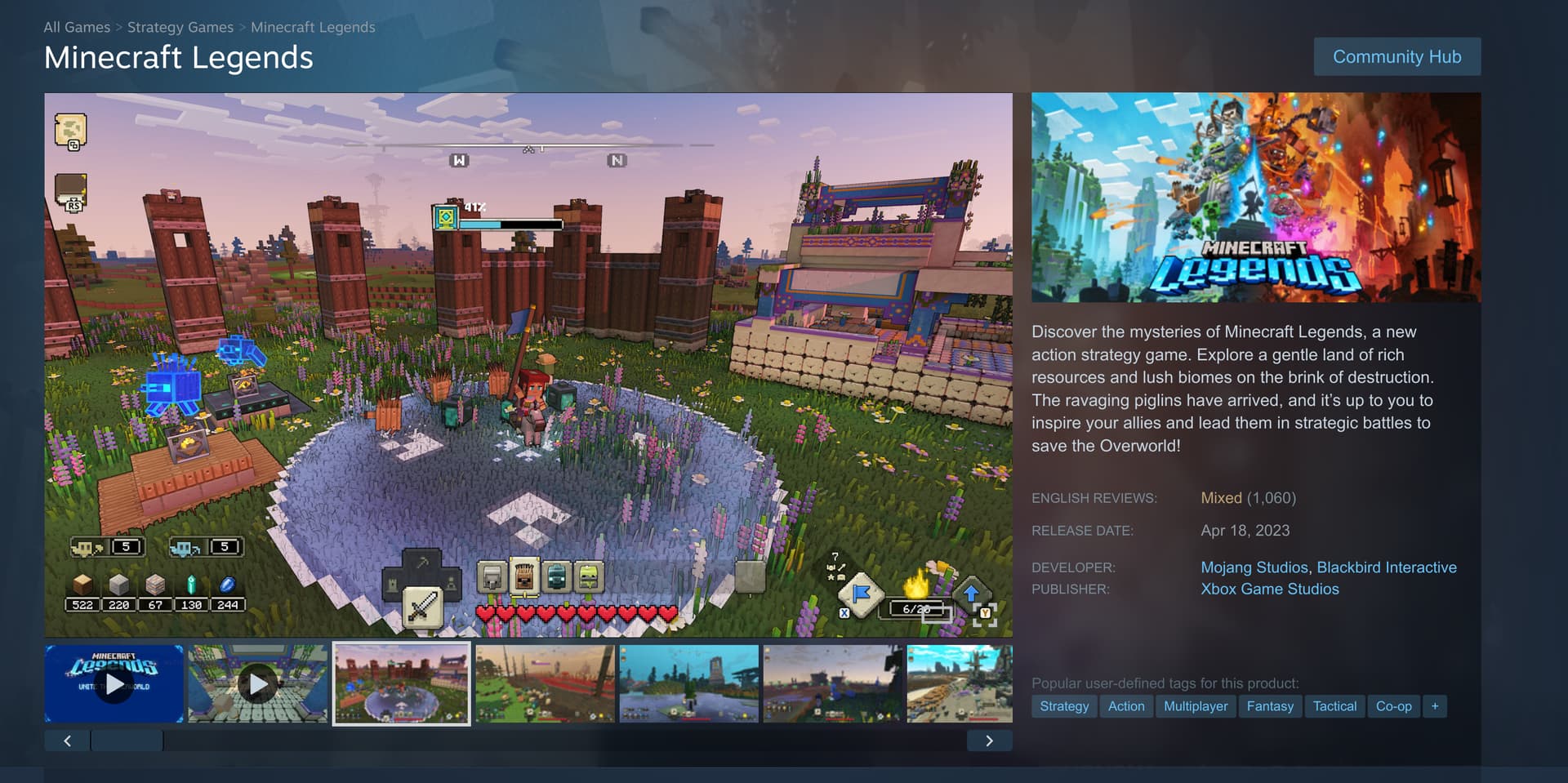
Then buy/install Minecraft through Steam...
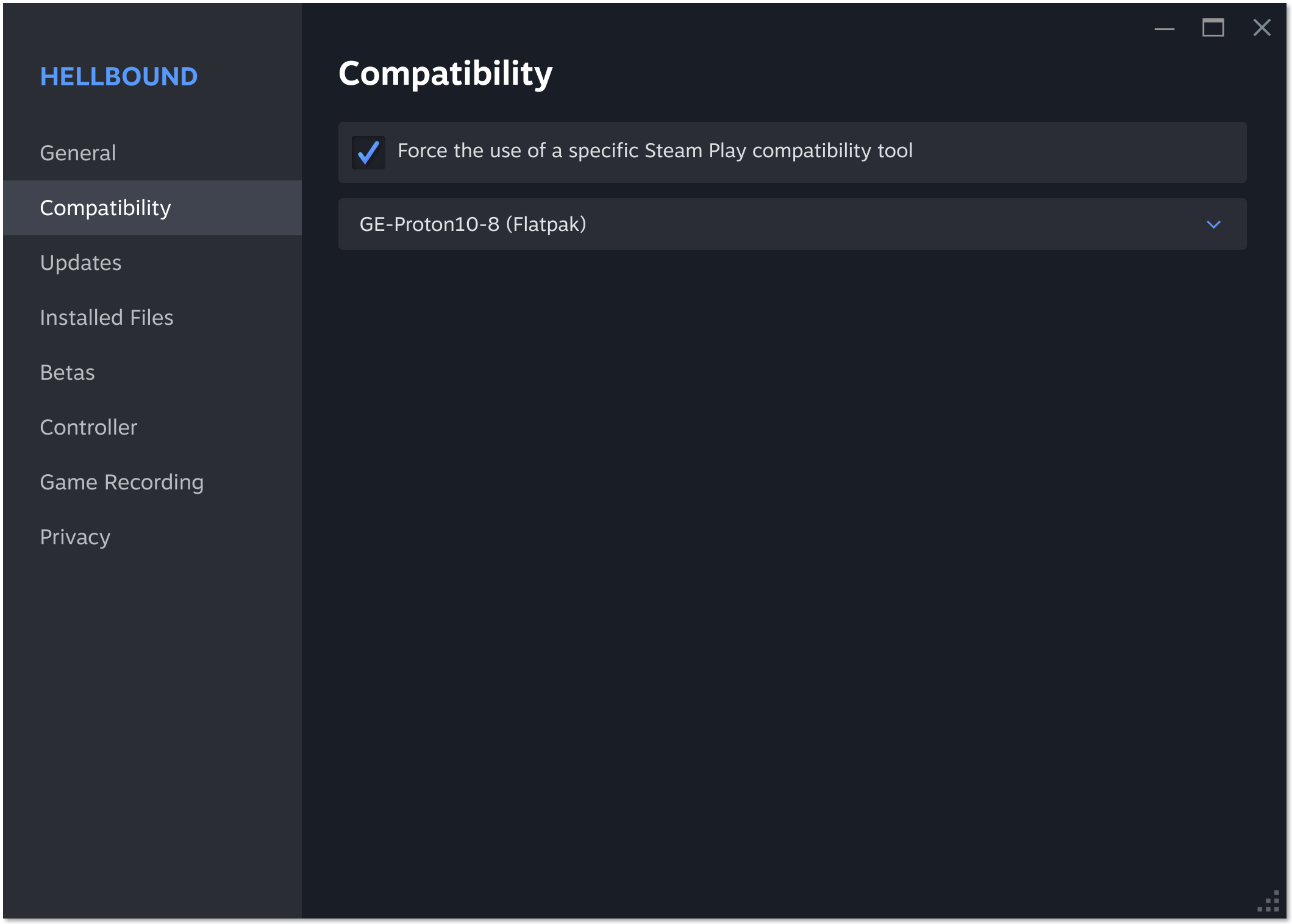
Game might require the use of Proton. All you do, is right click the game in your Steam list, click on properties, then click compatibility. Then put a checkmark in force box, then choose latest Proton version that will run the game.
The thing you have to remember, most games are coded for Windows. This means to run them in Linux, its done through compatibility layers. Most games can be run on Linux with Proton compatibility, except online games that use Anti-Cheat, as Anti-Cheat dev's don't care about Linux users.
To sum up...
(1) Use Zorin Desktop at login (AKA XORG) not Wayland
(2) Use Steam with Proton to play your games
(3) If game uses Anti-Cheat, forget it.
Weirdly cant find that icon after i clicked on profile
Odd indeed.  Hmm restart your computer, when on login screen, click on your profile name. look for gear
  icon lower right of screen. Then click Zorin Os Desktop.
1 Like
okie i did that and now it works! tried the steam compatiblity layer with non minecraft games (minecraft java isnt on steam) but they still cant launch  ill try installing ge proton later and will see if it changes anything (need some sleep rn lol) also havent re tested minecraff yet but ill update on if it runs better after switching to xorg
1 Like
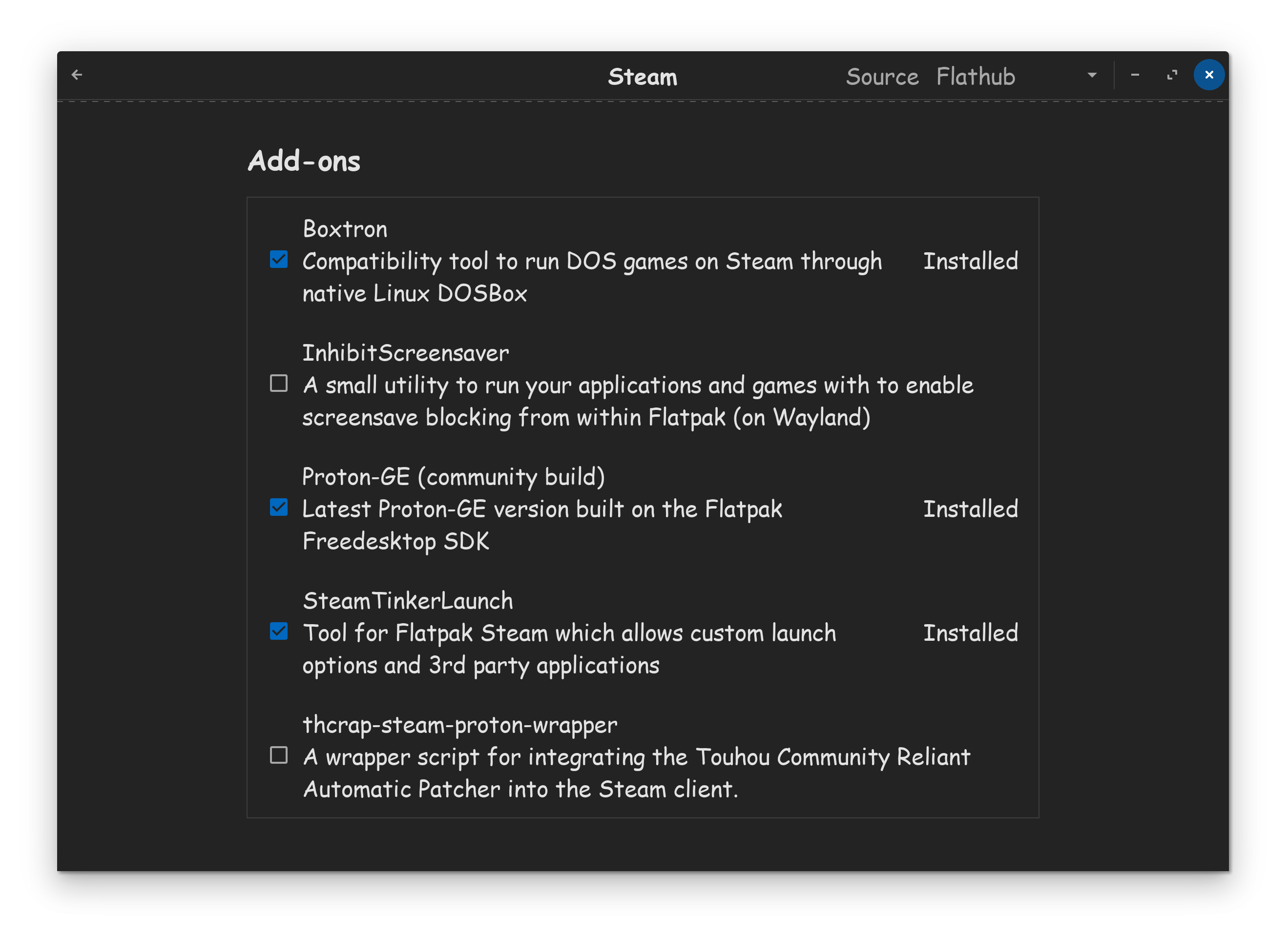
hii ive finally downloaded the boxtron and steam tinker launch but i have no idea where i can find the window you screenshotted with multiple of them enabled. tried launching a few games with ge proton but they all didnt launch 
i think ive figured out the issue with minecraft too, i think its more my gpu is bad because it is fully using it

Your computer frustrates the cat. Cat wants new computer with good gpu.