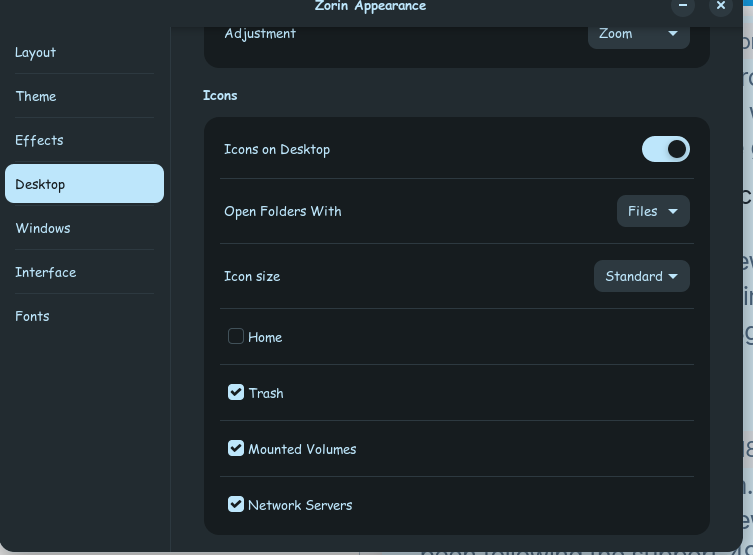
I have it set to show mounted drives on the desktop.
They used to always be there, now when the PC wakes from suspend it takes a few minutes before they appear.
One is a windows smb share from the LAN, the other is a NTFS formatted local HDD. Both automount on startup via the fstab.
While the desktop shorcuts are mssing I can still access the folders through files.
Notes:
I have Files and Nemo installed. Each has it strengths and I use both.
I just upgraded to 18.1 core from 17.2 core. It went really smooth, I only had to set the sound back to hdmi.
This has been happening for awhile, aftet the last big update to 17.2 i believe, the upgrade to 18.1 hasn't changed it.