Zorin 18 Core
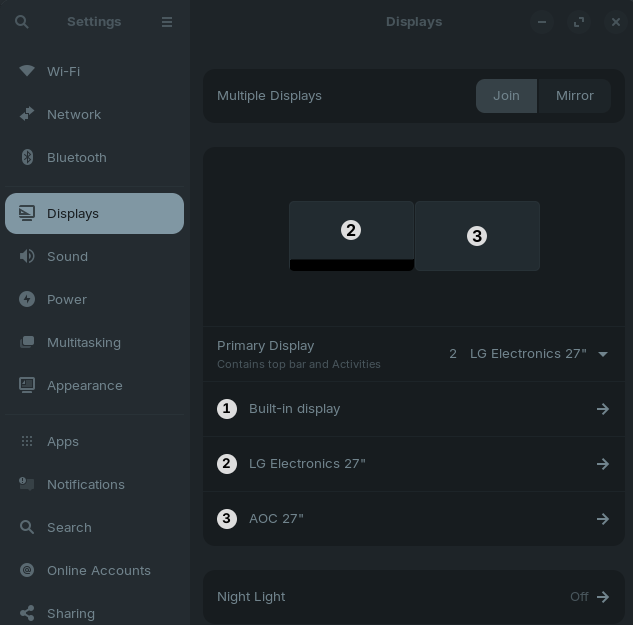
3 Monitors (1 - Builtin Laptop monitor; 2 x External Monitors via Dock)
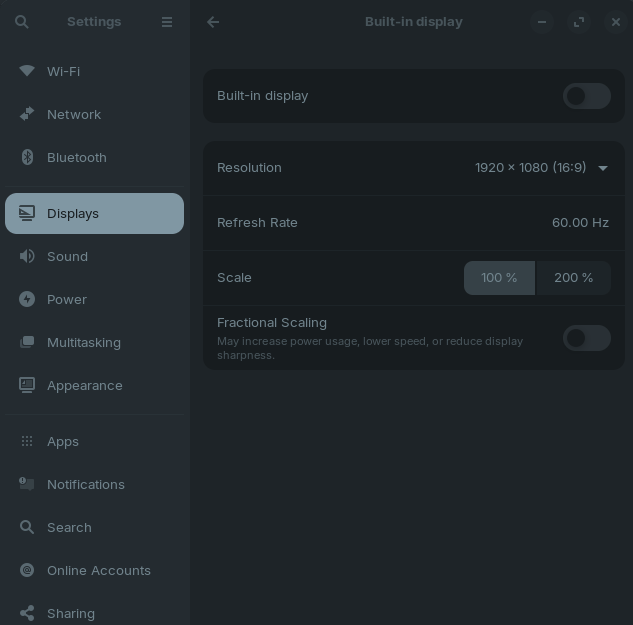
Builtin Monitor is set to "Off" within Zorin.
Every time you start the laptop, you are faced with two 'blank' screen, as Monitor 1 (built-in monitor) laptop lid is closed, but Zorin sees it as Monitor 1 to the left of all Monitors, meaning you cannot see the logon screen.
You have to take the laptop out of it vertical stand, open the lid, then logon.
After you have logged on, you will see all three monitors
You can now close the lip of the laptop, as it went 'dark / off'.
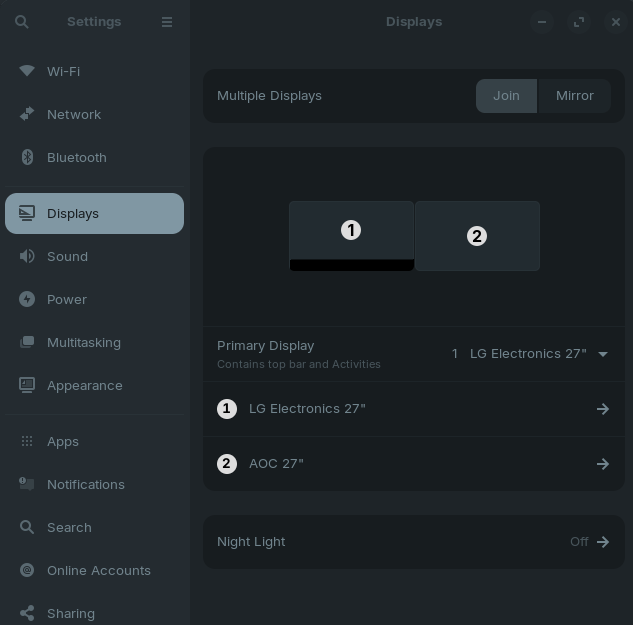
At this point the Monitor 1 (built-in) goes 'off' and the two external monitors are the only one listed.