My amd gpu is not getting recognised

I have Lenovo ideacentre AIO 520-24ICB its specs are:
1)Intel® Core™ i5-8400T × 6
2)8.0 GiB
3)gpu-Intel® UHD Graphics 630 (CFL GT2)
4)gpu1-AMD Radeon™ R5 M445 Series

software:-
1)duel boot windows and zorin os 18.1
2)Wayland type system

problem I had
davici resolve 20 is showing gpu not supported and when, I int o the cofig it's not recognising what should i do so that i can choose the gpu 1 when it's not even showing up.


Hello,

Try check DaVinci Resolve 21 on Zorin 18 with AMD GPU

2 Likes

Welcome to the Forum!

Are Secure Boot and Fast Boot in BIOS disabled?

You could try it with switching to Xorg to see if it behaves different. To switch, go to the Login Screen. Click there on Your Profile so that the Passowrd Field appears. When it is appeared, You should see a Gear Icon in the bottom right Corner. Click on it and choose the Option ''Zorin Desktop on Xorg'' and then log in and see if it helps.

Another Thing: You could take a Look in Your BIOS to disable the iGPU or use the AMD Graphics as primary Graphics Output. Unfortunately there isn't unified how the Options are called or where to find them. So, you would have to search a bit.
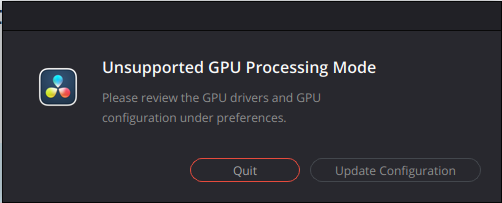
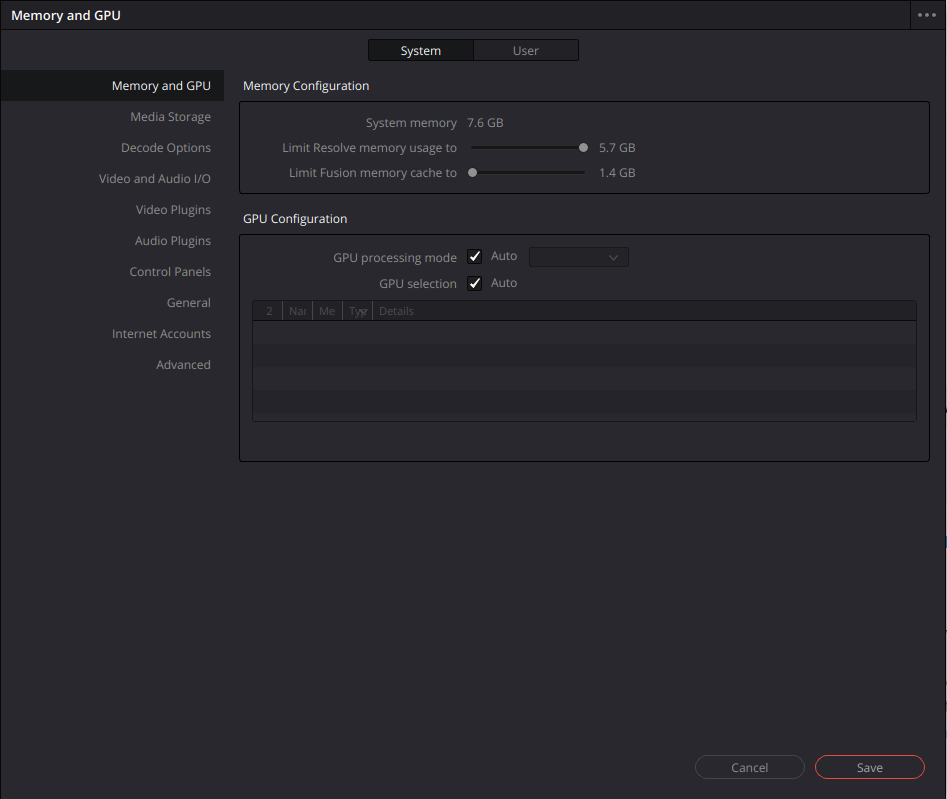
is there a problem with make resolve debian

i tryed playing games too , the games also didn't recognised the gpu

is this problem related to drivers

Resolve works best with Nvidia cards out of the box. I say that as an AMD guy. That's how the company behind Resolve wants it, I guess.

could be but the games are also not recognising

Open the terminal and type;

lspci -k | grep -A3 "VGA"
inxi -Ga

Please post the output.

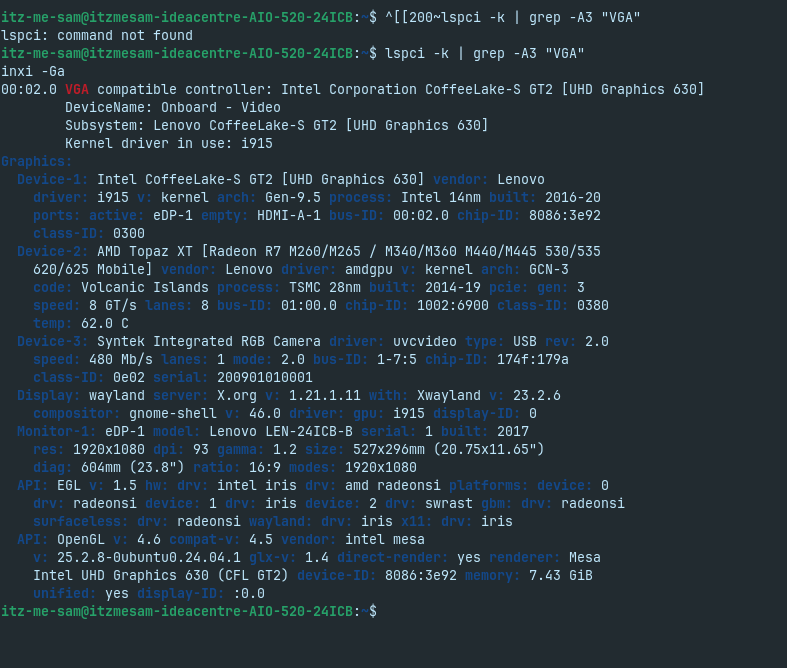
this is what it is showing

You got an intel driver conflicting with the Radeon card. The easist thing is to disable the integrated video card in BIOS.

OR you could try with a gnome shell switch if you don't want to disable the intel card.

sorry but can we do this tomorrow at morning UTC+5:30 and yes i will try it tommrow

thanks for the help i will be present tommrow if i couldn't resolve the issue

Okay. Meanwhile I'll find the video card switch app.

Try this while you want to game on Zorin with Steam;
DRI_PRIME=1 steam

If it works, you can edit DaVinci shortcut and add; DRI_PRIME=1 infront of the Davinci command. That should allow it to use your card.

Well, I would still call of this:

yes i will try this