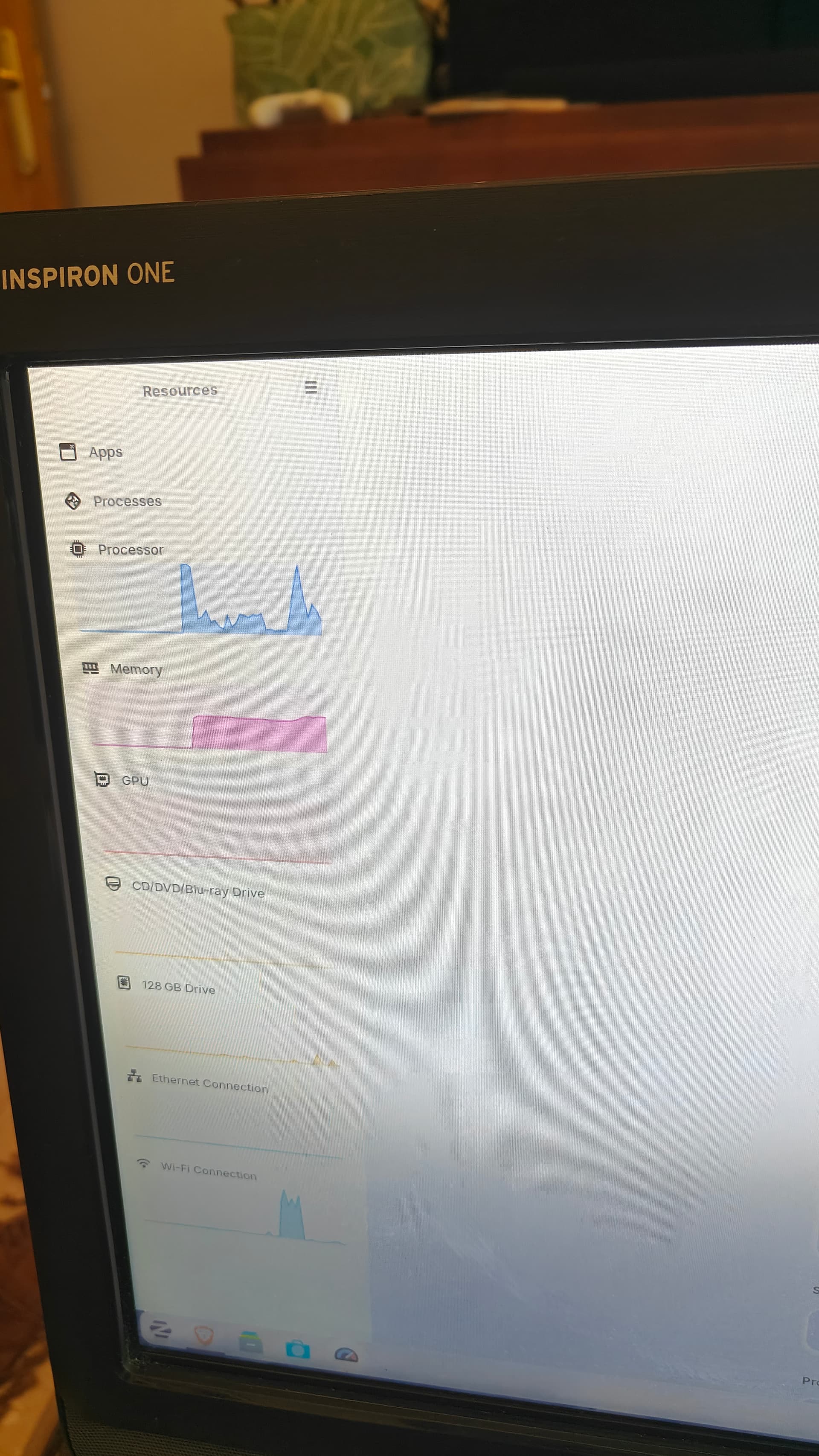
I just installed Zorin 18 core on a computer to test it out, and the AMD GPU seems to not be being used at all, and the system is running really slowly.
Device: Inspiron ONE 2205
Fresh install
I just installed Zorin 18 core on a computer to test it out, and the AMD GPU seems to not be being used at all, and the system is running really slowly.
Device: Inspiron ONE 2205
Fresh install
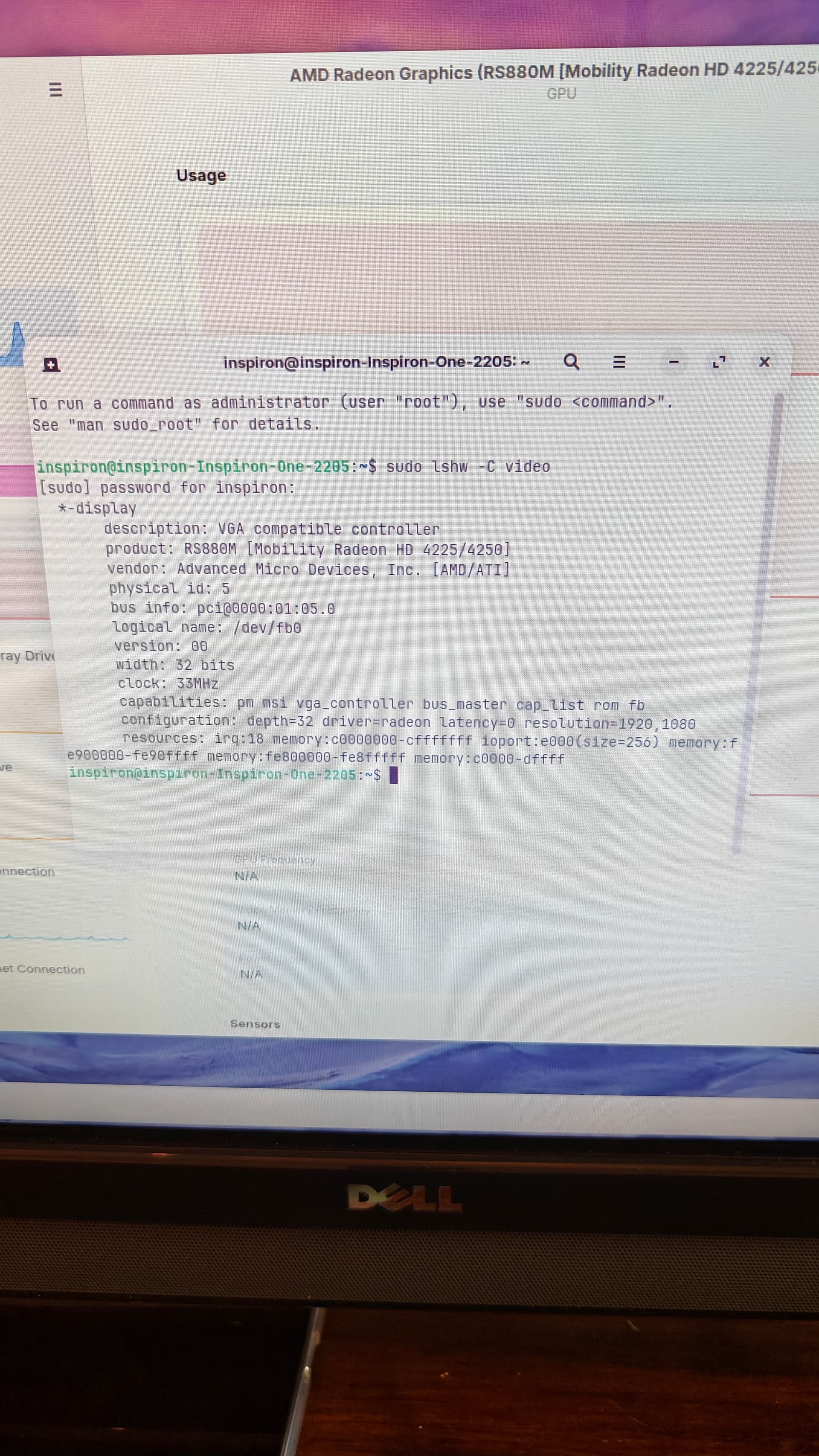
A couple things I'd like you to check. Please run this command, & give us the output of it please.
CTRL ALT T to enter terminal
sudo lshw -C video
Also, make sure that you are running the computer in Xorg, AKA Zorin OS desktop, not Wayland, when on your login settings, after clicking the gear icon, to access them.
Your Graphics seems to be detected. And You have a Picture. So it seems to work. I have the Impression that the Program You use, can't read out the Data. What Program is this? Mission Center? When you use the preinstalled System Monitor is it there the same?
I'm using resources, but the default system monitor doesn't show GPU usage.
And I am getting graphical glitches, like pink dots across the screen and static sometimes
Secure boot isn't an option in the bios
It's a clean install no windows
I used raspberry pi imager to make the USB
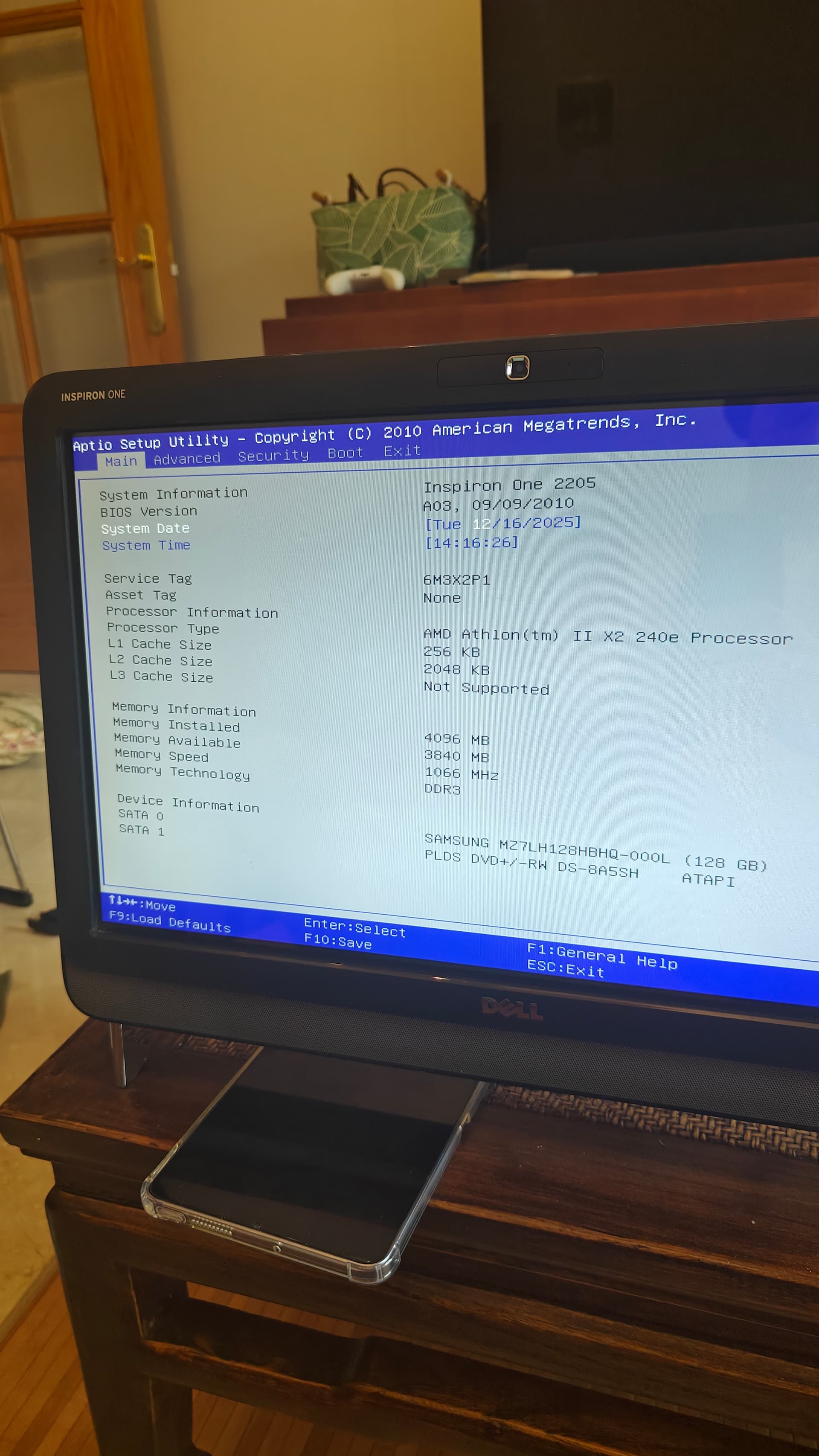
I'm not sure about the UEFI or legacy, how can I check?
You should find it in Your BIOS.
It seems to be pretty old. So, it could be a Legacy BIOS. Could You maybe post Pictured from the Advanced, Security, Boot and Exit Tabs, too?
It has nothing, just the option to set a admin password
I see your driver is the Radeon driver, not the AMDGPU driver.
Your GPU shows as Integrated Radeon 4225/4250, these were produced around 2009 or 2010 year range. (This also shows that Radeon is the Correct Driver).
I wonder if Zorin OS 18 kernel brings regressions for that age GPU.
Should I try Zorin 17 and see if that's better?
I can see no harm in trying it. If it was me, I would go that route before trying to force squeeze the older kernel onto Zorin OS 18 (which could introduce other problems on 18's newer system base.)
Yep, the OP computer dates to 2010, based on the available information. OS 18 is too new, likely due to the kernel, as @Aravisian said. OS 17 might work, and if so, thats great, as its still fully supported for 2 more years. OS 16 very much likely will, although support has ended for OS 16. I'm still getting some APP updates though on my OS 16.
This topic was automatically closed 90 days after the last reply. New replies are no longer allowed.