Feedback on Zorin OS 18
Hi team,
I’ve been using Zorin OS 18 since release, and I really love! what you’re doing with this distro. Today, I switched my wife’s laptop from Windows 11 to Zorin 18, let’s see how that goes!
I’d like to share some feedback and suggestions that could make Zorin even more appealing, especially for new or former Windows users. I plan to update this post as I continue testing and discovering more.
For context, I’ve worked in IT MSP for over 20 years, and I’ve noticed how increasingly aggressive Microsoft has become with licensing and integrations. This has pushed me to seriously explore Linux alternatives, not just for myself, but also for my small business clients who can’t afford Microsoft’s ecosystem and its aggressive growing demands.
 Installation
- Clickable “Try or Install” Button
The option to try or install Zorin should be made clickable instead of relying solely on clicking the text area. A small detail, but it improves first impressions. - Time Zone Map/Menu
The time zone map looks a bit outdated and doesn’t match Zorin’s otherwise modern interface. (Change color or design?) - Drive Encryption Options
Full-disk encryption works great, but having to enter the password on every boot can be inconvenient.
Suggestion: Add the option to encrypt only the home folder, similar to how Linux Mint does it. It’s simpler and still secure. Unless you can automate it with TPM.
 Operating System
- “Getting Started” Customization Choices
In the first-run setup, allow users to choose their preferred default apps. For example:
- Browser: Chrome, Brave, Firefox, Edge (yes, include Edge,many windows users rely on Microsoft 365 sync, also i understand intune need edge for sync).
- Office Suite: LibreOffice, OnlyOffice, OpenOffice, WPS, etc.
- Mail App: Let users pick their preferred email client.
Giving users choice right away makes Zorin more welcoming for newcomers. - AI App: Add an option for an AI assistant (like Copilot, ChatGPT, or any other of the user’s choice), or allow users to opt out entirely. Make sure the AI remains a standalone app rather than being integrated into the operating system. ( The idea behind this is to give users more choice and make it easier for people to switch to Zorin. I strongly dislike Microsoft’s approach of deeply integrating AI into the OS, which raises serious privacy and data collection concerns.)
- Firewall:* Option to enable
- TimeShift:* Be able to setup and create a snapshot
- Update:* Run First update
-
Laptop Lid Settings Missing
There’s no visible setting to configure behavior when the laptop lid is closed (sleep, hibernate, do nothing, etc.). -
Hibernation Support
Suspend doesn’t work properly on my laptop (crashes on wake). I manually enabled hibernation and it works fine. Please consider adding a hibernate as a option. -
Online Accounts: Microsoft 365 + OneDrive
When connecting a Microsoft account, OneDrive integration creates a folder, but doesn’t sync the Desktop or Documents folders automatically. It would be great if Zorin could sync these locations by default. -
Clock & Date Layout
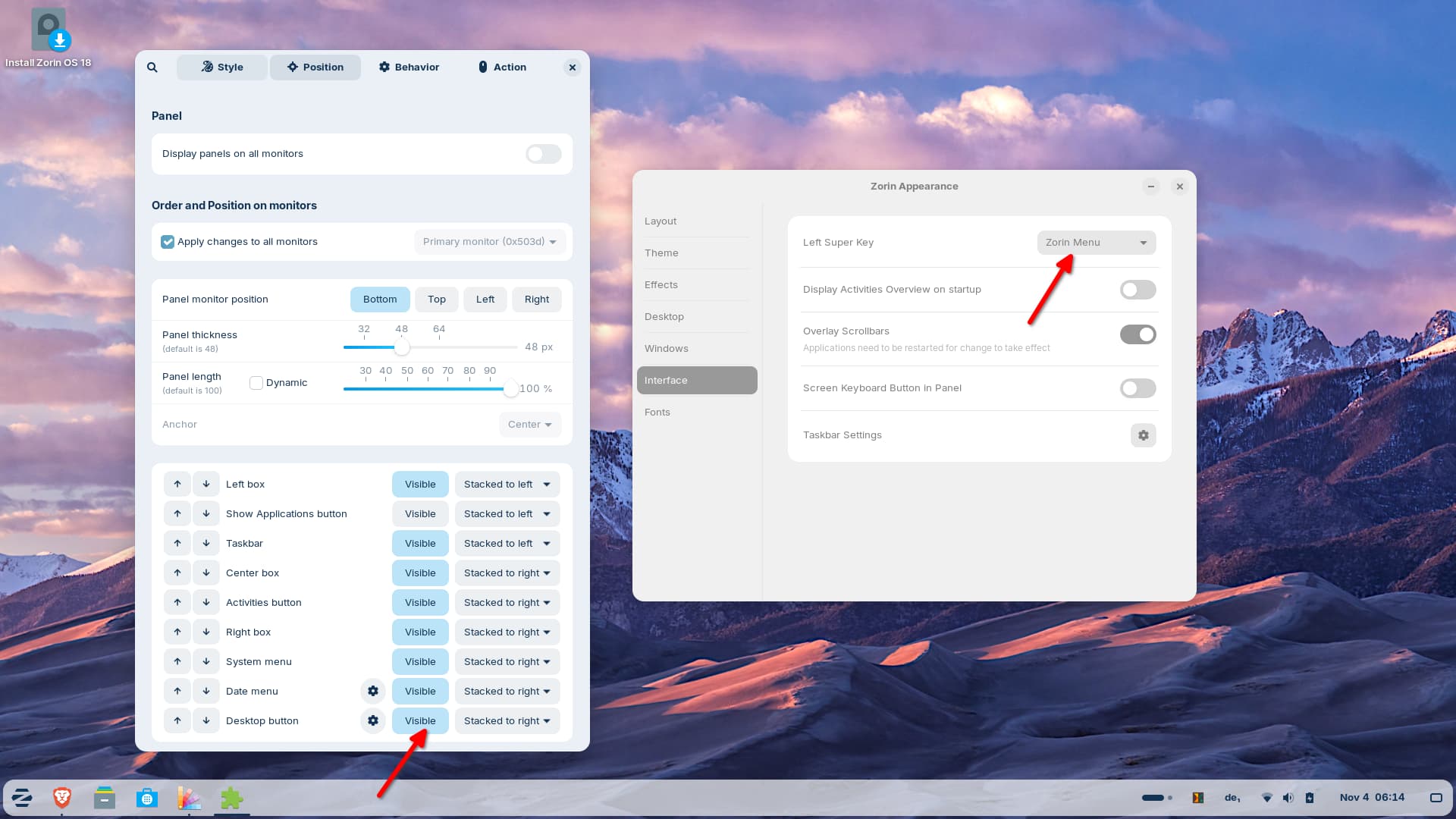
Allow an option to display the date above the time to save panel space. Also, when clicking the clock, the notification panel appears much larger than the calendar, it would look cleaner if they matched in size. -
Power Button: Please note that, based on my experience, the power button does not function as expected even after configuration. It fails to respond when attempting to lock the screen, suspend the system, or wake it from suspend.
 Zorin for Business (MSP / SMB Perspective)
From an IT and small business standpoint, here’s what would make me confident recommending Zorin to clients:
- Zorin Grid
This looks very promising, can’t wait to see where it goes!! - Dedicated “Zorin Business” Edition
Include Zorin Grid preconfigured, plus remote connection tools like RustDesk out of the box. - Security & Reporting Tools
Even though Linux is secure by design, an optional malware/vulnerability scanner that runs daily and generates reports (with CVE data) would be fantastic. Integrating these reports into Zorin Grid would add serious value for MSPs. Included on the Zorin Business Edition.
- User & Device Management via Grid
Ability to remotely lock workstations, add/remove users, and change passwords through Zorin Grid. - GUI for File/Folder Permissions
A simple, graphical permissions manager for file and directory would be extremely helpful. (Sure, anyone in IT should know their way around the terminal, but when you’re short on time and need to handle client issues quickly, a GUI can be far more practical. It’s also a great entry point for beginners who are just getting started in the field.) - Software Compatibility
This is the biggest challenge. If Zorin (or Linux in general) could natively run.exeor.msifiles, it would be a game-changer for business adoption. Many companies rely on legacy Windows software. - Hardware Certification
I’d suggest officially supporting at least one business-grade laptop line, for example, Lenovo ThinkPad, which is my go-to for deployments. Having Zorin pre-tested and optimized for a recommended model would be great for IT professionals. ( FYI, Lenovo thinkpad can shipped with ubuntu or fedora, the road is already open, you just need to do the connection )
Final Thoughts
Overall, Zorin OS 18 is a fantastic release, clean, user-friendly, and powerful. With just a few usability tweaks and stronger business features, it could truly become the go-to Linux distro for both personal and small business use.
Keep up the great work! I’m excited to see how Zorin evolves!