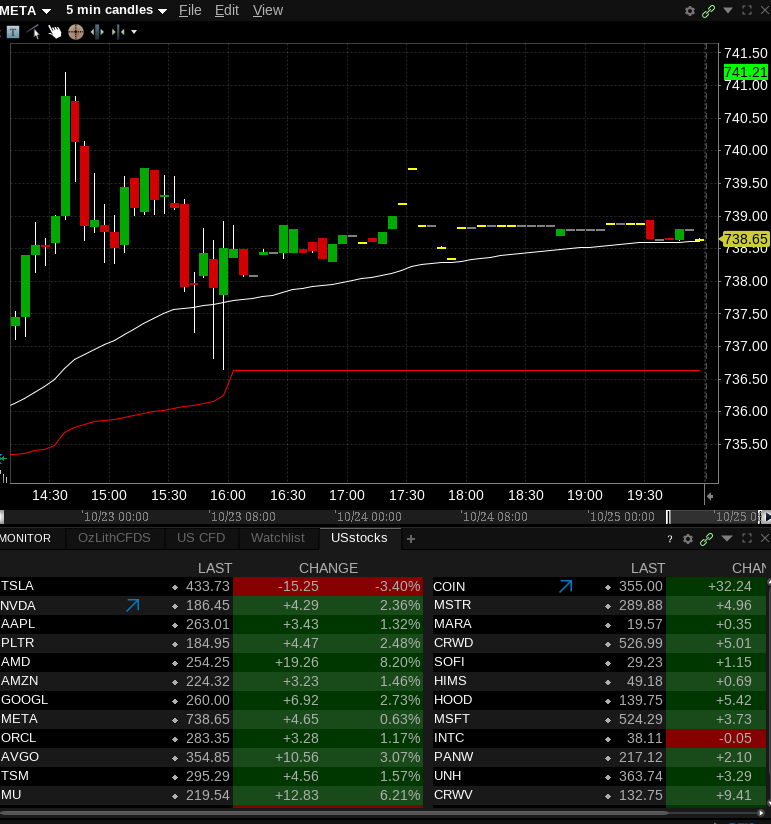
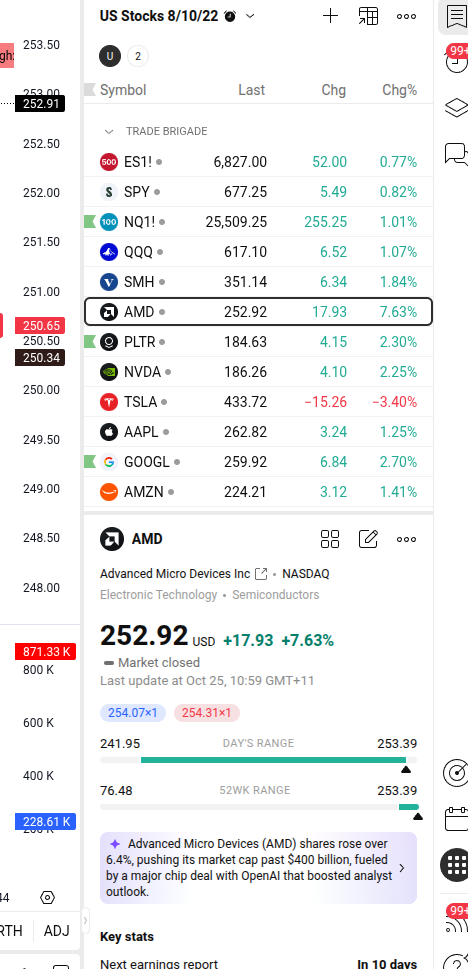
Today i installed Zoron 18 ( Ex Windows User ) and the screen resolution seems to be blurry on web brousers and the applications i use. Any help would be greatly appreaciated.
Welcome to the Forum!
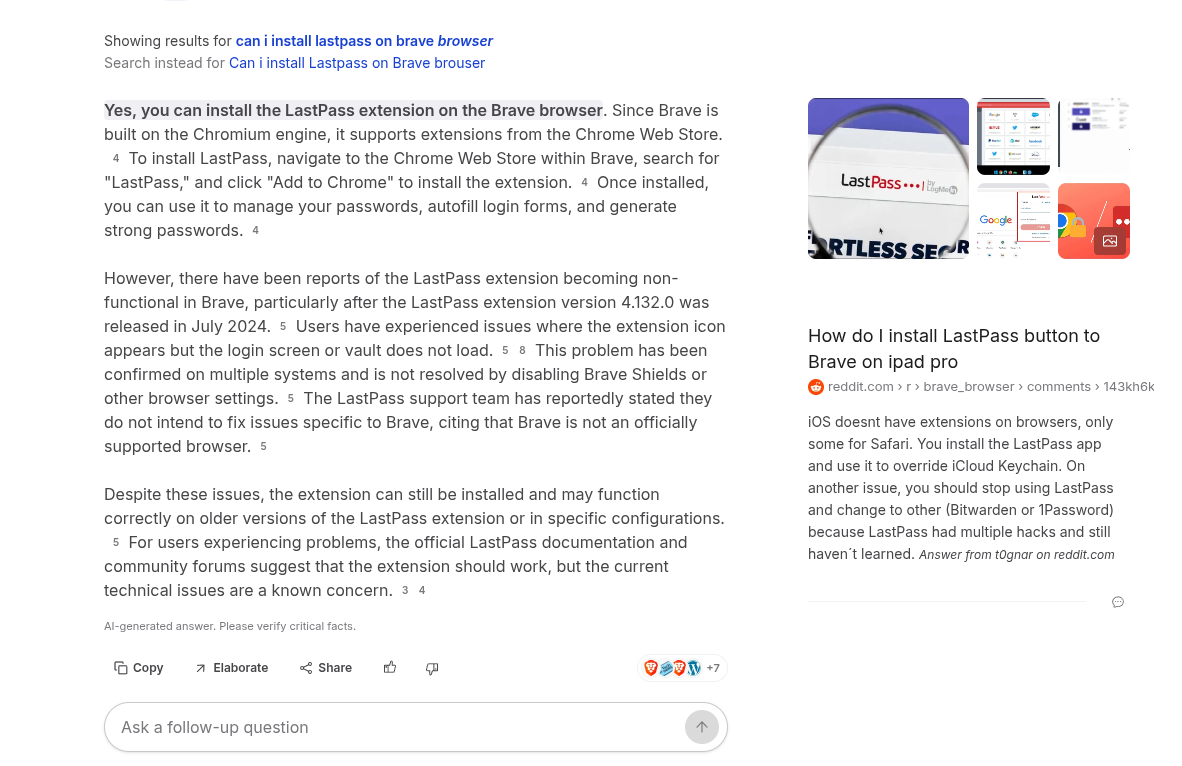
I guess the first 3 Pictures should show the blurry Issue? But I don't find it blurry to be honest. But, okay. Let's see ...
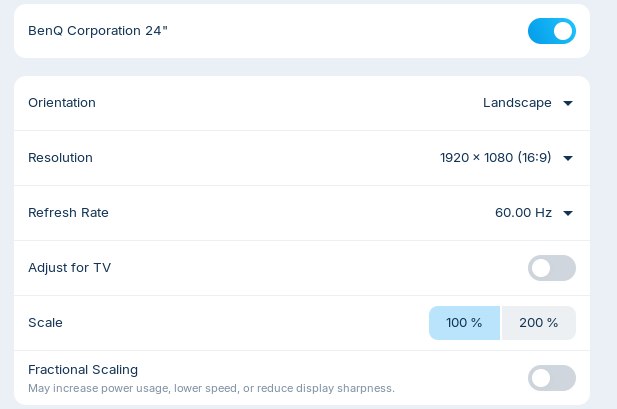
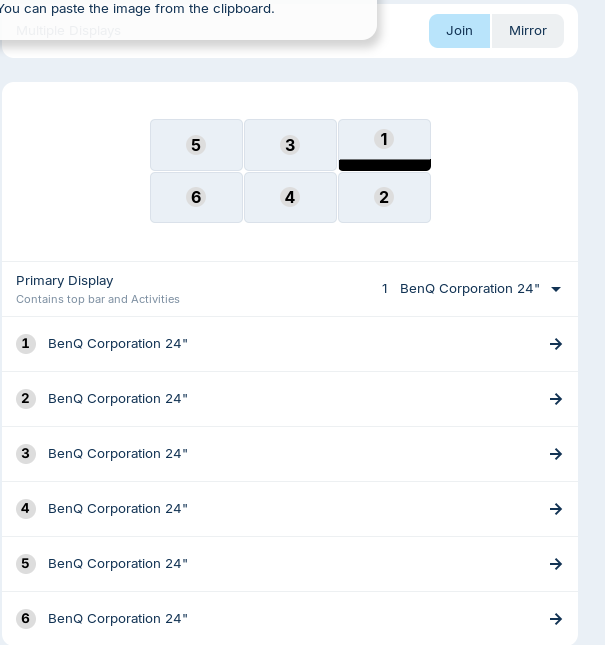
So, You have a 6 Monitor Layout. Is this on all six Monitors or only on one? What Graphics Card do You have? Did You tried switching to Xorg? You can do that on the Login Screen. click there on Your Profile so that the Password Field appears. When it is appeared, You should see in the bottom right corner a Gear Icon. Click on it and choose the Option ''Zorin Desktop on Xorg'' and then log in.
Could You specify what applications and Browsers You use? When you use Brave (or another Chromium-based Browser), try it with disabled Hardware Acceleration.
Hi Ponce-De-Leon, thanks for getting back to me.
It seems to be better now i think or maybe my eyes have adjusted but the following changes have helped
-
I have changed the Interface text to Inter SemiBold within the Zorin Appearance screen
-
I did change to Xorg because i couldn't record on OBS and now i can.
-
I activated Night Light adjusting the Color Temperature.
Video Card i use is Advanced Micro Devices, Inc. [AMD/ATI] Navi 10 [Radeon RX 5600 OEM/5600 XT / 5700/5700 XT] (rev c1)
Applications i use are Tradingview ( Stock Charting ) Trader Workstation and MooMoo.
Brousers i use now are Firefox and Chromium. I was using Brave but i uninstalled that
1 Like
This topic was automatically closed 90 days after the last reply. New replies are no longer allowed.