Hello I use a Lenovo Thinkpad T470s and i recently found out my windows key wasn't opening all the applications when clicked. what could be the issue?
Hi, can you clarify what you mean exactly?
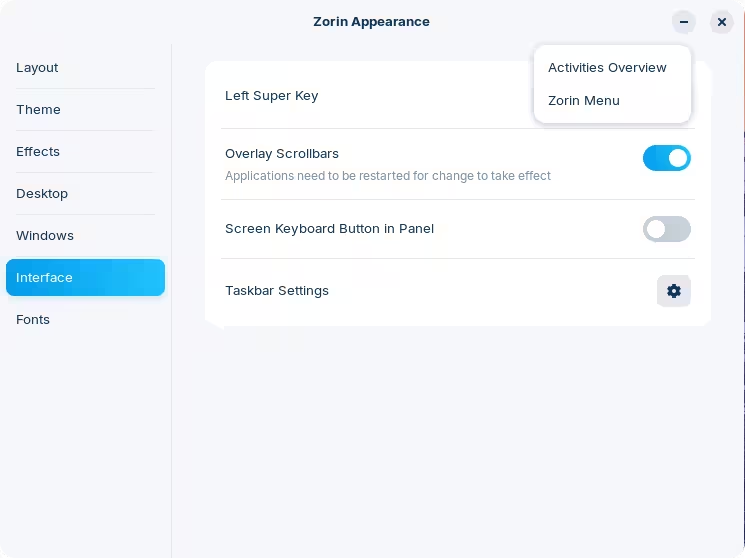
You can essentially have it set up in two ways, through Zorin Appearance → Interface → Left Super Key:
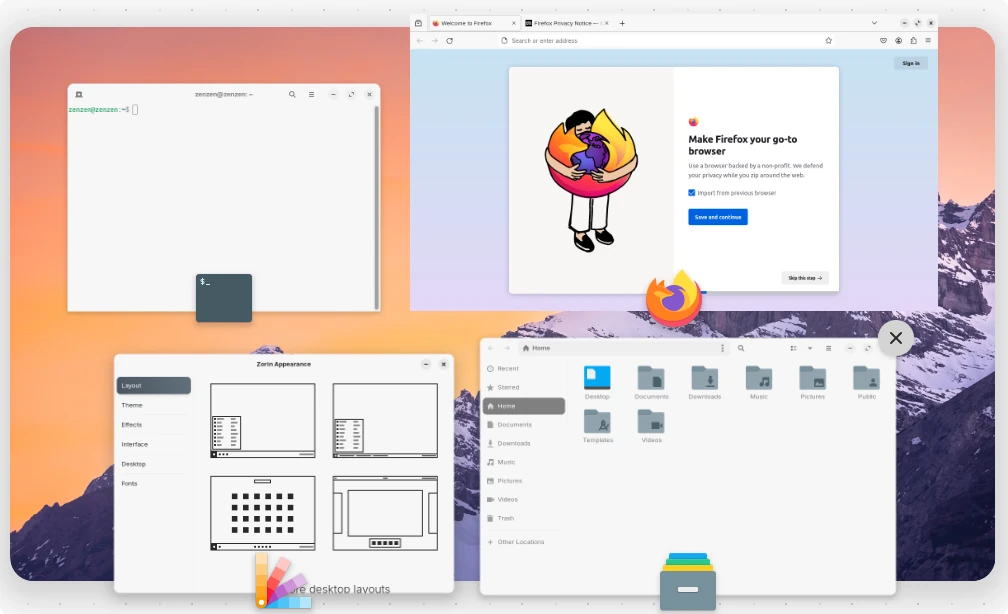
The Activities Overview will show all the opened windows:
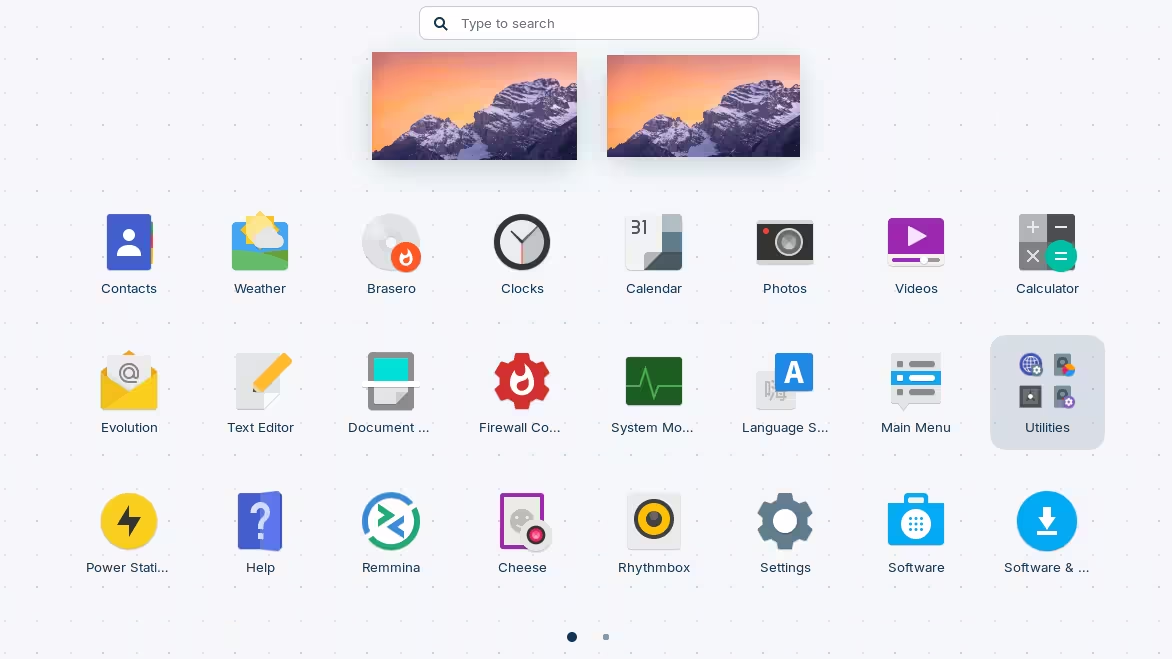
With that option you can also press Super twice in a sequence, and you'll get a list of all the applications instead — Super being the Windows key:
3 Likes
I meant to say that when i click the the super key it should show or display all the application but that's not the case. When i click the super key nothing happens. but when it comes to using the super key for other task like tabs navigation ,its operational. but when i need to access all the application menu at a single click , nothing happens
At settings>keyboard>keyboard shortcuts, what is shown there at superkey?
You could set a custum shortcut
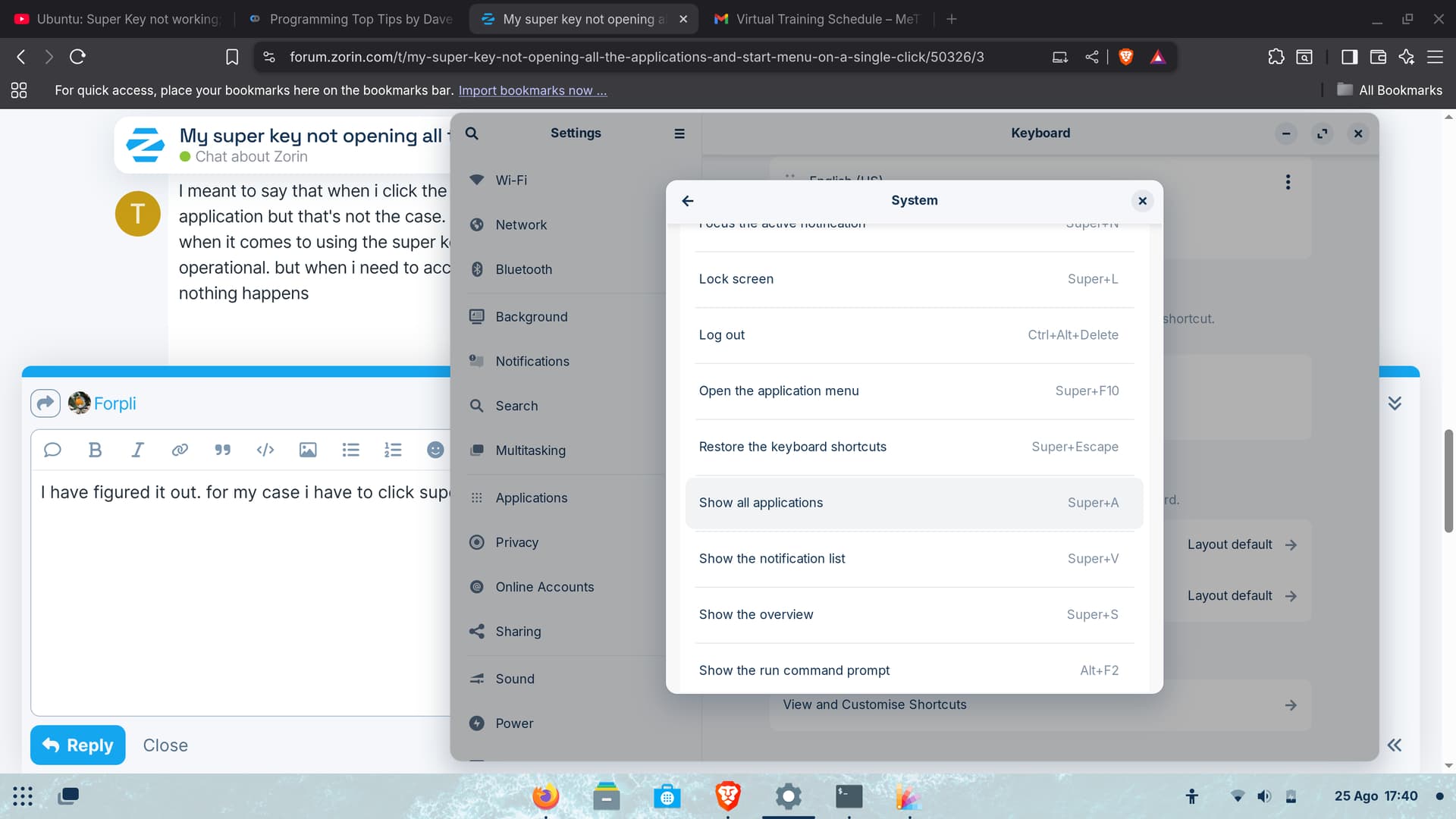
"show all applications" > super
1 Like
I have figured it out. for my case i have to click super key in together with A as indicated on the show all application. Thanks for the help fam.
1 Like
Yes, that is the setting by default. It makes less problems when you use this one, because setting it to just "super" can make difficulties when you want to keep the other ones that use super + ...(another key).
With this gnome extension super key would show all applications instead of activities overview.
Does super key not show activities overview nor start menu on your system? On some keyboards super key can be locked with another key, but then super key wouldn't work in all cases.
I read that super key can't be changed with the normal settings nor gnome tweaks, only with dconf editor (or in terminal), but I'm not sure, I'm not on my computer at the moment.
This topic was automatically closed 90 days after the last reply. New replies are no longer allowed.