Hello everyone,
I’m a newcomer to Linux coming from Windows, and I’m completely a beginner. I’ve spent quite a bit of time browsing forums and reading various things before coming here to write, but without results, which is why I’m reaching out.
I installed Zorin in dual boot with Windows on my computer (AMD Ryzen 7 3700, 32GB RAM, and Nvidia 4060). I have two monitors, both with a resolution of 1920 x 1080. One is connected via HDMI (this is the one we’re interested in, an Asus V247), and the other via DisplayPort.
After installing Zorin, both screens were working, but the HDMI-connected screen only displayed a maximum resolution of 1600 x 900 (I should note that I was already using this screen on Windows, and it displayed the 1920 x 1080 resolution without any issues).
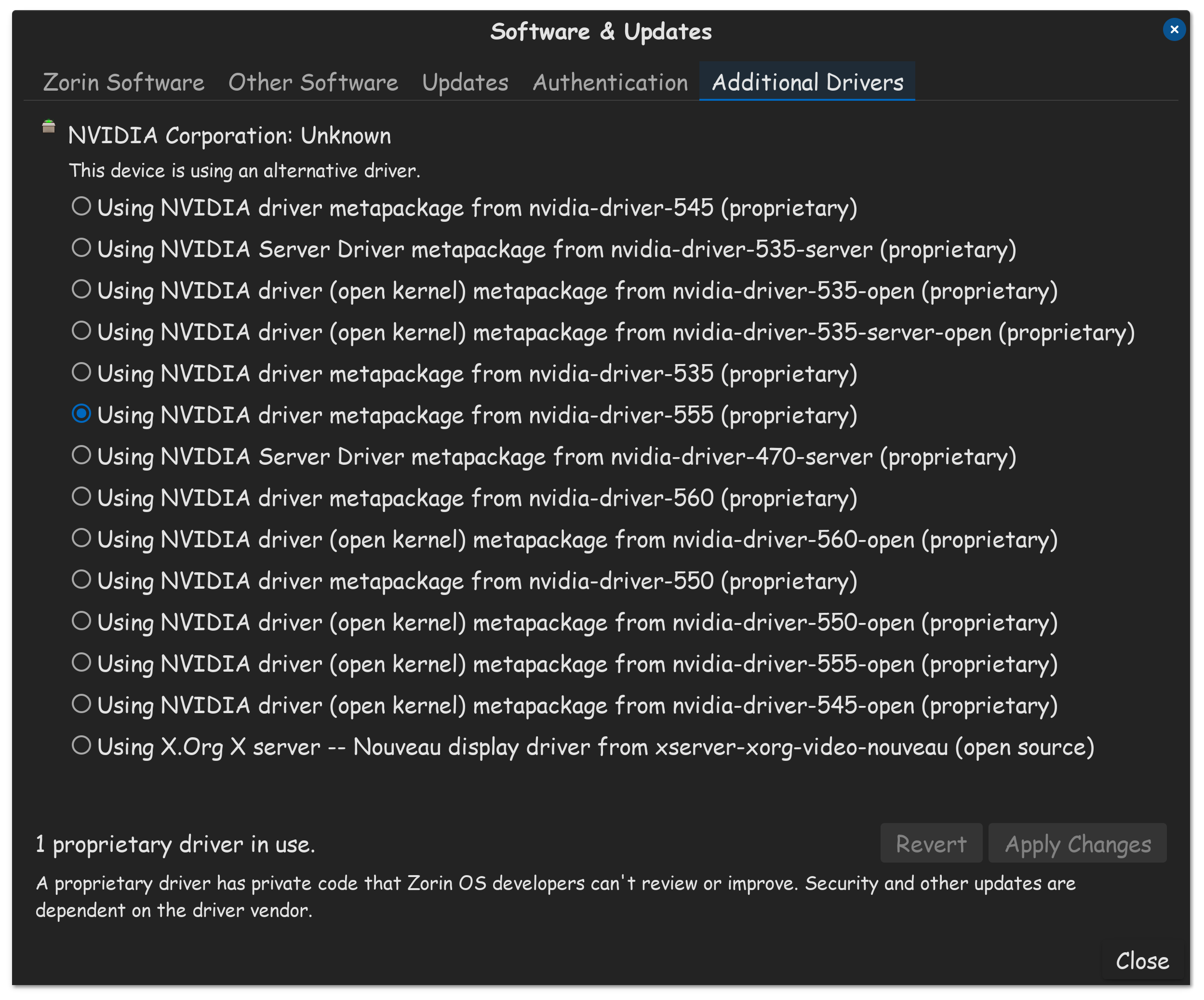
After many discussions on the forums, I tried all the solutions related to Xrandr, as well as purging and reinstalling the Nvidia drivers. Nothing changed. I tried different versions of the Nvidia drivers, rebooted, and still no change.
On another forum, I came across someone suggesting modifying the kernel version via Mainline. And there, miracle! My HDMI screen finally displayed the correct resolution. However, the DisplayPort screen didn’t turn on at all.
In short, I’ve tried many things with the latest kernel versions, but I ended up going back to the original 6.8.0 version of Zorin and got both screens back (including the Asus V247, but with the wrong resolution).
Do you have any ideas on what might work? I should also mention that I tried changing between Wayland and X11 at startup without success.
As a little extra, I tried connecting another screen via HDMI instead of the Asus V247, and it was recognized immediately and displayed the correct resolution. So it’s likely that my older Asus V247 isn’t sending the right signal; however, once again, it’s easily identified on Windows and displays the correct resolution.
Thank you for reading, and I hope I haven’t posted this in an inappropriate place.
Mladen
Let me know if you need any further changes!